


Magnifier 4U Pro
工具 | HANTORM
在電腦上使用BlueStacks –受到5億以上的遊戲玩家所信任的Android遊戲平台。

Play Magnifier 4U Pro on PC
Magnifier App – Your Smartphone as a Digital Magnifying Glass!
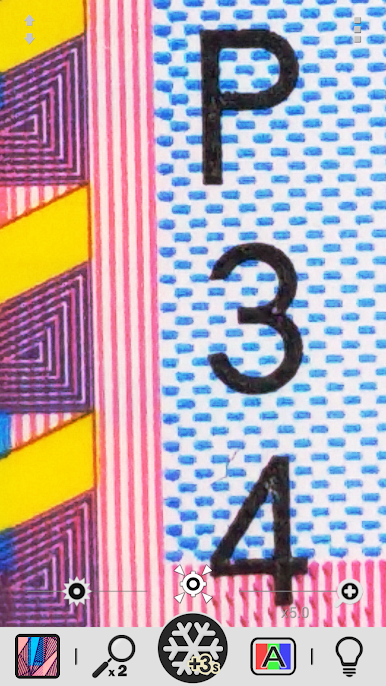
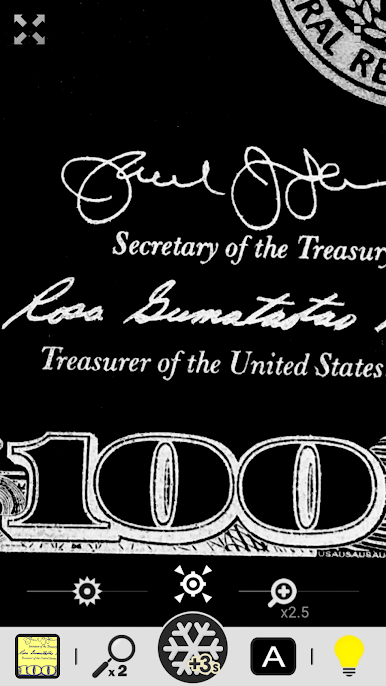
Turn your phone into a powerful digital magnifier that makes reading small print easy and clear. With zoom controls, high-contrast filters, and a simple, ad-free design, this app is especially helpful for anyone with low vision or color blindness.
[Features]
① Simple, Ad-Free Magnifier
- Easy-to-use zoom with seek bar
- Pinch to zoom
- Quick zoom-out for fast targeting
② LED Light Control
- Toggle the flashlight on or off
③ Exposure Adjustment
- Fine-tune brightness with a seek bar
④ Freeze Frame
- Capture a still image for detailed viewing
⑤ Special Text Filters
- High-contrast black & white
- Negative black & white
- High-contrast blue & yellow
- Negative blue & yellow
- High-contrast mono filter
⑥ Gallery Tools
- Rotate images
- Adjust sharpness
- Apply color filters
- Save exactly what you see (WYSIWYG)
Thank you for using our Magnifier app!
We hope it makes everyday reading clearer and easier for you.
Turn your phone into a powerful digital magnifier that makes reading small print easy and clear. With zoom controls, high-contrast filters, and a simple, ad-free design, this app is especially helpful for anyone with low vision or color blindness.
[Features]
① Simple, Ad-Free Magnifier
- Easy-to-use zoom with seek bar
- Pinch to zoom
- Quick zoom-out for fast targeting
② LED Light Control
- Toggle the flashlight on or off
③ Exposure Adjustment
- Fine-tune brightness with a seek bar
④ Freeze Frame
- Capture a still image for detailed viewing
⑤ Special Text Filters
- High-contrast black & white
- Negative black & white
- High-contrast blue & yellow
- Negative blue & yellow
- High-contrast mono filter
⑥ Gallery Tools
- Rotate images
- Adjust sharpness
- Apply color filters
- Save exactly what you see (WYSIWYG)
Thank you for using our Magnifier app!
We hope it makes everyday reading clearer and easier for you.



在電腦上遊玩Magnifier 4U Pro . 輕易上手.
-
在您的電腦上下載並安裝BlueStacks
-
完成Google登入後即可訪問Play商店,或等你需要訪問Play商店十再登入
-
在右上角的搜索欄中尋找 Magnifier 4U Pro
-
點擊以從搜索結果中安裝 Magnifier 4U Pro
-
完成Google登入(如果您跳過了步驟2),以安裝 Magnifier 4U Pro
-
在首頁畫面中點擊 Magnifier 4U Pro 圖標來啟動遊戲

