

Bridge Constructor Stunts
Jogue no PC com BlueStacks - A Plataforma de Jogos Android, confiada por mais de 500 milhões de jogadores.

Página modificada em: Oct 15, 2025
Play Bridge Constructor Stunts on PC or Mac
Explore a whole new adventure with Bridge Constructor Stunts, a Simulation game created by Headup. Experience great gameplay with BlueStacks, the most popular gaming platform to play Android games on your PC or Mac.
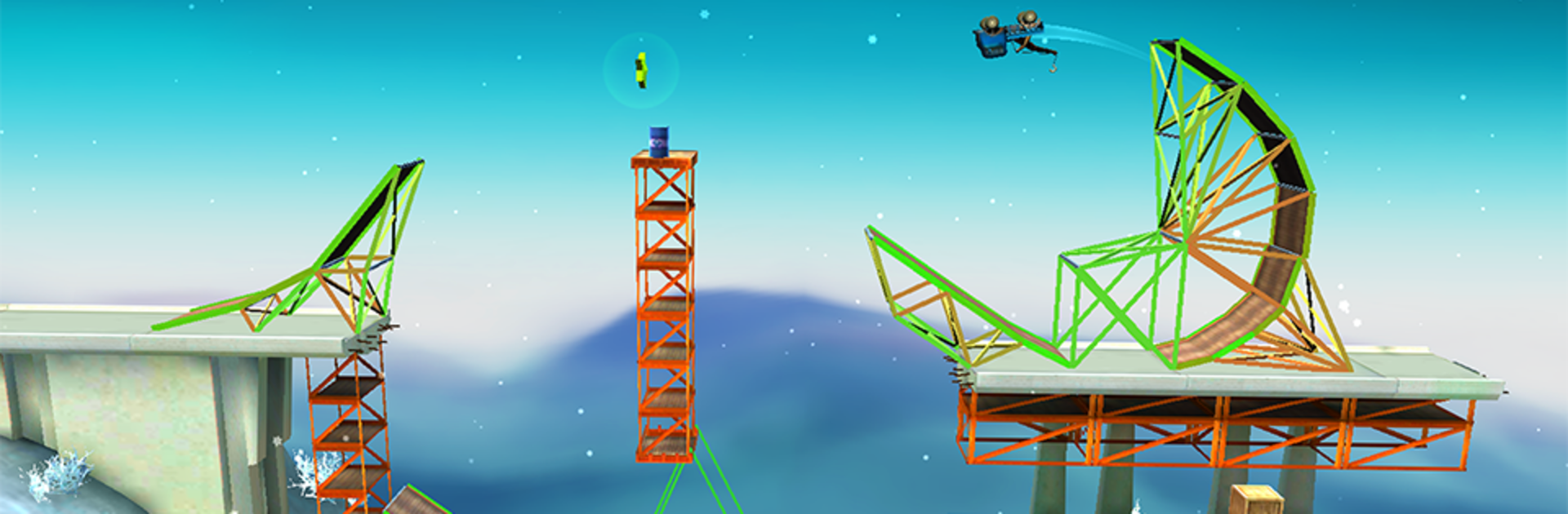
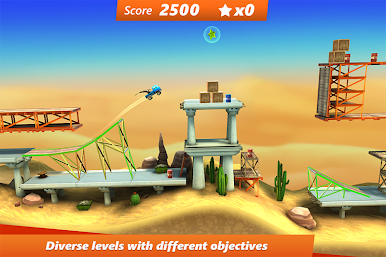
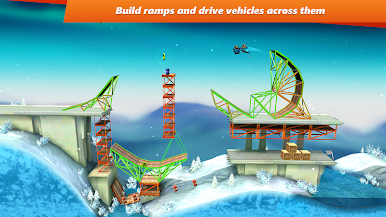
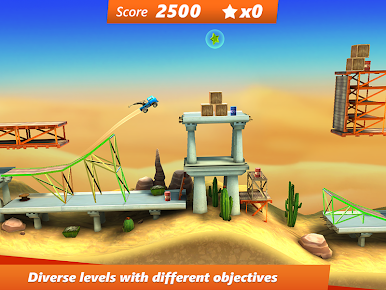
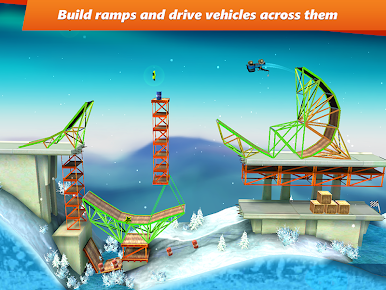
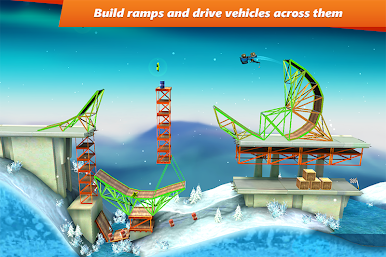
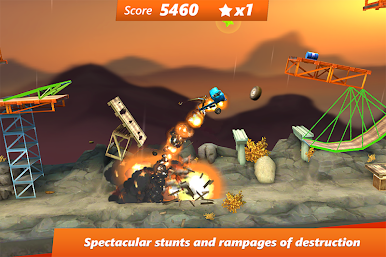
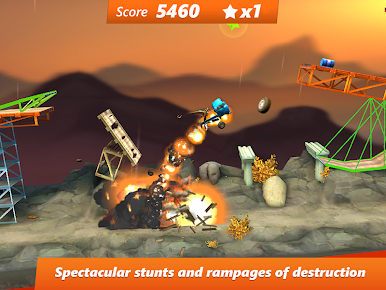
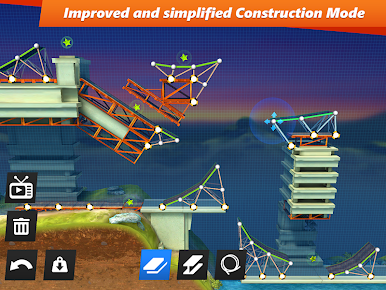
Bridge Constructor Stunts feels like a mash-up of a physics puzzler and a stunt driving toy box. It does not just ask for a sturdy bridge, it wants a ridiculous ramp or loop, then says go drive over it and see what happens. Levels mix clear goals like reaching the finish or hitting a score with side tasks like grabbing stars, pulling off flips, or causing just enough chaos to bump the numbers. The physics are playful but fair, so a sloppy build will wobble and snap, and a tidy setup sends the truck flying clean.
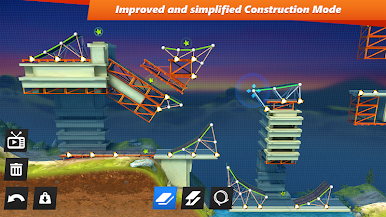
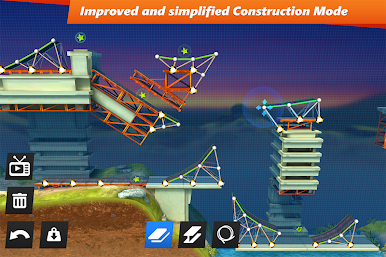
Building is quick and surprisingly friendly. There are different materials, and swapping a beam into road or moving pieces around without rebuilding saves alot of time. On PC with BlueStacks, the mouse makes nudging parts into place feel natural, and driving with keys is simple gas, brake, and tilt. Vehicles change the feel too. Delivery vans land lighter, dump trucks carry cargo that can fly out, smash things, or even help nab a hard-to-reach collectible.
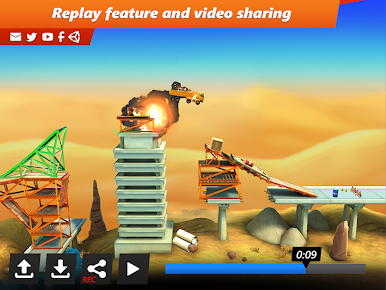
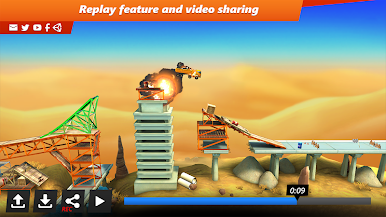
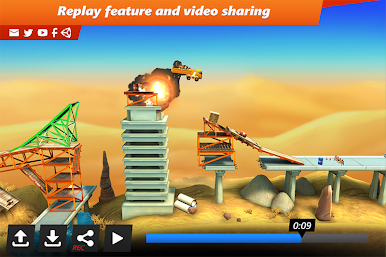
There are hidden screws tucked into tricky spots, leaderboards and achievements for chasing better runs, and a replay button that lets players save a crazy jump and share it. The loop is very trial-and-error, but restarts are fast, so tinkering is the point. It suits anyone who enjoys solving small engineering puzzles and then immediately stress-testing them with a loud, goofy stunt.
Slay your opponents with your epic moves. Play it your way on BlueStacks and dominate the battlefield.





Jogue Bridge Constructor Stunts no PC. É fácil começar.
-
Baixe e instale o BlueStacks no seu PC
-
Conclua o login do Google para acessar a Play Store ou faça isso mais tarde
-
Procure por Bridge Constructor Stunts na barra de pesquisa no canto superior direito
-
Clique para instalar Bridge Constructor Stunts a partir dos resultados da pesquisa
-
Conclua o login do Google (caso você pulou a etapa 2) para instalar o Bridge Constructor Stunts
-
Clique no ícone do Bridge Constructor Stunts na tela inicial para começar a jogar

