


Dream Hexa: Jogo fusão ASMR 3D
Jogue no PC com BlueStacks - A Plataforma de Jogos Android, confiada por mais de 500 milhões de jogadores.

Página modificada em: Dec 11, 2025
Play Dream Hex®: ASMR 3D Merge Game on PC or Mac
Step into the World of Dream Hex®: ASMR 3D Merge Game, a thrilling Puzzle game from the house of EasyFun Puzzle Game Studio. Play this Android game on BlueStacks App Player and experience immersive gaming on PC or Mac.
About the Game
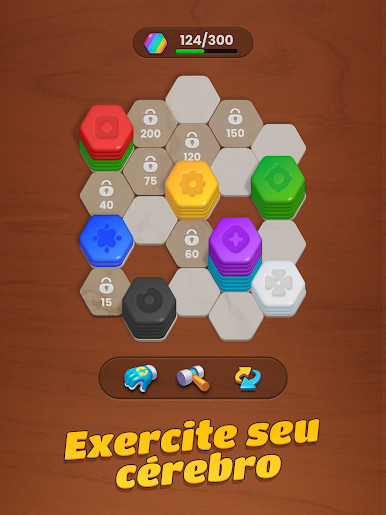
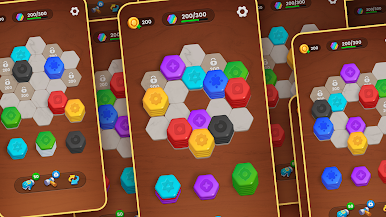
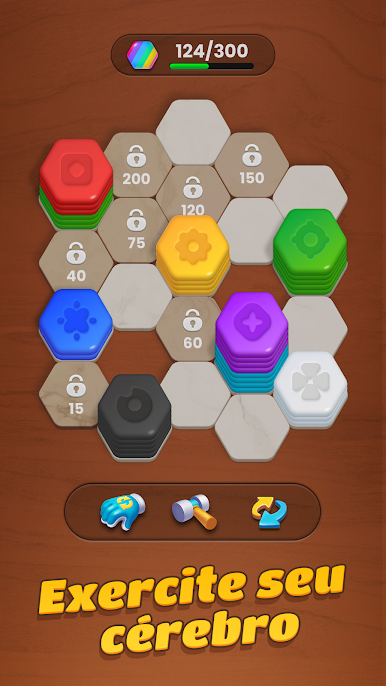
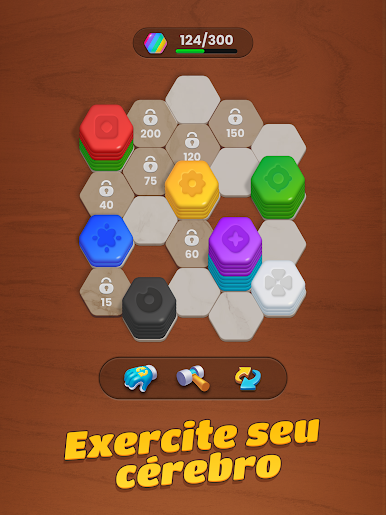
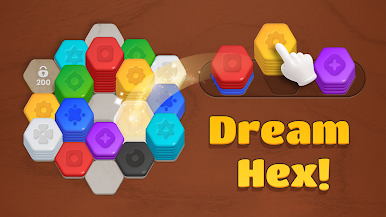
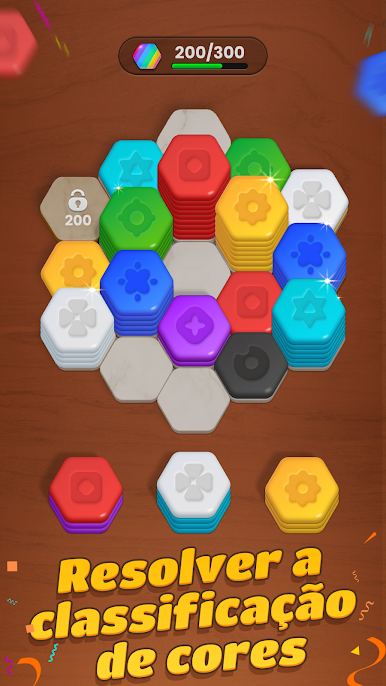
Dream Hex®: ASMR 3D Merge Game is a chill, color-sorting Puzzle where hexagon tiles snap together with super-satisfying sounds. You’ll slide, stack, and merge matching colors on a rotatable 3D board, hunting for clever placements that clear the most space. It’s relaxed but strategic, from EasyFun Puzzle Game Studio, and it feels great on a bigger screen with BlueStacks if that’s your thing.
Game Features
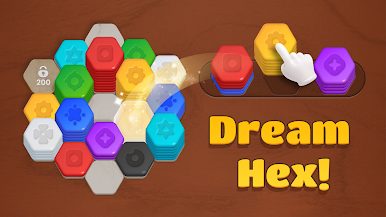
- Rotating 3D Board: Spin the hex grid to find the perfect angle, then drag and drop pieces exactly where you want them.
- Clean, Clever Merging: Stack same-colored hexes to grow a pile; hit the needed count and it pops, opening up room for the next combo.
- Rainbow Targets: Chase colorful objectives that push you to plan a few moves ahead without turning the vibe stressful.
- More Than a Thousand Stages: A hefty collection of layouts keeps the challenges fresh, from easy warm-ups to thinker-friendly puzzles.
- ASMR Sound Design: Gentle taps, snaps, and swishes make every move feel calming and tactile.
- Easy on the Eyes: A soft, balanced color palette helps reduce strain for longer sessions.
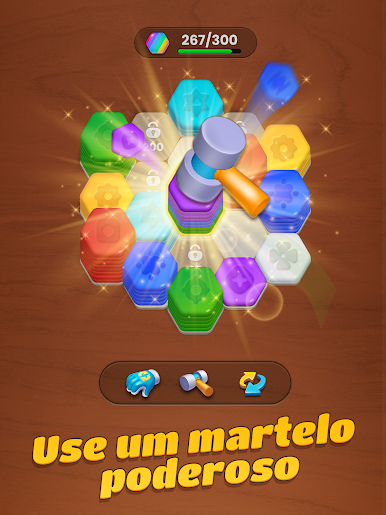
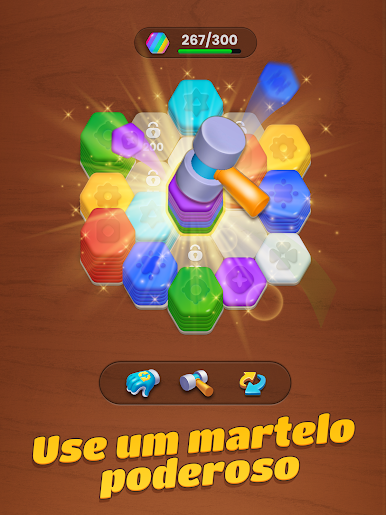
- Handy Boosters: Stuck? Use smart tools to undo a misstep or set up that satisfying clear.
- Offline Friendly: Play anywhere—perfect for commutes, waiting rooms, or quick breaks.
- For All Ages: Simple to learn, surprisingly strategic to master, and welcoming to every kind of player.
Ready to top the leaderboard? We bet you do. Let precise controls and sharp visuals optimized on BlueStacks lead you to victory.









Jogue Dream Hexa: Jogo fusão ASMR 3D no PC. É fácil começar.
-
Baixe e instale o BlueStacks no seu PC
-
Conclua o login do Google para acessar a Play Store ou faça isso mais tarde
-
Procure por Dream Hexa: Jogo fusão ASMR 3D na barra de pesquisa no canto superior direito
-
Clique para instalar Dream Hexa: Jogo fusão ASMR 3D a partir dos resultados da pesquisa
-
Conclua o login do Google (caso você pulou a etapa 2) para instalar o Dream Hexa: Jogo fusão ASMR 3D
-
Clique no ícone do Dream Hexa: Jogo fusão ASMR 3D na tela inicial para começar a jogar

