


Hexoskin
Jogue no PC com BlueStacks - A Plataforma de Jogos Android, confiada por mais de 500 milhões de jogadores.

Página modificada em: Nov 8, 2023
Play Hexoskin on PC
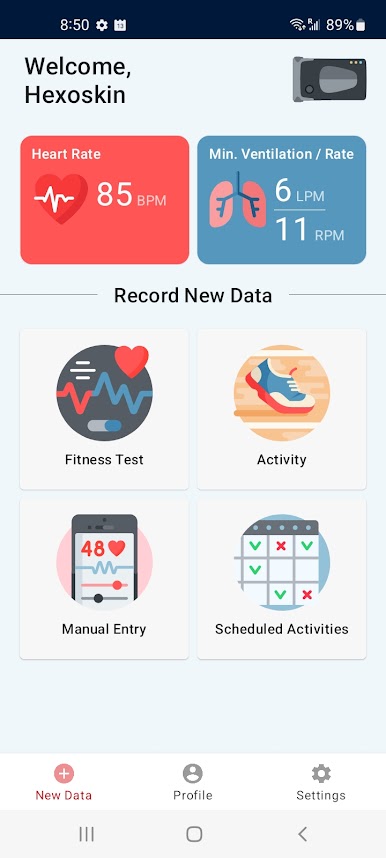
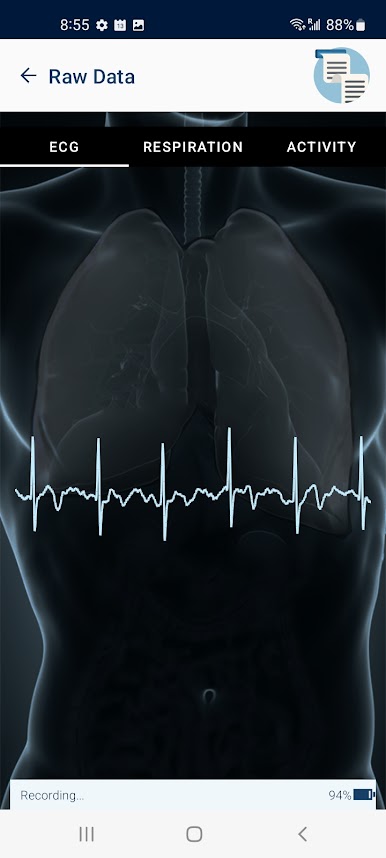
This highly advanced and widely respected smart clothing has been scientifically validated and used in over 200 publications by top universities, institutions, and innovative organizations. With the new Hexoskin Application, you can take control of your wellness by continuously tracking your health condition from the embedded smart clothing ECG, Respiration, and Accelerometer sensors.
The Hexoskin App is compatible with all Hexoskin Smart Garments collections for Men, Women, Teenagers, and Children. The smart clothing is machine washable and comfortable for working out, sleeping, or going about your daily activities.
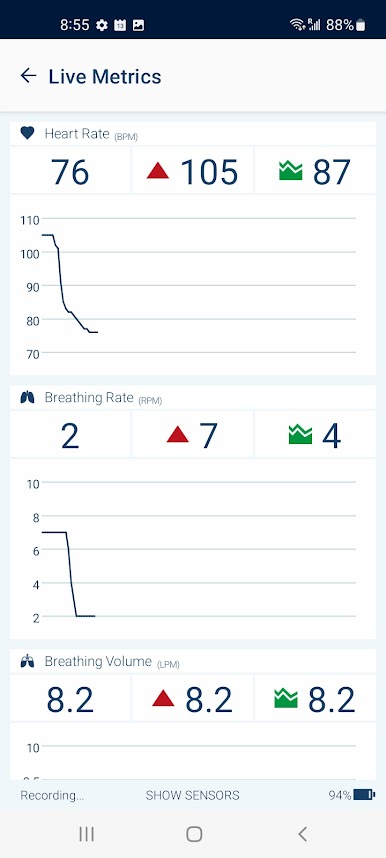
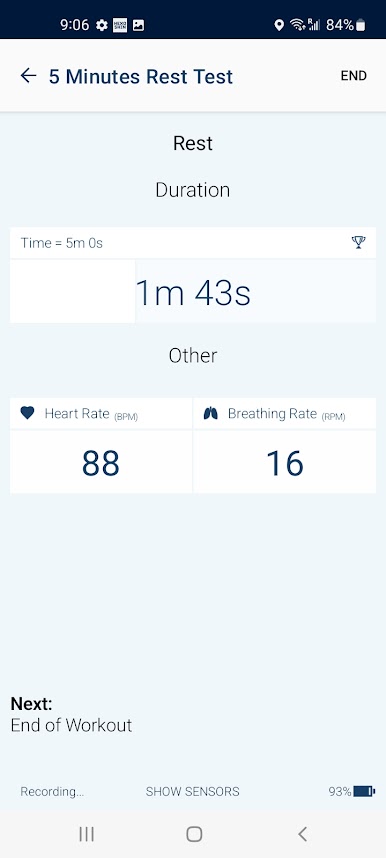
Whether you’re training or just want to check on your vitals during the day, the Hexoskin App allows to visualize metrics such as ECG, Heart Rate, Breathing Rate, Acceleration, Heart Rate Variability, Maximum Heart Rate, Resting Heart Rate, Heart Rate Recovery, Tidal Volume, and VO2 max. The Hexoskin App also provides contextual activity tracking, annotation features, and reporting with a range of metrics including movement intensity, steps, cadence, distance, energy, and calories burned. Hexoskin also offers advanced sleep reports to better understand your sleep quality and optimize your rest.
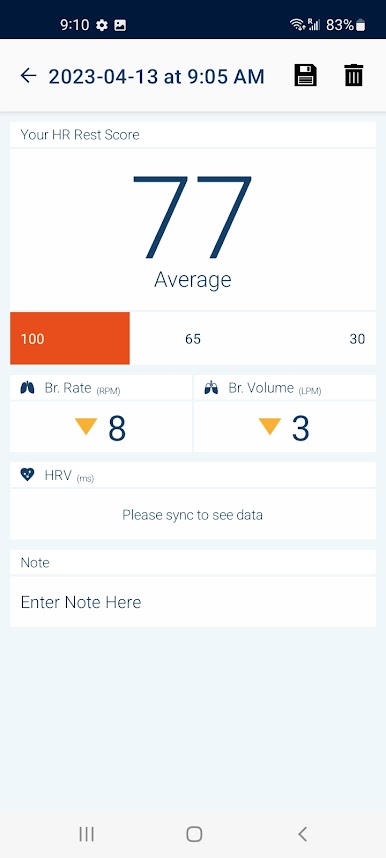
The Hexoskin App provides free fitness tests to get reports on important indicators of your general health, such as VO2 max, Resting Heart Rate, and Heart Rate Recovery. The App even reports Heart Rate Variability (HRV), a great indicator of your stress and fatigue to avoid overtraining, and injuries while keeping your mental health in check. The Hexoskin App also provides advanced features to easily monitor participants and cohorts for clinical research and harness the benefits of Hexoskin’s state-of-the-art technology.
Ready to take control of your health and fitness journey? Download and try the Hexoskin App today!
Jogue Hexoskin no PC. É fácil começar.
-
Baixe e instale o BlueStacks no seu PC
-
Conclua o login do Google para acessar a Play Store ou faça isso mais tarde
-
Procure por Hexoskin na barra de pesquisa no canto superior direito
-
Clique para instalar Hexoskin a partir dos resultados da pesquisa
-
Conclua o login do Google (caso você pulou a etapa 2) para instalar o Hexoskin
-
Clique no ícone do Hexoskin na tela inicial para começar a jogar

