

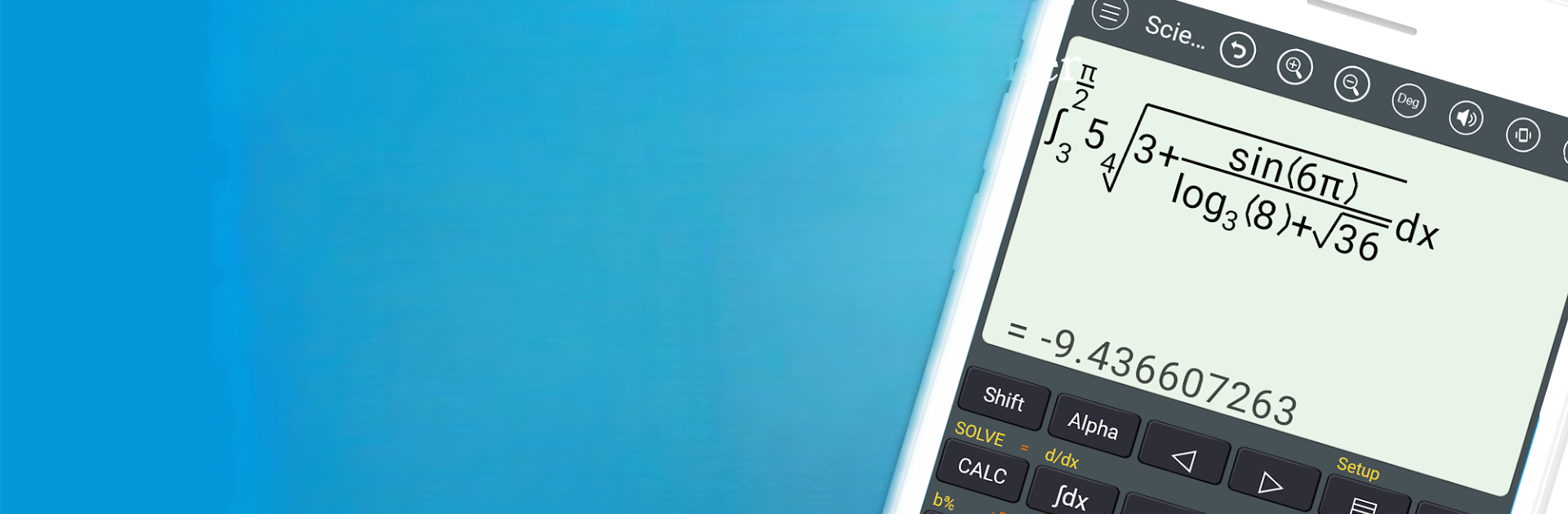
الآلة الحاسبة العلمية برو
العب على الكمبيوتر الشخصي مع BlueStacks - نظام أندرويد للألعاب ، موثوق به من قبل أكثر من 500 مليون لاعب.

Run HiEdu Scientific Calculator Pro on PC or Mac
What’s better than using HiEdu Scientific Calculator Pro by HiEdu Team? Well, try it on a big screen, on your PC or Mac, with BlueStacks to see the difference.
About the App
Ever needed a math tool that does way more than crunching numbers? HiEdu Scientific Calculator Pro by HiEdu Team packs an impressive range of features into one neat app, perfect for students and anyone who wrestles with math or science topics. From simple daily calculations to complex equations and formulas, it’s got you covered. Whether you’re checking your grocery totals, converting units, or tackling homework, this app isn’t just smart—it makes handling numbers less of a headache.
App Features
-
Versatile Scientific Calculator
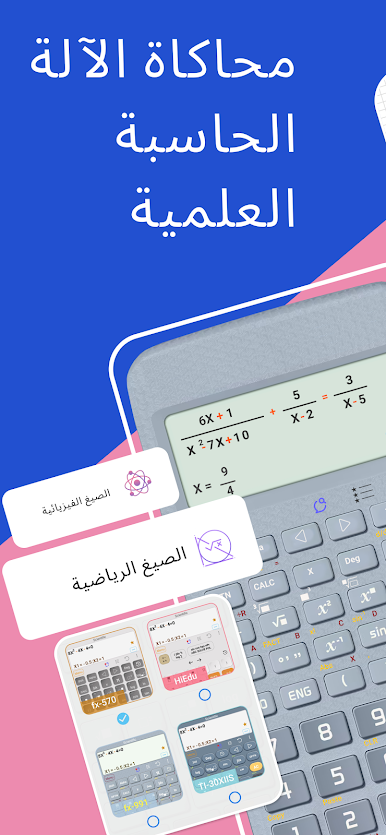
You can switch between standard, scientific, and programmer modes depending on what you need. It’s like having multiple calculators right on your device. Natural display means the math looks just like it does in textbooks, so you won’t get lost in weird symbols. -
Mistake? No Problem
Hit the wrong button? The undo feature has your back. Plus, you can dig into your calculation history to edit or favorite anything important. -
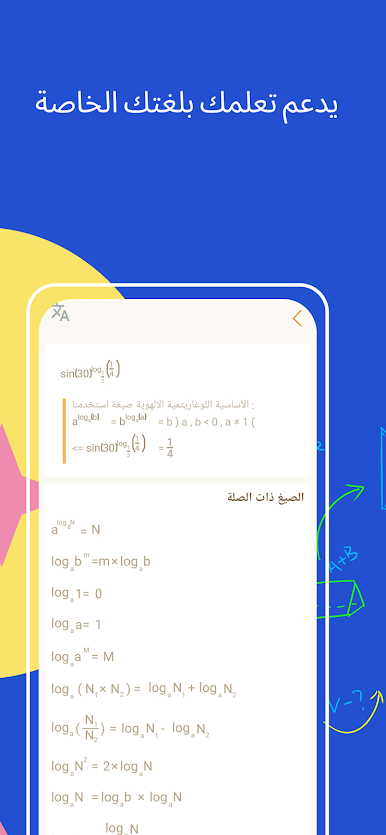
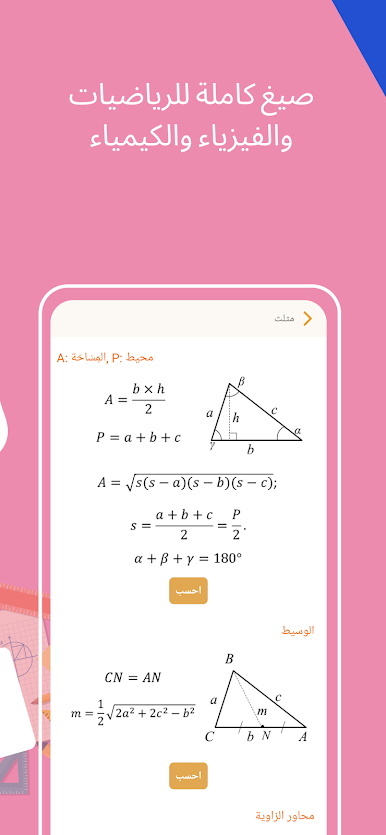
Formula Library for Math, Physics, and Chemistry
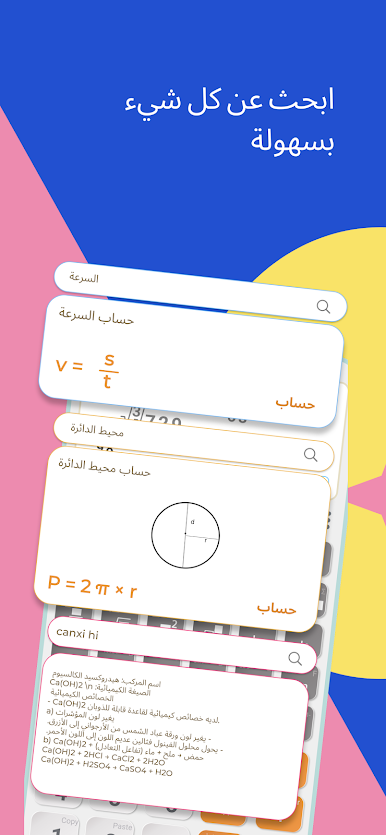
Say goodbye to flipping through notes. The app offers a massive list of math formulas and a handy physics handbook sorted into categories like mechanics, optics, and atomic physics. No more scrambling during study sessions! -
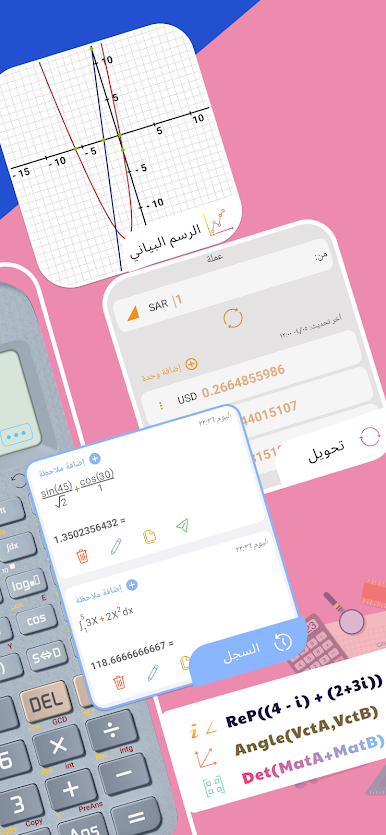
Handy Unit Converter
Need to switch from miles to kilometers or dollars to euros? The built-in converter sorts out length, weight, speed, currency, volume, and a bunch more. Even those tricky cooking measurements get easier. -
Graphing & Equation Solver
Input functions and see graphs instantly. There’s also a solver for equations—linear, quadratic, cubic, and even systems of equations. Math homework just got a lot quicker. -
Perfect for Programmers
If you code or mess with different number bases, this app converts between binary, octal, decimal, and hexadecimal—just like that. You can input and view numbers however you like. -
Personalized and Easy on the Eyes
The app’s button design isn’t just practical, it’s also easy to read and gentle on your eyes. Plus, if you like switching up your screen’s look, choose from a variety of colorful themes.
This all-in-one education tool runs smoothly on phones and, if you’re the kind who enjoys number crunching with some extra elbow room, you can use it with BlueStacks on PC or Mac for an even bigger view.
Ready to experience HiEdu Scientific Calculator Pro on a bigger screen, in all its glory? Download BlueStacks now.
العب الآلة الحاسبة العلمية برو على جهاز الكمبيوتر. من السهل البدء.
-
قم بتنزيل BlueStacks وتثبيته على جهاز الكمبيوتر الخاص بك
-
أكمل تسجيل الدخول إلى Google للوصول إلى متجر Play ، أو قم بذلك لاحقًا
-
ابحث عن الآلة الحاسبة العلمية برو في شريط البحث أعلى الزاوية اليمنى
-
انقر لتثبيت الآلة الحاسبة العلمية برو من نتائج البحث
-
أكمل تسجيل الدخول إلى Google (إذا تخطيت الخطوة 2) لتثبيت الآلة الحاسبة العلمية برو
-
انقر على أيقونة الآلة الحاسبة العلمية برو على الشاشة الرئيسية لبدء اللعب

