


Doodle It - Cast Pictionary
Jogue no PC com BlueStacks - A Plataforma de Jogos Android, confiada por mais de 500 milhões de jogadores.

Página modificada em: Apr 3, 2020
Play Doodle It - Pictionary for your Chromecast on PC or Mac
Step into the World of Doodle It – Pictionary for your Chromecast, a thrilling Word game from the house of Hi’ona Studios. Play this Android game on BlueStacks App Player and experience immersive gaming on PC or Mac.
About the Game
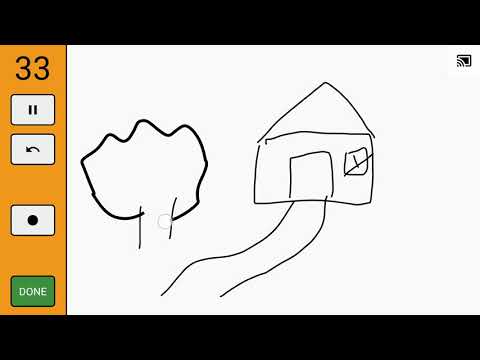
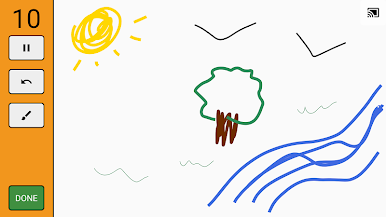
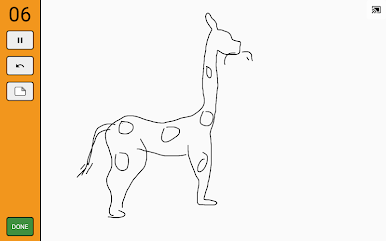
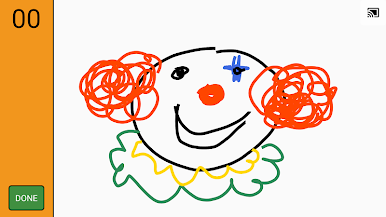
Doodle It – Pictionary for your Chromecast is all about quick laughs, frantic sketches, and a little friendly competition. Grab your tablet, round up your friends or family, and split into teams for some classic word-guessing fun—with a twist. This isn’t just drawing on paper—your creations show up right on your TV via Chromecast, so everyone can join in on the action without crowding around a tiny screen.
Game Features
-
Team-Based Guessing Game
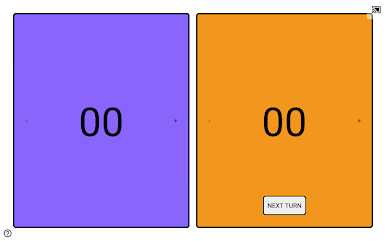
Split into two groups and battle it out. Someone from your side doodles a word, and everyone else scrambles to guess what it is. First team to ten points takes the crown. -
Over 1,000 Words to Draw
Get your creative juices flowing. With a huge range of words, from simple to head-scratching, you’ll rarely see the same thing twice. The full package opens up even more options for endless laughs. -
Kid-Friendly Mode
There’s a special bundle of words just for kids, making it easy for younger players to join in without getting stumped or left out. -
Live TV Casting
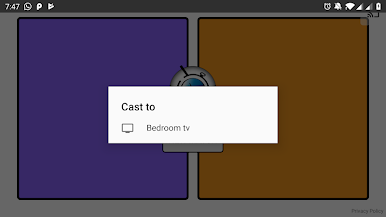
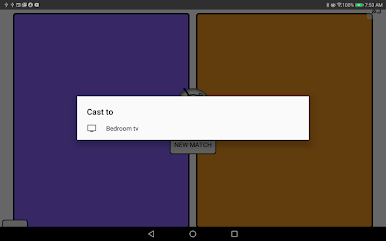
No more passing around your tablet. Draw on your device, and let your masterpiece show up instantly on the big screen thanks to Chromecast. It makes game night way more interactive. -
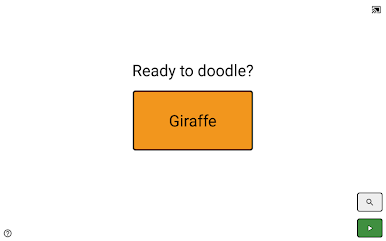
Simple to Learn, Easy to Play
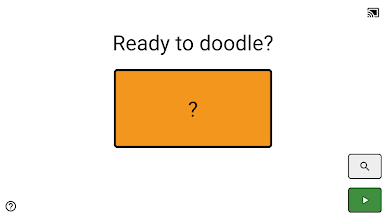
No complex menus or confusing rules. You can jump in and start playing in minutes—perfect for spontaneous gatherings. -
Great with BlueStacks
If you’re playing on your computer, BlueStacks offers a smooth way to enjoy all the fun on a bigger screen. -
Always Improving
The team at Hi’ona Studios is continually working on updates, so you can expect even better features down the road.
Ready to top the leaderboard? We bet you do. Let precise controls and sharp visuals optimized on BlueStacks lead you to victory.
Jogue Doodle It - Cast Pictionary no PC. É fácil começar.
-
Baixe e instale o BlueStacks no seu PC
-
Conclua o login do Google para acessar a Play Store ou faça isso mais tarde
-
Procure por Doodle It - Cast Pictionary na barra de pesquisa no canto superior direito
-
Clique para instalar Doodle It - Cast Pictionary a partir dos resultados da pesquisa
-
Conclua o login do Google (caso você pulou a etapa 2) para instalar o Doodle It - Cast Pictionary
-
Clique no ícone do Doodle It - Cast Pictionary na tela inicial para começar a jogar

