

Halloween: abóboras engraçadas
Jogue no PC com BlueStacks - A Plataforma de Jogos Android, confiada por mais de 500 milhões de jogadores.

Página modificada em: Aug 30, 2025
Play Halloween: Funny Pumpkins on PC or Mac
Step into the World of Halloween: Funny Pumpkins, a thrilling Arcade game from the house of Happy Hippo – Kids Games. Play this Android game on BlueStacks App Player and experience immersive gaming on PC or Mac.
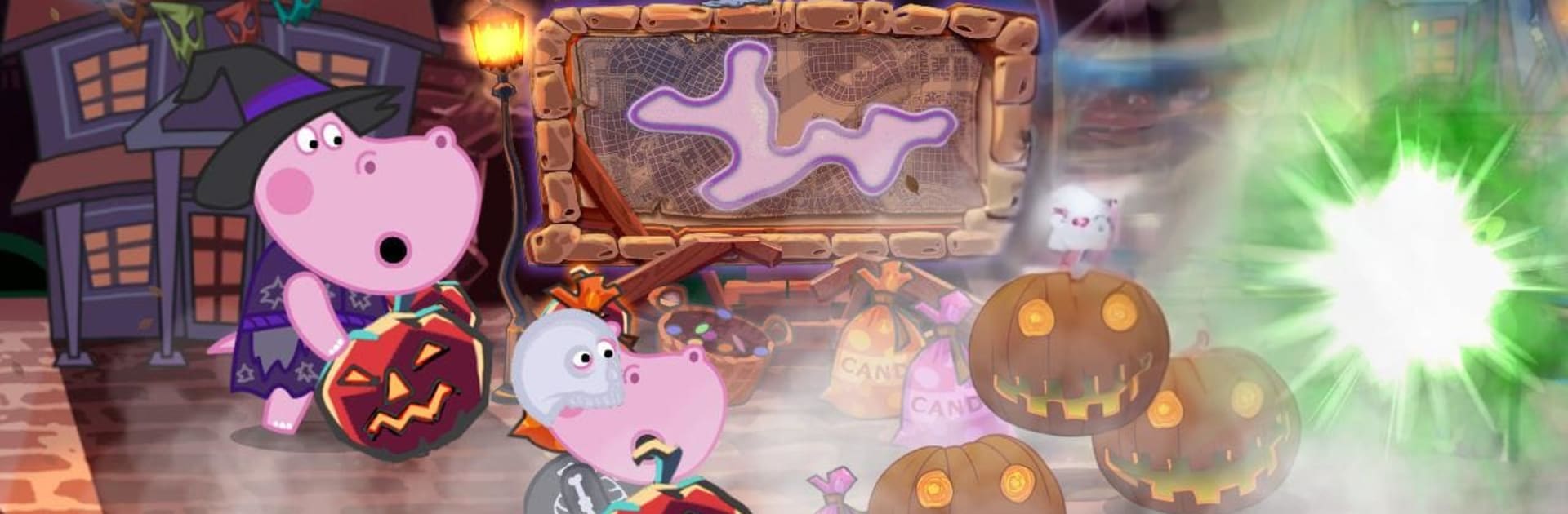
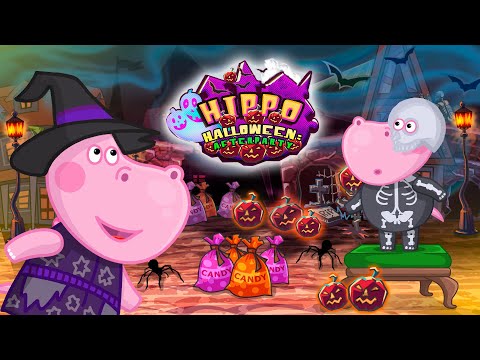
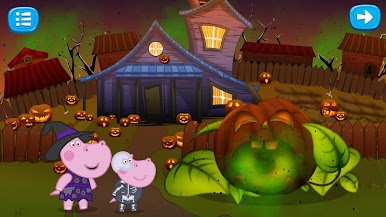
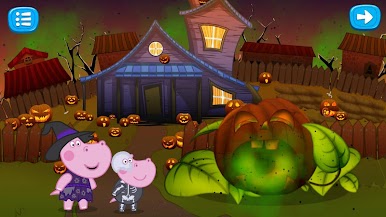
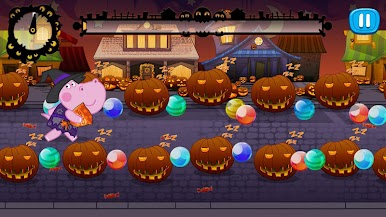
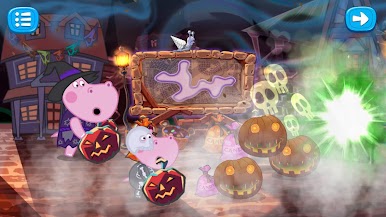
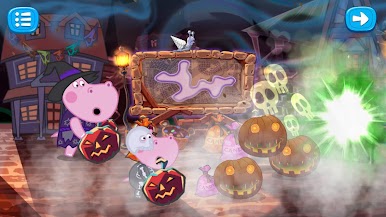
Halloween: Funny Pumpkins comes across like a bunch of bite sized mini‑games wrapped in a cute spooky story. It follows Hippo and her little brother Ji after the costume party is over, when a door to a monster world pops open and some cheeky creatures swipe their sweets. The goal is simple and fun. help the kids chase the candy thieves and get everything back before the last pumpkin in town goes dark. It is Halloween themed but not actually scary, more goofy and cheerful with bright colors and silly monster faces.
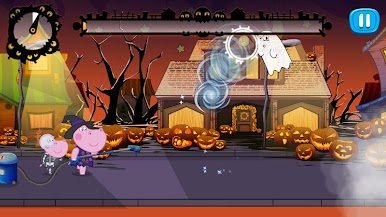
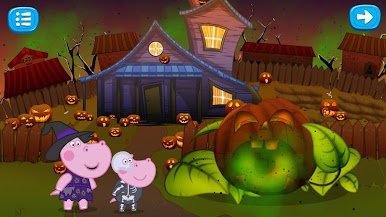
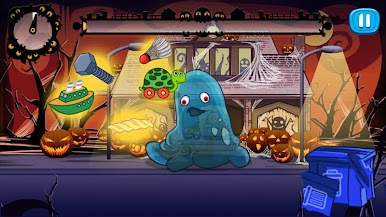
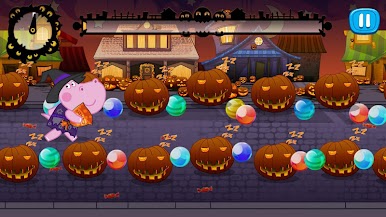
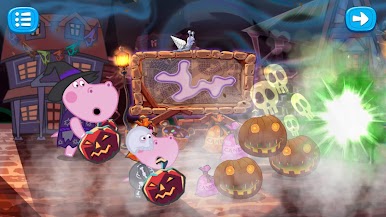
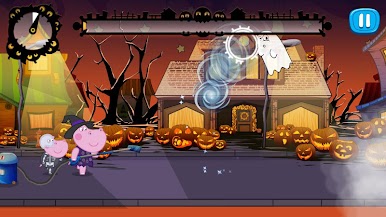
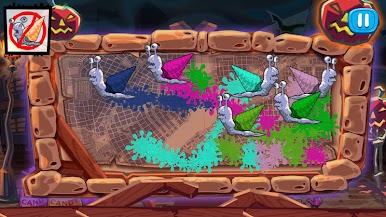
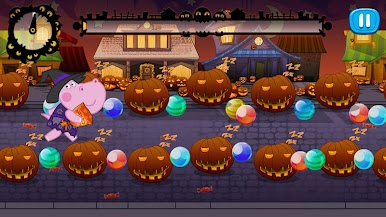
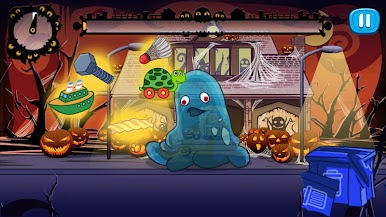
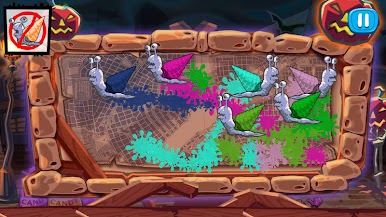
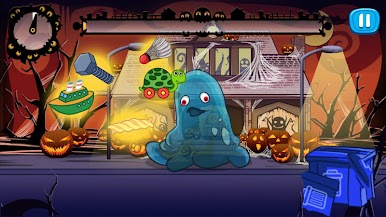
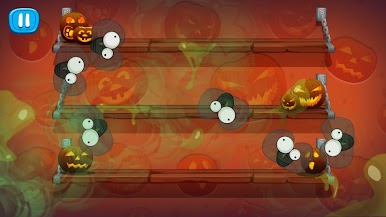
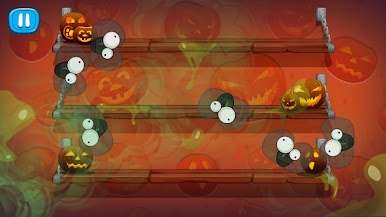
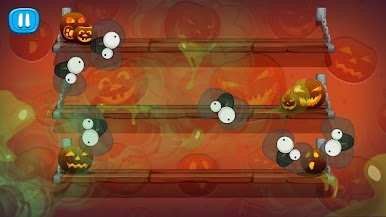
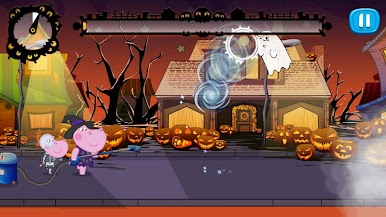
Gameplay flips between quick arcade tasks and light puzzles. One moment players tiptoe through a field of sleeping pumpkins that act like mines, then feed a caramel monster so it spits out treats, then fix up a giant pumpkin head, then suck up stray ghosts with a vacuum. Controls are straightforward and forgiving, so kids can handle it while adults will still enjoy the little twists each stage throws in. On BlueStacks, the mouse makes those drag and click actions feel very neat, and the bigger screen helps spot what to tap next without squinting.
Nothing here is deep or stressful, and that is the charm. It is a snackable Halloween adventure with a gentle timer, mellow difficulty, and a lot of playful sound effects. Great for families who want something seasonal, colorful, and easy to share.
Ready to top the leaderboard? We bet you do. Let precise controls and sharp visuals optimized on BlueStacks lead you to victory.
Jogue Halloween: abóboras engraçadas no PC. É fácil começar.
-
Baixe e instale o BlueStacks no seu PC
-
Conclua o login do Google para acessar a Play Store ou faça isso mais tarde
-
Procure por Halloween: abóboras engraçadas na barra de pesquisa no canto superior direito
-
Clique para instalar Halloween: abóboras engraçadas a partir dos resultados da pesquisa
-
Conclua o login do Google (caso você pulou a etapa 2) para instalar o Halloween: abóboras engraçadas
-
Clique no ícone do Halloween: abóboras engraçadas na tela inicial para começar a jogar

