


Shopping list. CheckList
العب على الكمبيوتر الشخصي مع BlueStacks - نظام أندرويد للألعاب ، موثوق به من قبل أكثر من 500 مليون لاعب.

Play Shopping list. CheckList on PC
- Ability to share your shopping list
- Two list options
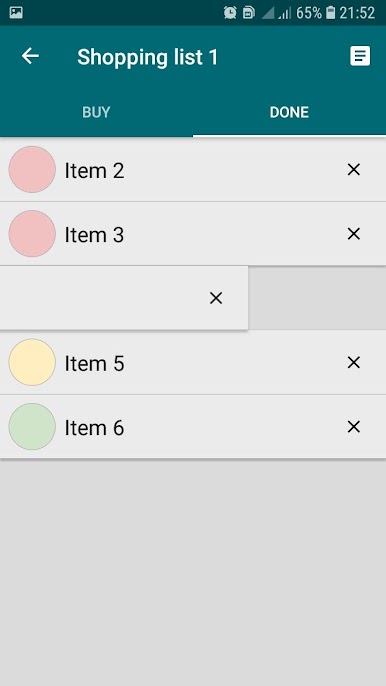
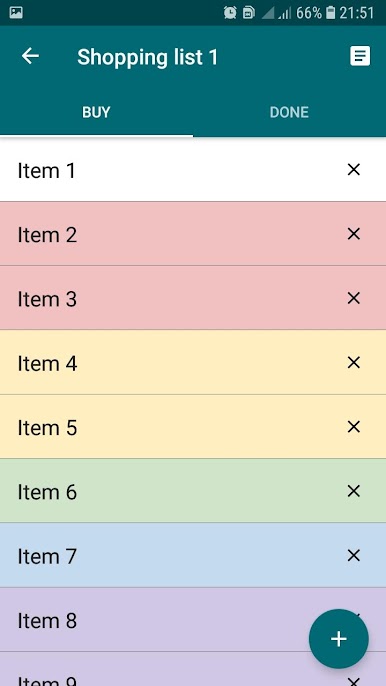
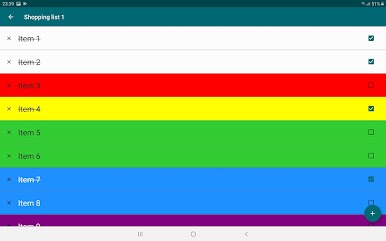
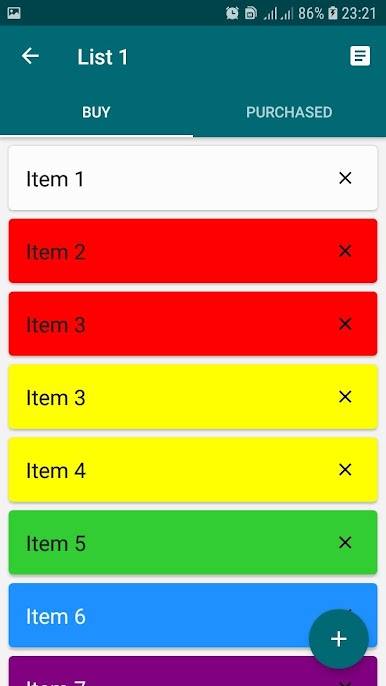
- Dividing the list into groups "buy" and "done"
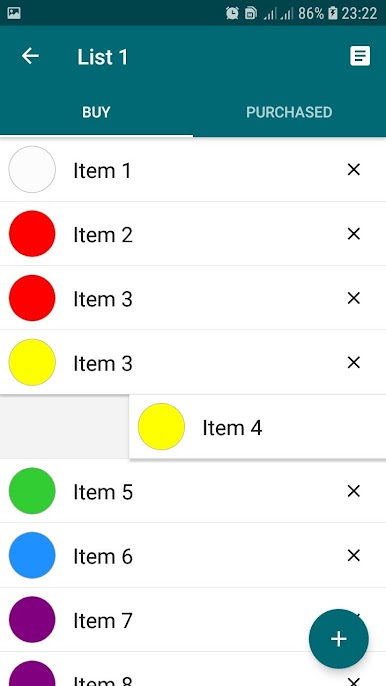
- Moving goods between list groups (swipe)
- Add purchases to favorites
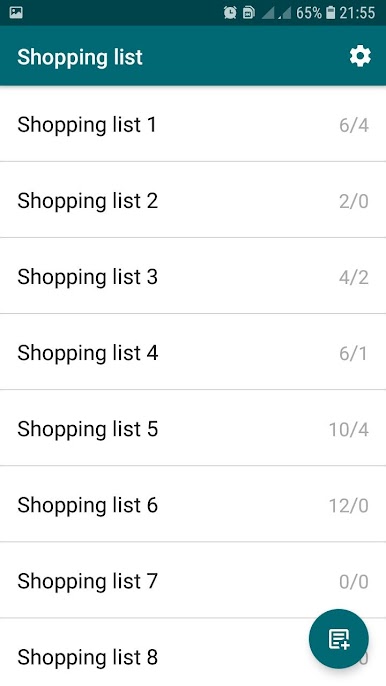
- Create an unlimited number of shopping lists in notepad
- Create an unlimited number of products in a list
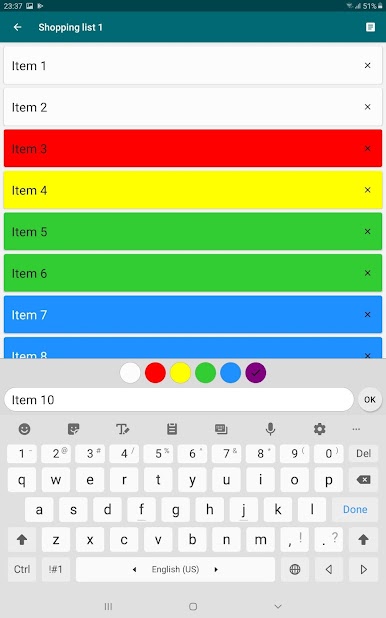
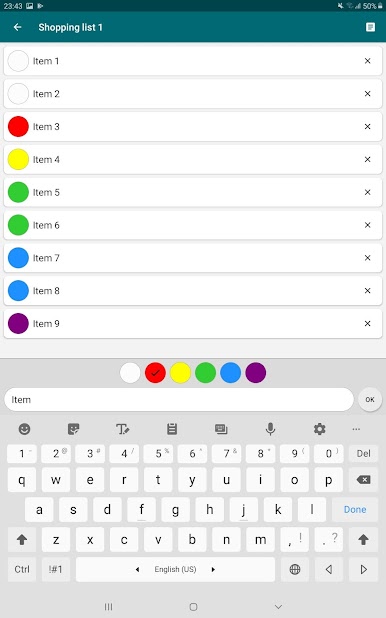
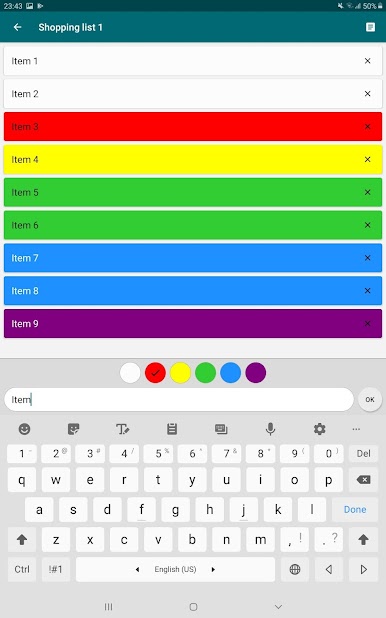
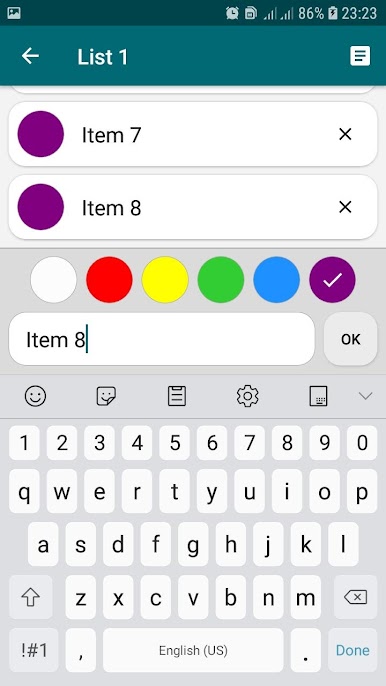
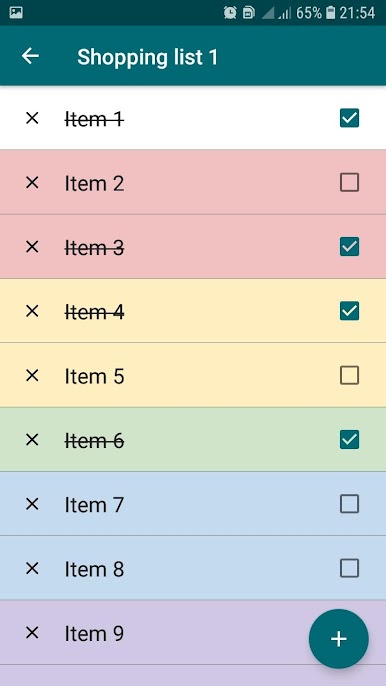
- Assign color to the item in the list
- Two color options
- Choice of 4 different types of shopping list display
- Editing a purchase in a list
- Delete a purchase from the list
- Rename shopping list
- Delete shopping list
- Sort purchases
- Backup
العب Shopping list. CheckList على جهاز الكمبيوتر. من السهل البدء.
-
قم بتنزيل BlueStacks وتثبيته على جهاز الكمبيوتر الخاص بك
-
أكمل تسجيل الدخول إلى Google للوصول إلى متجر Play ، أو قم بذلك لاحقًا
-
ابحث عن Shopping list. CheckList في شريط البحث أعلى الزاوية اليمنى
-
انقر لتثبيت Shopping list. CheckList من نتائج البحث
-
أكمل تسجيل الدخول إلى Google (إذا تخطيت الخطوة 2) لتثبيت Shopping list. CheckList
-
انقر على أيقونة Shopping list. CheckList على الشاشة الرئيسية لبدء اللعب

