

Solfeador - Music reading
在電腦上使用BlueStacks –受到5億以上的遊戲玩家所信任的Android遊戲平台。

Play Solfeador - Music reading on PC or Mac
Join millions to experience Solfeador – Music reading, an exciting Educational game from Hoardings Inc.. With BlueStacks App Player, you are always a step ahead of your opponent, ready to outplay them with faster gameplay and better control with the mouse and keyboard on your PC or Mac.
About the Game
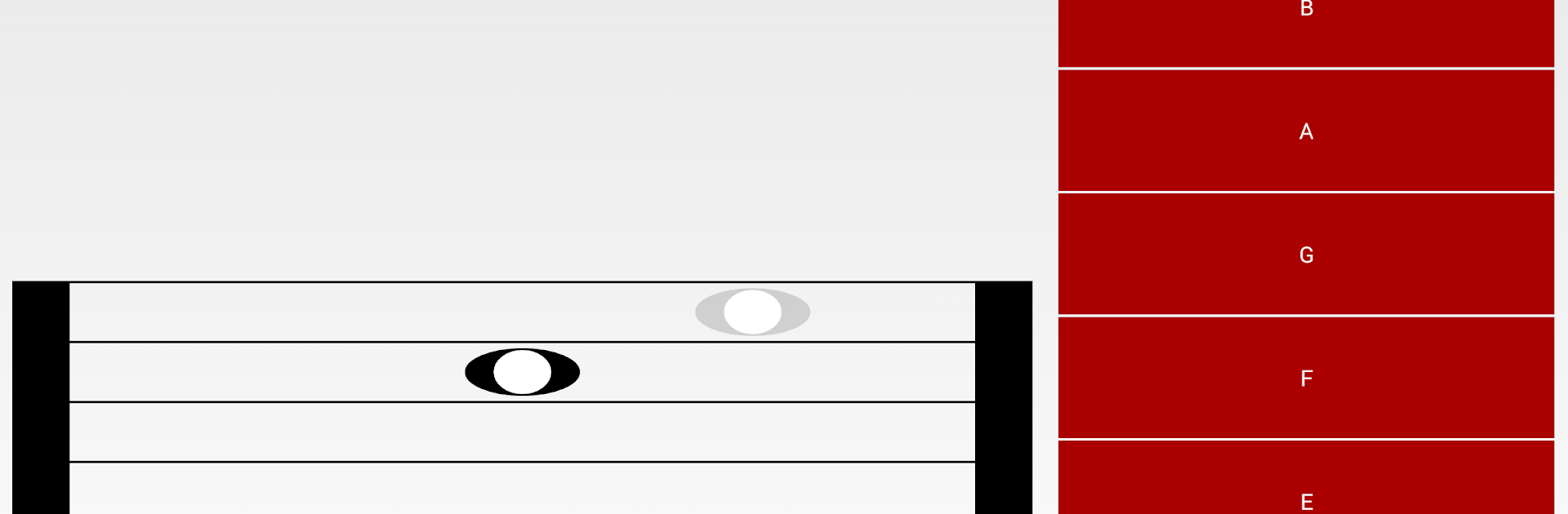
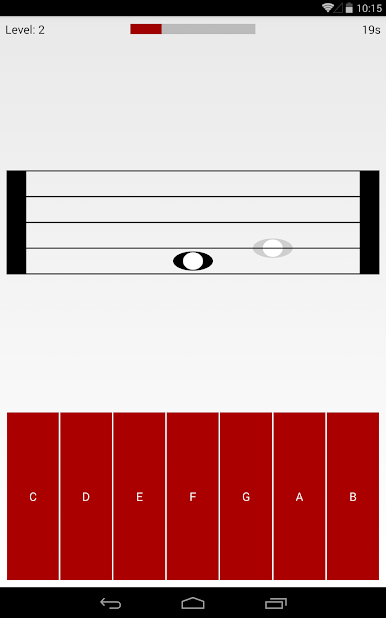
Ever felt lost trying to read sheet music? Solfeador – Music reading makes learning musical notes way more fun than staring at a textbook. Whether you’re just starting out or want to get some sight-reading practice in, this educational game from Hoardings Inc. turns music theory into a challenge you’ll actually want to tackle. See if you can beat the clock and snag a perfect score along the way.
Game Features
-
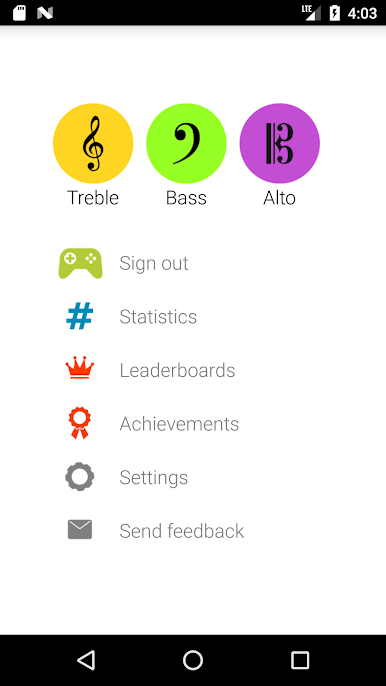
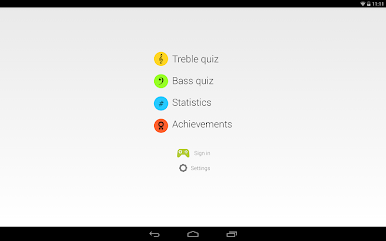
Treble & Bass Clef Quizzes
Switch between treble and bass clef questions and test your note-reading chops no matter what instrument you play or want to learn. -
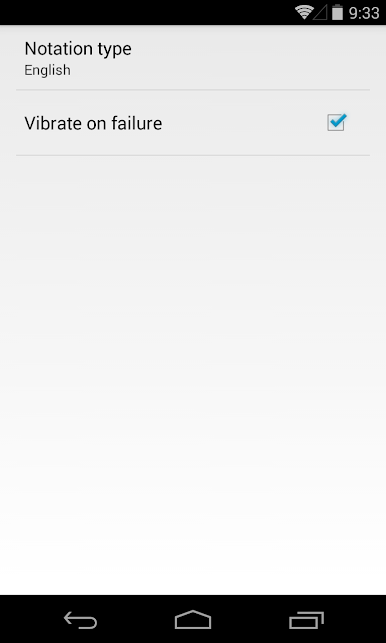
Multiple Notation Styles
Go with what you know, or try something new — choose between English (A, B, C…), Italian/Latin (Do, Re, Mi…), or even German notation. -
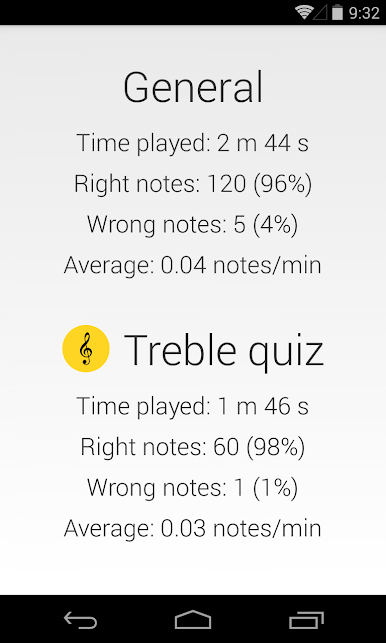
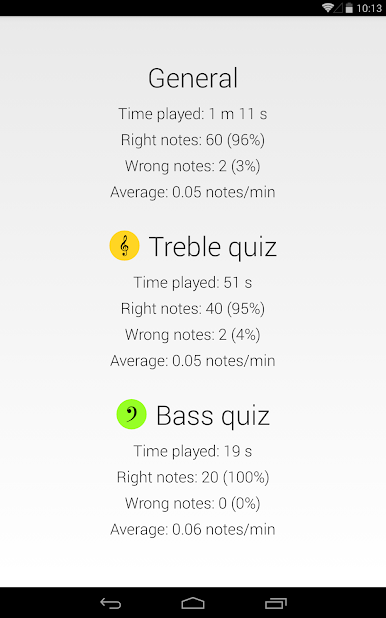
Performance Tracking
Curious how much you’ve improved? The built-in stats let you keep an eye on your progress with every round you play. -
Star-Based Level Progression
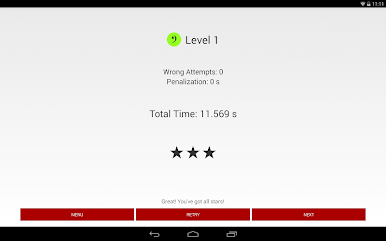
Challenge yourself to earn up to three stars each level, based on how quickly (and accurately) you can identify notes. Mess up and there’s a time penalty, so it’s all about speed and precision. -
A Race Against the Clock
The faster you answer, the better your score — but don’t get too cocky, because each mistake eats up precious seconds.
Try Solfeador – Music reading on BlueStacks for those longer training sessions without frying your phone battery. Perfect for when you want to learn, play, or just see how your brain handles a musical test under pressure.
Get ready for a buttery smooth, high-performance gaming action only on BlueStacks.
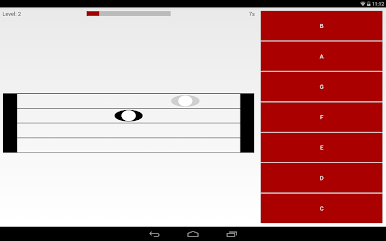

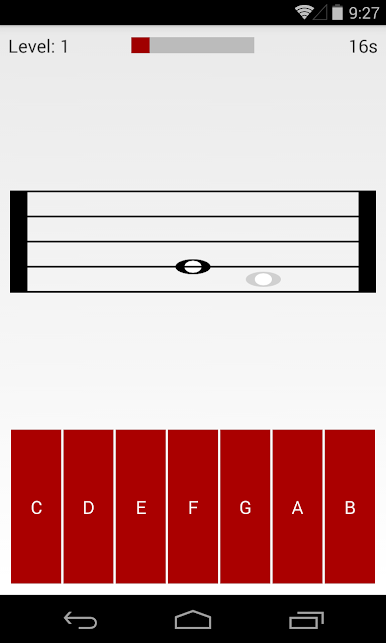
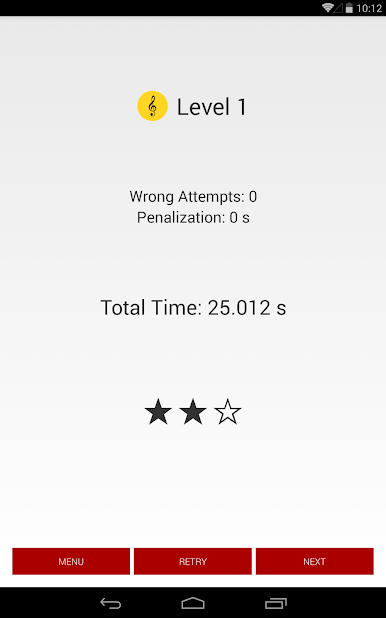
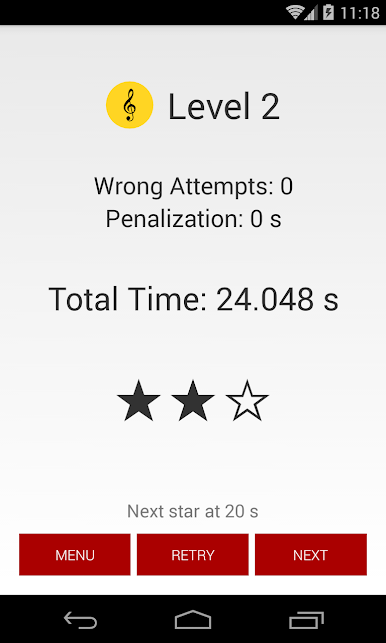

在電腦上遊玩Solfeador - Music reading . 輕易上手.
-
在您的電腦上下載並安裝BlueStacks
-
完成Google登入後即可訪問Play商店,或等你需要訪問Play商店十再登入
-
在右上角的搜索欄中尋找 Solfeador - Music reading
-
點擊以從搜索結果中安裝 Solfeador - Music reading
-
完成Google登入(如果您跳過了步驟2),以安裝 Solfeador - Music reading
-
在首頁畫面中點擊 Solfeador - Music reading 圖標來啟動遊戲

