

Russian Sentence Master
Jogue no PC com BlueStacks - A Plataforma de Jogos Android, confiada por mais de 500 milhões de jogadores.

Página modificada em: Oct 23, 2025
Run Russian Sentence Master on PC or Mac
Why limit yourself to your small screen on the phone? Run Russian Sentence Master, an app by AT Languages Master Apps, best experienced on your PC or Mac with BlueStacks, the world’s #1 Android emulator.
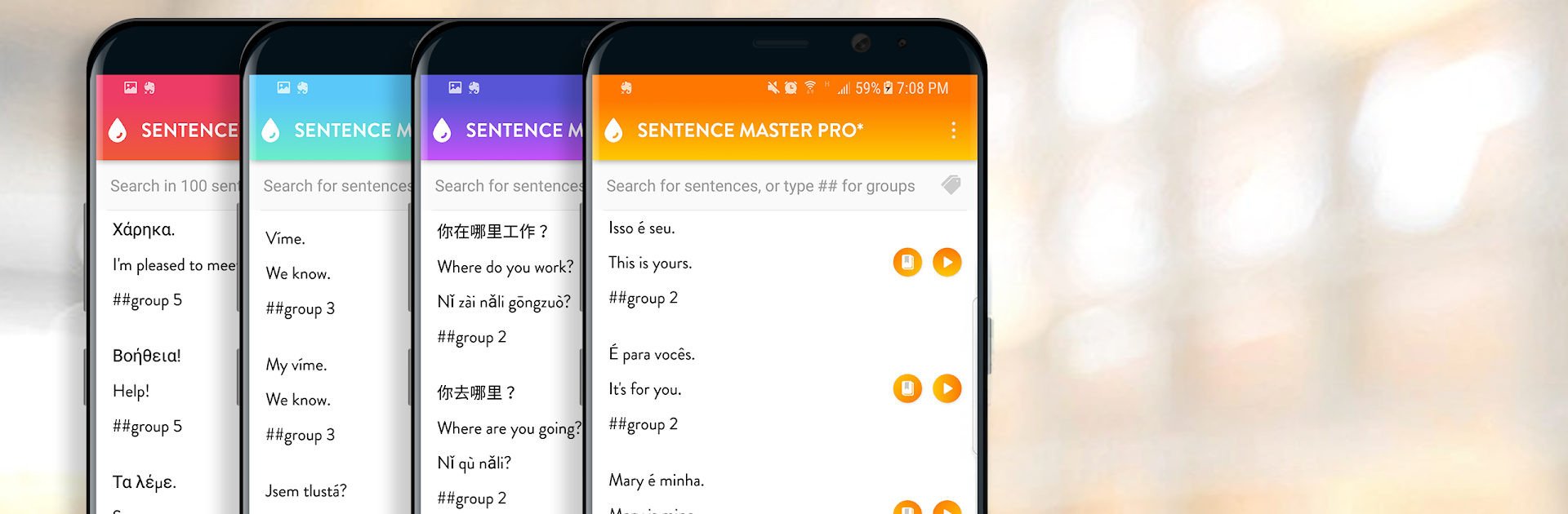
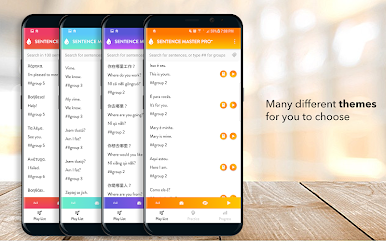
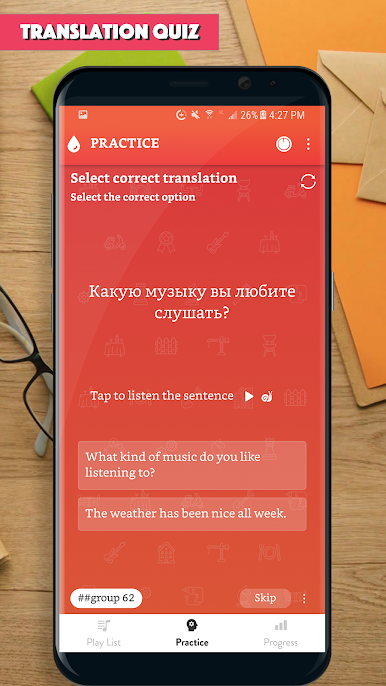
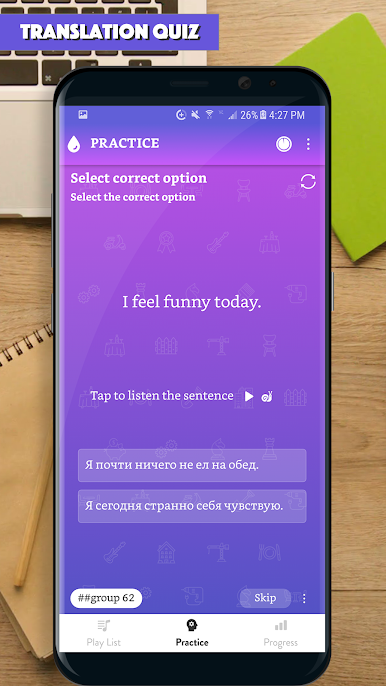
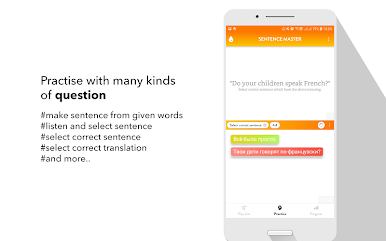
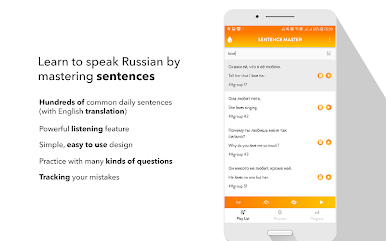
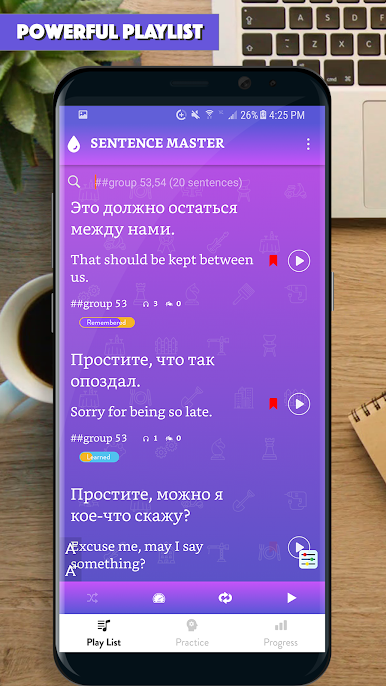
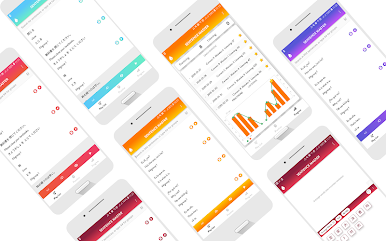
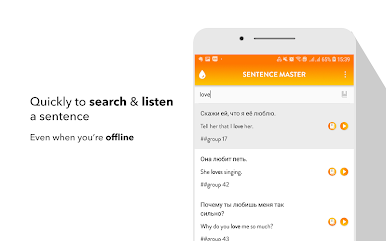
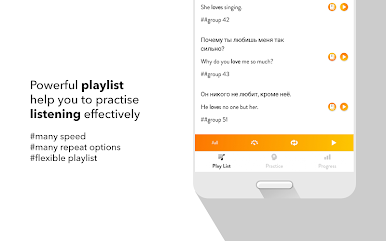
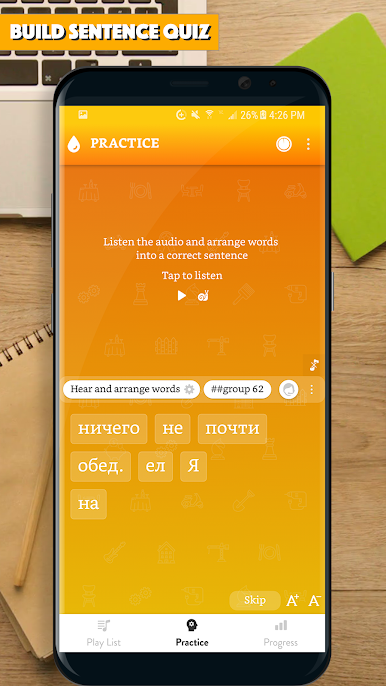
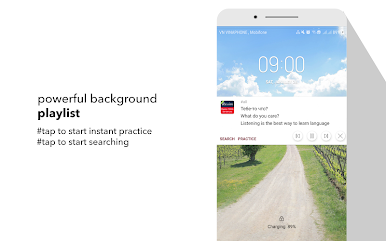
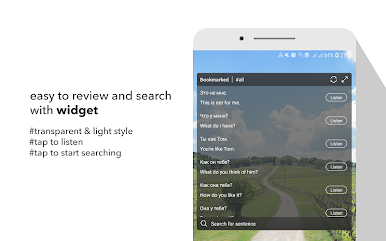
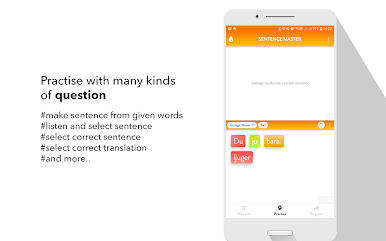
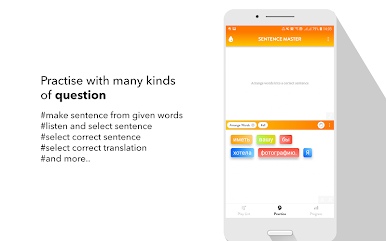
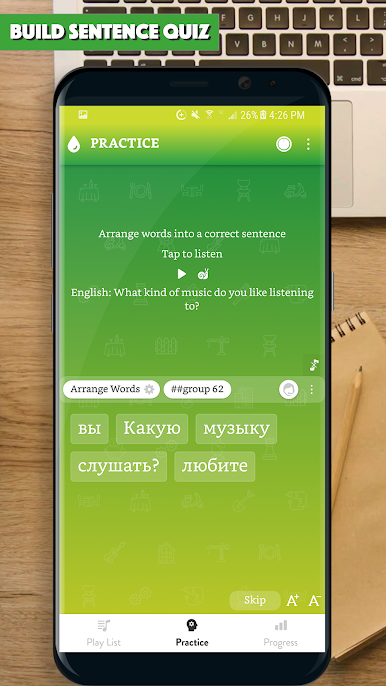
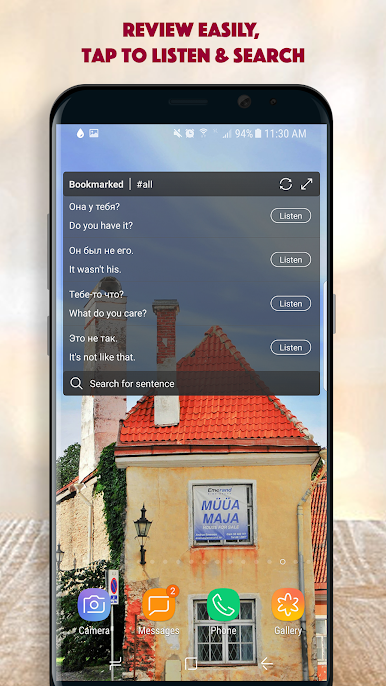
Russian Sentence Master is a straight-to-the-point practice app that leans on real sentences instead of long grammar lectures. It throws a lot of everyday lines at the learner, each one with clear audio, then nudges them to listen, say it out loud, and build or type the sentence correctly. The whole idea is patterns. Learn one useful structure and swap a word or two, and suddenly a bunch of new sentences click into place. Sessions feel short and focused, and the repetition works without feeling noisy.
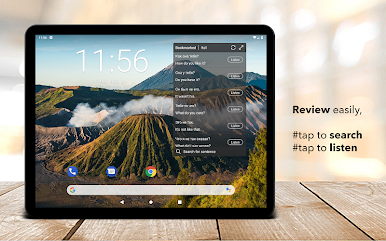
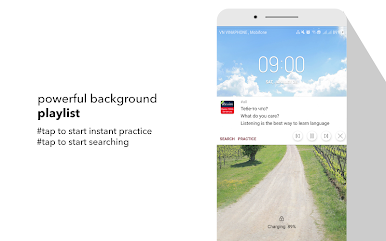
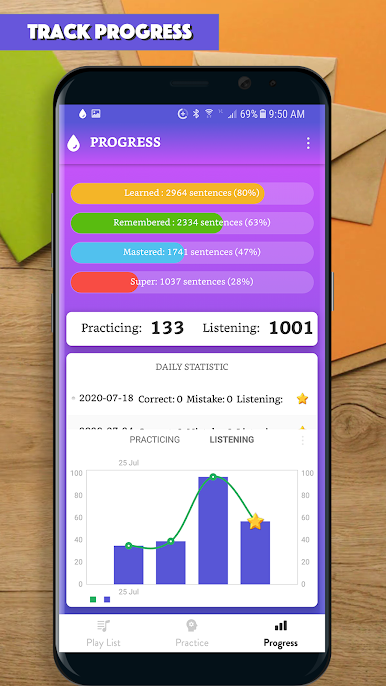
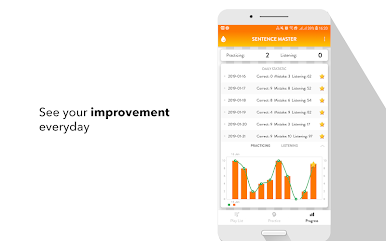
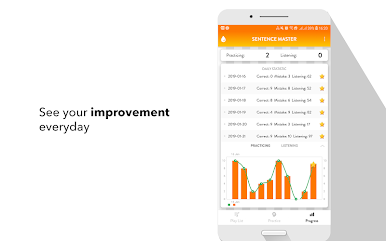
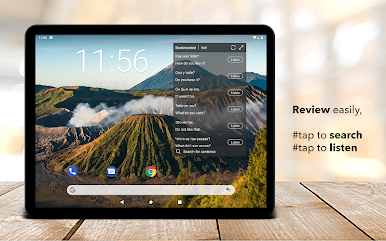
There is no fluff here, no confusing menus or social stuff. Just common phrases from daily situations like greetings, errands, small talk, and routine tasks. The audio helps with rhythm and stress, and the writing part keeps spelling honest. On PC with BlueStacks it is surprisingly nice, since the bigger screen makes lines easier to read and a physical keyboard speeds up the sentence building. Headphones make the short clips even clearer. It suits someone who learns best by example and wants steady drills rather than theory. Anyone hunting for deep grammar explanations may find it bare bones, but for daily practice that actually sticks, the mix of listen, repeat, and make the sentence does the job. Five minutes works, thirty minutes also works, and it keeps progress obvious without a lot of fuss.
Big screen. Bigger performance. Use BlueStacks on your PC or Mac to run your favorite apps.
Jogue Russian Sentence Master no PC. É fácil começar.
-
Baixe e instale o BlueStacks no seu PC
-
Conclua o login do Google para acessar a Play Store ou faça isso mais tarde
-
Procure por Russian Sentence Master na barra de pesquisa no canto superior direito
-
Clique para instalar Russian Sentence Master a partir dos resultados da pesquisa
-
Conclua o login do Google (caso você pulou a etapa 2) para instalar o Russian Sentence Master
-
Clique no ícone do Russian Sentence Master na tela inicial para começar a jogar

