


@Voice Premium License
5억명 이상의 게이머가 신뢰하는 안드로이드 게임 플랫폼 BlueStacks으로 PC에서 플레이하세요.

Run @Voice Premium License on PC or Mac
Upgrade your experience. Try @Voice Premium License, the fantastic Productivity app from Hyperionics Technology, from the comfort of your laptop, PC, or Mac, only on BlueStacks.
About the App
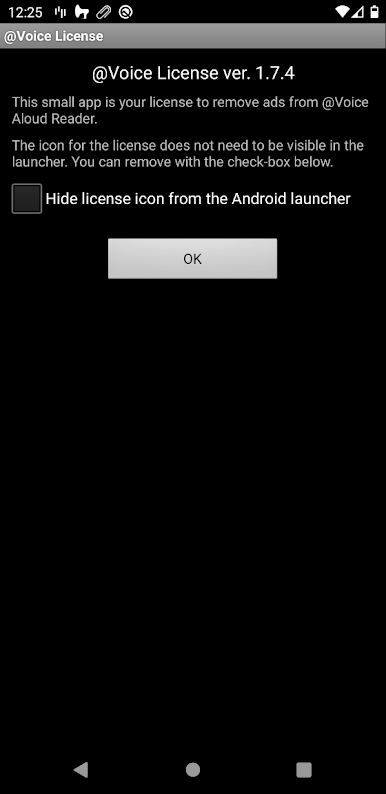
@Voice Premium License is the easy upgrade that unlocks the best parts of @Voice Aloud Reader. It removes distractions, adds helpful tools, and keeps your listening flow smooth whether you’re catching up on articles or working through an ebook. It’s lightweight, quick to set up, and built by Hyperionics Technology for people who want a cleaner, smarter Productivity experience.
Note: This is a license key for the main @Voice Aloud Reader. Install the reader first, then get this license from Google Play, restart the reader, and you’re all set. Prefer using your desktop? The premium perks carry over when you run the reader with BlueStacks, too.
App Features
- Ad-free reading and listening – Say goodbye to banner and full-screen ads in the main app. Fewer interruptions, less data use, and better battery life while you listen.
- Simple activation – Install the license directly from Google Play, make sure @Voice Aloud Reader is already on your device, then restart the reader to unlock Premium. That’s it.
- Continuous audio recording – Record text-to-speech to sound files without stopping at every article or chapter. Let it run through your entire reading list or a whole book in one go.
- Smart speech replacements with tags – Create sets of pronunciation tweaks for different content types—like scientific papers or fiction—and switch among them with tags under Settings.
- Lightweight license, big impact – The app itself is tiny and stays out of the way; it simply unlocks premium capabilities in @Voice Aloud Reader.
- Ready for more – New Premium features may be added over time, so your license keeps getting more useful.
Eager to take your app experience to the next level? Start right away by downloading BlueStacks on your PC or Mac.
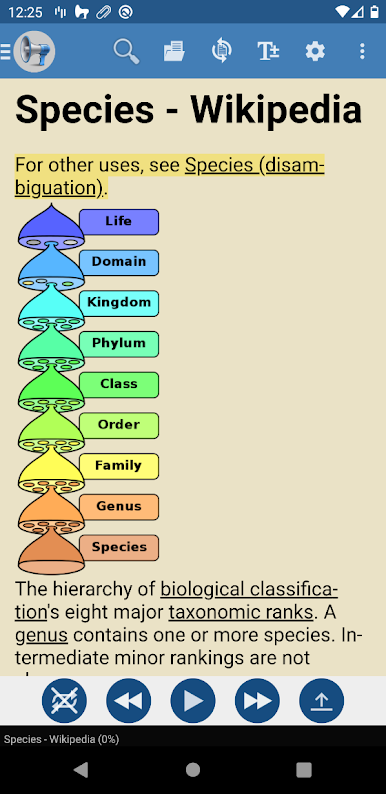
PC에서 @Voice Premium License 플레이해보세요.
-
BlueStacks 다운로드하고 설치
-
Google Play 스토어에 로그인 하기(나중에 진행가능)
-
오른쪽 상단 코너에 @Voice Premium License 검색
-
검색 결과 중 @Voice Premium License 선택하여 설치
-
구글 로그인 진행(만약 2단계를 지나갔을 경우) 후 @Voice Premium License 설치
-
메인 홈화면에서 @Voice Premium License 선택하여 실행

