


i Am a Hamster Game 3D
Jogue no PC com BlueStacks - A Plataforma de Jogos Android, confiada por mais de 500 milhões de jogadores.

Página modificada em: Aug 19, 2026
Jogue i Am a Hamster Game 3D para PC
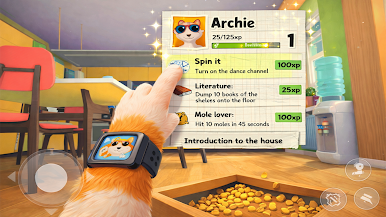
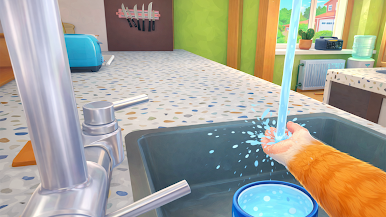
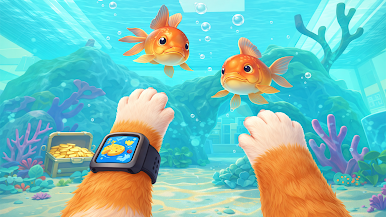
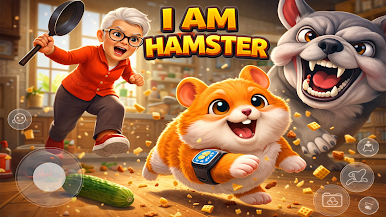
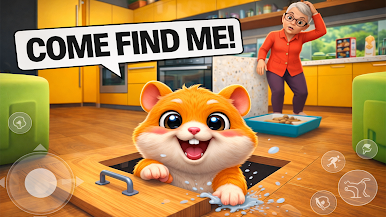
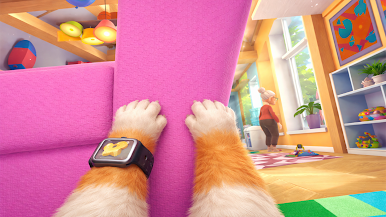
You’re not just any hamster... you’re a clever, snack-stealing, chaos-creating legend on a mission! Sneak into the kitchen, prank the grumpy chef granny, and steal food to feed your tiny hamsters — all without getting caught!
Game Features:
1-Hilarious kitchen pranks!
2-Face off against the angry chef granny!
3-Feed your adorable tiny hamsters
4-Stealth-based gameplay — hide, dash, and outsmart!
5-Easy controls, fun levels, and addictive chaos!
Can you complete all your snack missions and escape undetected?
Get ready to prank, snack, and run in this one-of-a-kind hamster heist!
Download now and show the kitchen who's boss!
Jogue i Am a Hamster Game 3D no PC. É fácil começar.
-
Baixe e instale o BlueStacks no seu PC
-
Conclua o login do Google para acessar a Play Store ou faça isso mais tarde
-
Procure por i Am a Hamster Game 3D na barra de pesquisa no canto superior direito
-
Clique para instalar i Am a Hamster Game 3D a partir dos resultados da pesquisa
-
Conclua o login do Google (caso você pulou a etapa 2) para instalar o i Am a Hamster Game 3D
-
Clique no ícone do i Am a Hamster Game 3D na tela inicial para começar a jogar

