


التقويم الهجري و أوقات الصلاة
5억명 이상의 게이머가 신뢰하는 안드로이드 게임 플랫폼 BlueStacks으로 PC에서 플레이하세요.

Run Hijri Calendar & Prayer Times on PC or Mac
Get freedom from your phone’s obvious limitations. Use Hijri Calendar & Prayer Times, made by Ibrahim Hamed, a Productivity app on your PC or Mac with BlueStacks, and level up your experience.
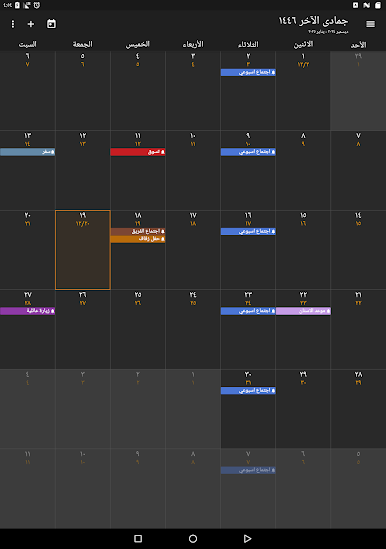
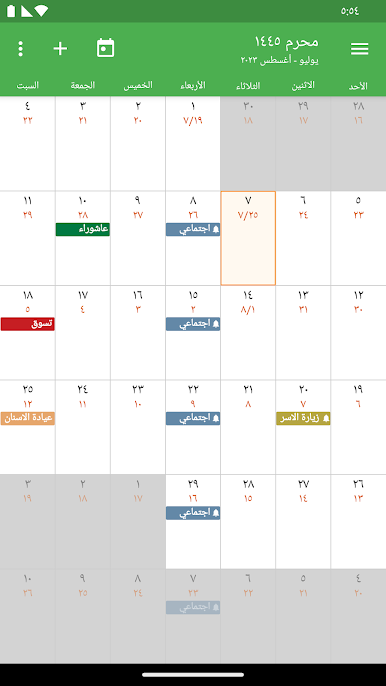
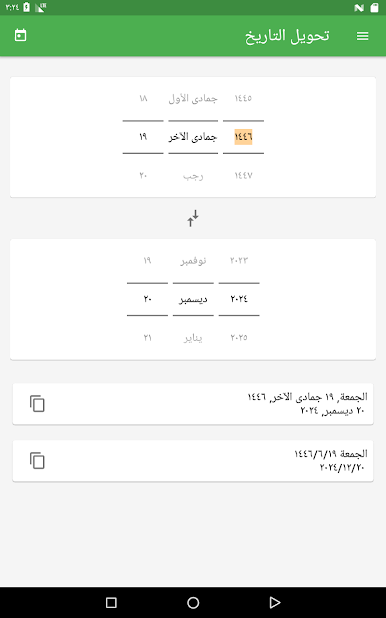
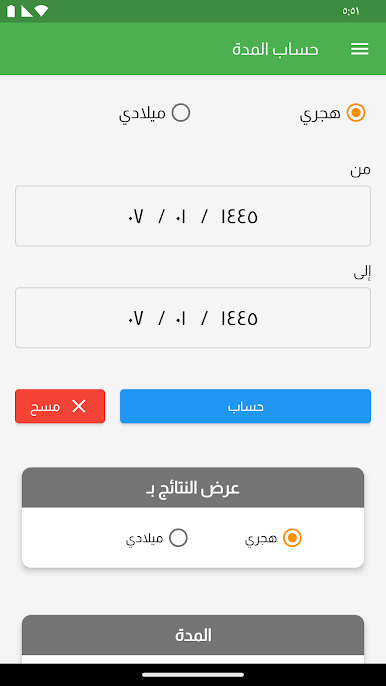
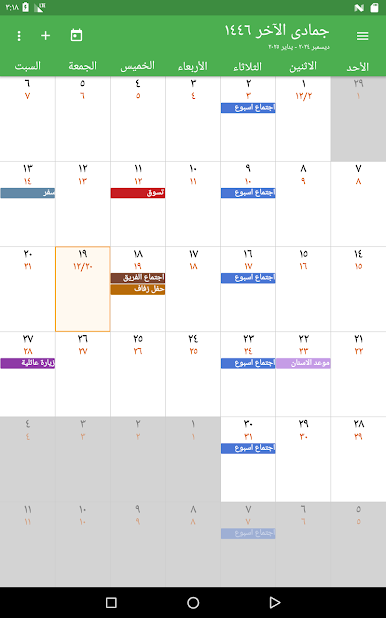
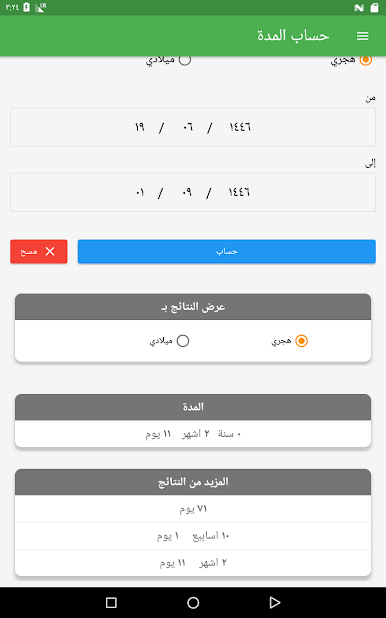
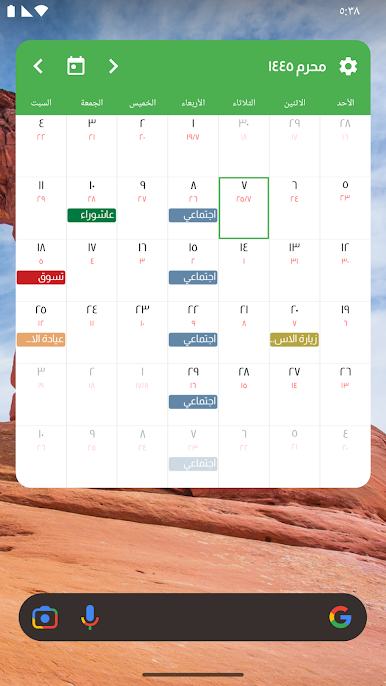
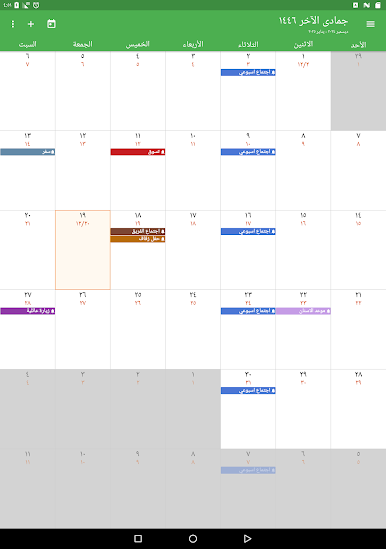
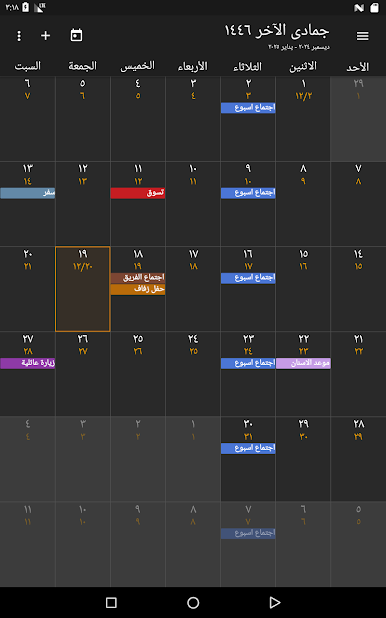
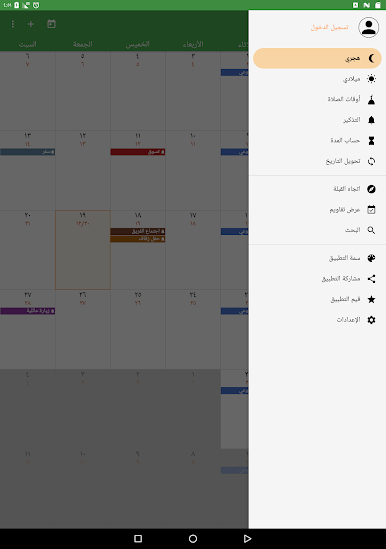
Hijri Calendar & Prayer Times feels really handy for staying on top of both Islamic dates and regular stuff like meetings or birthdays. It’s not flashy, but everything you might want is in one spot. The calendar shows both Hijri and Gregorian dates side by side, and if anything feels off with the Hijri date, it lets the user adjust it up or down a day or two, which is something that’s actually pretty rare. Toggling between months works easily, just swiping left or right, and switching from Gregorian to Hijri is straightforward.
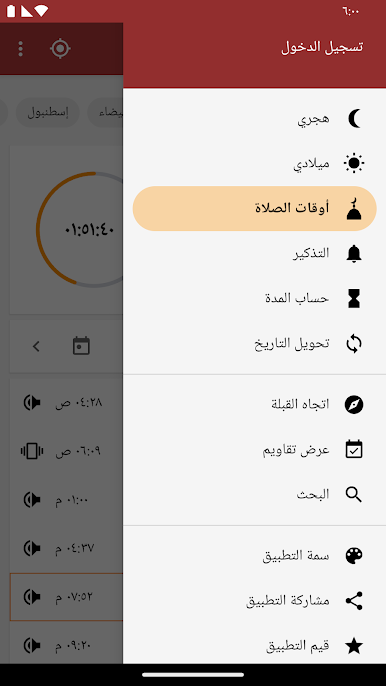
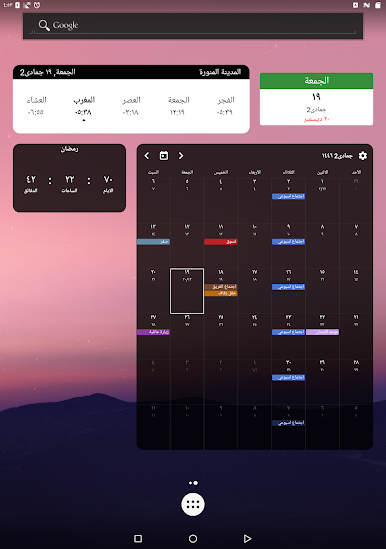
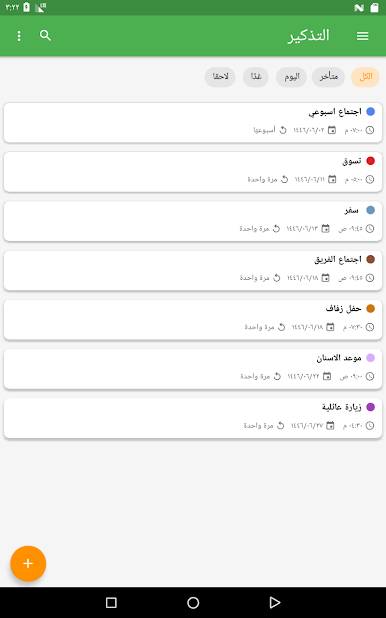
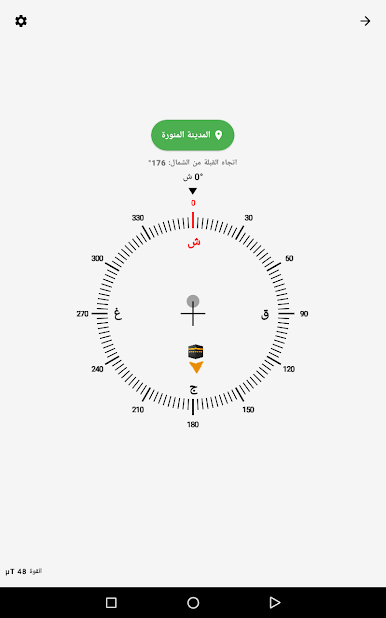
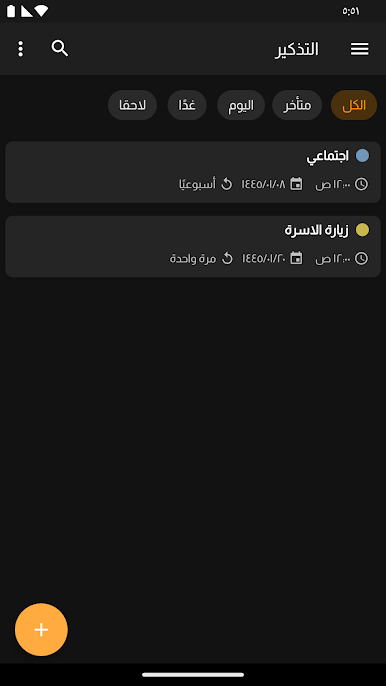
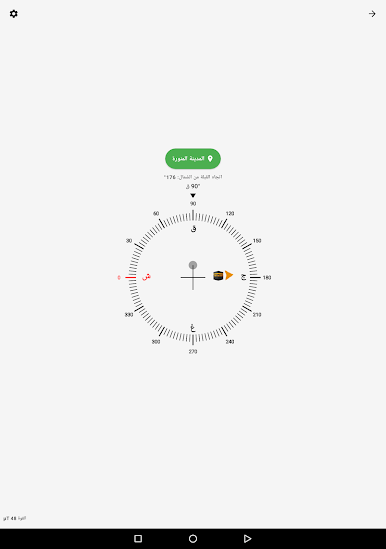
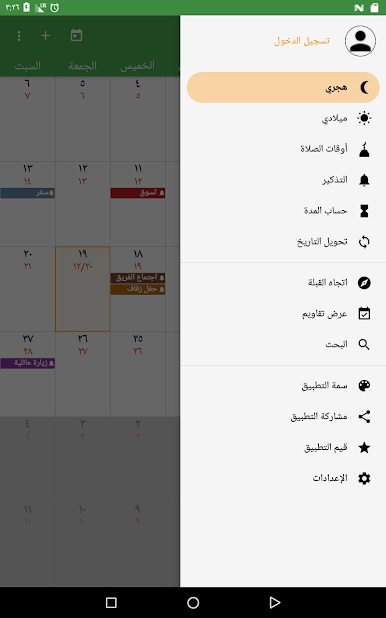
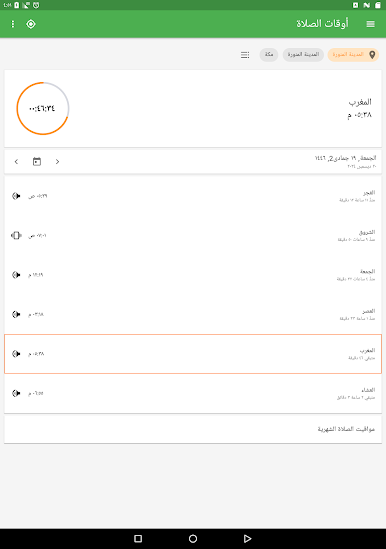
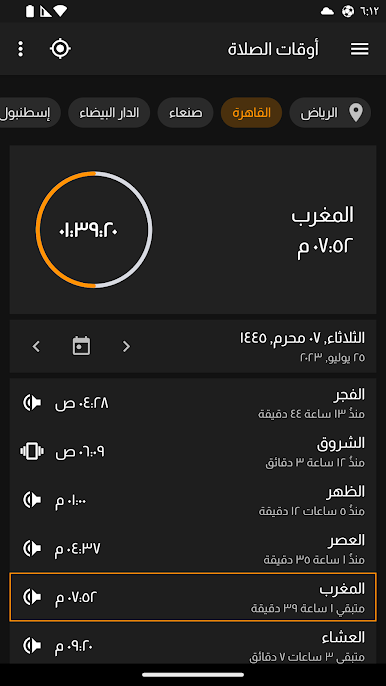
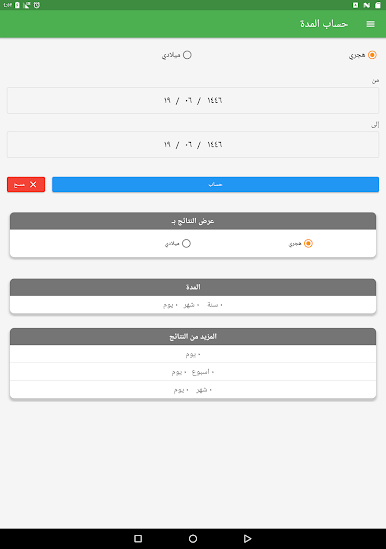
There’s a bunch of customization, like picking different themes so it looks how someone likes, and even changing widgets — things like today’s date, a countdown, or a digital clock right on the screen. Prayer times pop up clearly with options to set reminders a bit before, and even the azan can be set to a favorite muezzin’s voice. It’s got features for travelers too — it’ll update location by itself, so no need to mess around if someone’s on the go. Since it can nudge the phone into silent mode for prayers, that’s handy if forgetting is usual. Setting reminders is flexible — daily, weekly, Hijri, Gregorian, whatever makes sense, and everything can be backed up if logged in.
On something like BlueStacks, the app’s layout just feels bigger and easier to read, especially for checking up on dates or prayer times with a quick glance. The compact widgets and clean swiping make flipping through months smooth even on a desktop. Nothing complicated about adding or editing events either. It asks for a couple permissions but only for useful things, like syncing with Google Calendar or helping pick an azan audio from storage. Really, it’s just convenient for someone who wants both calendars, prayer times, and reminders all in one place without needing lots of different apps.
Switch to BlueStacks and make the most of your apps on your PC or Mac.




PC에서 التقويم الهجري و أوقات الصلاة 플레이해보세요.
-
BlueStacks 다운로드하고 설치
-
Google Play 스토어에 로그인 하기(나중에 진행가능)
-
오른쪽 상단 코너에 التقويم الهجري و أوقات الصلاة 검색
-
검색 결과 중 التقويم الهجري و أوقات الصلاة 선택하여 설치
-
구글 로그인 진행(만약 2단계를 지나갔을 경우) 후 التقويم الهجري و أوقات الصلاة 설치
-
메인 홈화면에서 التقويم الهجري و أوقات الصلاة 선택하여 실행

