


Sudoku Premium
5억명 이상의 게이머가 신뢰하는 안드로이드 게임 플랫폼 BlueStacks으로 PC에서 플레이하세요.

Play Sudoku Premium on PC or Mac
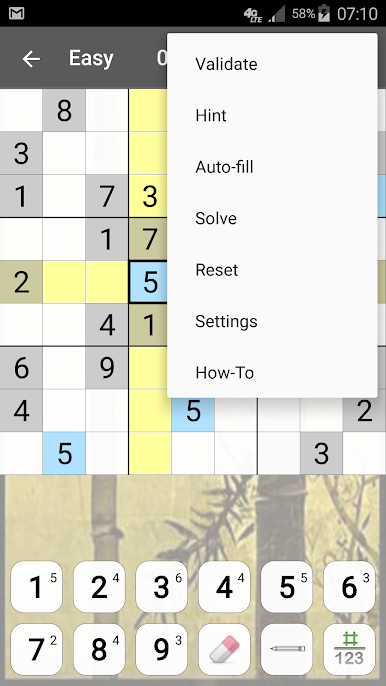
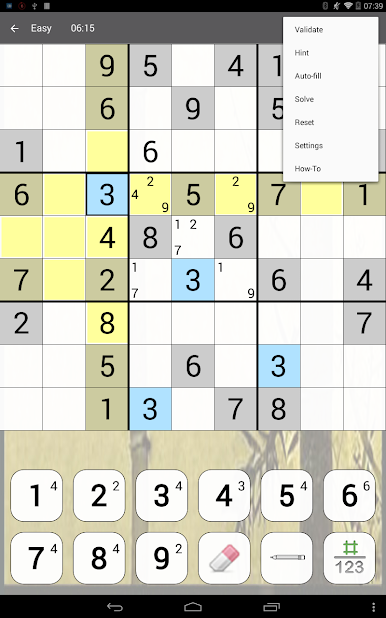
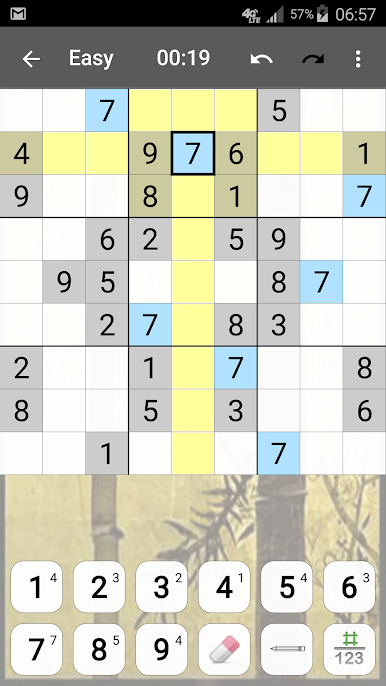
Bring your A-game to Sudoku Premium, the Puzzle game sensation from genina.com. Give your gameplay the much-needed boost with precise game controls, high FPS graphics, and top-tier features on your PC or Mac with BlueStacks.
About the Game
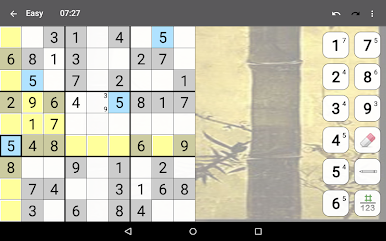
Sudoku Premium by genina.com keeps your mind sharp with classic puzzle fun, minus the hassle of finding a newspaper or printing grids. Whether you’re a seasoned puzzler or just beginning to understand the thrill of solving number games, this app makes Sudoku super convenient—pick up a game anytime, anywhere. The whole thing’s smooth and flexible, so you can play at your own pace and never worry about losing your progress if life distracts you for a minute.
Game Features
-
Different Levels to Match Your Mood
Choose from four difficulty settings, whether you’re in the mood for something easy and relaxing or looking to stretch your brain with a real challenge. -
Handy Input Styles
You get three easy ways to fill in those cells: tap in digits, pick your cell first, or use a pop-up keyboard—whatever feels quickest and most natural to you. -
Smart Notes System
Make quick notes (or “pencil marks”) for possible digits, just like you might with paper puzzles. You can even let the app handle filling and erasing notes if you want. -
Highlighting That Actually Helps
Spotting patterns is a breeze thanks to helpful highlighting features. Need to keep track of which digits you’ve used? There’s an option for that, too. -
Effortless Progress Tracking
Get interrupted? No problem. Your game auto-saves right where you left off. You can also undo or redo as much as you want—no penalties, just freedom. -
Hints That Make Sense
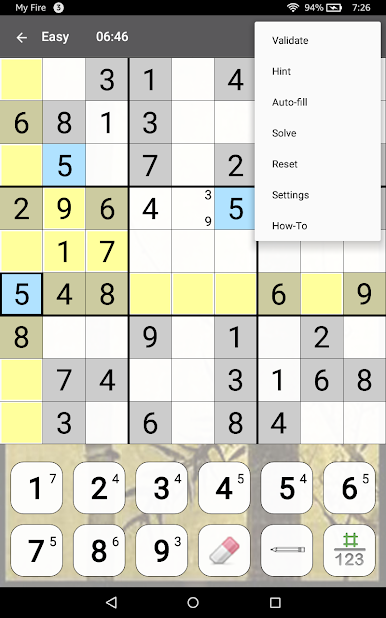
If you’re truly stuck, intelligent hints will nudge you along using real logical steps—not random guesswork. -
Friendly Error Checking
Choose between gentle or more “hands-on” error checking, so you can customize the challenge without it feeling like the app’s holding your hand too much. -
Go Online for Challenges and Stats
Upload your solutions, watch your progress over time, and see how you rank compared to other Sudoku fans. There are weekly competitions, too, so you can test your skills in real time. -
Suits Your Device, However You Play
Built to work whether you prefer touch controls, a trackball, or a straightforward keyboard setup. And if you ever decide to play on your computer, Sudoku Premium runs great on BlueStacks. -
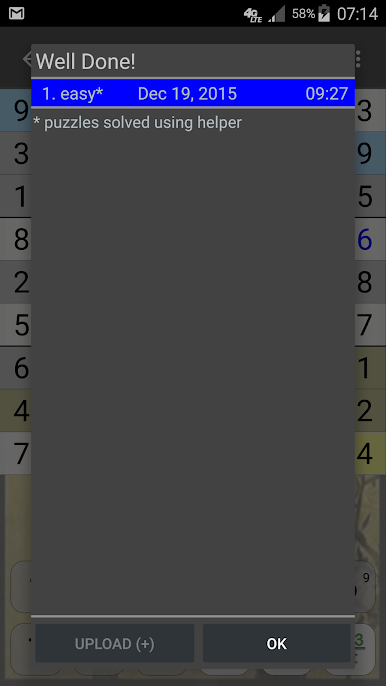
Comprehensive History and Scores
Track your growth as a player with a detailed stats history and top score tables, so those record-setting solves are never forgotten.
Start your journey now. Download the game on BlueStacks, invite your friends, and march on a new adventure.











PC에서 Sudoku Premium 플레이해보세요.
-
BlueStacks 다운로드하고 설치
-
Google Play 스토어에 로그인 하기(나중에 진행가능)
-
오른쪽 상단 코너에 Sudoku Premium 검색
-
검색 결과 중 Sudoku Premium 선택하여 설치
-
구글 로그인 진행(만약 2단계를 지나갔을 경우) 후 Sudoku Premium 설치
-
메인 홈화면에서 Sudoku Premium 선택하여 실행

