Transferência de Arquivos WiFi

Transferência de Arquivos WiFi

Ferramentas | MobileIdea Studio

Jogue no PC com BlueStacks - A Plataforma de Jogos Android, confiada por mais de 500 milhões de jogadores.

Página modificada em: Sep 1, 2025

Run Easy Share :WiFi File Transfer on PC or Mac

Upgrade your experience. Try Easy Share :WiFi File Transfer, the fantastic Tools app from MobileIdea Studio, from the comfort of your laptop, PC, or Mac, only on BlueStacks.

About the App

Looking for a super simple way to move your photos, music, videos, or even apps between your Android devices? Easy Share :WiFi File Transfer from MobileIdea Studio has your back. No need to fiddle with cables, stress about file size, or worry about using up your data plan—this app keeps everything fast, free, and easy. Whether you’re sending just one meme to a friend or moving an entire folder of photos, transferring files really doesn’t get much smoother.

App Features

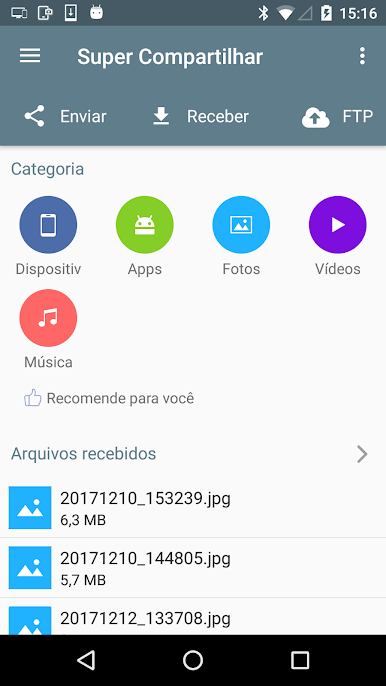
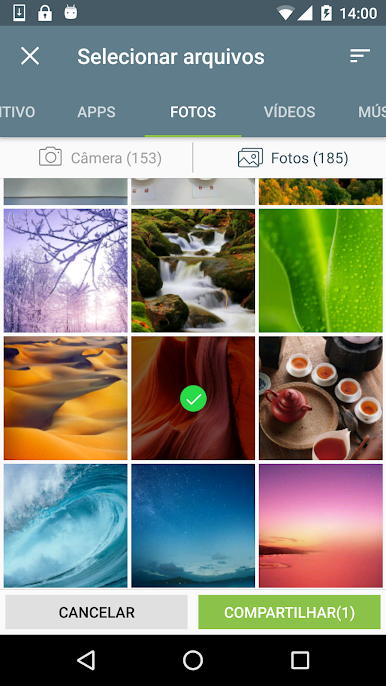
  • Versatile File Sharing
    Send pretty much anything you want, from your latest playlist and family vacation photos to actual apps you’ve got installed. There’s no limit on file size, so go ahead and share that giant video if you want.

  • WiFi-Powered Transfers
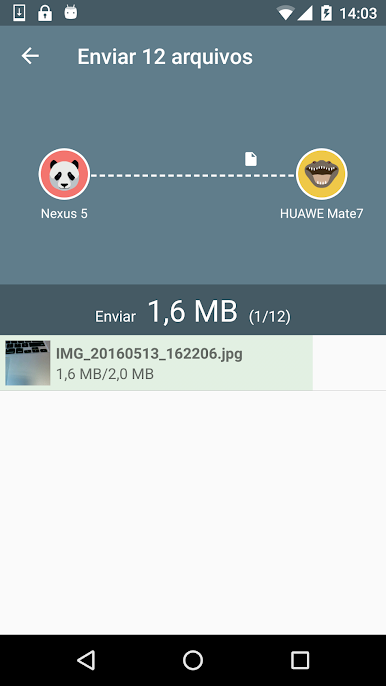
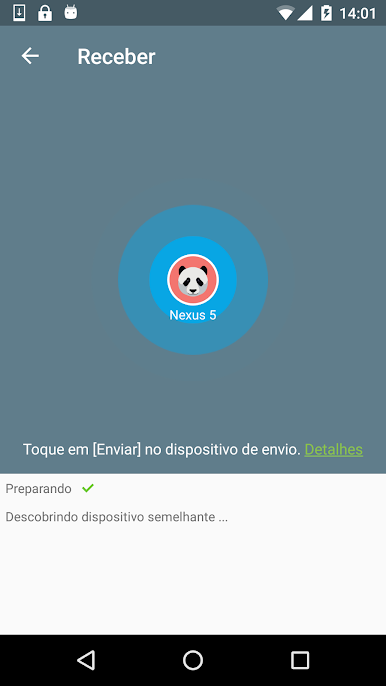
    Forget slow Bluetooth or burning through your monthly data. Easy Share :WiFi File Transfer hooks you up with lightning-fast transfers (think up to 20M/s) using Wi-Fi P2P—so you can skip the cables and carrier headaches.

  • Simple PC Connection
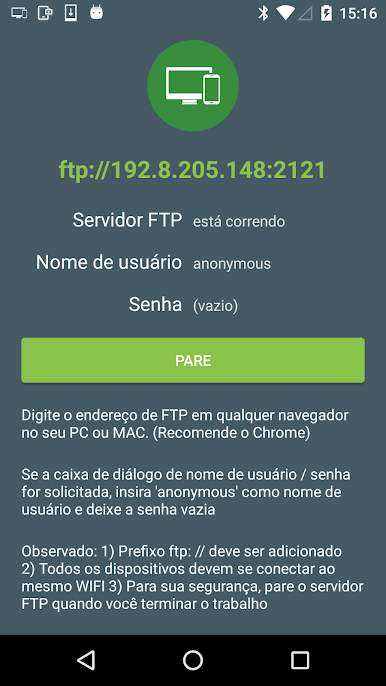
    Need to get files from your phone to your computer? The app lets you transfer using a standard HTTP link. You just enter it in your browser, and boom—easy access to your stuff without any extra software. By the way, using tools like BlueStacks makes managing all this on your computer even more convenient.

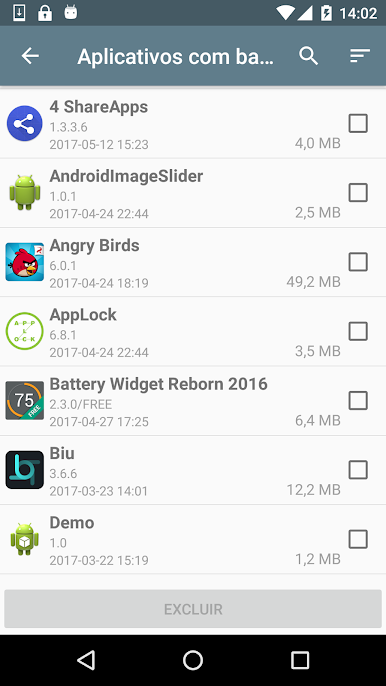
  • App Backup
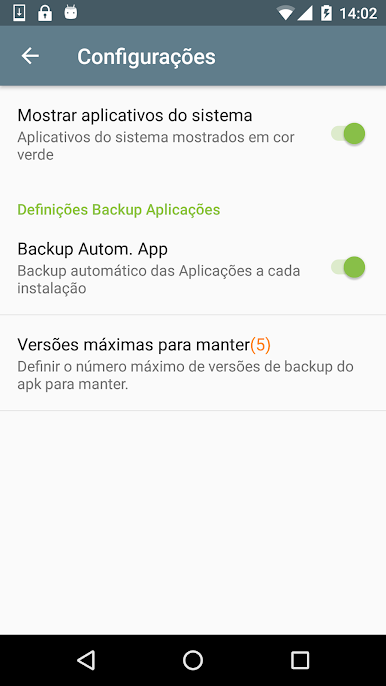
    Worried about losing your favorite apps? Easy Share :WiFi File Transfer can back them up for you right onto your SD card. It’s totally hands-off—set it and forget it.

  • Totally Free
    No fees, no sneaky upgrades, and all features are open to use straight away.

Note: If you’re transferring by Wi-Fi P2P, you’ll need to allow location permission for everything to work smoothly. Don’t worry—your location data stays private.

BlueStacks gives you the much-needed freedom to experience your favorite apps on a bigger screen. Get it now.

Jogue Transferência de Arquivos WiFi no PC. É fácil começar.

  • Baixe e instale o BlueStacks no seu PC

  • Conclua o login do Google para acessar a Play Store ou faça isso mais tarde

  • Procure por Transferência de Arquivos WiFi na barra de pesquisa no canto superior direito

  • Clique para instalar Transferência de Arquivos WiFi a partir dos resultados da pesquisa

  • Conclua o login do Google (caso você pulou a etapa 2) para instalar o Transferência de Arquivos WiFi

  • Clique no ícone do Transferência de Arquivos WiFi na tela inicial para começar a jogar

Assistir o Vídeo