

bVNC: Secure VNC Viewer
5억명 이상의 게이머가 신뢰하는 안드로이드 게임 플랫폼 BlueStacks으로 PC에서 플레이하세요.

Run bVNC: Secure VNC Viewer on PC or Mac
Let BlueStacks turn your PC, Mac, or laptop into the perfect home for bVNC: Secure VNC Viewer, a fun Productivity app from Iordan Iordanov (Undatech).
About the App
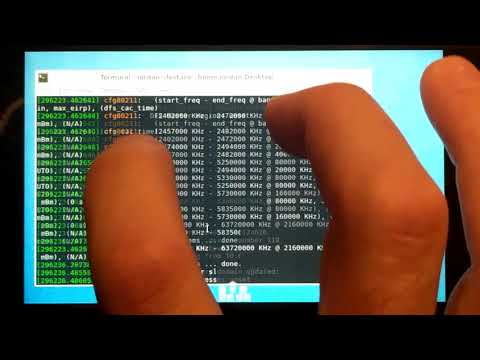
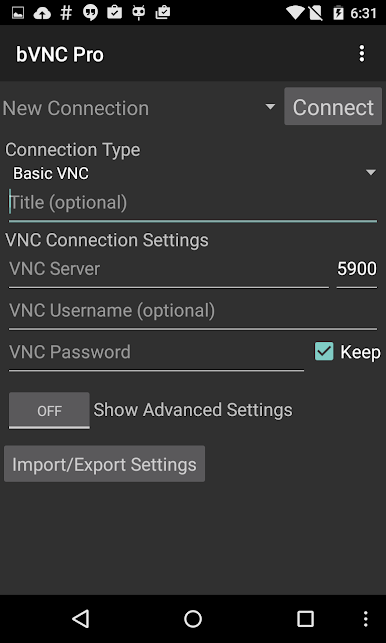
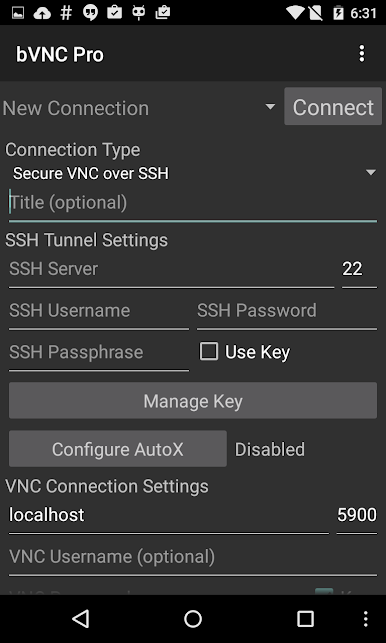
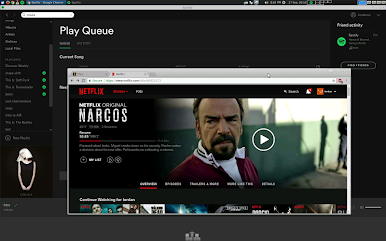
Ever wish you could check in on your computer from your phone or tablet, no matter where you are? bVNC: Secure VNC Viewer makes that super easy and secure. Whether you’re working on a Windows PC, Mac, or Linux machine, this app helps you jump into your desktop remotely, just like you’re sitting right in front of it. It’s perfect for handling files, troubleshooting, or maybe just grabbing that important document you forgot. Developed by Iordan Iordanov (Undatech), bVNC gives you a flexible, safe, and reliable way to access your computer straight from your device.
App Features
-
Cross-Platform Connections
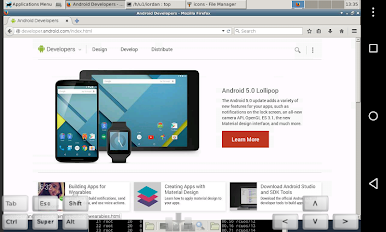
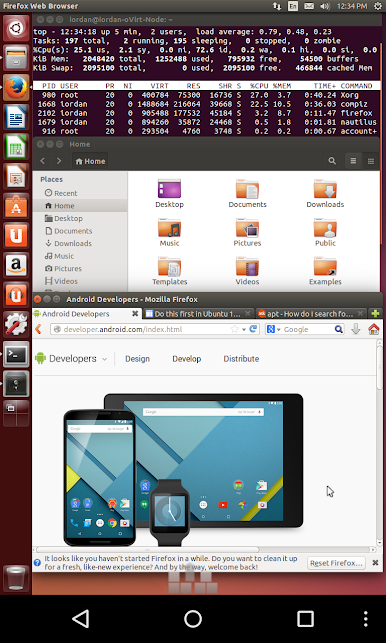
Connect to any system running a VNC server—Windows, macOS, Linux, BSD, even Raspberry Pi setups. Handy if you move between different devices often. -
Seriously Secure Remote Access
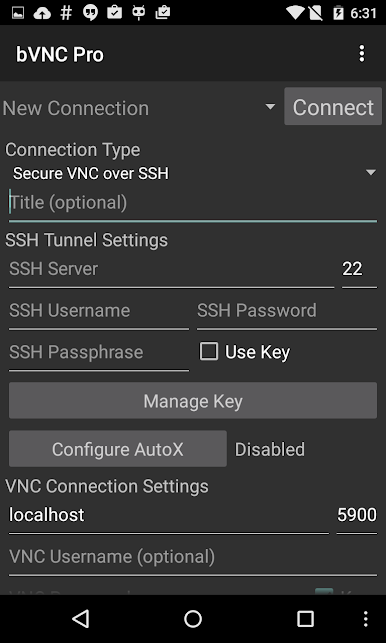
Built with strong encryption in mind, you get protection with SSH tunneling, VeNCrypt, and high-grade SSL. Your data stays safe from prying eyes—even over public Wi-Fi. -
Flexible Input Options
Navigate your remote desktop using multi-touch gestures. Tap, scroll, right-click, drag, and zoom—your phone or tablet becomes a surprisingly powerful touchpad. -
Super Responsive
Options to tweak color depth and use efficient encoding help keep things snappy, even on slower connections. You can change desktop resolutions while connected or work in full rotation mode. -
Keyboard & Mouse Support
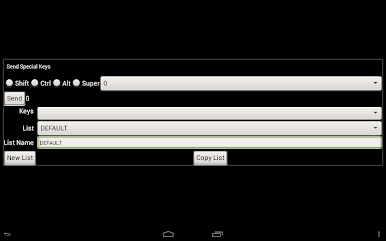
Type with your favorite hardware or software keyboard, and enjoy precise mouse controls—including right-click with your device’s back button or on-screen keys. -
Customizable Display Modes
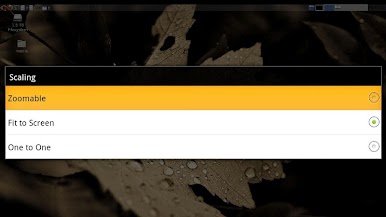
Choose from multiple scaling options like zoomable, fit to screen, or one-to-one. Plus, features like immersive mode and full rotation make sure you see your entire desktop (even if the soft keyboard’s open). -
Universal Compatibility
Supports loads of VNC servers—TightVNC, UltraVNC, TigerVNC, RealVNC, and Mac OS X’s built-in server. No fussing with compatibility issues. -
Easy Copy/Paste
Move text and data between your remote desktop and your mobile device without any headaches. -
Extra Tools for Power Users
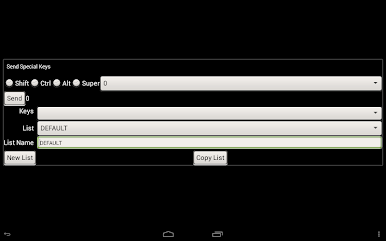
Import RSA keys, use AutoX for finding sessions, or switch input modes if you need something more specialized. There’s even in-app help when you need a little guidance.
bVNC: Secure VNC Viewer keeps things smooth whether you’re running it natively or checking in from your desktop through BlueStacks.
Switch to BlueStacks and make the most of your apps on your PC or Mac.
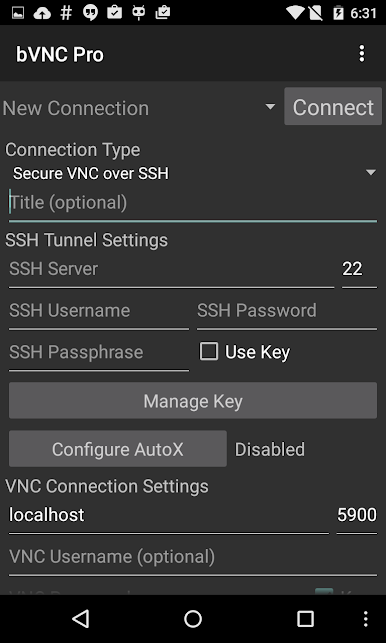
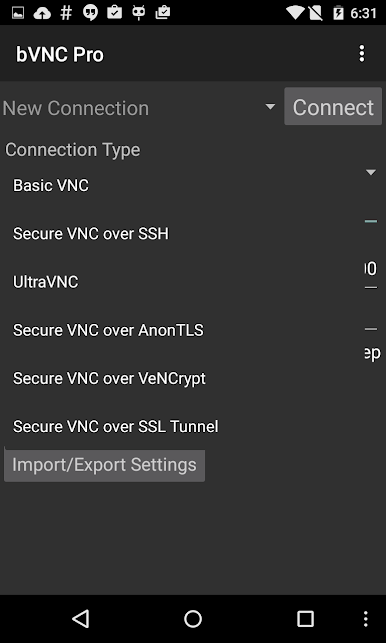
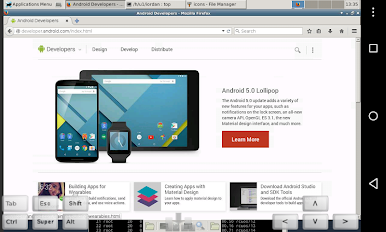
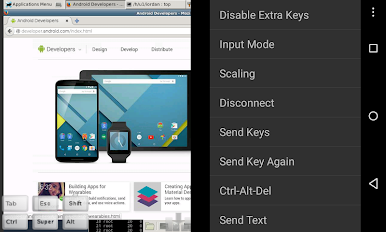
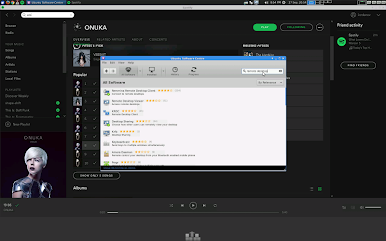
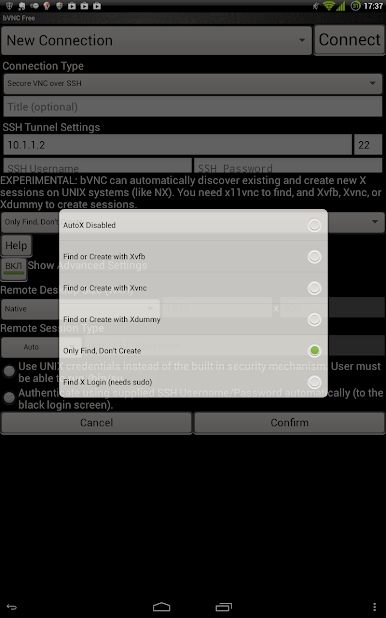
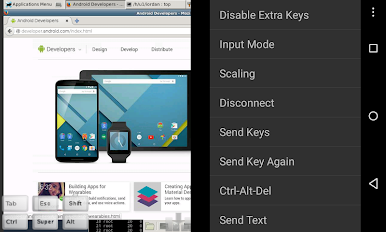
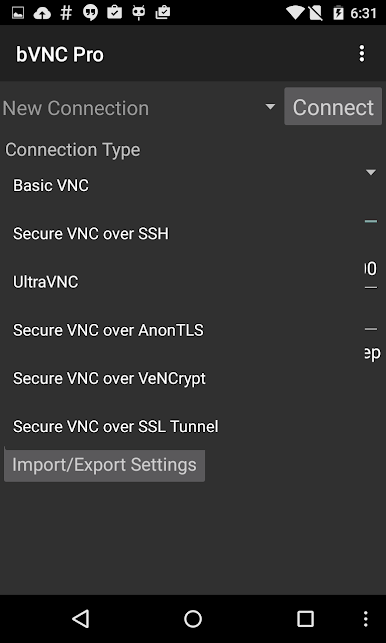
PC에서 bVNC: Secure VNC Viewer 플레이해보세요.
-
BlueStacks 다운로드하고 설치
-
Google Play 스토어에 로그인 하기(나중에 진행가능)
-
오른쪽 상단 코너에 bVNC: Secure VNC Viewer 검색
-
검색 결과 중 bVNC: Secure VNC Viewer 선택하여 설치
-
구글 로그인 진행(만약 2단계를 지나갔을 경우) 후 bVNC: Secure VNC Viewer 설치
-
메인 홈화면에서 bVNC: Secure VNC Viewer 선택하여 실행

