


GPU-L
在電腦上使用BlueStacks –受到5億以上的遊戲玩家所信任的Android遊戲平台。

Run GPU-L on PC or Mac
Let BlueStacks turn your PC, Mac, or laptop into the perfect home for GPU-L, a fun Tools app from iJR Software.
About the App
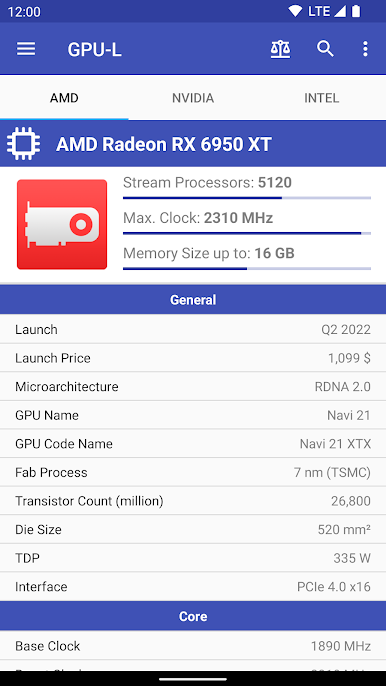
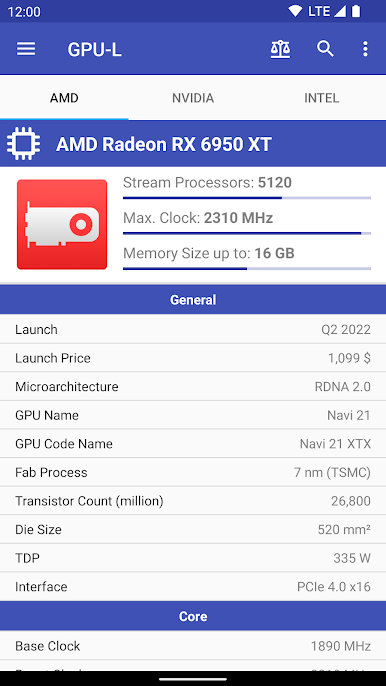
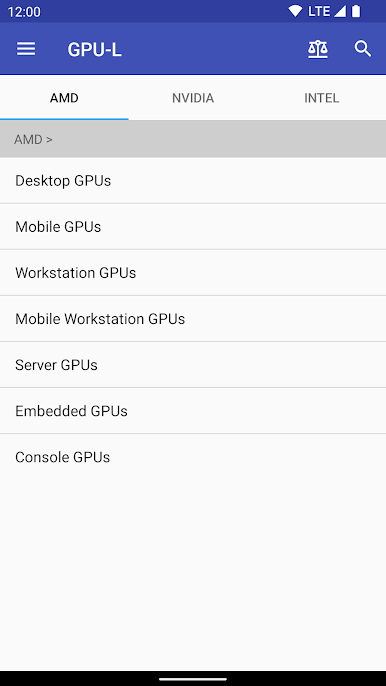
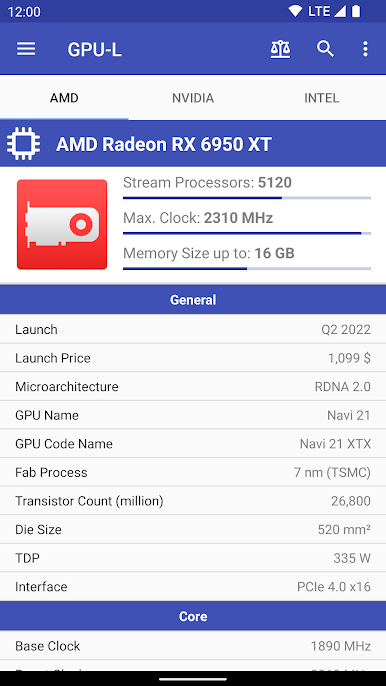
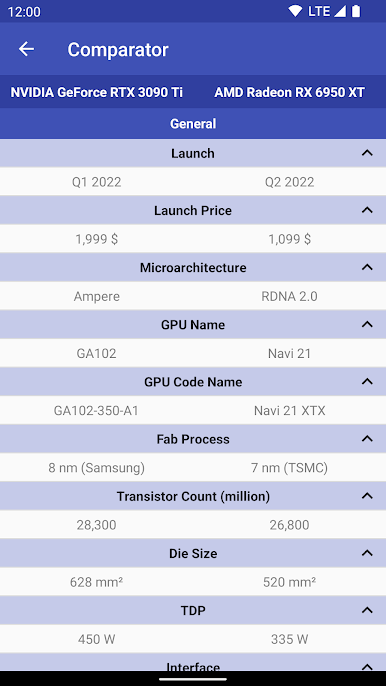
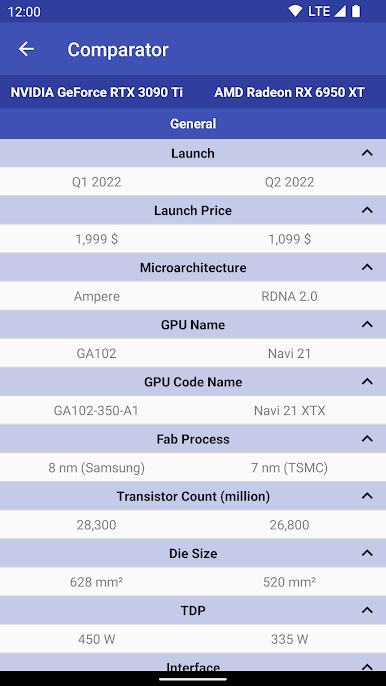
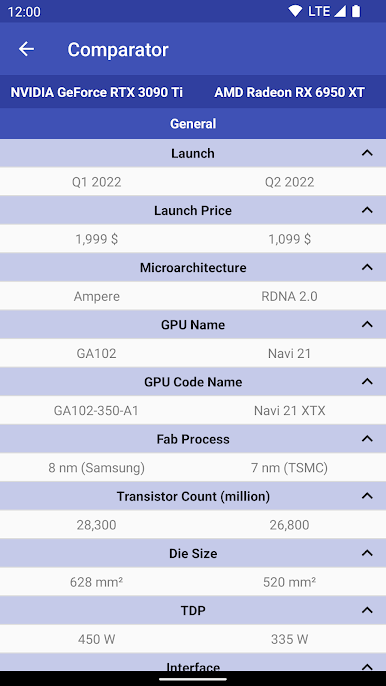
Ever feel stumped on which graphics card to add to your PC setup? GPU-L by iJR Software has you covered. This comprehensive tool allows you to access detailed specifications of all GPUs from AMD, Intel, and NVIDIA, including upcoming releases. Expect an in-depth comparison feature for up to 10 GPUs, helping you make informed decisions.
App Features
-
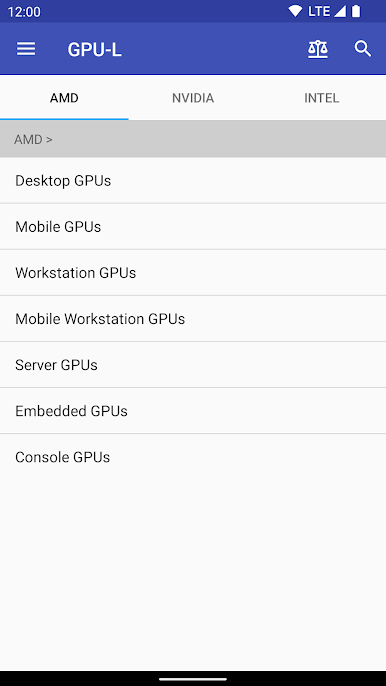
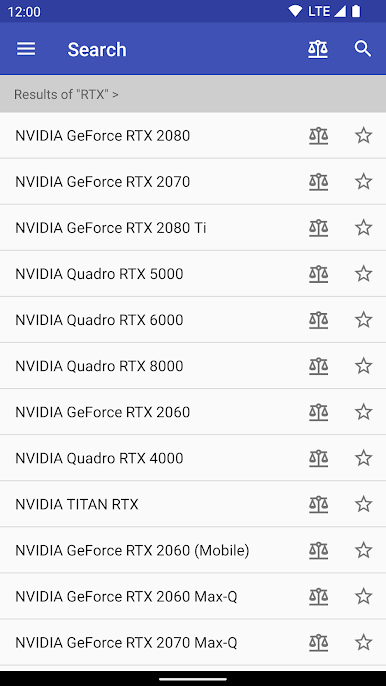
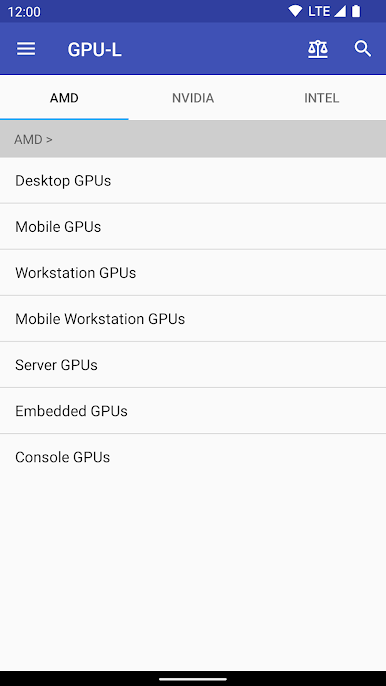
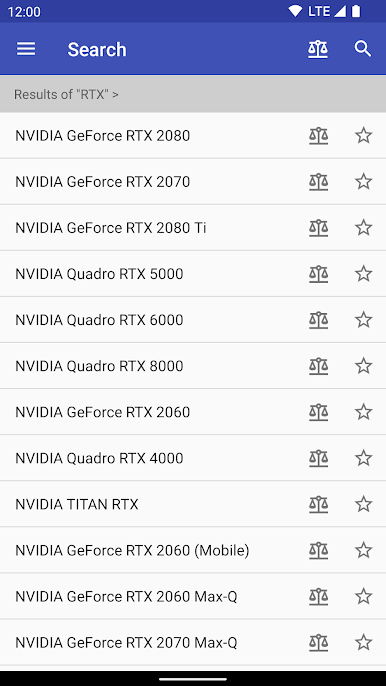
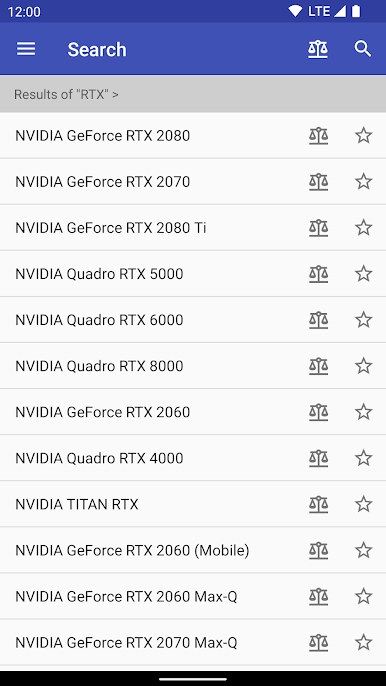
Extensive GPU Database: Browse through specs of 900+ AMD, 800+ NVIDIA, and 100+ Intel GPUs. Plus, check out the console GPUs like those for PlayStation and Xbox.
-
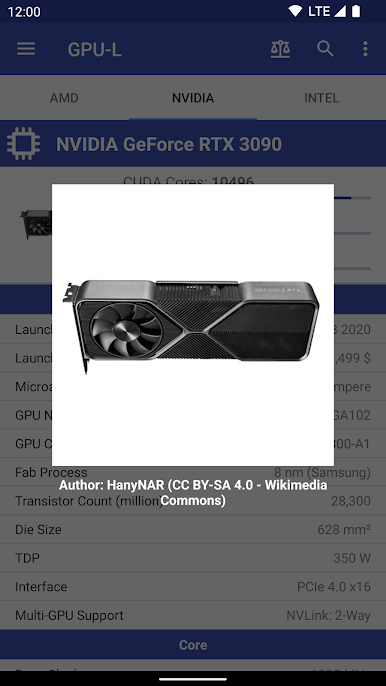
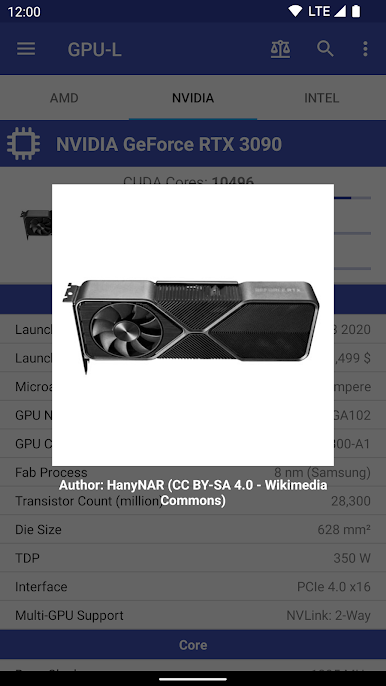
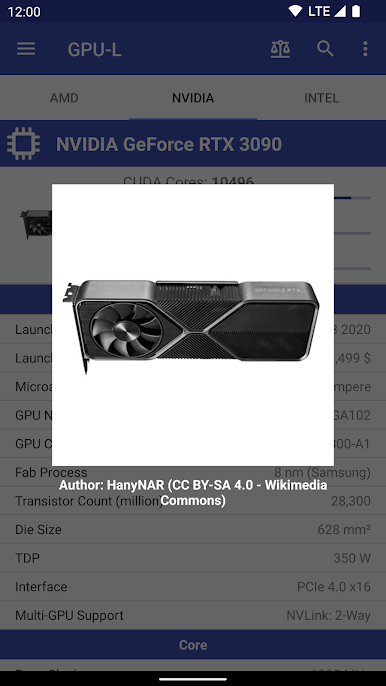
Visual Aid: Access over 200 photos of different GPUs to get a visual feel of the components.
-
Favorites Function: Keep track of your favorite GPUs by adding them to a dedicated space.
-
Database Upgrades: Enjoy updates through Over-The-Air to keep your data fresh and relevant.
-
CPU Comparator: Not just GPUs; compare specs of up to 10 CPUs too!
-
Offline Operation: Most features work without an Internet connection. Nonetheless, some might need it.
And hey, exploring this on BlueStacks could be pretty nifty!
Big screen. Bigger performance. Use BlueStacks on your PC or Mac to run your favorite apps.
在電腦上遊玩GPU-L . 輕易上手.
-
在您的電腦上下載並安裝BlueStacks
-
完成Google登入後即可訪問Play商店,或等你需要訪問Play商店十再登入
-
在右上角的搜索欄中尋找 GPU-L
-
點擊以從搜索結果中安裝 GPU-L
-
完成Google登入(如果您跳過了步驟2),以安裝 GPU-L
-
在首頁畫面中點擊 GPU-L 圖標來啟動遊戲

