

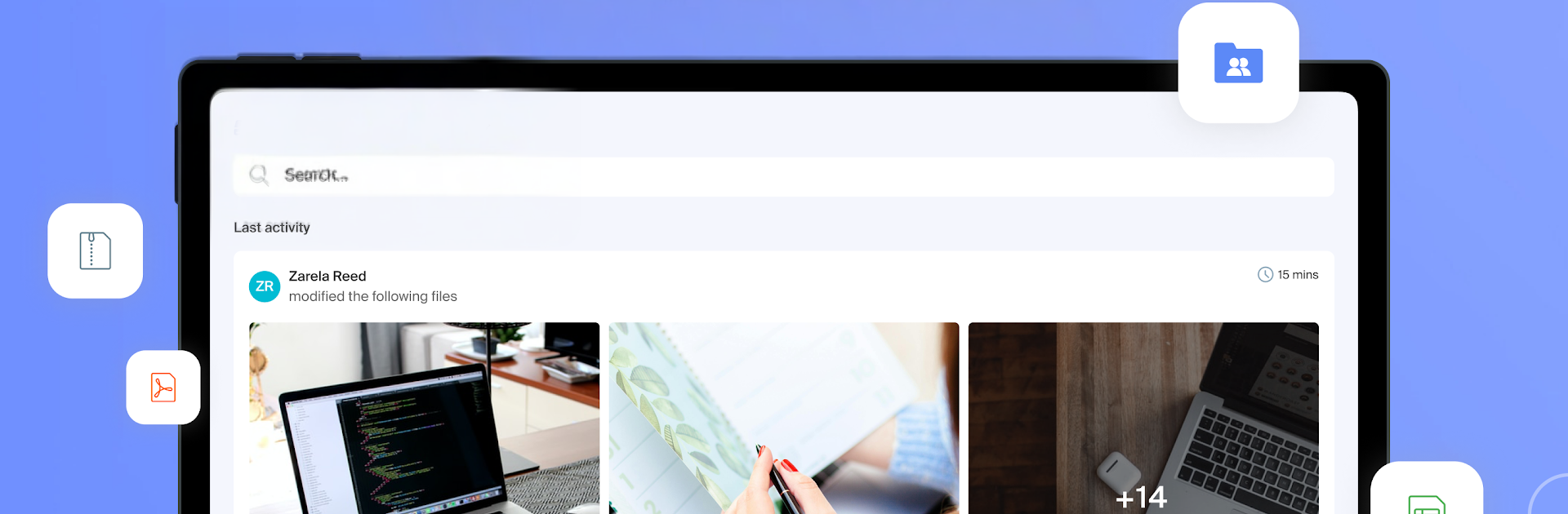
Infomaniak kDrive
Jogue no PC com BlueStacks - A Plataforma de Jogos Android, confiada por mais de 500 milhões de jogadores.

Página modificada em: Nov 7, 2025
Run Infomaniak kDrive on PC or Mac
Get freedom from your phone’s obvious limitations. Use Infomaniak kDrive, made by Infomaniak, a Productivity app on your PC or Mac with BlueStacks, and level up your experience.
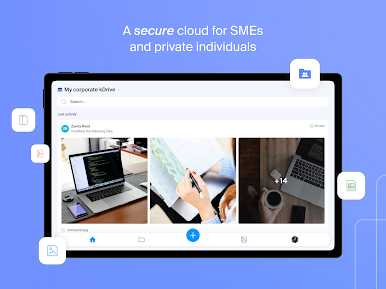
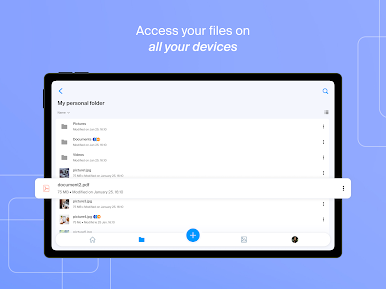
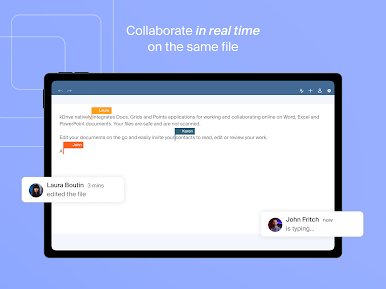
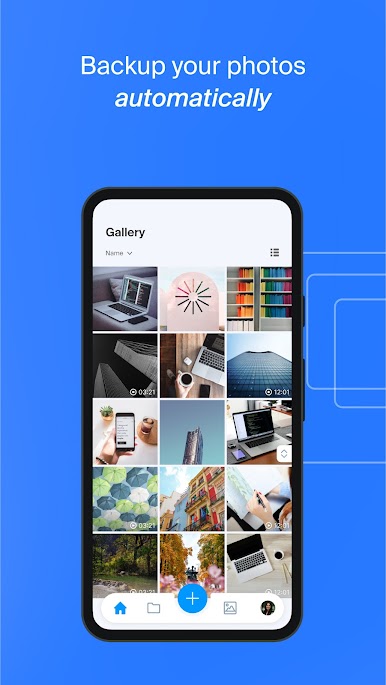
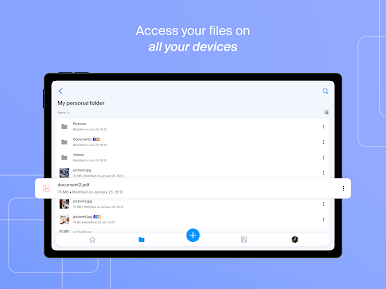
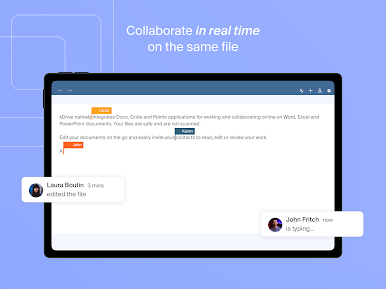
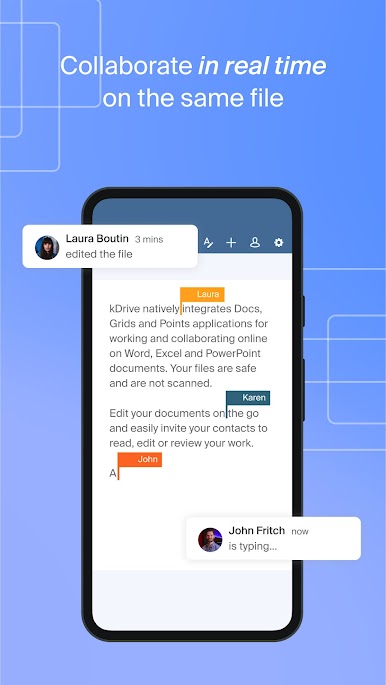
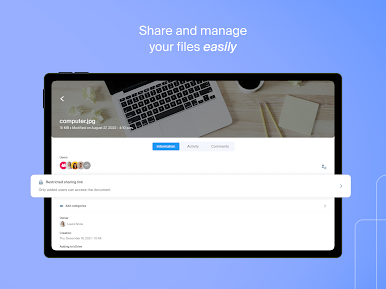
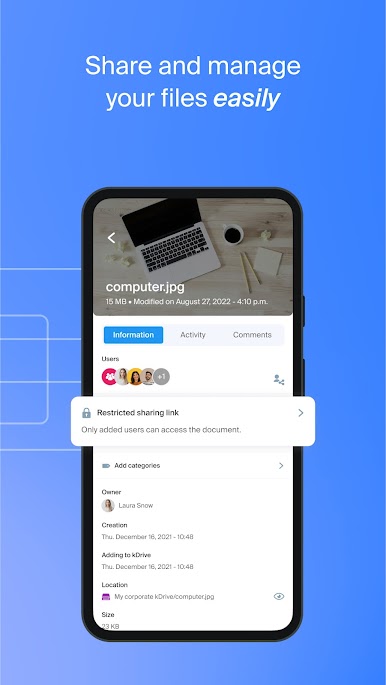
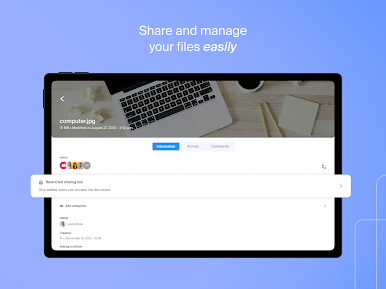
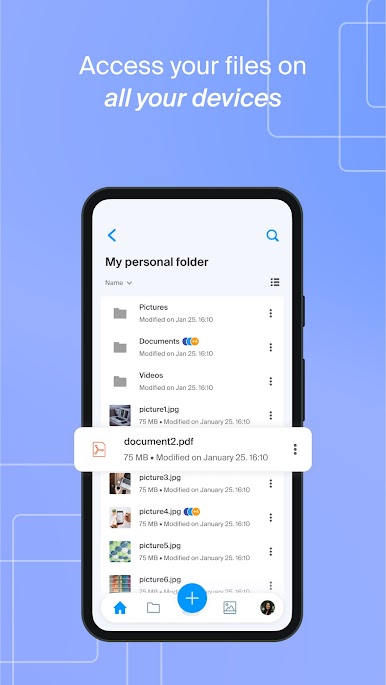
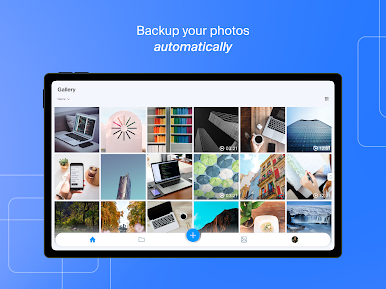
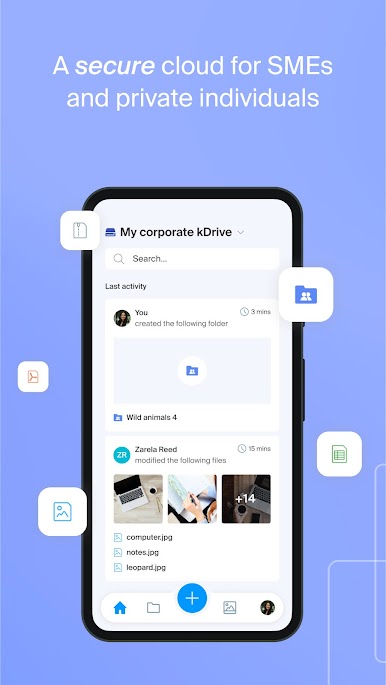
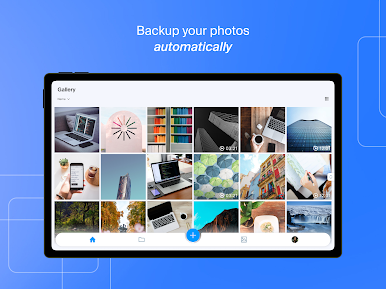
kDrive feels like a straight up, no drama cloud drive that happens to be very serious about privacy. Everything lives on servers in Switzerland, and that is kind of the whole vibe here. Quiet, tidy, reliable. The app keeps documents, photos, videos, and recordings in one place, and it is easy to share a link or peek at a file without waiting around. Photo backup runs in the background and does not nag, there is a simple scanner for receipts and forms, and an offline switch for folders that need to be available on a plane or in a dead Wi‑Fi spot. Office docs open and edit inside the app, so Word, Excel, and PowerPoint files are not a hassle. It even lets someone juggle more than one drive, which is handy if work and personal stuff need to stay separate.
On a PC with BlueStacks, it works like a neat desktop companion. Dragging files between windows feels natural, typing long filenames is faster with a keyboard, and sorting a bunch of folders is way less fiddly on a big screen. The layout scales nicely, nothing looks cramped, and the previewer is quick. The pitch about privacy is clear too. No data mining, no resale, and the company is employee owned, which will matter to people who want control. There is a free tier with a decent chunk of space for casual use, and paid plans start high with a lot of room, so it suits photographers or anyone with large archives. The app is open source as well, which adds some trust for the more techy crowd.
Switch to BlueStacks and make the most of your apps on your PC or Mac.
Jogue Infomaniak kDrive no PC. É fácil começar.
-
Baixe e instale o BlueStacks no seu PC
-
Conclua o login do Google para acessar a Play Store ou faça isso mais tarde
-
Procure por Infomaniak kDrive na barra de pesquisa no canto superior direito
-
Clique para instalar Infomaniak kDrive a partir dos resultados da pesquisa
-
Conclua o login do Google (caso você pulou a etapa 2) para instalar o Infomaniak kDrive
-
Clique no ícone do Infomaniak kDrive na tela inicial para começar a jogar

