


Infomaniak kSync
在電腦上使用BlueStacks –受到5億以上的遊戲玩家所信任的Android遊戲平台。

Run Infomaniak kSync on PC or Mac
Upgrade your experience. Try Infomaniak kSync, the fantastic Tools app from Infomaniak, from the comfort of your laptop, PC, or Mac, only on BlueStacks.
Infomaniak kSync is one of those quiet, useful tools that just keeps life tidy. It links Infomaniak WorkSpace with Android so contacts and calendars stay in step, then lets the default Contacts and Calendar apps handle the rest. Setup is simple enough. Sign in, grant the permissions, pick which address books and calendars to bring over, and it starts filling things in without fuss. Changes flow both ways, so dropping a new event or editing a phone number shows up across devices after a short sync, no juggling files or export tricks.
The vibe is very straightforward. A clean list of accounts, clear switches for what to sync, a manual refresh if someone wants to force it, and not much else to distract. It runs on the DAVx5 backbone, which is open source, so it feels trustworthy and not nosy about data. On BlueStacks it behaves the same as on a phone, which is handy if someone likes managing contacts or planning stuff from a PC. A calendar added in the emulator appears back in WorkSpace, and the phone sees it too, which is oddly satisfying.
There is no flashy design here, just a small, stable app that focuses on doing sync right. People deep in the Infomaniak ecosystem will probably appreciate how little maintenance it needs once it is set up.
Big screen. Bigger performance. Use BlueStacks on your PC or Mac to run your favorite apps.
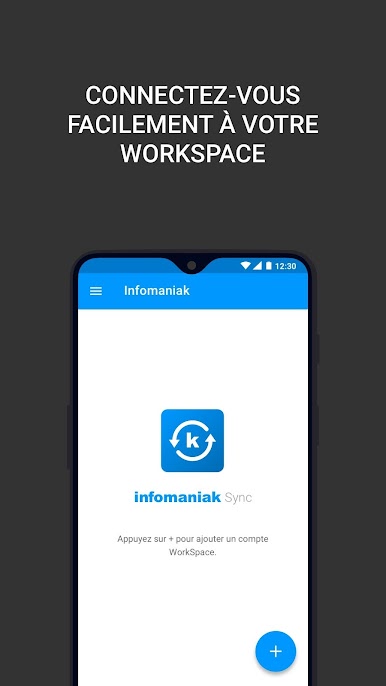
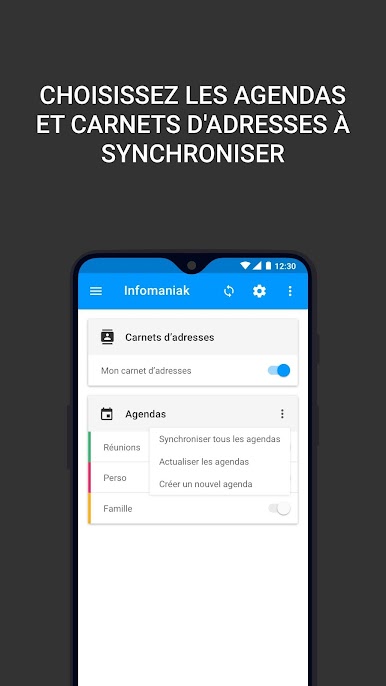
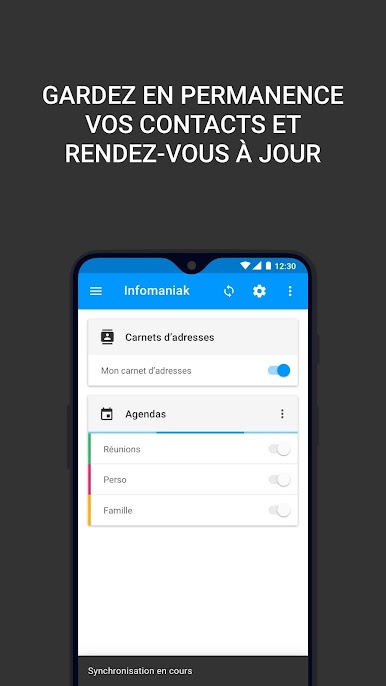
在電腦上遊玩Infomaniak kSync . 輕易上手.
-
在您的電腦上下載並安裝BlueStacks
-
完成Google登入後即可訪問Play商店,或等你需要訪問Play商店十再登入
-
在右上角的搜索欄中尋找 Infomaniak kSync
-
點擊以從搜索結果中安裝 Infomaniak kSync
-
完成Google登入(如果您跳過了步驟2),以安裝 Infomaniak kSync
-
在首頁畫面中點擊 Infomaniak kSync 圖標來啟動遊戲

