

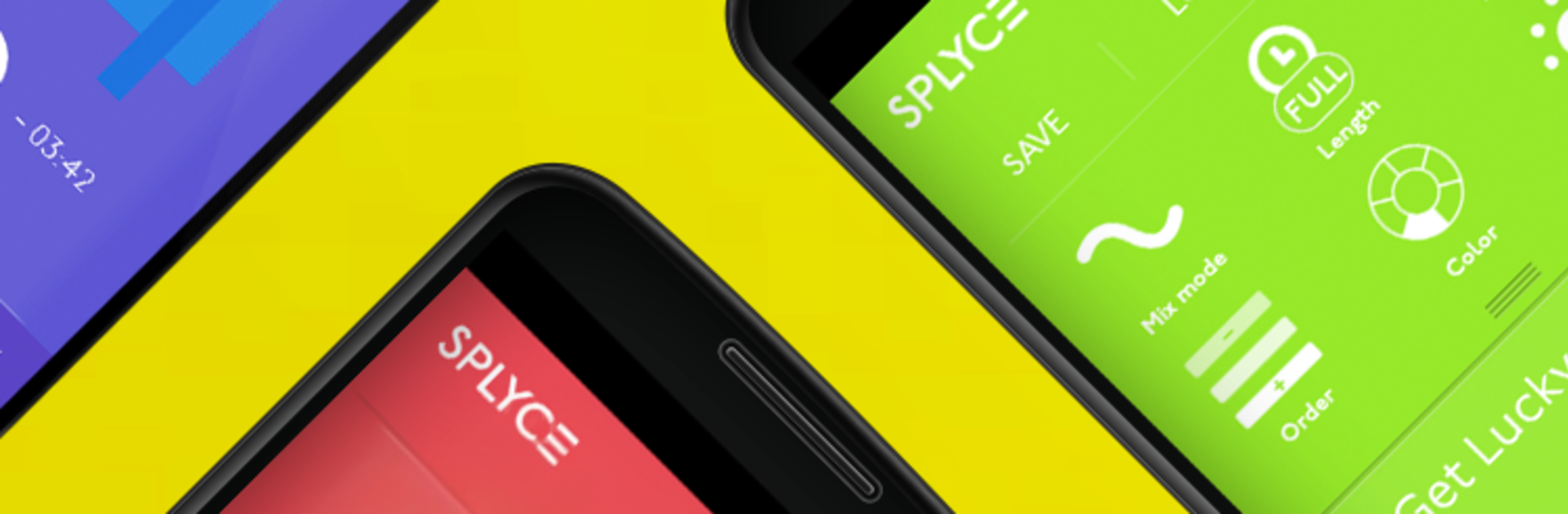
Splyce music player & automix
Jogue no PC com BlueStacks - A Plataforma de Jogos Android, confiada por mais de 500 milhões de jogadores.

Página modificada em: Dec 2, 2022
Run Splyce music player & automix on PC or Mac
What’s better than using Splyce music player & automix by InQBarna Kenkyuu Jo? Well, try it on a big screen, on your PC or Mac, with BlueStacks to see the difference.
About the App
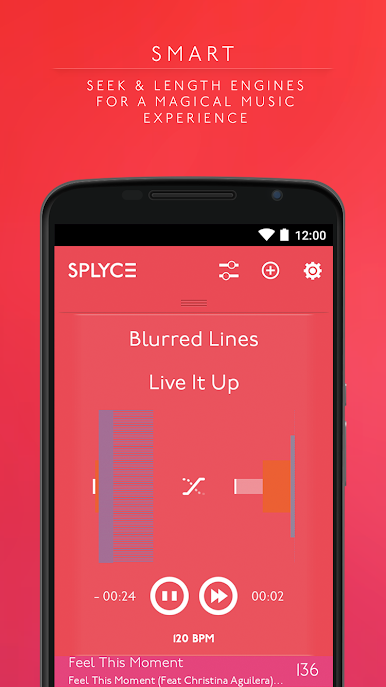
Wish your music player could mix tracks like a DJ without any fuss? Splyce music player & automix from InQBarna Kenkyuu Jo takes your playlists and turns them into smooth, beat-aware sets that feel curated in real time. It’s a Music & Audio app you can use every day, whether you’re hanging out at home, training hard, or setting a vibe for a crowd. Prefer listening from your computer? It also runs nicely on BlueStacks.
App Features
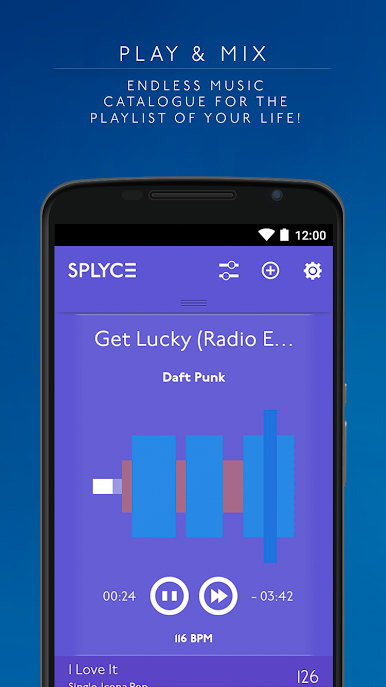
- Auto‑Mix Engine: Hear real transitions between songs with clean blends and timing that just makes sense.
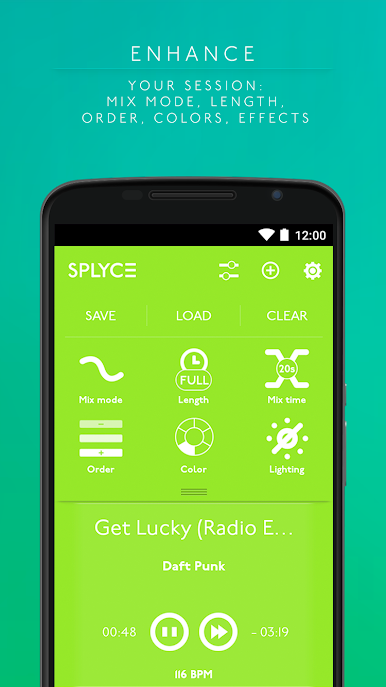
- BPM Smart Order: Splyce detects tempo and can sort your queue by BPM, helping your set rise or cool off exactly when you want.
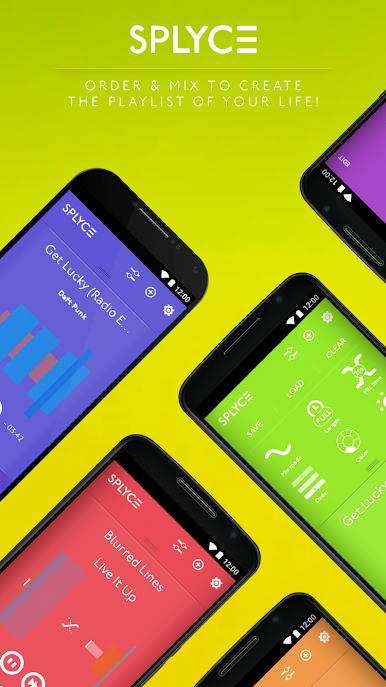
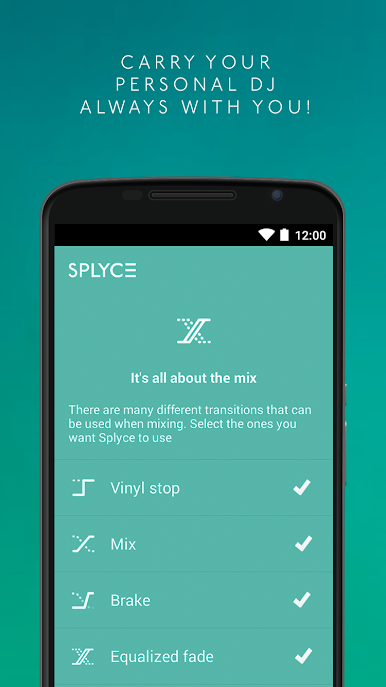
- Custom Transitions: Choose mixing modes, pick transition styles, and set how long each crossfade lasts to match the mood.
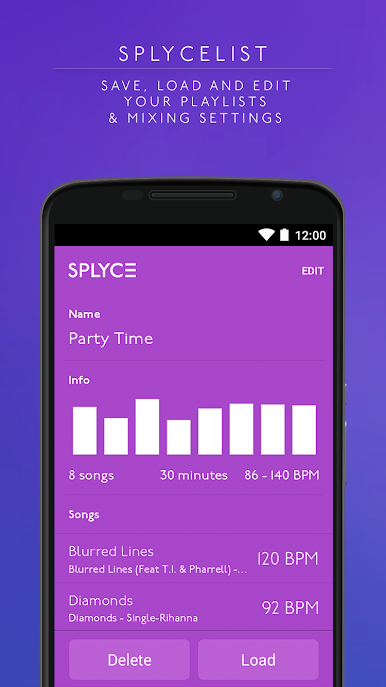
- Splycelists: Save playlists together with your automix settings so you can replay the same flow any time.
- Quick Queue Control: Swipe to remove or auto‑order tracks, or press and hold to drag songs into the perfect spot.
- Visual Planning: Handy cues and optional default track length make it easier to shape pacing without overthinking it.
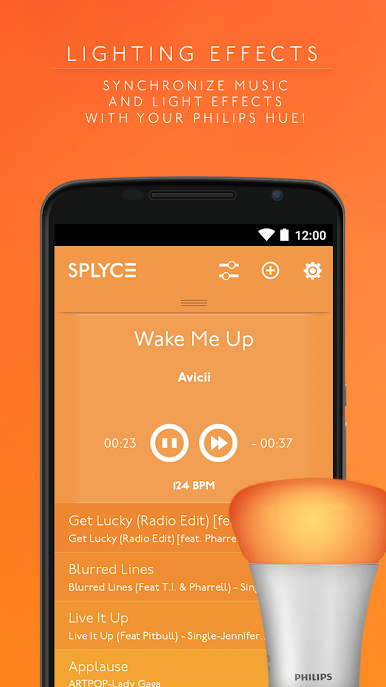
- Color Themes & Lights: Switch up the look with multiple color themes, plus beat‑synced light effects; Philips Hue support is available.
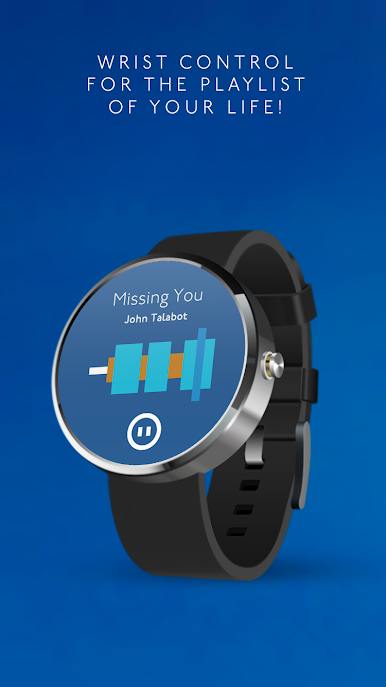
- Everyday Player Basics: Play, pause, skip, search, and build playlists—just like a regular player, only smarter.
- Built for Any Moment: Great for parties, workouts, or background music in shops, restaurants, or gyms.
Eager to take your app experience to the next level? Start right away by downloading BlueStacks on your PC or Mac.

Jogue Splyce music player & automix no PC. É fácil começar.
-
Baixe e instale o BlueStacks no seu PC
-
Conclua o login do Google para acessar a Play Store ou faça isso mais tarde
-
Procure por Splyce music player & automix na barra de pesquisa no canto superior direito
-
Clique para instalar Splyce music player & automix a partir dos resultados da pesquisa
-
Conclua o login do Google (caso você pulou a etapa 2) para instalar o Splyce music player & automix
-
Clique no ícone do Splyce music player & automix na tela inicial para começar a jogar

