


Skinbeast: Get CS2 Skins
在電腦上使用BlueStacks –受到5億以上的遊戲玩家所信任的Android遊戲平台。

Run Skinlion - Get CS:GO Skins on PC or Mac
Let BlueStacks turn your PC, Mac, or laptop into the perfect home for Skinlion – Get CS:GO Skins, a fun Entertainment app from INSCODE.
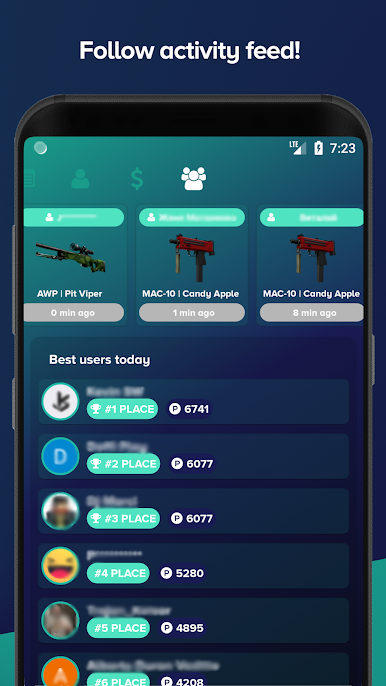
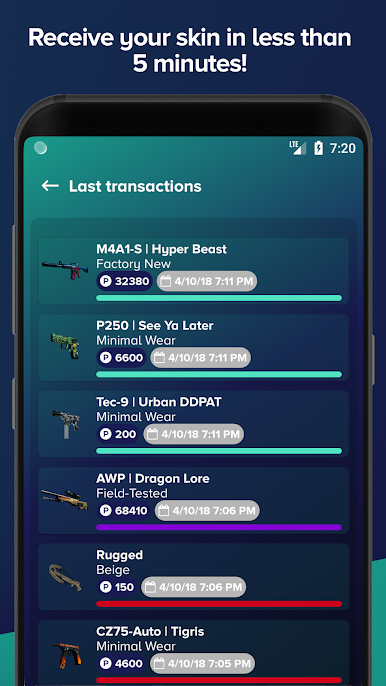
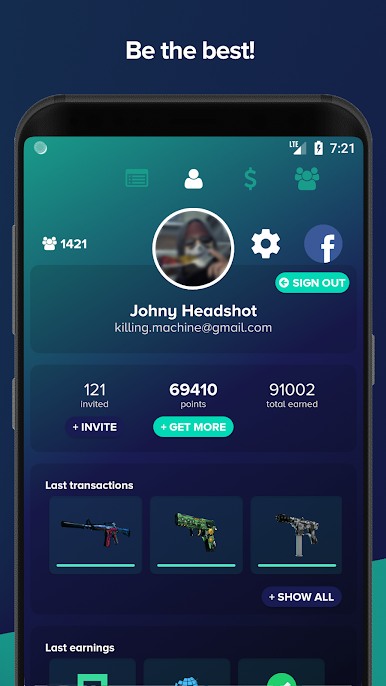
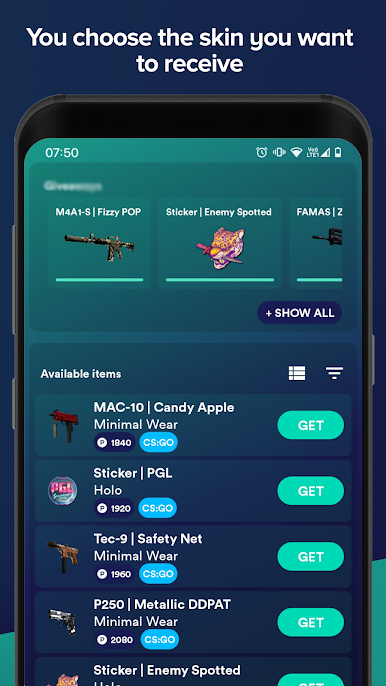
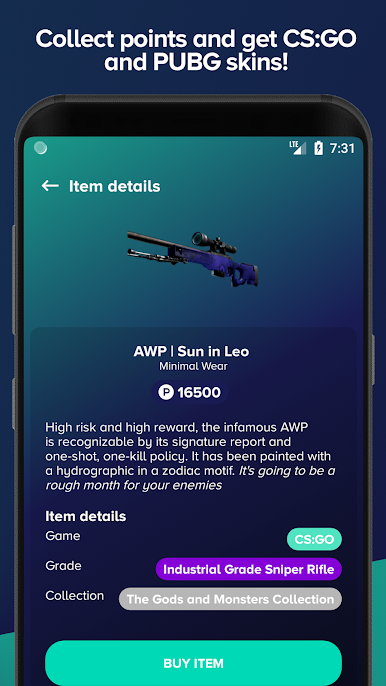
So Skinlion is basically an app for anyone who’s into CS:GO skins and doesn’t wanna spend a bunch of money chasing them. The idea is simple: you earn points by doing little things like checking in every day, installing other apps, inviting friends, watching some videos, or going through quick surveys. Once there are enough points racked up, you can exchange them for different CS:GO skins—stuff like weapon skins, stickers, keys, graffiti, that kind of thing. If someone’s running it on a PC with BlueStacks, it actually feels more roomy than swiping around a phone; clicking around is faster and there’s less fumbling with trades or daily checks.
One thing that stands out is how upfront the app is about how to actually get points or what to do if something goes wrong. The app explains why certain rewards might not show up right away, like needing to use a different IP or making sure an invited friend is active enough to count. For the trades, everything ties back to providing the right Steam Trade URL and making sure the account isn’t private or trade-locked, otherwise the rewards just won’t get delivered. Items get restocked pretty often, so even if there’s nothing cool up, there’s a decent chance of something popping up soon. All the waiting around or confusion about missing points or delays has kind of been thought through—it feels like someone actually knows what could trip people up, instead of just tossing FAQ text in there. Not a game or anything, but if someone’s got patience and likes a small grind for CS:GO stuff, it does what it promises.
Eager to take your app experience to the next level? Start right away by downloading BlueStacks on your PC or Mac.
在電腦上遊玩Skinbeast: Get CS2 Skins . 輕易上手.
-
在您的電腦上下載並安裝BlueStacks
-
完成Google登入後即可訪問Play商店,或等你需要訪問Play商店十再登入
-
在右上角的搜索欄中尋找 Skinbeast: Get CS2 Skins
-
點擊以從搜索結果中安裝 Skinbeast: Get CS2 Skins
-
完成Google登入(如果您跳過了步驟2),以安裝 Skinbeast: Get CS2 Skins
-
在首頁畫面中點擊 Skinbeast: Get CS2 Skins 圖標來啟動遊戲

