


아이오나 보이스 메트로놈
5억명 이상의 게이머가 신뢰하는 안드로이드 게임 플랫폼 BlueStacks으로 PC에서 플레이하세요.

Run Voice Metronome by IonaPlays on PC or Mac
Upgrade your experience. Try Voice Metronome by IonaPlays, the fantastic Music & Audio app from IonaWorks Co. Ltd., from the comfort of your laptop, PC, or Mac, only on BlueStacks.
About the App
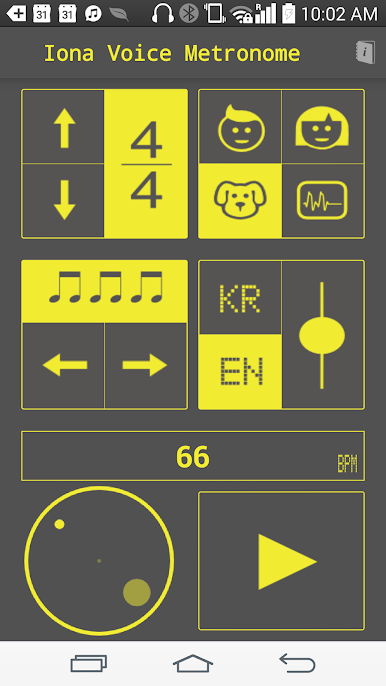
Tired of those lifeless metronomes that just beep at you? Voice Metronome by IonaPlays brings a fresh twist to your rhythm practice. Instead of the usual clicks, you’ll actually hear spoken numbers—kind of like having your own music teacher keeping time for you. If you play a wind instrument or just want something more personal while working on your tempo, this app just makes practice feel a bit more real and a lot less robotic.
App Features
-
Real Voice Counting
Forget generic beeps—get counted in with voice guidance, making every beat feel purposeful (and honestly, harder to ignore). -
Simple, No-Nonsense Setup
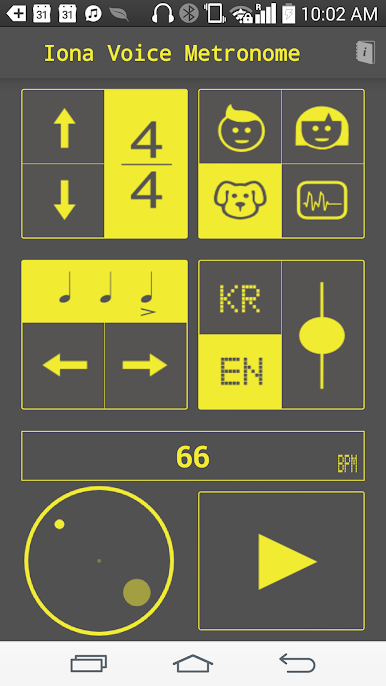
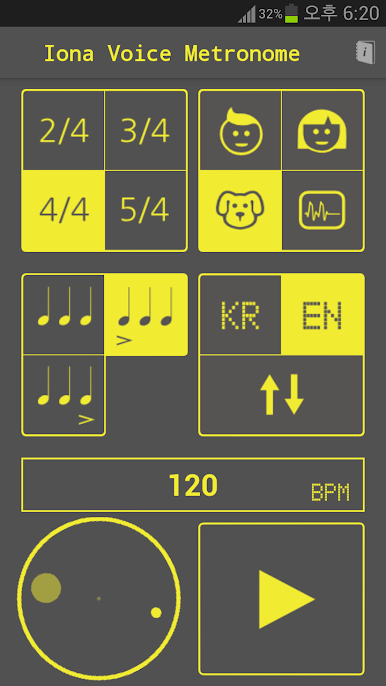
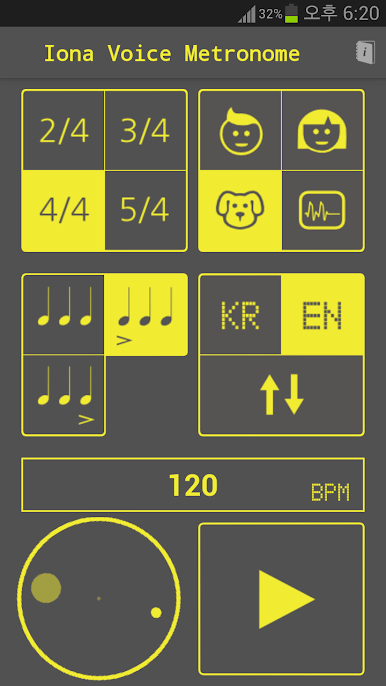
Launch and go. The easy interface keeps things straightforward, so you spend less time fiddling and more time playing. -
Customizable Sub-Beats
Want to practice trickier rhythms? You can add more sub-beats to fit your music, whether you’re learning a new jazz lick or tightening up a complex solo. -
Multiple Language Support
Voices are available in English and Korean, giving you options if you need a change in your routine. -
Great for Wind Players
Specially handy if you’re on saxophone, trumpet, or any wind instrument—just set it down and listen as you play, no awkward glancing at your phone. -
Works Smoothly with BlueStacks
Looking to use it on a bigger screen? The app runs well on BlueStacks, letting you practice alongside your computer setup.
No more guessing if you’re behind or ahead. With Voice Metronome by IonaPlays, it’s like having an instructor counting you in, wherever you are.
BlueStacks brings your apps to life on a bigger screen—seamless and straightforward.


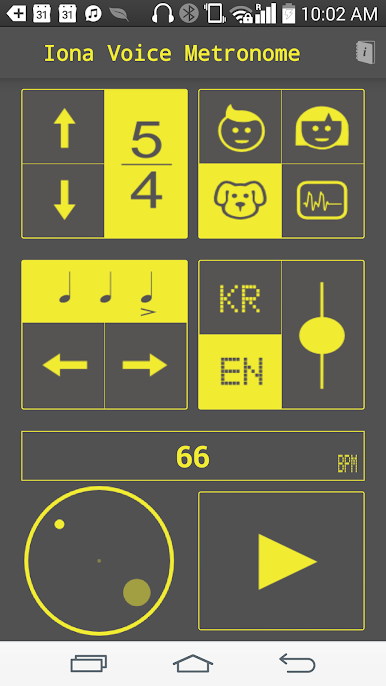

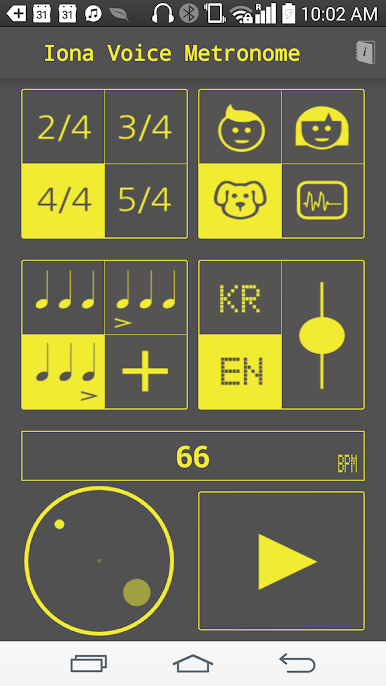
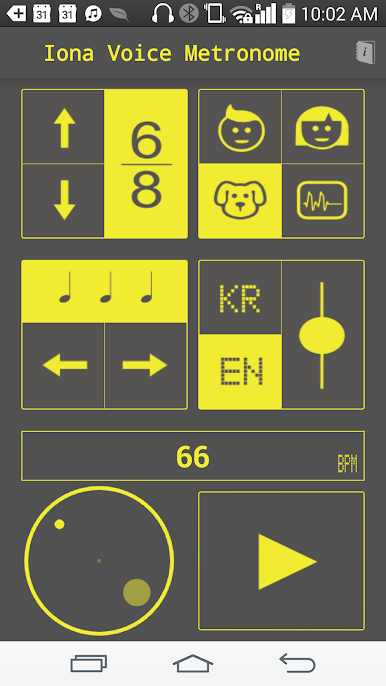

PC에서 아이오나 보이스 메트로놈 플레이해보세요.
-
BlueStacks 다운로드하고 설치
-
Google Play 스토어에 로그인 하기(나중에 진행가능)
-
오른쪽 상단 코너에 아이오나 보이스 메트로놈 검색
-
검색 결과 중 아이오나 보이스 메트로놈 선택하여 설치
-
구글 로그인 진행(만약 2단계를 지나갔을 경우) 후 아이오나 보이스 메트로놈 설치
-
메인 홈화면에서 아이오나 보이스 메트로놈 선택하여 실행

