


C-MAP Boating
العب على الكمبيوتر الشخصي مع BlueStacks - نظام أندرويد للألعاب ، موثوق به من قبل أكثر من 500 مليون لاعب.

Run C-MAP Boating on PC or Mac
Get freedom from your phone’s obvious limitations. Use C-MAP Boating, made by Navico Norway AS, a Maps & Navigation app on your PC or Mac with BlueStacks, and level up your experience.
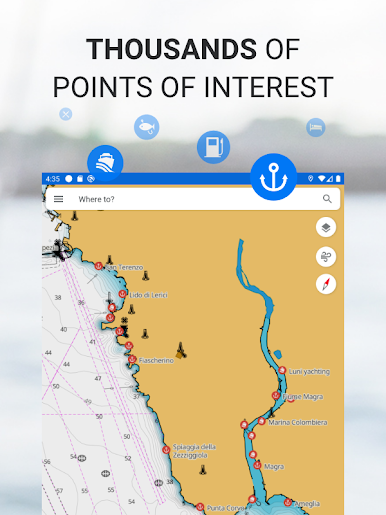
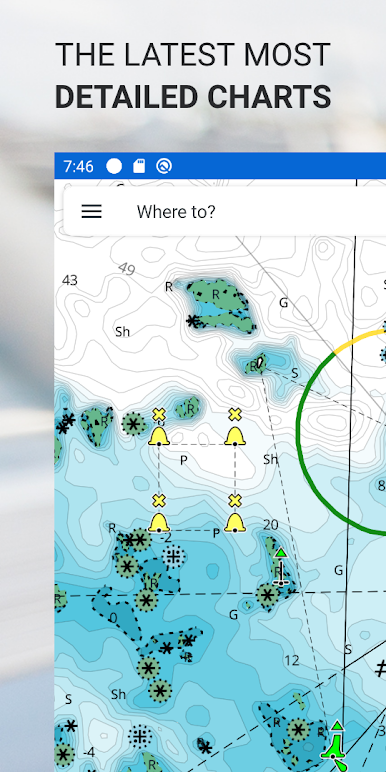
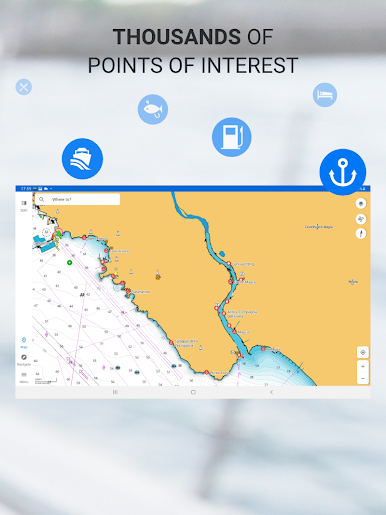
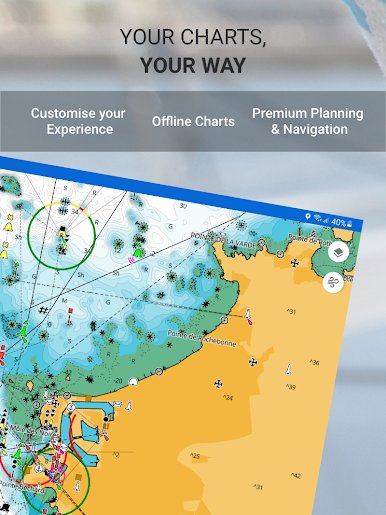
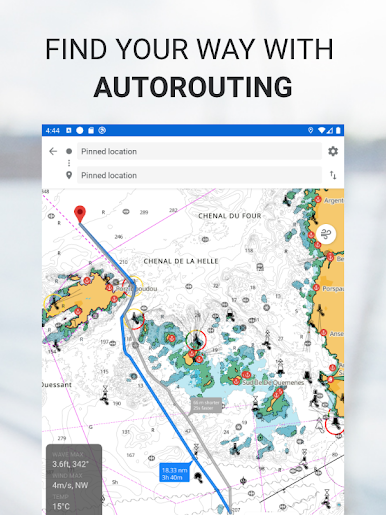
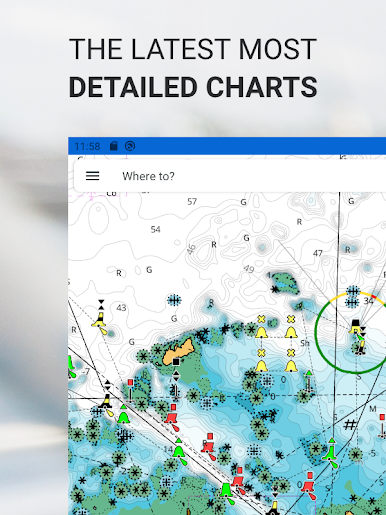
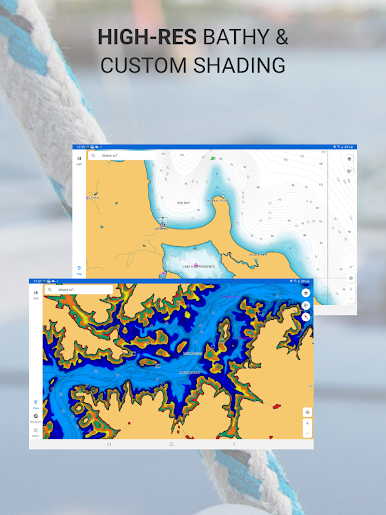
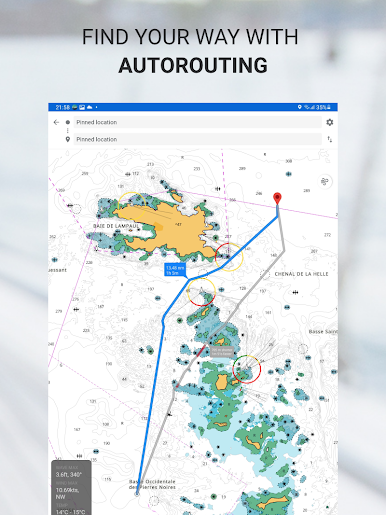
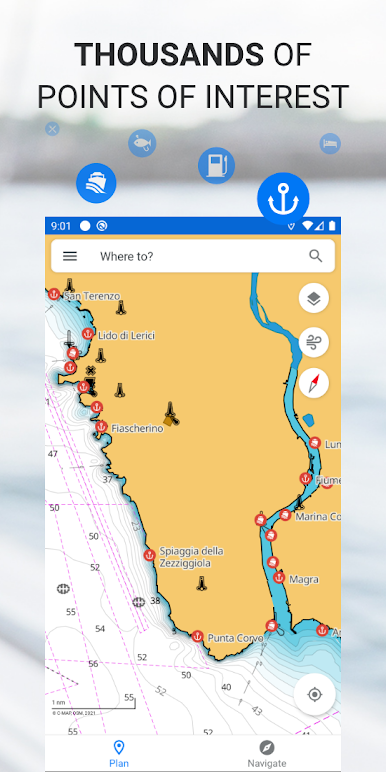
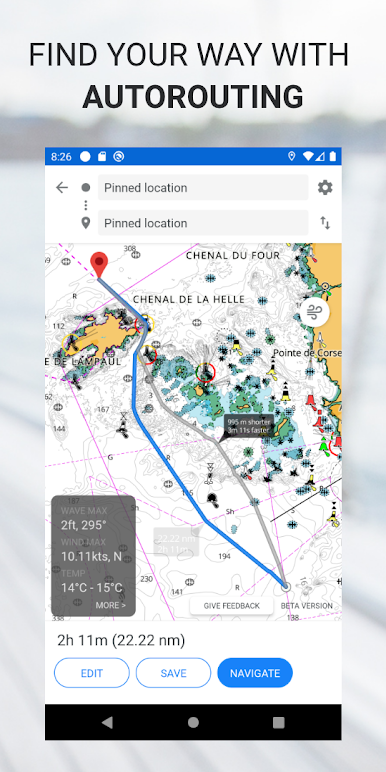
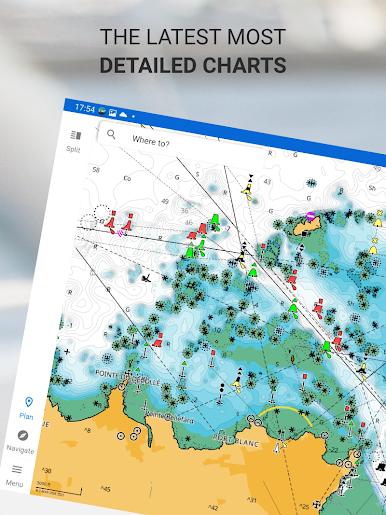
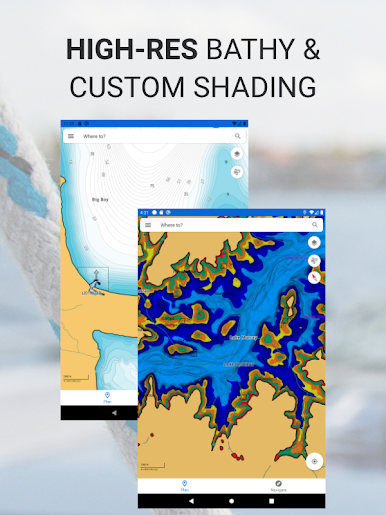
C-MAP Boating is one of those apps that feels made for people who love being out on the water, but it’s just as useful sitting at a desk planning a dream trip. On PC with something like BlueStacks, the bigger screen really helps – all the charts and features are much easier to see, and it just feels less cramped. The whole idea is that you can check out really detailed, up-to-date marine maps for pretty much anywhere, and plan out routes, drop waypoints, or scope out interesting spots before you go. There’s a lot in here: route planning shows you the best path to where you want to go, you can keep track of where you’ve been, and there are loads of built-in points of interest already marked on the map.
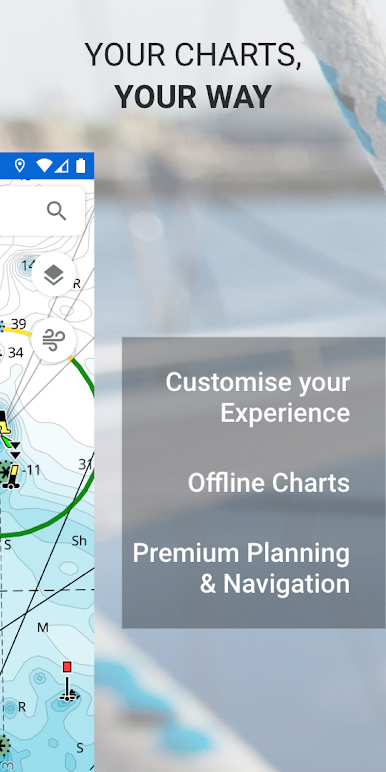
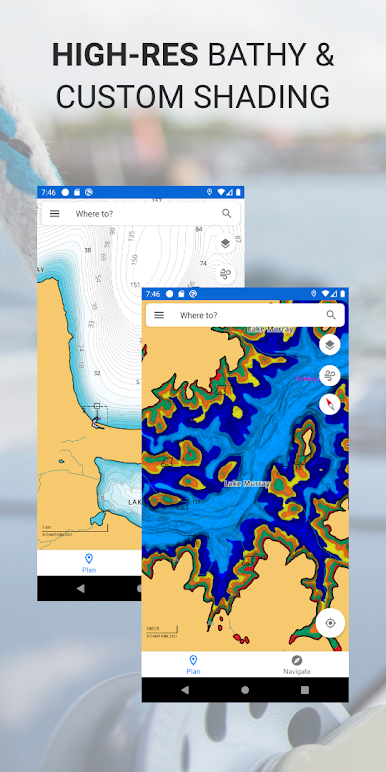
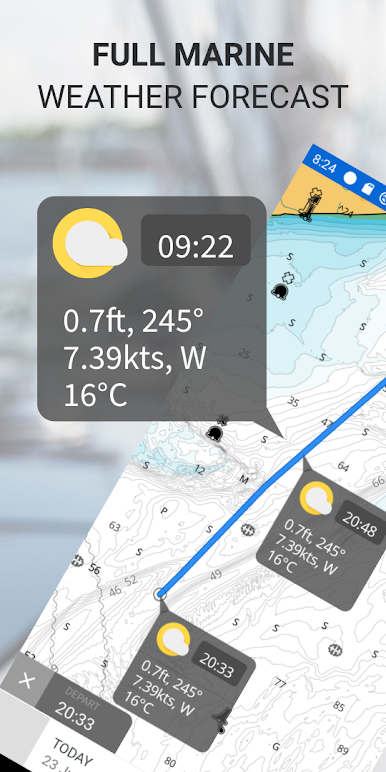
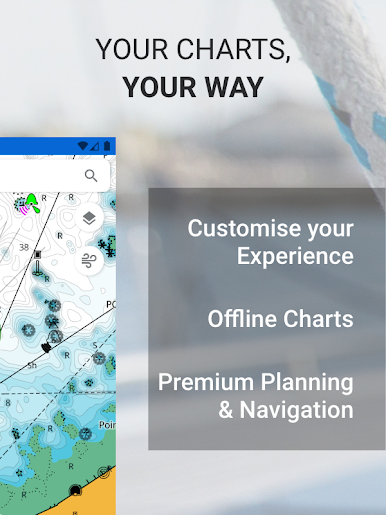
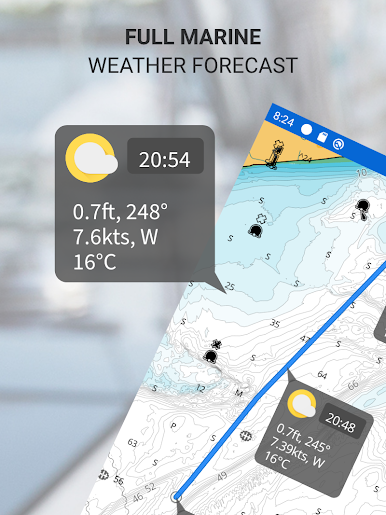
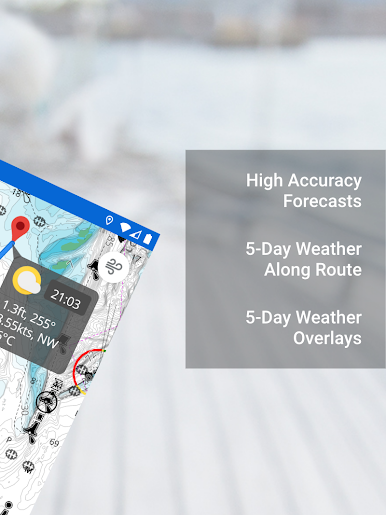
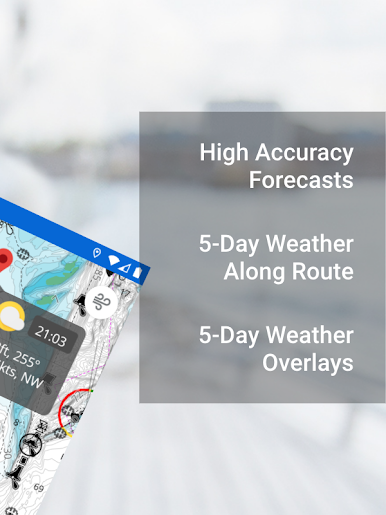
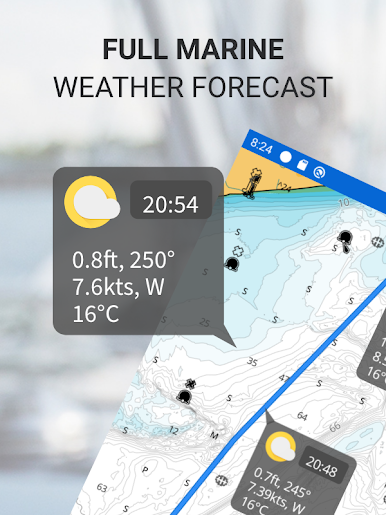
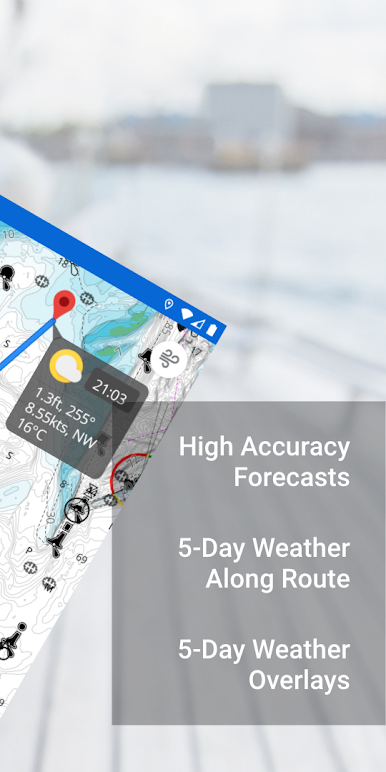
It’s pretty handy for checking weather too, not just the current forecast, but even along your planned route, and it puts weather data right on the map if that’s something you want to see. People who like to customize stuff will get a kick out of being able to tweak the map a bit – highlight depths or just make it look how they want. Sharing routes is simple, since you can import and export files if you’re planning with friends. There’s a free version, then unlockable stuff like downloading maps for offline use or GPS tracking if you go for their premium. The nice thing is the app stays updated regularly, so it doesn’t feel outdated or clunky even if you’re using it mostly for planning on your laptop. The whole thing is straightforward, not bloated with stuff you don’t need, and just makes heading out on the water (or dreaming about it) a bit easier.
Switch to BlueStacks and make the most of your apps on your PC or Mac.
العب C-MAP Boating على جهاز الكمبيوتر. من السهل البدء.
-
قم بتنزيل BlueStacks وتثبيته على جهاز الكمبيوتر الخاص بك
-
أكمل تسجيل الدخول إلى Google للوصول إلى متجر Play ، أو قم بذلك لاحقًا
-
ابحث عن C-MAP Boating في شريط البحث أعلى الزاوية اليمنى
-
انقر لتثبيت C-MAP Boating من نتائج البحث
-
أكمل تسجيل الدخول إلى Google (إذا تخطيت الخطوة 2) لتثبيت C-MAP Boating
-
انقر على أيقونة C-MAP Boating على الشاشة الرئيسية لبدء اللعب

