

motionEye
5억명 이상의 게이머가 신뢰하는 안드로이드 게임 플랫폼 BlueStacks으로 PC에서 플레이하세요.

Run motionEye on PC or Mac
Upgrade your experience. Try motionEye, the fantastic Tools app from FutureJJ, from the comfort of your laptop, PC, or Mac, only on BlueStacks.
About the App
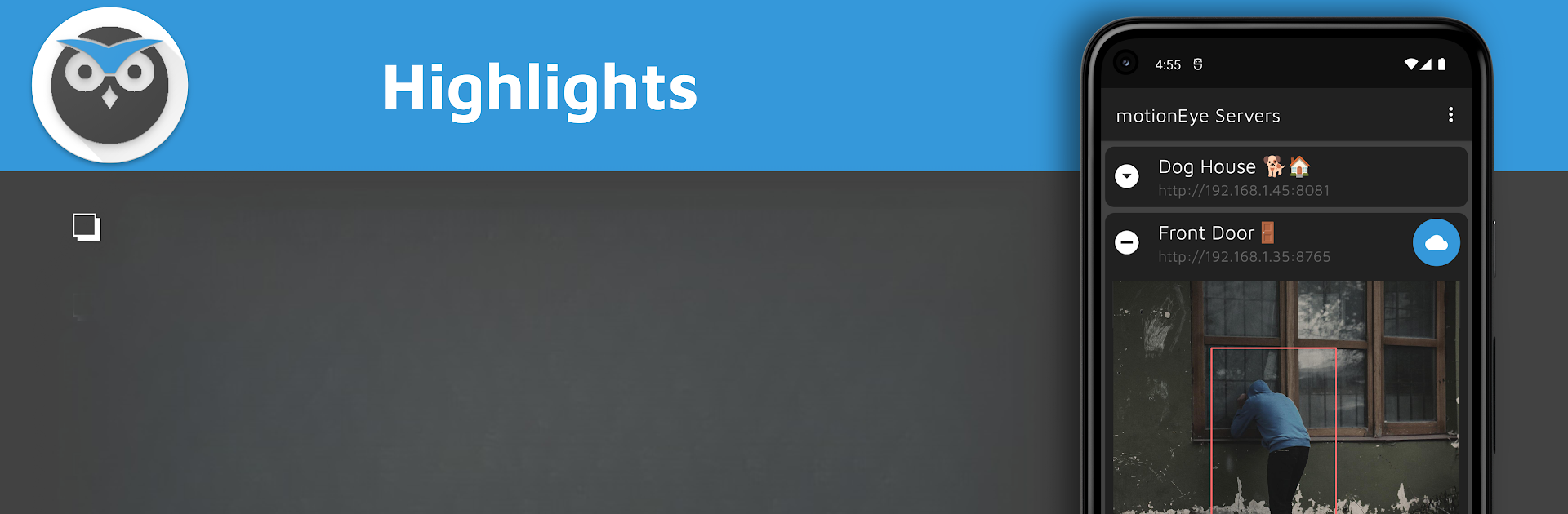
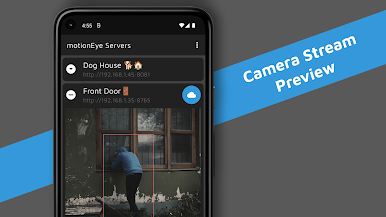
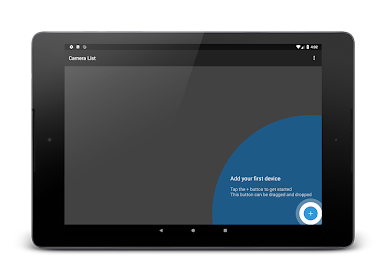
Ever wish you could manage all your security cameras in a single spot—without the hassle? motionEye, created by FutureJJ in the Tools category, lets you keep tabs on every camera powered by motionEye right from one simple app. Whether it’s checking in on your home, keeping an eye on your workspace, or just making sure everything’s alright, motionEye is all about making that process quick and easy. If you already use motionEye devices, you’ll feel right at home here, and it works great on your PC using BlueStacks if you want a bigger view.
App Features
-
Quick Camera Monitoring
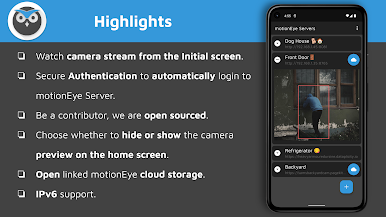
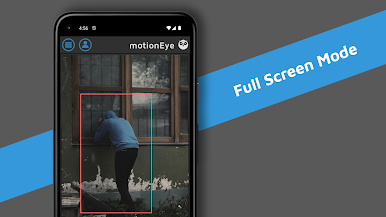
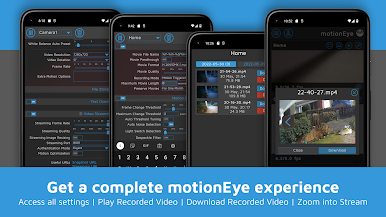
See live feeds from every motionEye-powered camera you’ve set up, all together on your main screen—no jumping around between separate windows. -
Download and Save Footage
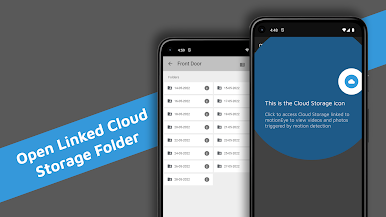
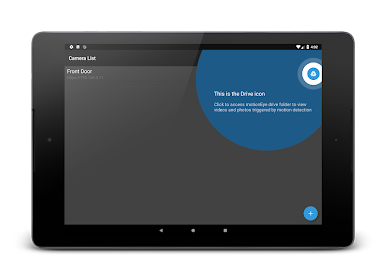
Need to save a clip or photo that caught your eye? Easily download motion-triggered videos or snapshots straight to your connected cloud storage, like Google Drive. -
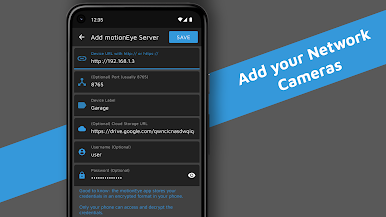
Add Multiple Cameras
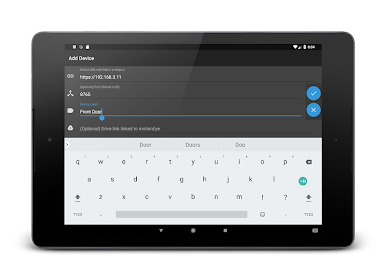
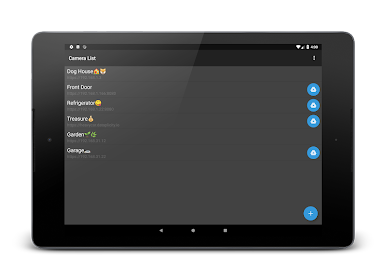
Got more than one camera? Just add as many as you want. You get full control and can keep all your feeds organized, whether it’s for home, office, or both. -
Stream Support
Not limited to official gear—if you’ve got other network cameras (even if they’re not motionEye at heart), there’s a good chance you can add those into the mix. -
Smooth Help and Troubleshooting
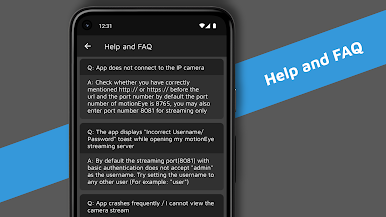
Stuck on something? There’s a dedicated Help and FAQ section ready to walk you through common problems, so you’re not left on your own. -
Open Source Contributions
Feeling techy? motionEye is open source, so you’re welcome to get involved and help shape future updates. -
Runs Great with BlueStacks
Want that security station feel? Set up motionEye on your computer with BlueStacks for a wider, comfortable view.
Plug in your cameras, link your cloud, and you’re set—motionEye does the heavy lifting, so you don’t have to fuss.
Ready to experience motionEye on a bigger screen, in all its glory? Download BlueStacks now.
PC에서 motionEye 플레이해보세요.
-
BlueStacks 다운로드하고 설치
-
Google Play 스토어에 로그인 하기(나중에 진행가능)
-
오른쪽 상단 코너에 motionEye 검색
-
검색 결과 중 motionEye 선택하여 설치
-
구글 로그인 진행(만약 2단계를 지나갔을 경우) 후 motionEye 설치
-
메인 홈화면에서 motionEye 선택하여 실행

