


Build Prop Editor
在電腦上使用BlueStacks –受到5億以上的遊戲玩家所信任的Android遊戲平台。

Run Build Prop Editor on PC or Mac
Upgrade your experience. Try Build Prop Editor, the fantastic Tools app from joeykrim, from the comfort of your laptop, PC, or Mac, only on BlueStacks.
About the App
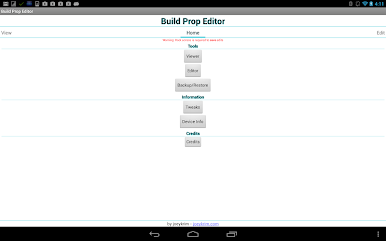
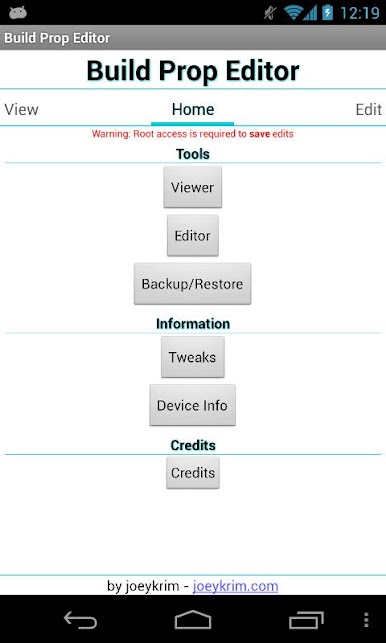
Ever wanted a simple way to peek into or tweak your device’s system settings? Build Prop Editor by joeykrim puts those options in your hands. Whether you’re just curious about what’s going on under the hood or you actually want to get in there and make tweaks, this app makes the whole process a lot less intimidating (and way easier to manage). Expect a straightforward experience, and if you’re running with root access, you’ll get even more out of it.
App Features
-
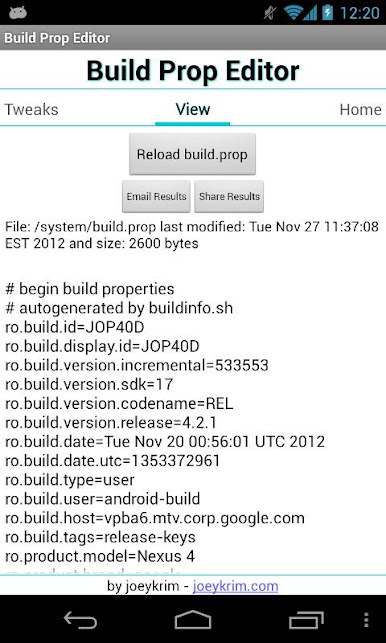
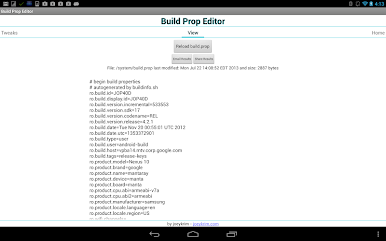
See What’s Inside
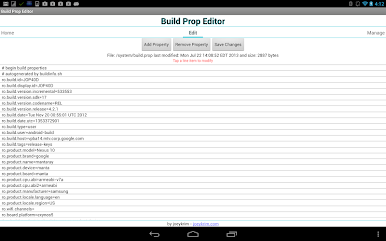
Browse through your current build.prop file and see exactly what system info your device is using. No root? No problem—viewing and backing up is still on the table. -
Backups Are a Breeze
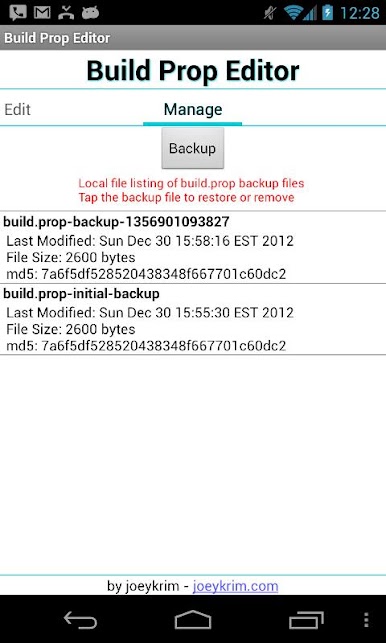
Nobody likes surprises. Quickly back up your build.prop file, or restore a previous version if something goes sideways. -
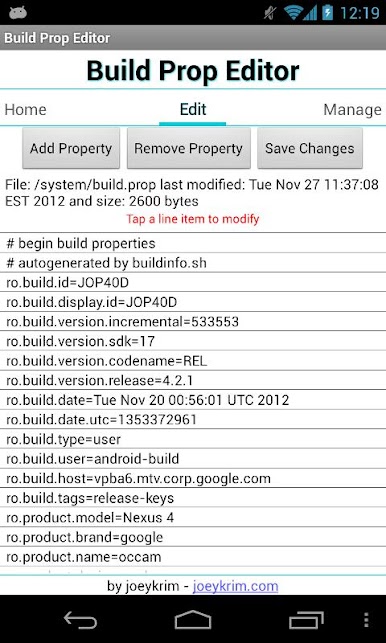
Edit with Root Access
Got root? Now you can actually make direct edits to your build.prop. Switch up device values, adjust performance tweaks, or customize other settings. -
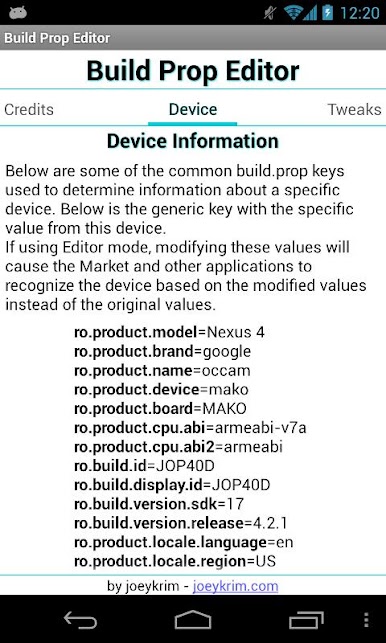
Popular Tweaks at a Glance
Not sure where to start? Check out a list of common build.prop tweaks right inside the app. -
Share and Export
Need to move your build.prop file or send it somewhere else? Easy—share or export the file in just a few taps. -
Works Smoothly on BlueStacks
And if you’d rather handle things on your computer, the app’s good to go on BlueStacks, keeping it convenient from your desktop.
With Build Prop Editor, handling those hidden device tweaks just got a whole lot less complicated.
Ready to experience Build Prop Editor on a bigger screen, in all its glory? Download BlueStacks now.
在電腦上遊玩Build Prop Editor . 輕易上手.
-
在您的電腦上下載並安裝BlueStacks
-
完成Google登入後即可訪問Play商店,或等你需要訪問Play商店十再登入
-
在右上角的搜索欄中尋找 Build Prop Editor
-
點擊以從搜索結果中安裝 Build Prop Editor
-
完成Google登入(如果您跳過了步驟2),以安裝 Build Prop Editor
-
在首頁畫面中點擊 Build Prop Editor 圖標來啟動遊戲

