


Paciência Jogatina: Klondike
Jogue no PC com BlueStacks - A Plataforma de Jogos Android, confiada por mais de 500 milhões de jogadores.

Página modificada em: Dec 2, 2025
Jogue Paciência Jogatina: Klondike para PC
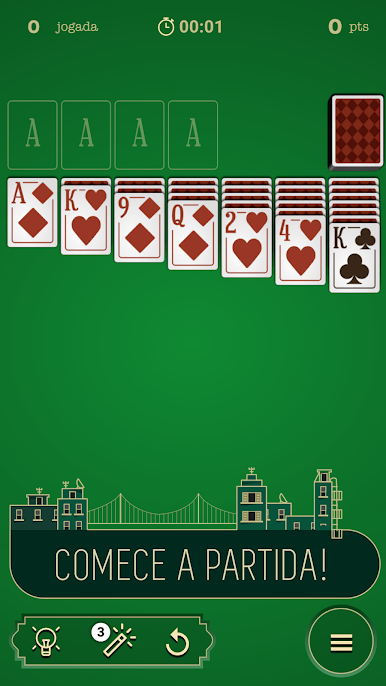
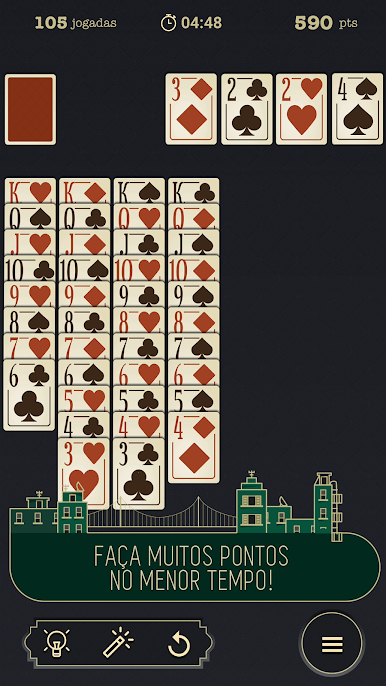
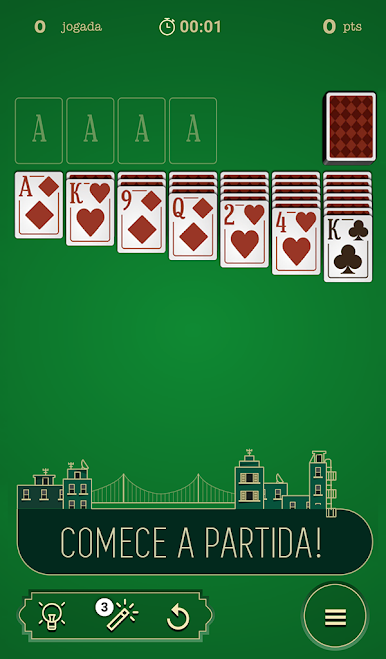
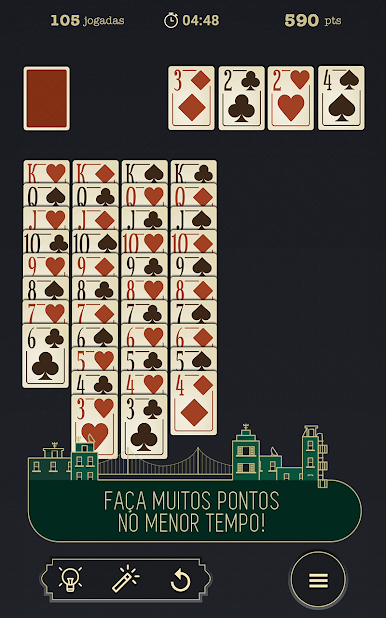
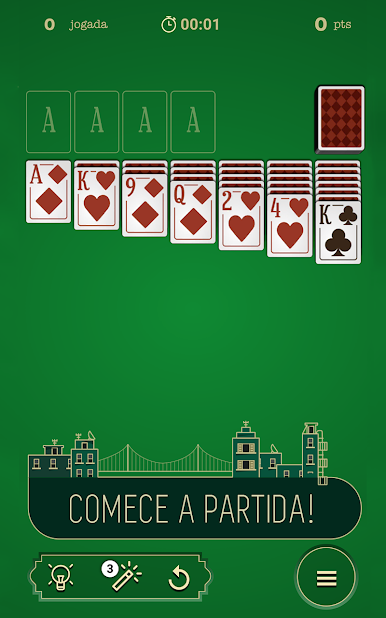
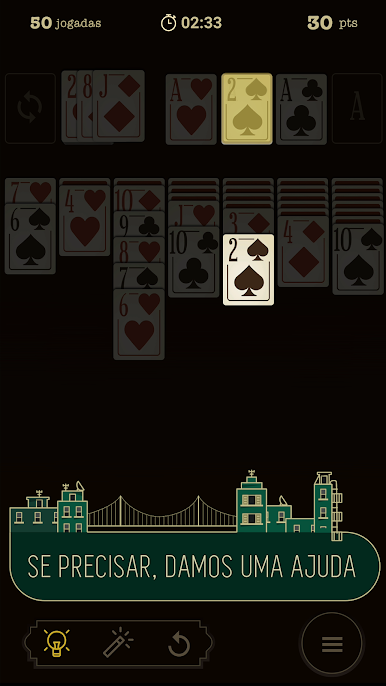
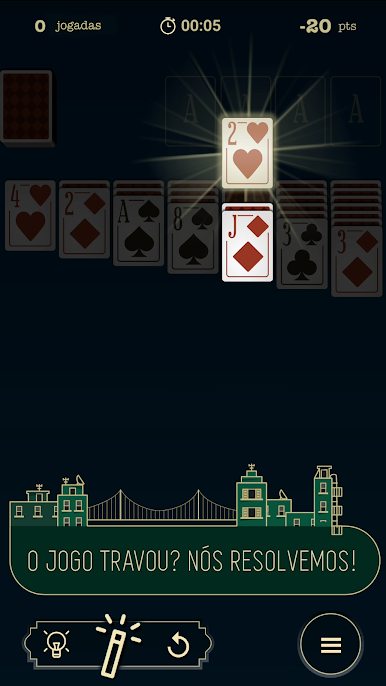
Em Paciência, também conhecido como Klondike ou Solitaire, você deve agrupar os 4 naipes diferentes, colocando cada um deles na ordem do Ás ao Rei, usando as cartas dos 7 montes ou do baralho. Você deve organizar as dos montes, seguindo a ordem dos números e alternando as cores dos naipes para abrir novas cartas. Paciência é um ótimo jogo de cartas, que melhora o raciocínio e a memória.
Em Paciência Jogatina: Jogo de Cartas Klondike, você terá a experiência de estar em uma verdadeira mesa na cidade ""Solitaire"", e tudo grátis! Confira nossas principais funcionalidades:
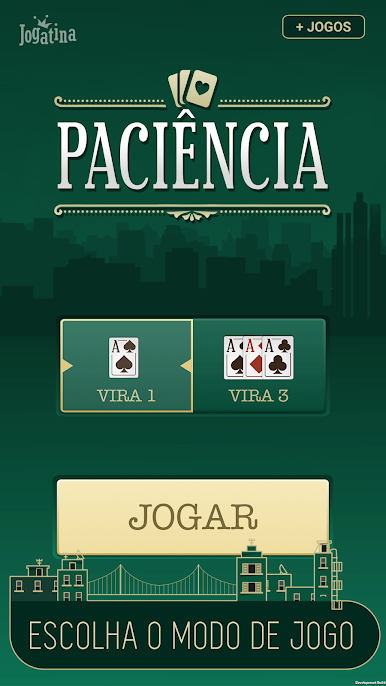
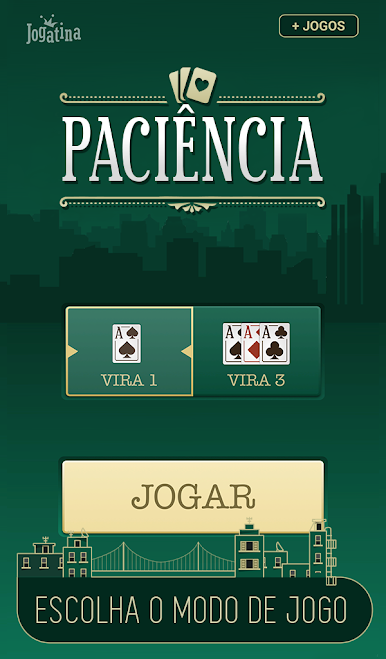
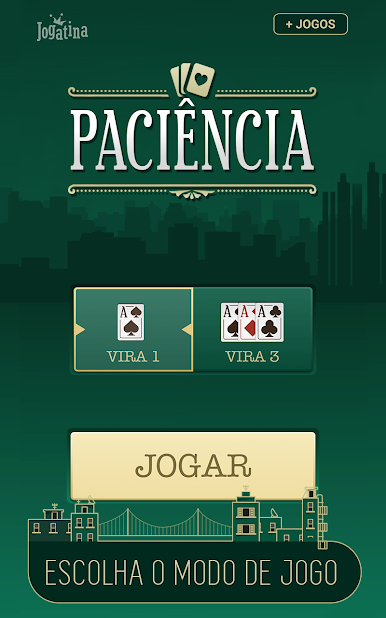
Modos Vira 1 e Vira 3: Escolha se prefere revelar apenas uma carta do baralho por vez ou 3 cartas por vez.
Modo destro e canhoto: Escolha o modo mais confortável para você, com o monte do lado esquerdo ou direito.
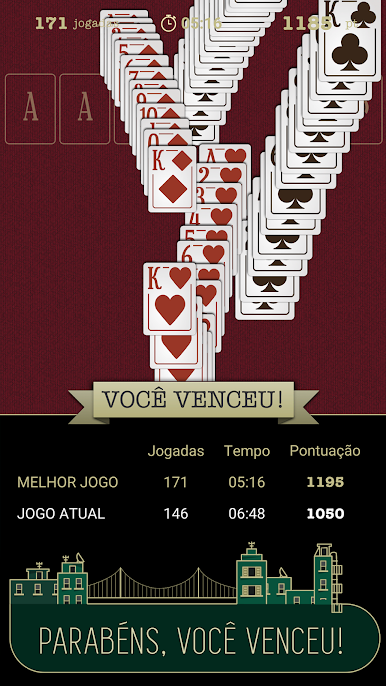
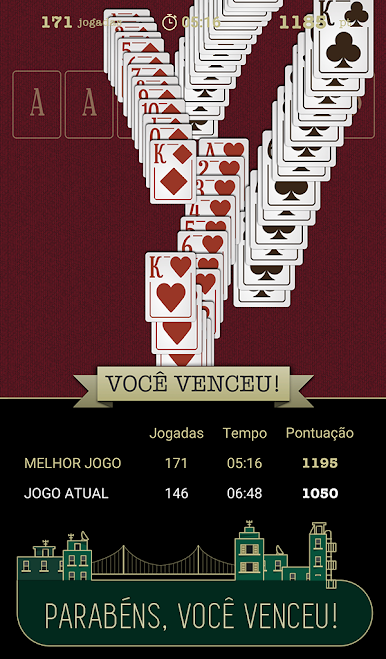
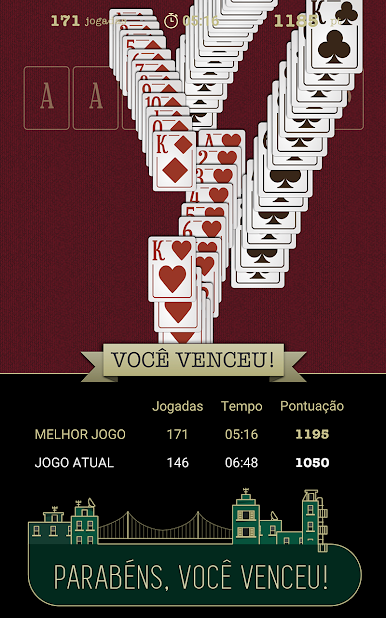
Animações de vitória: Curta as animações de vitória quando completar seu tabuleiro.
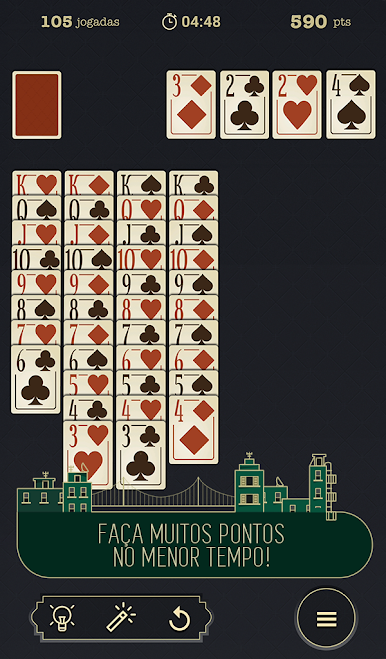
Customização de cartas e mesa: Customize grátis suas cartas e o fundo para deixar o jogo com a sua cara.
Outras funcionalidades:
- Salvar automaticamente, para você poder continuar sua partida depois;
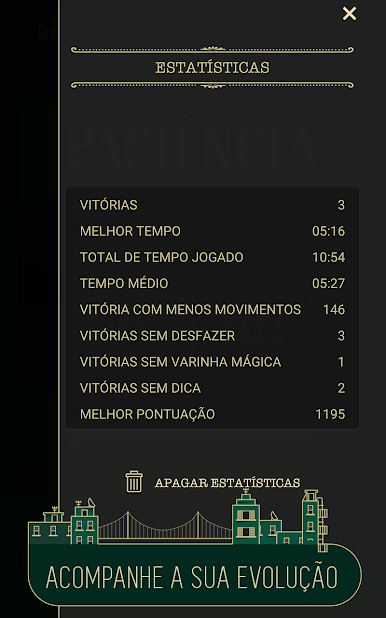
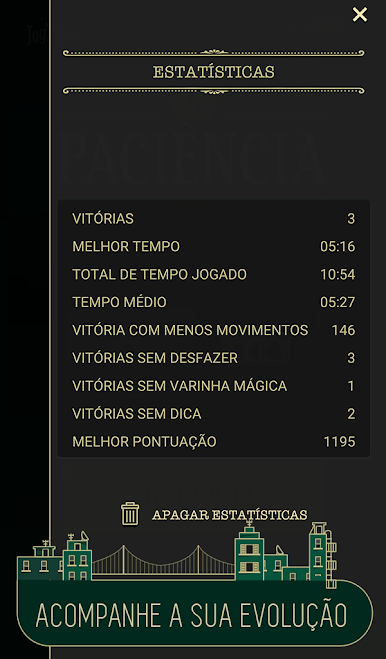
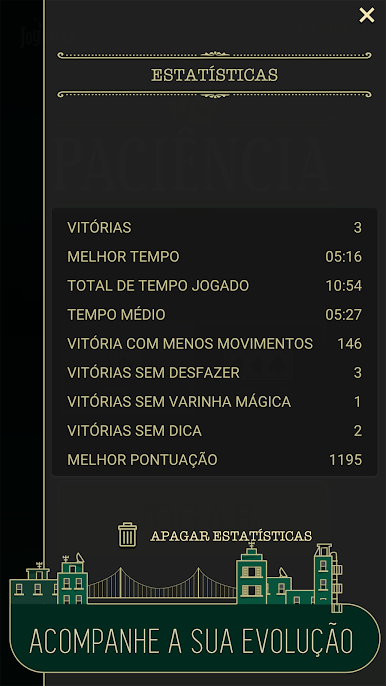
- Estatísticas, com o histórico das suas partidas, incluindo os melhores tempos e pontuações;
- Botão Desfazer, para poder cancelar algum movimento precipitado;
- Botão Dicas, para ajudar nos momentos difíceis;
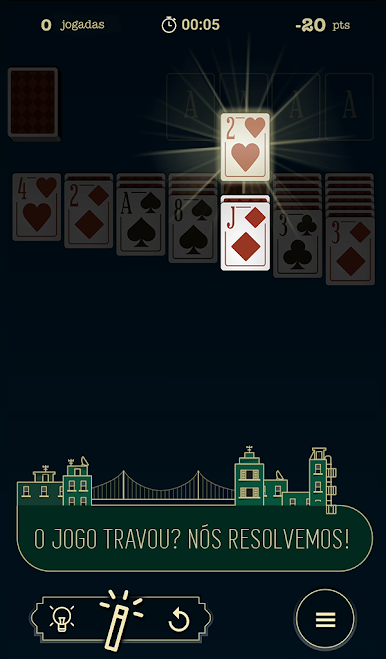
- Botão Varinha, ótimo para jogos em que você travou. Ele irá revelar uma carta fechada em um dos montes.
Paciência Jogatina: Jogo de Cartas Klondike é ótimo para fãs de jogos estilo Solitaire, como Paciência, Freecell, Spider Solitaire, Klondike e outros jogos de cartas clássicos. Baixe agora grátis Paciência Jogatina: Jogo de Cartas Klondike e jogue o clássico Paciência Solitaire no seu smartphone quando e onde quiser.






Jogue Paciência Jogatina: Klondike no PC. É fácil começar.
-
Baixe e instale o BlueStacks no seu PC
-
Conclua o login do Google para acessar a Play Store ou faça isso mais tarde
-
Procure por Paciência Jogatina: Klondike na barra de pesquisa no canto superior direito
-
Clique para instalar Paciência Jogatina: Klondike a partir dos resultados da pesquisa
-
Conclua o login do Google (caso você pulou a etapa 2) para instalar o Paciência Jogatina: Klondike
-
Clique no ícone do Paciência Jogatina: Klondike na tela inicial para começar a jogar

