


Podcasts Player and tracker
5억명 이상의 게이머가 신뢰하는 안드로이드 게임 플랫폼 BlueStacks으로 PC에서 플레이하세요.

Run Podcasts Tracker - Podcast management made easy on PC or Mac
Why limit yourself to your small screen on the phone? Run Podcasts Tracker – Podcast management made easy, an app by Jonathan ANTOINE, best experienced on your PC or Mac with BlueStacks, the world’s #1 Android emulator.
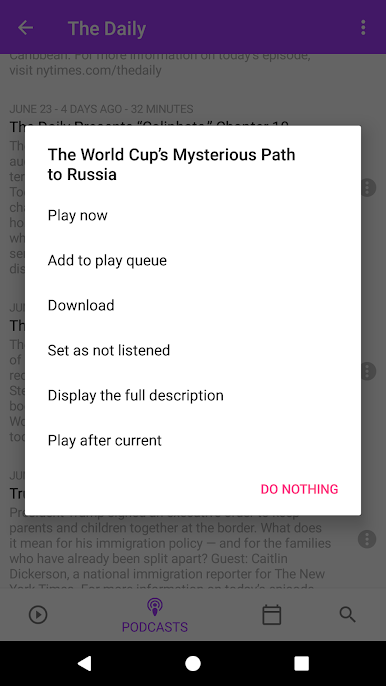
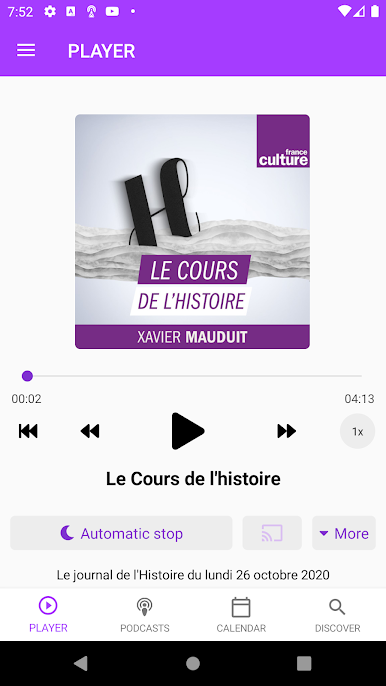
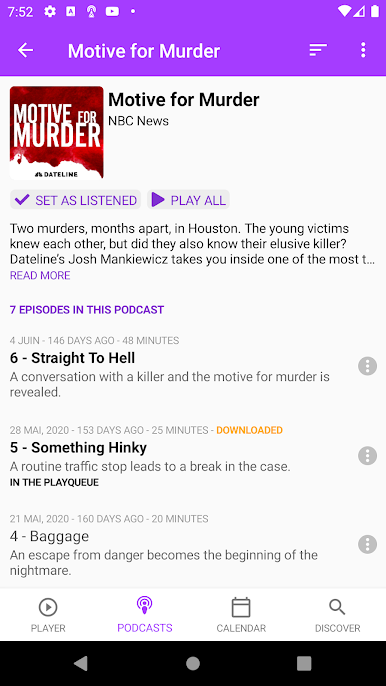
Podcasts Tracker feels like a tidy, fast podcast hub that focuses on the basics and does them well. On a PC with BlueStacks it comes off almost like a desktop player, with a roomy view of the library and simple controls that are easy to click through. It loads big lists without fuss and handles offline listening once automatic downloads are turned on, so a commute or flight is not a problem. Playback speed is right there when needed, the sleep timer can stop after a set time or after a chosen number of episodes, and progress is saved so it is easy to pick up where the last listen ended.
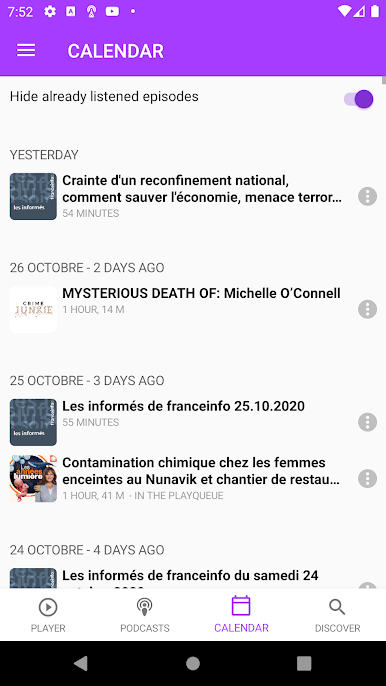
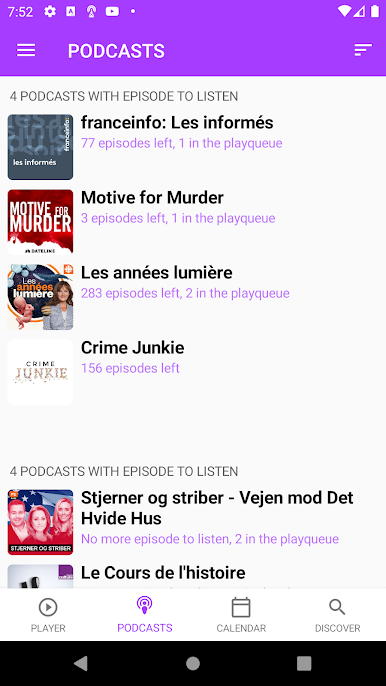
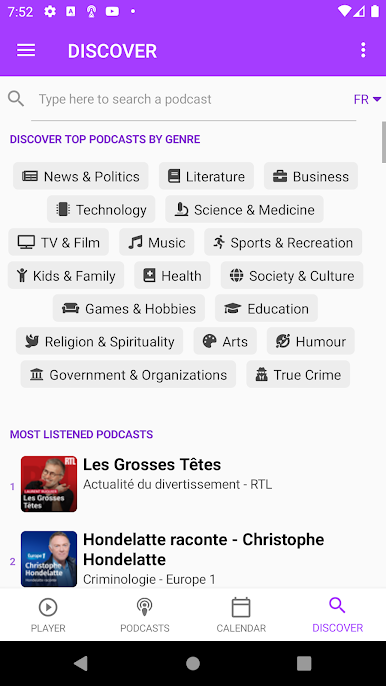
Discovery is straightforward rather than flashy. Browse by genre, check the current top 50, and add things to a custom queue that can be reordered on the go. The calendar of aired episodes is a nice touch for keeping track of what dropped this week. It has both dark and light themes that look clean on a monitor, with the usual Android niceties like notifications. Chromecast and Google Home support are here, plus private RSS works fine for Patreon links. It does not limit how many shows can be followed, it works worldwide in a bunch of languages, and there are simple stats to see how much listening time has been clocked, which is oddly satisfying.
BlueStacks brings your apps to life on a bigger screen—seamless and straightforward.
PC에서 Podcasts Player and tracker 플레이해보세요.
-
BlueStacks 다운로드하고 설치
-
Google Play 스토어에 로그인 하기(나중에 진행가능)
-
오른쪽 상단 코너에 Podcasts Player and tracker 검색
-
검색 결과 중 Podcasts Player and tracker 선택하여 설치
-
구글 로그인 진행(만약 2단계를 지나갔을 경우) 후 Podcasts Player and tracker 설치
-
메인 홈화면에서 Podcasts Player and tracker 선택하여 실행

