

캘린더 위젯 스위트
5억명 이상의 게이머가 신뢰하는 안드로이드 게임 플랫폼 BlueStacks으로 PC에서 플레이하세요.

Run Calendar Widgets Suite on PC or Mac
Upgrade your experience. Try Calendar Widgets Suite, the fantastic Productivity app from Joshua & Company Inc., from the comfort of your laptop, PC, or Mac, only on BlueStacks.
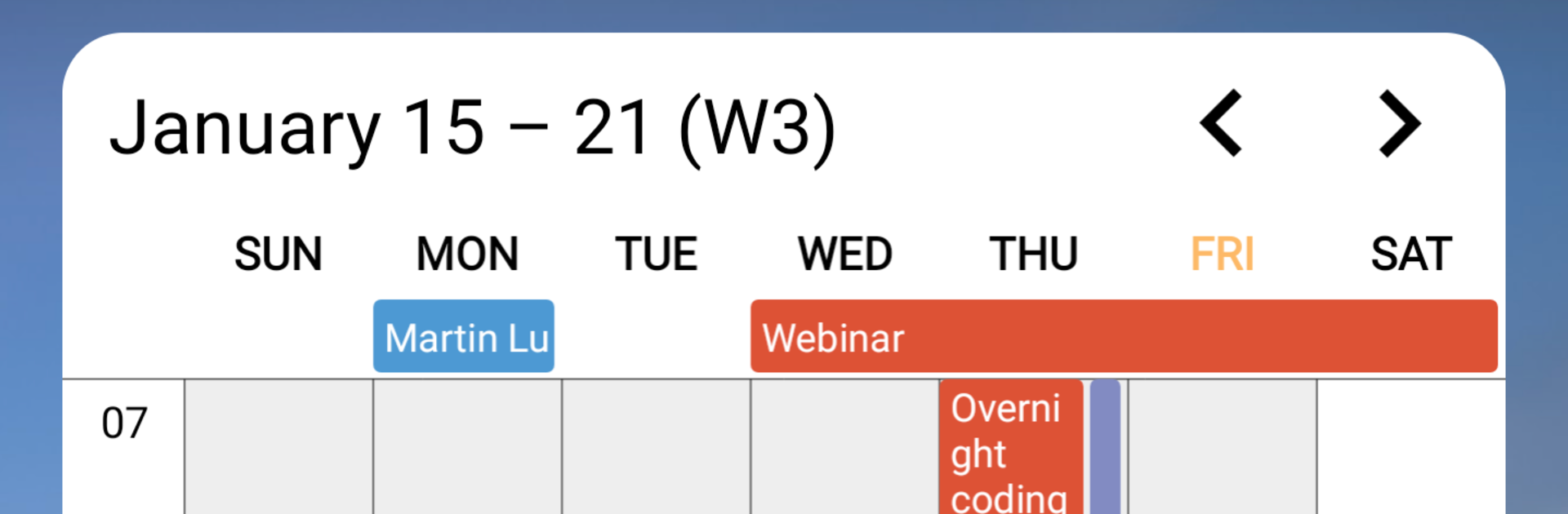
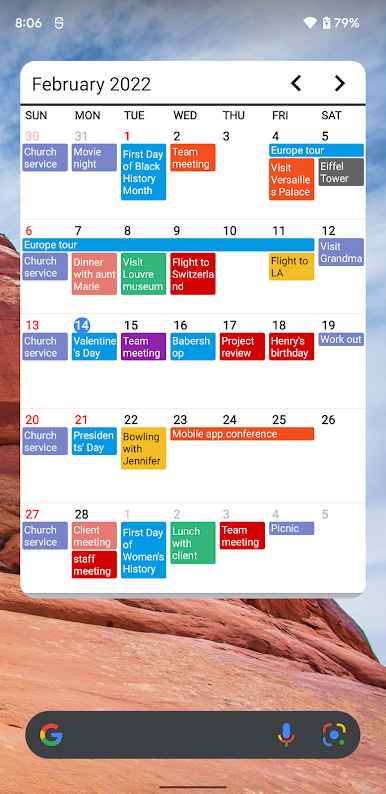
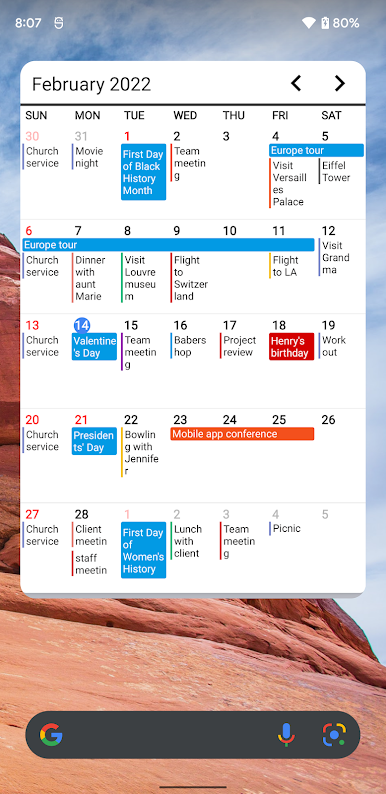
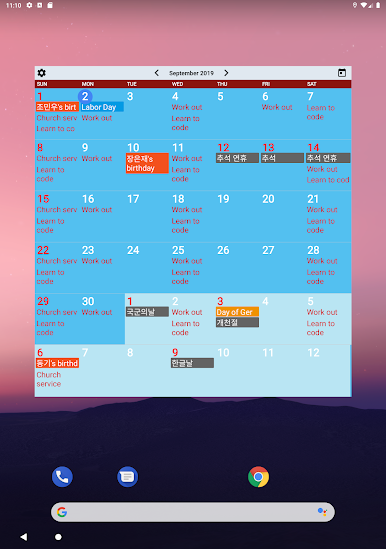
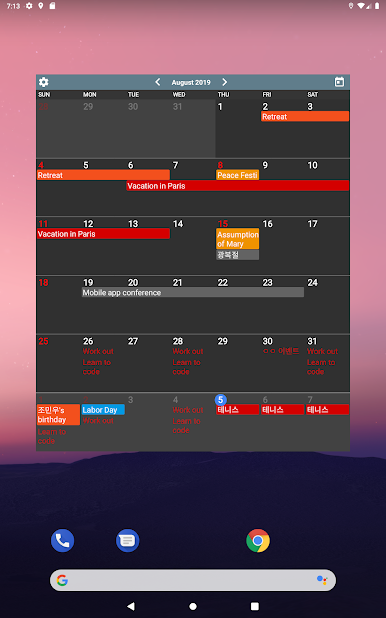
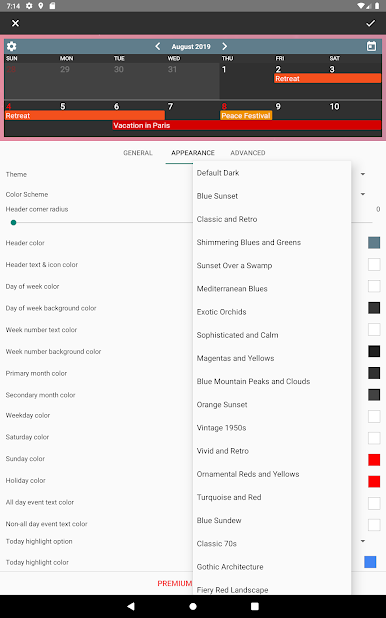
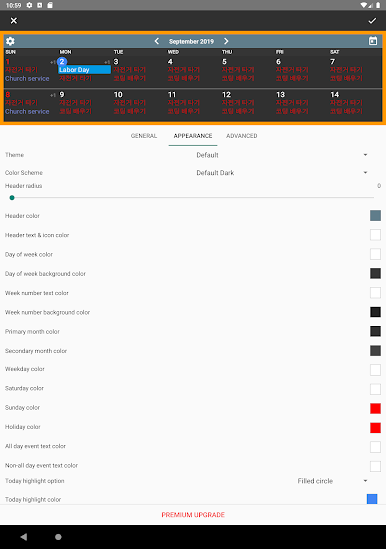
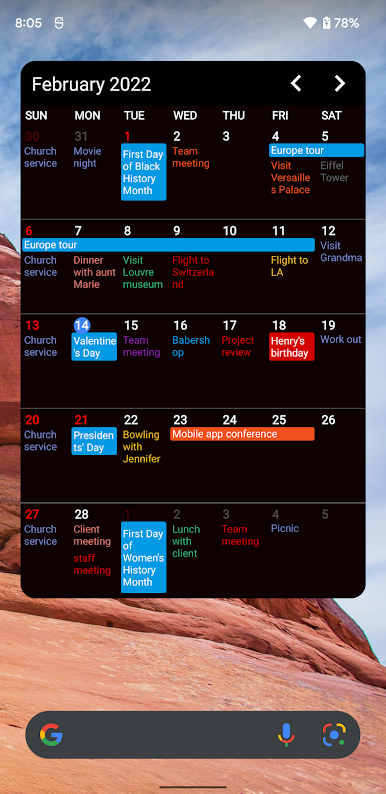
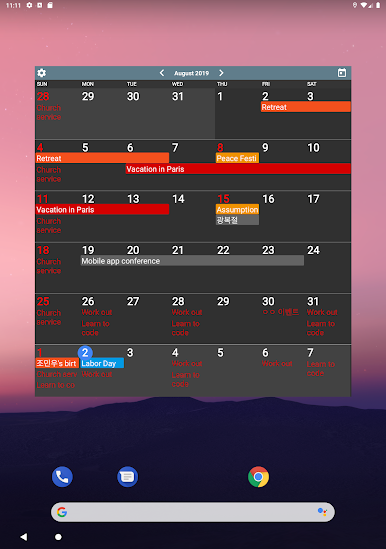
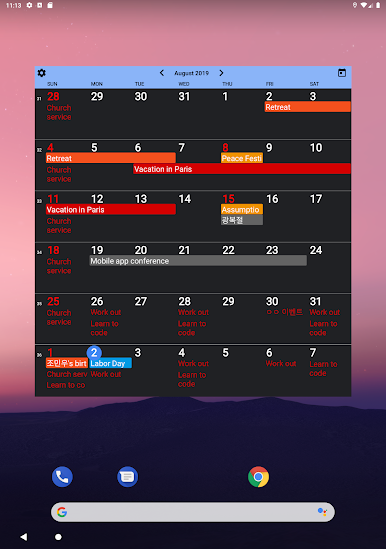
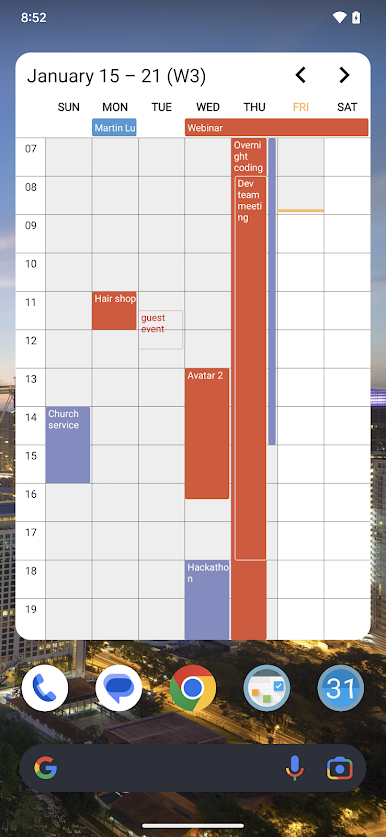
Calendar Widgets Suite is basically a pack of clean, flexible widgets that make a phone or tablet feel like a tidy bulletin board. It lets a person drop a calendar right on the home screen and choose how it looks and how much it shows. There are dozens of themes and color sets, so it can be minimal or loud, and the text wraps properly so nothing gets clipped. The views switch between day, week, month, or a simple list, which is handy when a schedule is stacked and scrolling is faster than tapping into each date. Today gets clear highlights, and adding an event is just a quick tap, no hunting through menus.
The nice part is that it plays well with existing calendars like Google Calendar, aCalendar, or Business Calendar, so events stay in sync without juggling imports. People can set the first day of the week, default event length, and other small details that usually get ignored in other apps but matter when planning. It works with popular launchers, so placement and resizing does not feel fussy. On PC through BlueStacks, the bigger screen gives more room to line up a couple widgets side by side and compare views at a glance, which weirdly makes theme picking less of a chore. It feels light, quick to learn, and not pushy, though with so many themes someone may spend a bit too long deciding which one looks best on the home screen.
Big screen. Bigger performance. Use BlueStacks on your PC or Mac to run your favorite apps.

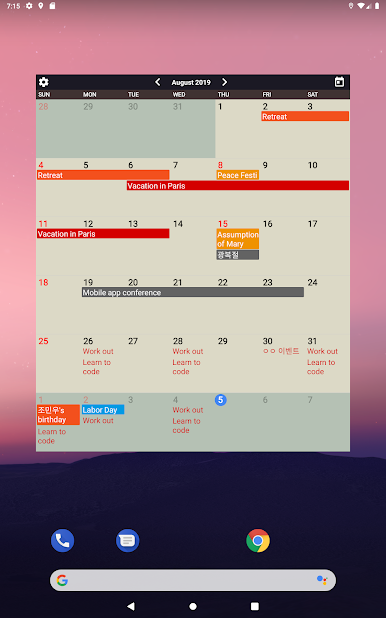
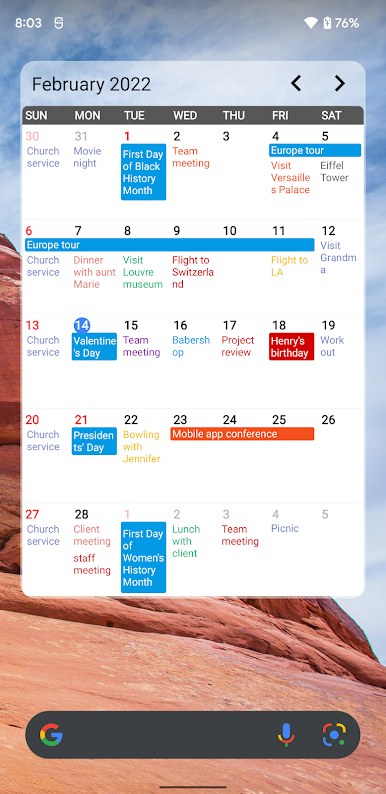
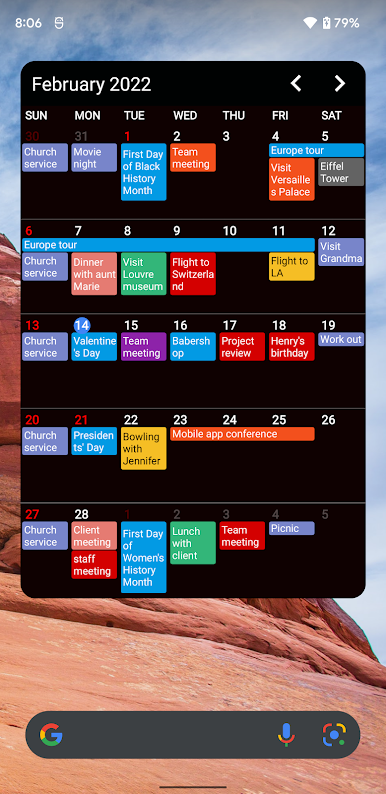
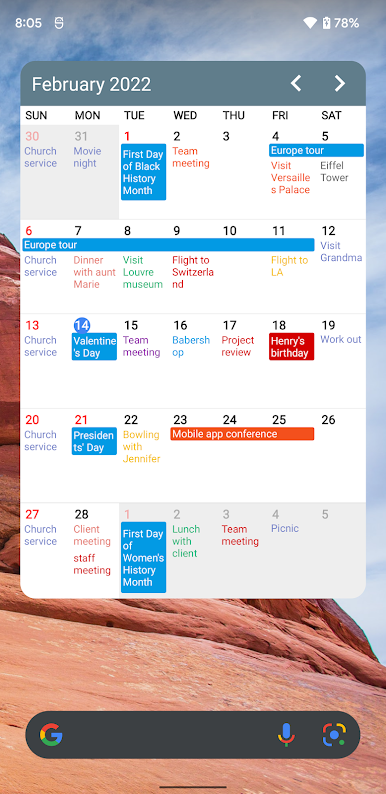
PC에서 캘린더 위젯 스위트 플레이해보세요.
-
BlueStacks 다운로드하고 설치
-
Google Play 스토어에 로그인 하기(나중에 진행가능)
-
오른쪽 상단 코너에 캘린더 위젯 스위트 검색
-
검색 결과 중 캘린더 위젯 스위트 선택하여 설치
-
구글 로그인 진행(만약 2단계를 지나갔을 경우) 후 캘린더 위젯 스위트 설치
-
메인 홈화면에서 캘린더 위젯 스위트 선택하여 실행

