


My Tide Times - Tables & Chart
Jogue no PC com BlueStacks - A Plataforma de Jogos Android, confiada por mais de 500 milhões de jogadores.

Página modificada em: Dec 12, 2025
Play My Tide Times - Tables & Chart on PC
FEATURES
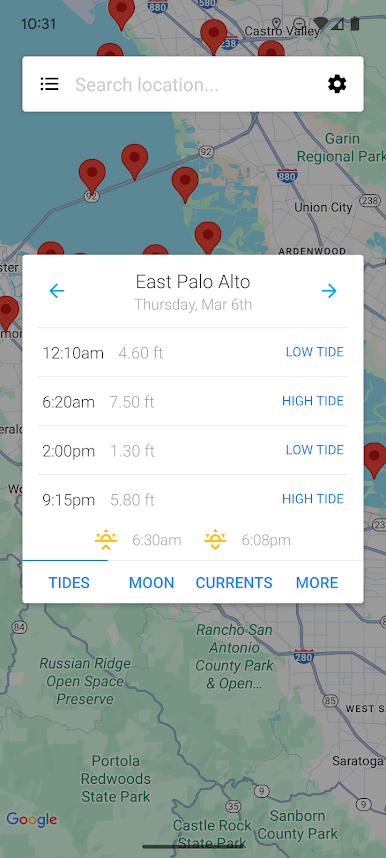
- Supports over 9,000 tidal stations in over 30 countries (including the US, Canada, Brazil, UK, Spain, France, Germany, Italy, Australia and New Zealand)!
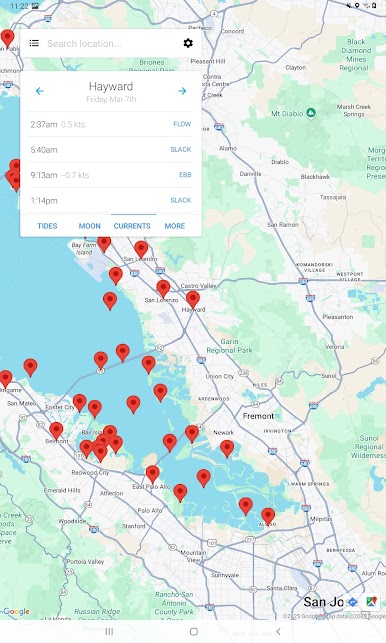
- Find the nearest locations to you when the app opens, so you can get tide times no matter where you are!
- Never have to worry about ensuring the data is up-to-date because the app takes care of that for you!
- See 5 to 7 day forecasts for all locations (locations outside of the UK even have up to 30-day charts!)
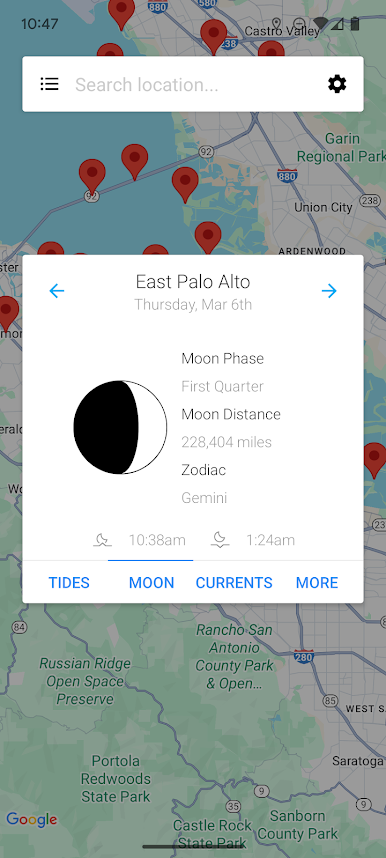
- View the moon phase, moonrise and moonset times!
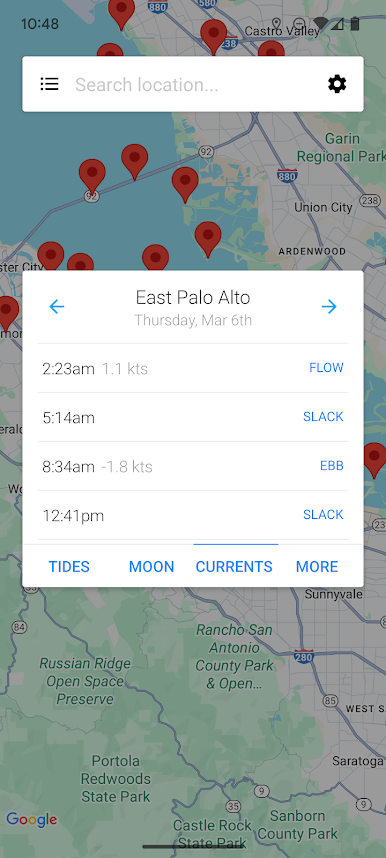
- See predictions for the currents (the slacks, ebbs and flows for each day) at selected locations around the US! Just try to view tide times as you normally would, if there's a currents station nearby you'll see an extra tab for "Currents".
- Basic wind speed information for all tidal locations!
- When information has been downloaded it is stored on the phone so you can view it without an internet connection!
- It offers a clean interface that you just won't get from other apps!
If you're in need of tide tables, charts, forecasts or times, don't go elsewhere - you can install My Tide Times today. This version is ad-supported.
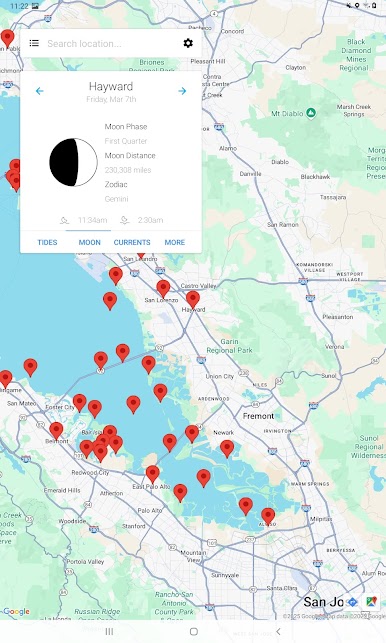
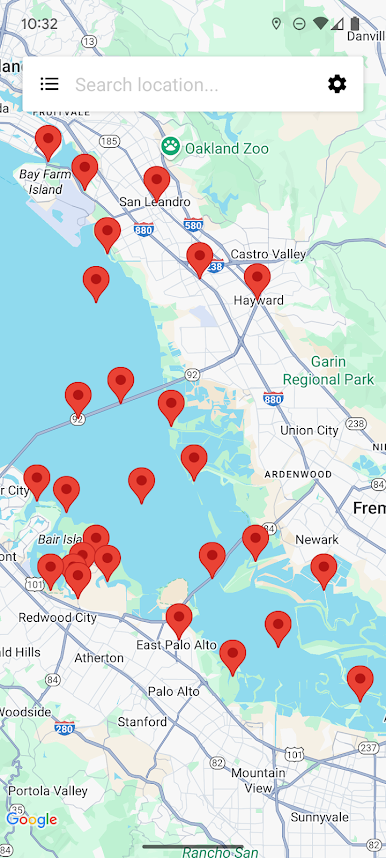
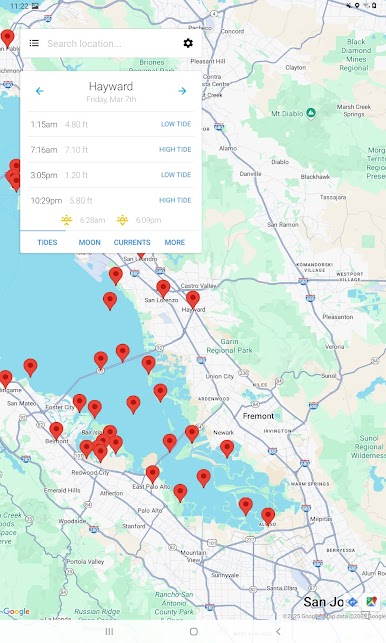
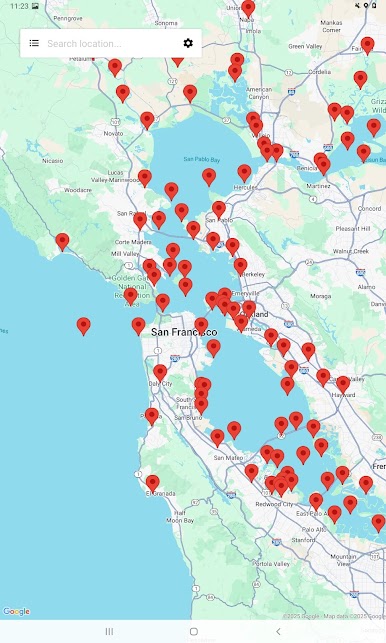
Jogue My Tide Times - Tables & Chart no PC. É fácil começar.
-
Baixe e instale o BlueStacks no seu PC
-
Conclua o login do Google para acessar a Play Store ou faça isso mais tarde
-
Procure por My Tide Times - Tables & Chart na barra de pesquisa no canto superior direito
-
Clique para instalar My Tide Times - Tables & Chart a partir dos resultados da pesquisa
-
Conclua o login do Google (caso você pulou a etapa 2) para instalar o My Tide Times - Tables & Chart
-
Clique no ícone do My Tide Times - Tables & Chart na tela inicial para começar a jogar

