


新接龍
在電腦上使用BlueStacks –受到5億以上的遊戲玩家所信任的Android遊戲平台。

Play FreeCell on PC or Mac
Step into the World of FreeCell, a thrilling Card game from the house of KARMAN Games (CY) LTD. Play this Android game on BlueStacks App Player and experience immersive gaming on PC or Mac.
About the Game
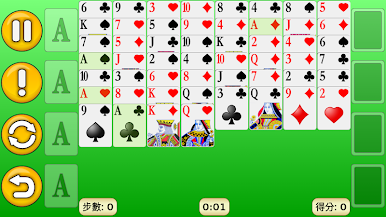
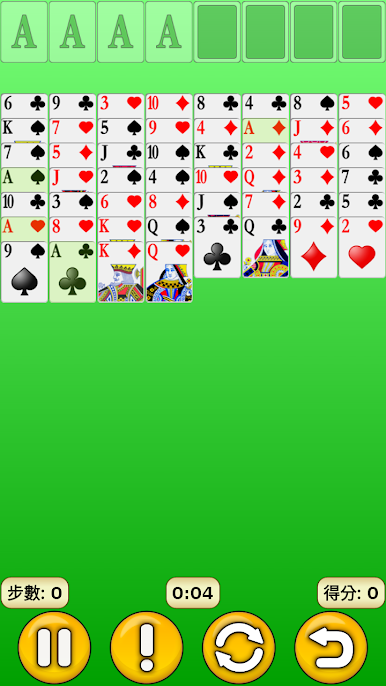
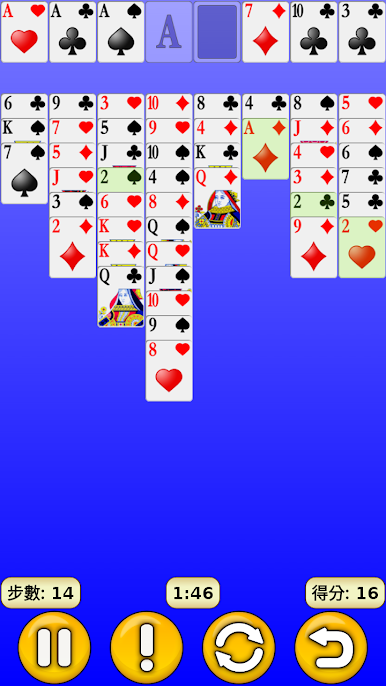
FreeCell brings the classic card experience you know and love right to your device. Whether you’re unwinding after a long day or craving a quick brain teaser between meetings, this version makes kicking back with solitaire easy and fun. No stress, just a smooth, satisfying Card game from KARMAN Games (CY) LTD that works great wherever you find yourself reaching for your phone.
Game Features
-
Smart Controls
Designed to be easy on your fingers, FreeCell lets you tap, drag, and drop cards with hardly a hitch. The interface just gets out of your way and lets you focus on the game. -
Auto-Complete Option
Tired of moving cards around when the game’s practically done? Just tap auto-complete, and watch the rest wrap up automatically—simple as that. -
Personalized Look
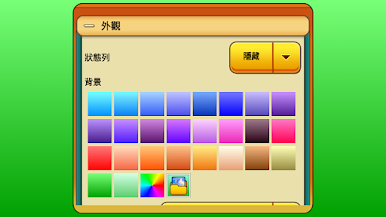
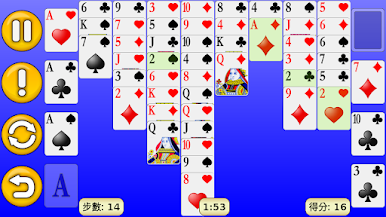
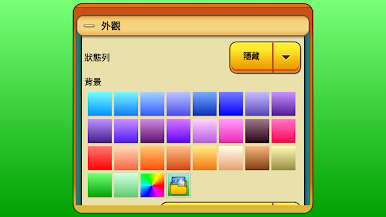
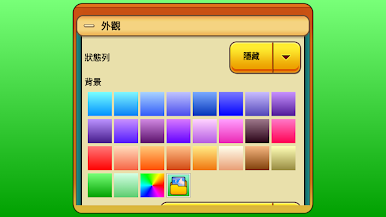
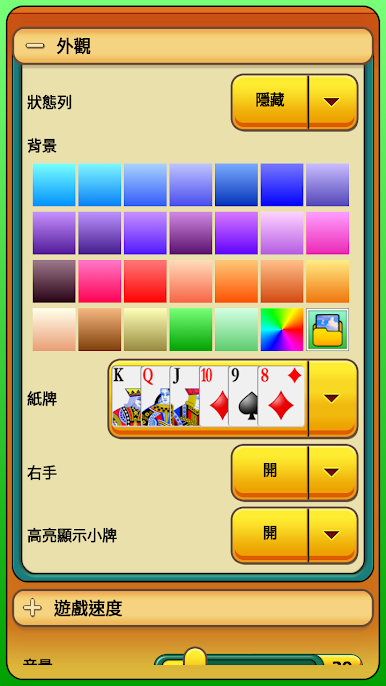
Bored of default designs? Mix up the table style or card faces to match your mood. You’ve got options for backgrounds and cards, so the game always feels fresh. -
Adjustable Game Speed
If you want things to move quicker or you’d rather slow down and savor every move, you can tweak the speed any time. -
Game Stats
Curious about how you’re doing? Check your wins, losses, and more with detailed statistics that track your journey. -
Flexible Orientation
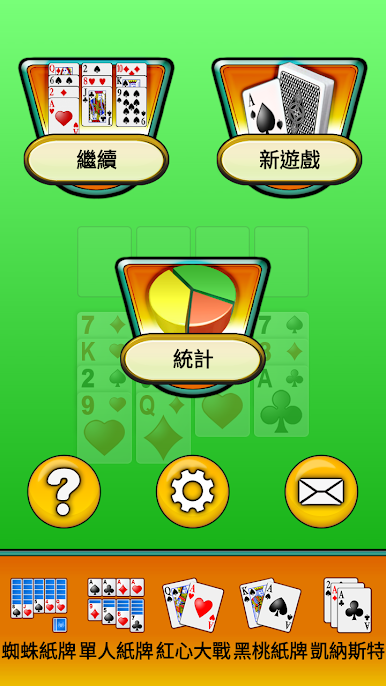
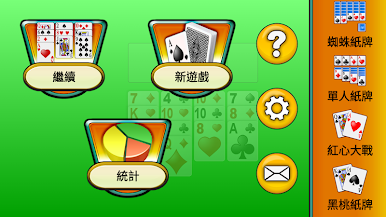
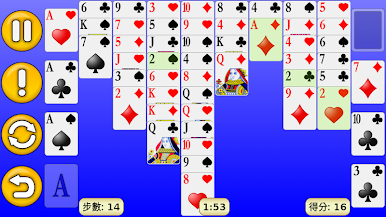
Play the way you like—portrait or landscape mode, it’s up to you. It looks smooth either way and adapts to your screen without a fuss. -
Optimized for BlueStacks
Looking for a bigger screen? FreeCell works seamlessly on BlueStacks, so you can settle in with your favorite Card game on your PC if that’s more your thing.
Ready to top the leaderboard? We bet you do. Let precise controls and sharp visuals optimized on BlueStacks lead you to victory.

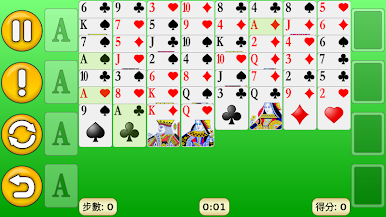
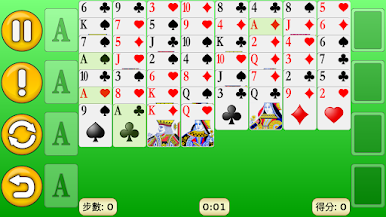
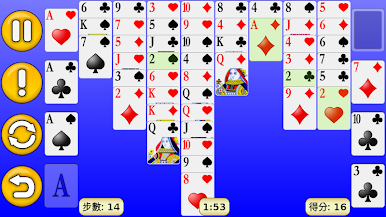
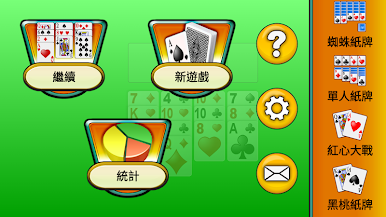
在電腦上遊玩新接龍 . 輕易上手.
-
在您的電腦上下載並安裝BlueStacks
-
完成Google登入後即可訪問Play商店,或等你需要訪問Play商店十再登入
-
在右上角的搜索欄中尋找 新接龍
-
點擊以從搜索結果中安裝 新接龍
-
完成Google登入(如果您跳過了步驟2),以安裝 新接龍
-
在首頁畫面中點擊 新接龍 圖標來啟動遊戲

