


紅心大戰
在電腦上使用BlueStacks –受到5億以上的遊戲玩家所信任的Android遊戲平台。

Play Hearts on PC or Mac
Join millions to experience Hearts, an exciting Card game from KARMAN Games (CY) LTD. With BlueStacks App Player, you are always a step ahead of your opponent, ready to outplay them with faster gameplay and better control with the mouse and keyboard on your PC or Mac.
About the Game
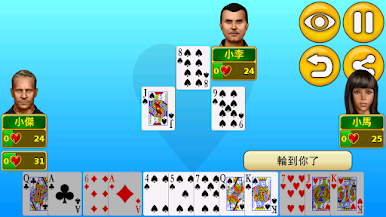
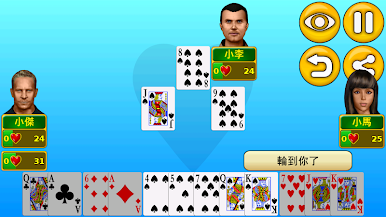
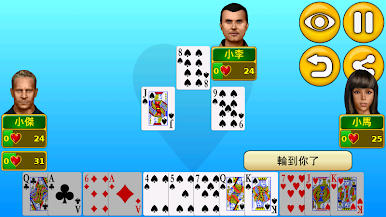
If you’re craving some classic card game strategy, Hearts from KARMAN Games (CY) LTD offers a timeless experience with its own modern twist. Whether you’re looking to outsmart tough computer opponents or face real folks online, there’s always a fresh match waiting for you. Play casually or get serious—this game flexes to fit your style. And if you want a bigger view, you can jump in on BlueStacks for a whole new perspective.
Game Features
-
Challenging Computer Opponents
Those single-player matches won’t play themselves. The AI here? It’s sharp, relentless, and absolutely unforgiving—so even solo games keep you on your toes. -
Online Multiplayer
Toss the cards with your friends or go up against online strangers. The multiplayer mode lets you test your strategy skills on a global stage, whenever you’re ready. -
Custom Gameplay Options
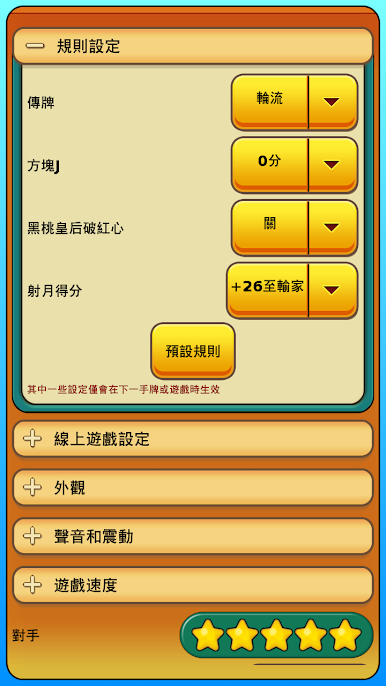
Not a fan of the standard rules? Tweak the passing rules or enable the Jack of diamonds variant. Make the game your own with just a few taps. -
Player Personalization
Change up your display name, pick an avatar that suits your mood, and customize the look of your game with different color themes and deck styles. -
Detailed Statistics
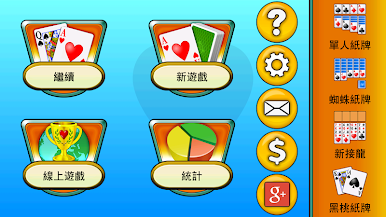
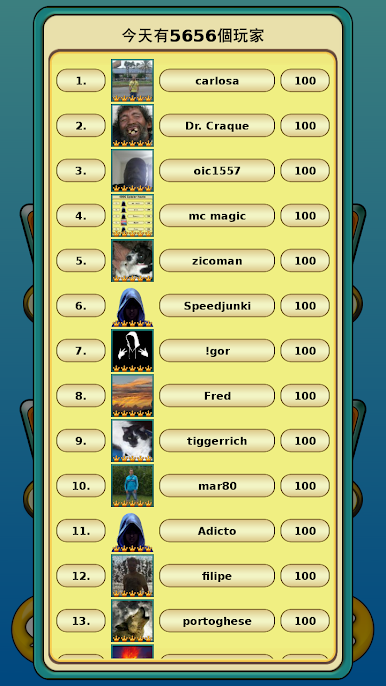
Curious about how you stack up? Track your wins, losses, and overall performance in accurate detail, without any guesswork. -
Flexible Layouts & Device Support
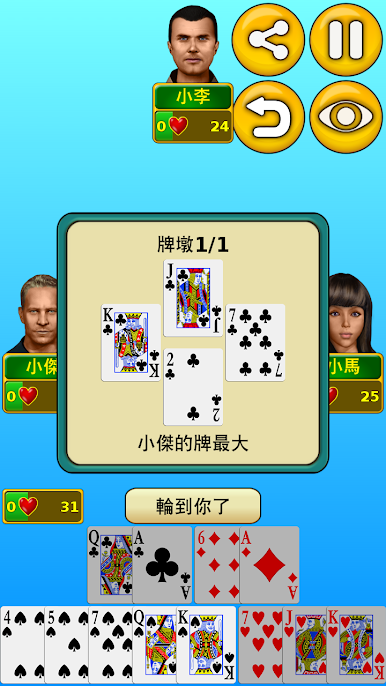
Whether you’re on your phone, a tablet, or prefer spinning the screen sideways, the game adapts to portrait and landscape, fitting just right on a range of devices.
Hearts blends the comfort of the classic card genre with enough customization to keep things interesting—perfect for those moments when you want a challenge or just a little relaxation.
Start your journey now. Download the game on BlueStacks, invite your friends, and march on a new adventure.

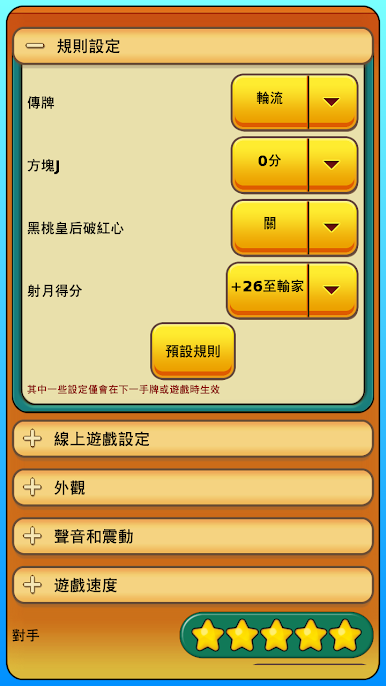
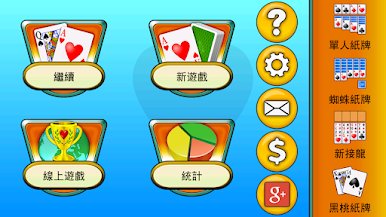
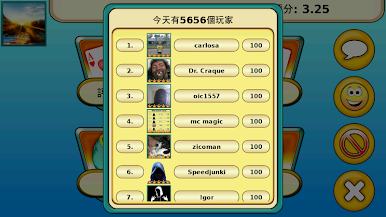
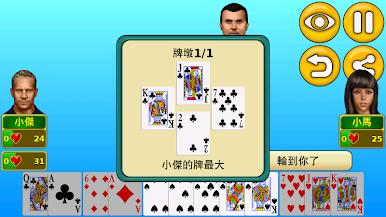
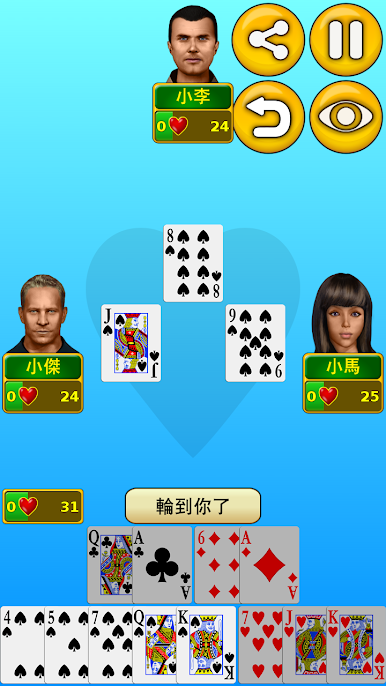
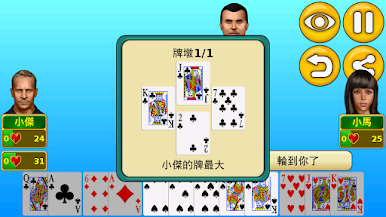
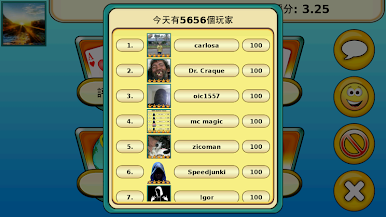
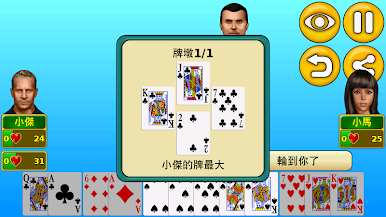
在電腦上遊玩紅心大戰 . 輕易上手.
-
在您的電腦上下載並安裝BlueStacks
-
完成Google登入後即可訪問Play商店,或等你需要訪問Play商店十再登入
-
在右上角的搜索欄中尋找 紅心大戰
-
點擊以從搜索結果中安裝 紅心大戰
-
完成Google登入(如果您跳過了步驟2),以安裝 紅心大戰
-
在首頁畫面中點擊 紅心大戰 圖標來啟動遊戲

