


Ligue os Pontos: Animais
Jogue no PC com BlueStacks - A Plataforma de Jogos Android, confiada por mais de 500 milhões de jogadores.

Página modificada em: Oct 7, 2025
Play Dot to Dot - Animals on PC
Features:
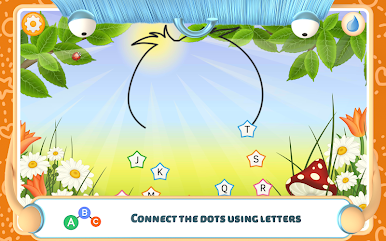
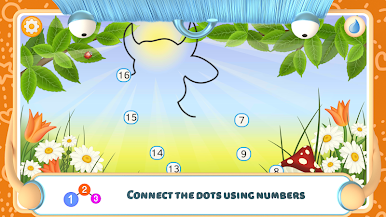
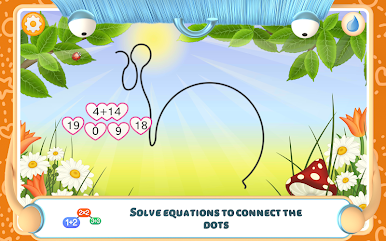
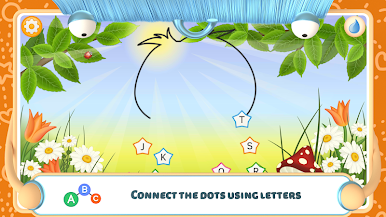
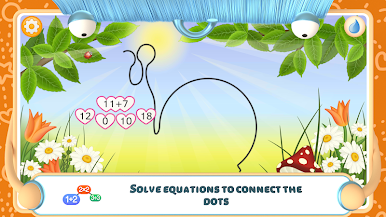
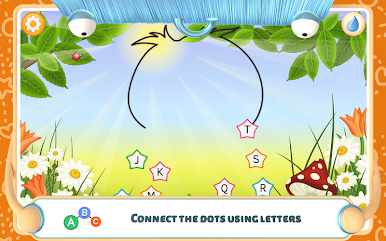
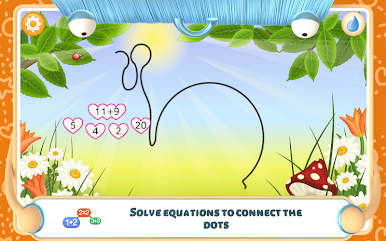
◦ Connect points by numbers or letters
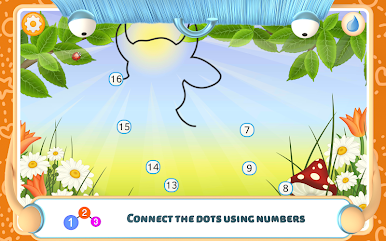
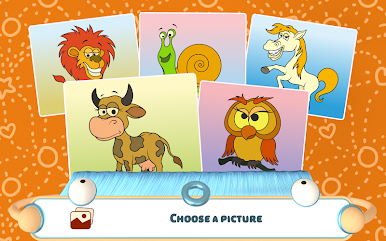
◦ When points are connected, you will see the silhouette of a hidden picture
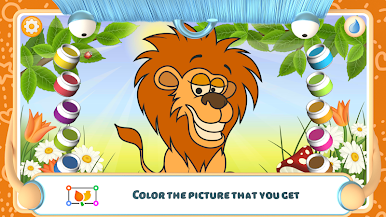
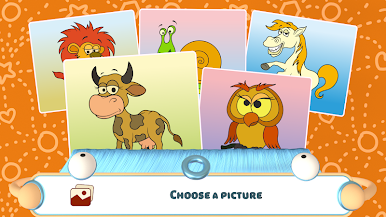
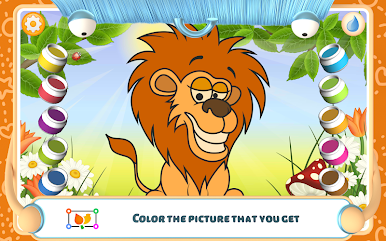
◦ Once all the points have been connected, you can color the picture
◦ Choosing a wrong symbol three times in a row will bring up a tip
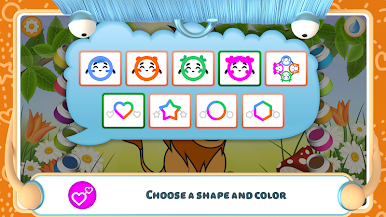
◦ Blue, orange, green or pink stars make the game even more exciting
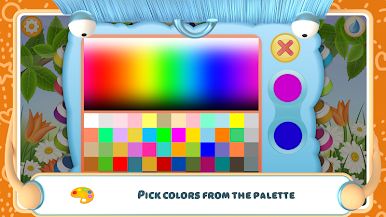
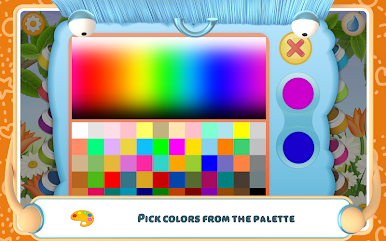
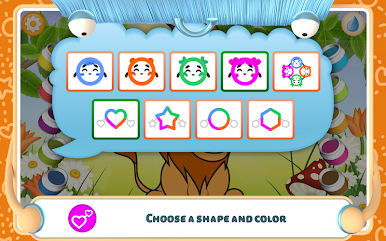
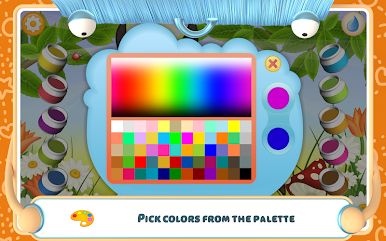
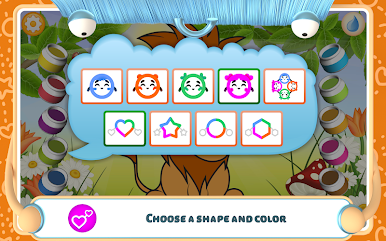
◦ Easy-to-use palette that allows you to put together your own unique set of colors
◦ Colored pictures automatically saved on closing the program
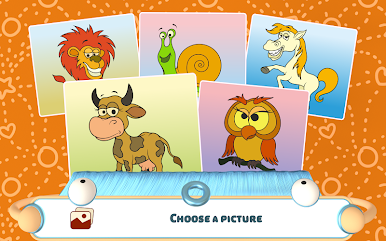
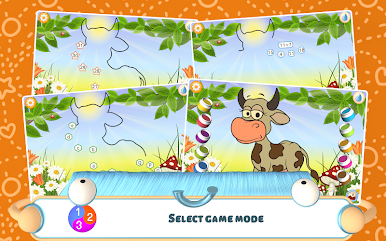
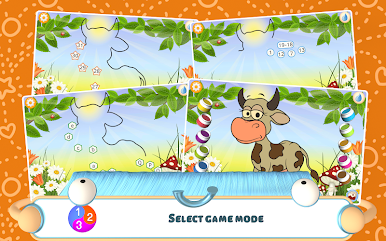
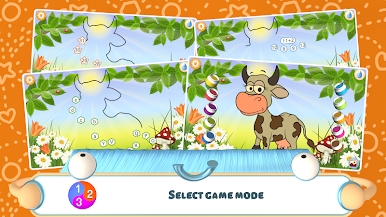
Connect points is a learning puzzle for small children. It helps develop thinking, improve memory and attention. The application has three game modes: by numbers, letters and coloring. Game modes with letters and numbers will be useful for kindergarten and pre-K kids.
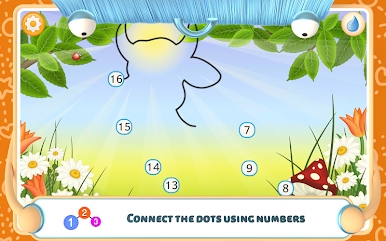
Connecting by numbers will help to easily memorize the order of numbers and learn to count. To do this, you need to consecutively connect circles with numbers starting from 1. As you connect circles in the right order, the silhouette of a hidden picture will become more and more visible. If three points are chosen incorrectly, a tip will pop up. Once all the points are fully connected, the picture will become fully visible and you’ll be able to color it.
Those studying the alphabet can choose to connect points by letters. It is important that children know letters as early as possible, since it is essential for learning to read and write. But knowing the order of letters in the alphabet is also very important! This can be achieved by connecting circles with letters in the right sequence.
The coloring mode will be especially appreciated by young artists. In this mode, you can proceed to coloring pictures without connecting points. To make the process even more exciting, you can change any predefined color. To do this, press and hold the paint bucket and choose the necessary color from the palette.


Jogue Ligue os Pontos: Animais no PC. É fácil começar.
-
Baixe e instale o BlueStacks no seu PC
-
Conclua o login do Google para acessar a Play Store ou faça isso mais tarde
-
Procure por Ligue os Pontos: Animais na barra de pesquisa no canto superior direito
-
Clique para instalar Ligue os Pontos: Animais a partir dos resultados da pesquisa
-
Conclua o login do Google (caso você pulou a etapa 2) para instalar o Ligue os Pontos: Animais
-
Clique no ícone do Ligue os Pontos: Animais na tela inicial para começar a jogar

