

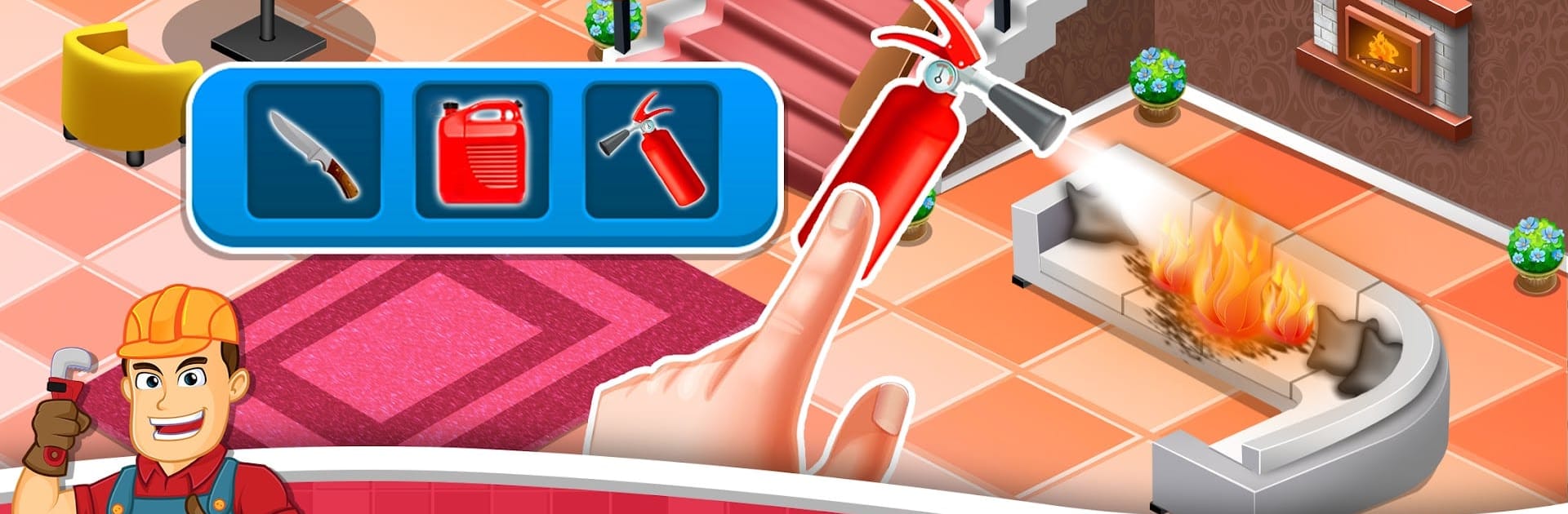
Fix it Games : Fix ASMR
Jogue no PC com BlueStacks - A Plataforma de Jogos Android, confiada por mais de 500 milhões de jogadores.

Página modificada em: Dec 3, 2025
Play Fix it Games : Fix ASMR on PC or Mac
Fix it Games : Fix ASMR brings the Educational genre to life, and throws up exciting challenges for gamers. Developed by APT GAMES, this Android game is best experienced on BlueStacks, the World’s #1 app player for PC and Mac users.
About the Game
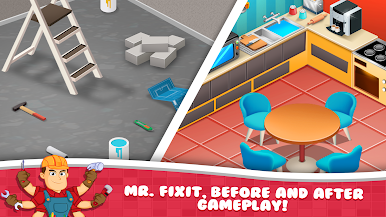
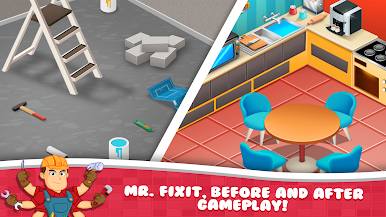
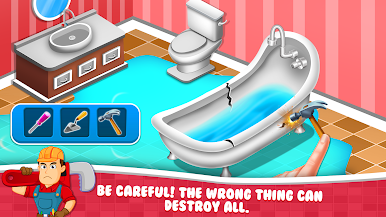
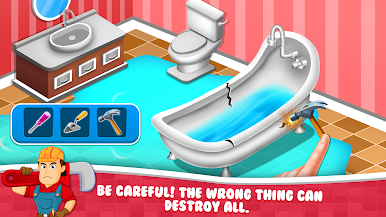
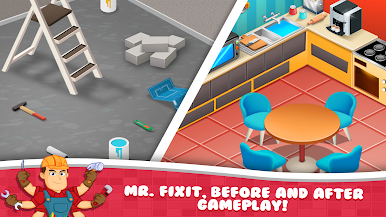
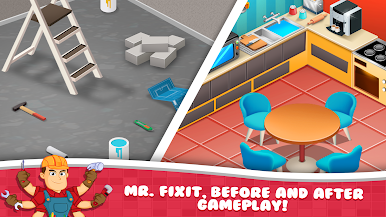
Fix it Games : Fix ASMR drops you into a cozy world where fixing things is both fun and oddly satisfying. You’ll roll up your sleeves, mend, and decorate spaces for a family looking to turn their house into a home. With each project, you’ll unwind to chill ASMR sounds that make every repair—from painting a wall to polishing old floors—feel surprisingly rewarding.
Game Features
-
Soothing ASMR Fixes
Each task comes with relaxing sound effects—think gentle tapping or smooth swishing—that give you that feel-good sensation, like peeling off tape or smoothing a fresh coat of paint. -
Hands-On Repairs
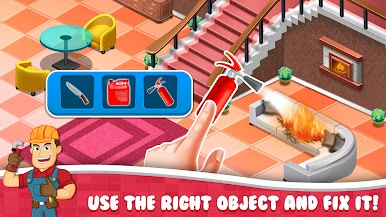
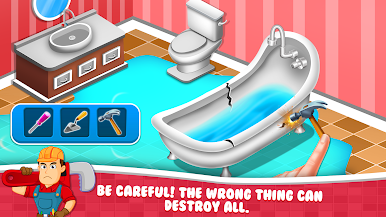
Pick up tools and see messes vanish as you repair broken furniture, fill in cracks, polish surfaces, and bring rooms back to life, piece by piece. -
Personalize Every Space
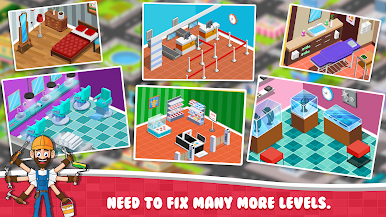
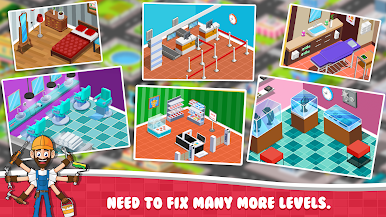
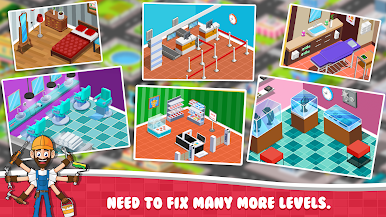
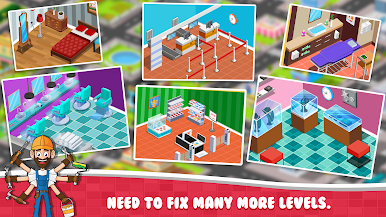
You get the final say on how each room looks. Choose styles and themes, then add your own touches with furniture, wall colors, and décor for a space that’s totally unique. -
Unlock New Tools and Options
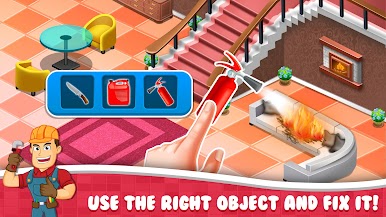
As you make progress, new gadgets and creative materials open up, letting you tackle more interesting repairs and designs. -
A True DIY Journey
The game blends hands-on fixing with the thrill of slow, satisfying transformations. Watch bland rooms become warm, inviting spaces as you put in the work. -
Perfect for BlueStacks
Want to enjoy those ASMR sounds and visuals on a bigger screen? The game works great on BlueStacks, bringing those tiny repairs to full-sized life.
Slay your opponents with your epic moves. Play it your way on BlueStacks and dominate the battlefield.
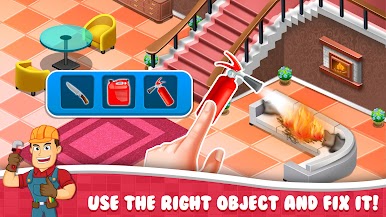
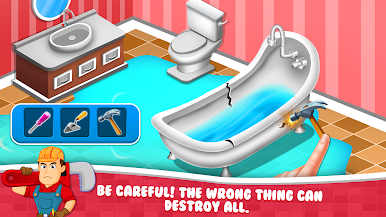
Jogue Fix it Games : Fix ASMR no PC. É fácil começar.
-
Baixe e instale o BlueStacks no seu PC
-
Conclua o login do Google para acessar a Play Store ou faça isso mais tarde
-
Procure por Fix it Games : Fix ASMR na barra de pesquisa no canto superior direito
-
Clique para instalar Fix it Games : Fix ASMR a partir dos resultados da pesquisa
-
Conclua o login do Google (caso você pulou a etapa 2) para instalar o Fix it Games : Fix ASMR
-
Clique no ícone do Fix it Games : Fix ASMR na tela inicial para começar a jogar

