


Holy Owly - languages for kids
العب على الكمبيوتر الشخصي مع BlueStacks - نظام أندرويد للألعاب ، موثوق به من قبل أكثر من 500 مليون لاعب.

إلعب Holy Owly - languages for kids على جهاز الكمبيوتر
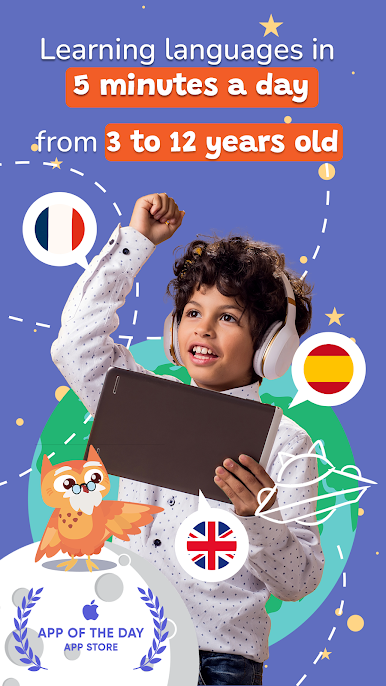
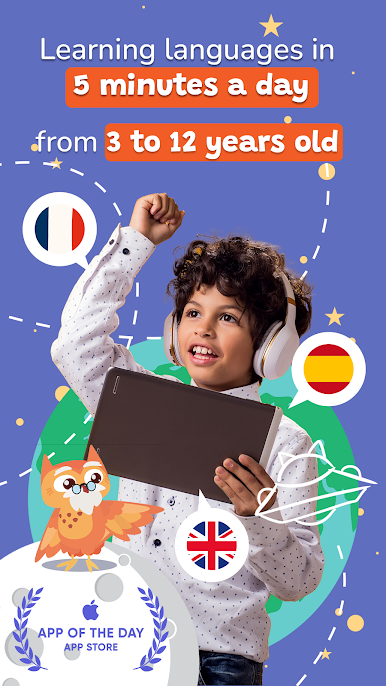
كبالغين، لطالما حلمنا جميعًا بتعلم لغة جديدة بسهولة، لكن من جربها منّا يدرك مدى تعقيدها. لهذا السبب، طوّرنا طريقة ثورية للأطفال من سن 3 إلى 12 عامًا. يتمتع الأطفال بالمرونة الذهنية اللازمة لتعلم لغات جديدة بسهولة أكبر بكثير من البالغين!
===================
لماذا يُحب الأطفال والآباء طريقة "هولي أوولي"؟
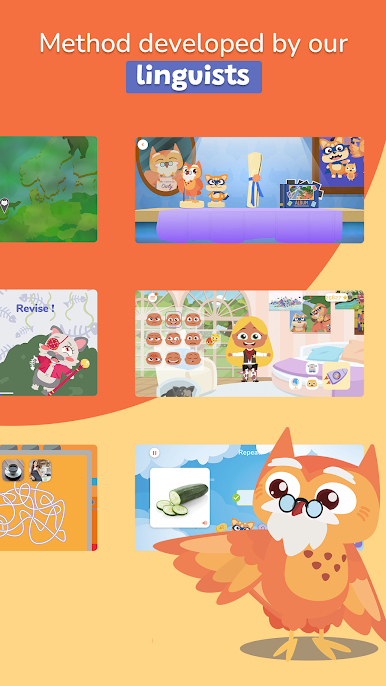
إنه ليس مجرد تطبيق: "هولي أوولي" هو ثمرة 3 سنوات من البحث والتطوير داخل مدرسة، حيث شارك المعلمون والباحثون اللغويون ومئات الأطفال في تطوير الطريقة التربوية والمحتوى الفريد.
التزامنا:
٥ دقائق فقط يوميًا للتعلم: يُشكّل هذا النظام طقسًا يوميًا يُشجّع على ترسيخ الذاكرة دون التعرض المُفرط للشاشات.
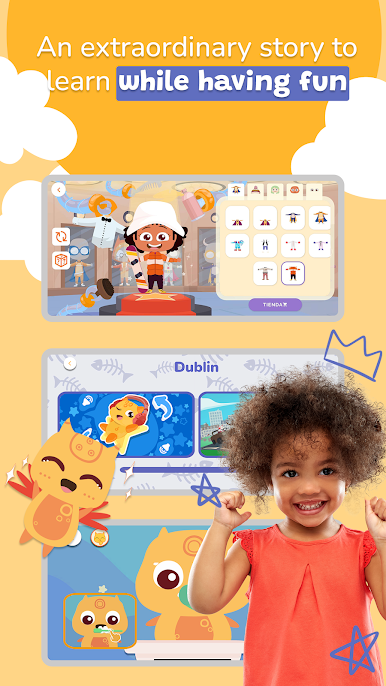
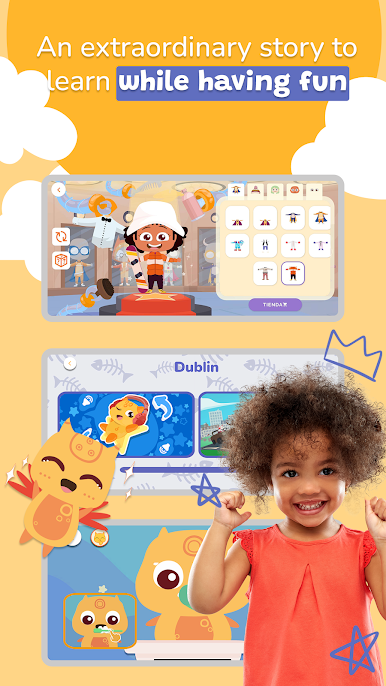
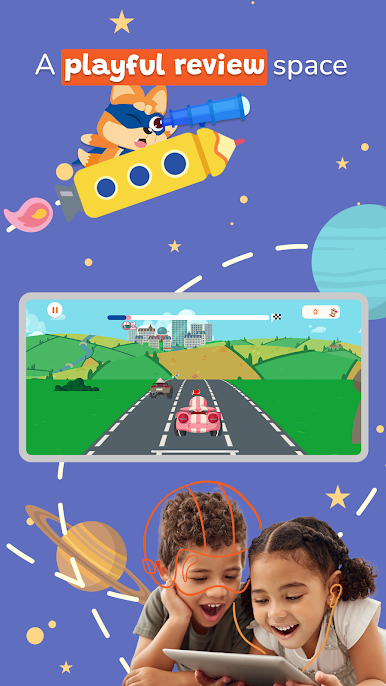
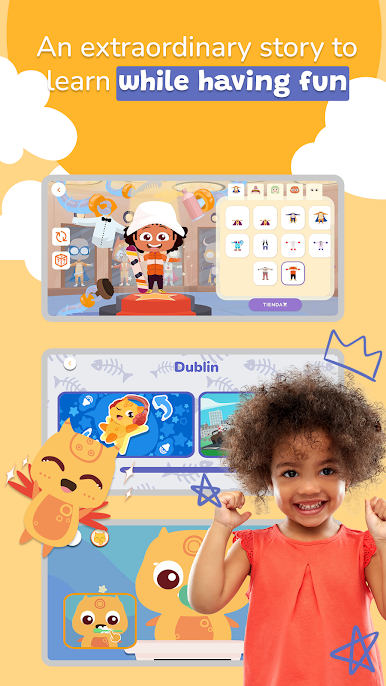
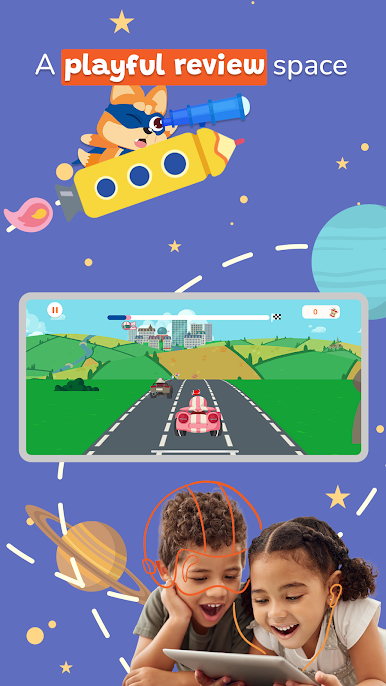
يتعلم الأطفال في جوٍّ من المرح: بفضل أسلوبنا التعليمي والمغامرة الغامرة التي يشاركون فيها، يتعلمون ٣ كلمات أو جمل ٦ أيام أسبوعيًا حول موضوع مُستلهم من الحياة اليومية.
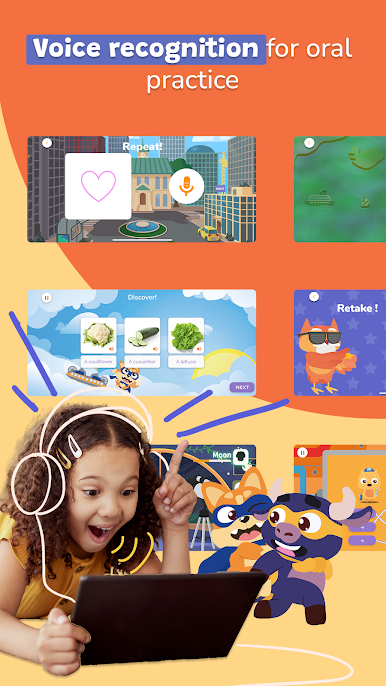
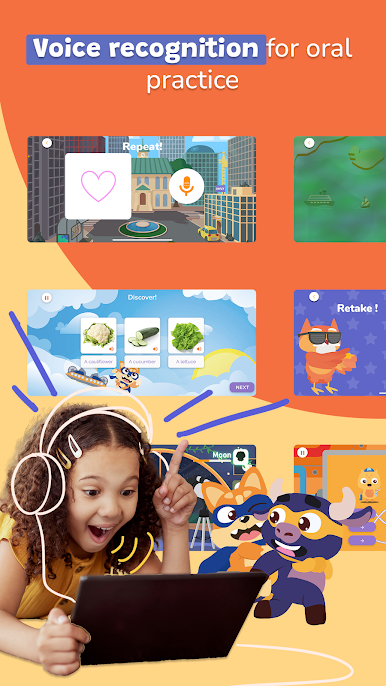
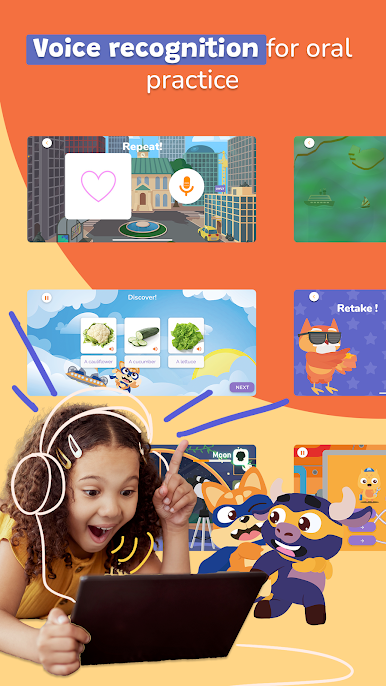
يتدرب الأطفال على التحدث: لتعلم لغة، عليك التحدث بها! سيُتيح نظامنا للتعرف على الصوت للأطفال التدرب بأنفسهم وتحسين نطقهم. نجعل الأطفال فخورين بالتعبير عن أنفسهم!
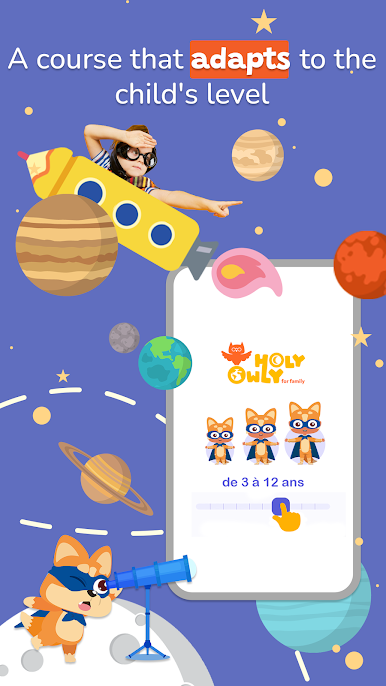
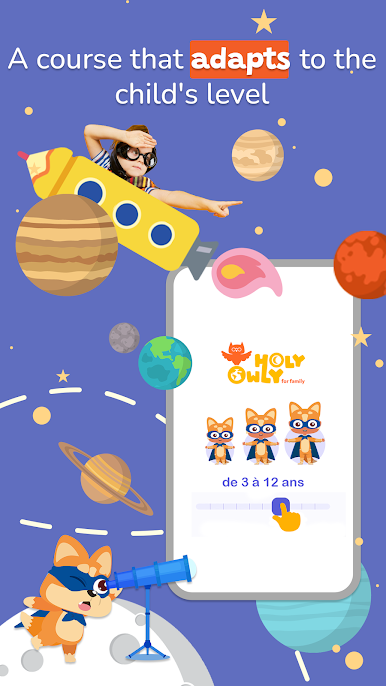
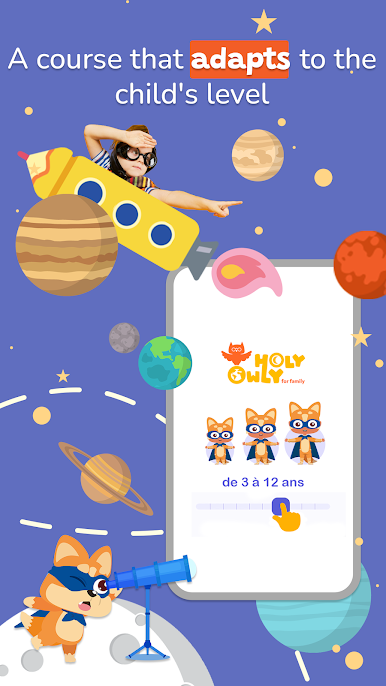
نُصمّم محتوانا لكل فئة عمرية خلال مرحلة الطفولة، مع دورة مُخصصة تتكيف مع وتيرة تعلم كل طفل. في كل عام، سيتمكن الأطفال من مواصلة مغامرتهم ومواصلة إثراء مفرداتهم والتقدم في التعبير الشفهي.
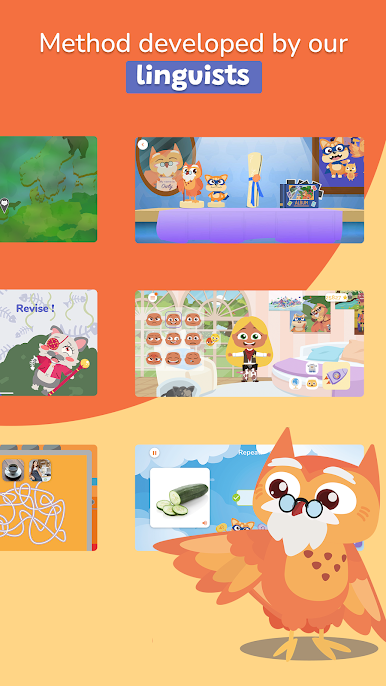
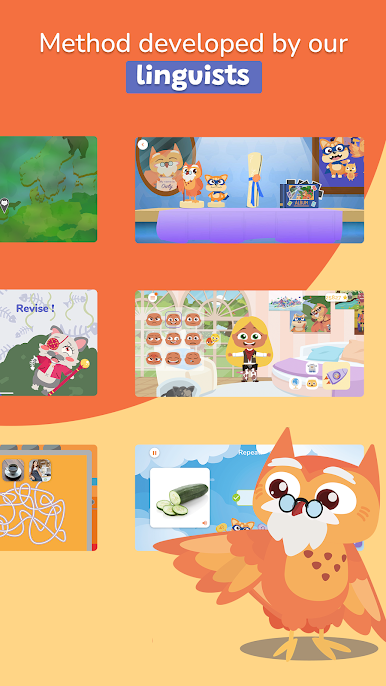
تنقسم طريقة "هولي أوولي" إلى ٧ مراحل: الاكتشاف، التكرار، الاختيار، التصنيف، الحفظ، اللعب، والتحقق.
====================
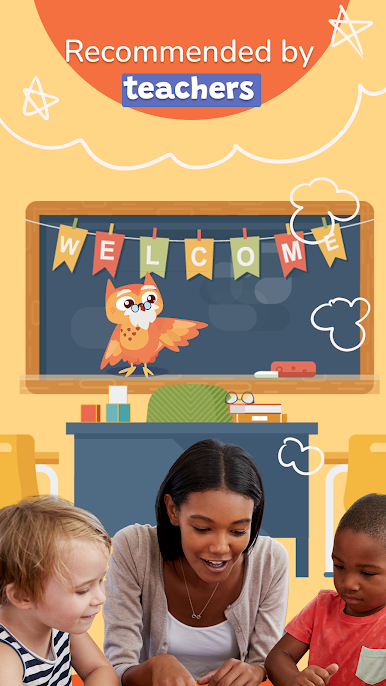
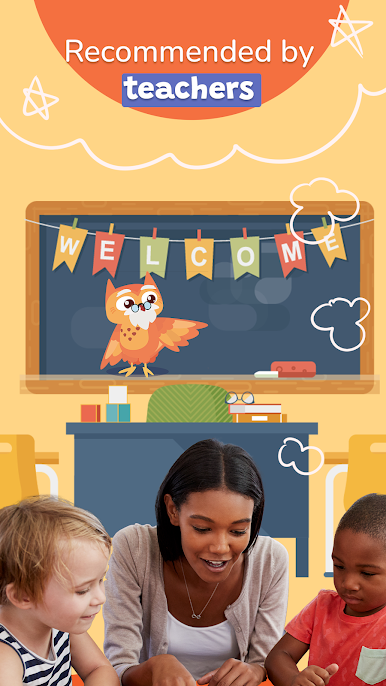
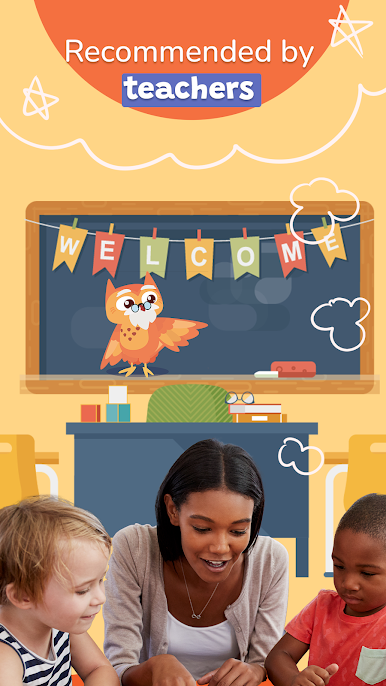
موصى به من قبل المعلمين
يُعد تطبيق Holy Owly التطبيق الأول لتعليم اللغتين الإنجليزية والإسبانية للأطفال في فرنسا، ويوصي به المعلمون أيضًا. إنه الخيار الأمثل لتعليم اللغة الإسبانية للأطفال، أو الإنجليزية للأطفال. بناءً على طلبات عديدة، قمنا بتكييف منهجيتنا مع المدارس بالشراكة مع دار نشر Bordas، ويُستخدم الآن في مئات الفصول الدراسية في فرنسا!
====================
لاستخدام جميع وظائف التطبيق، يجب عليك اختيار اشتراك شهري أو سنوي. سيكون لديك أسبوع مجاني قبل الدفعة الأولى.
جرّبه مع أسبوعنا التجريبي المجاني
====================
المحتوى آمن 100%: بدون إعلانات، يمكن للأطفال التعلم بأمان. إليكم:
- سياسة الخصوصية الخاصة بنا: http://www.holyowly.fr/nda
- شروط الاستخدام العامة: http://www.holyowly.fr/cgv
لأي استفسارات حول أسلوبنا أو محتواه أو اقتراحاتكم، تواصلوا معنا عبر البريد الإلكتروني contact@holyowly.fr
العب Holy Owly - languages for kids على جهاز الكمبيوتر. من السهل البدء.
-
قم بتنزيل BlueStacks وتثبيته على جهاز الكمبيوتر الخاص بك
-
أكمل تسجيل الدخول إلى Google للوصول إلى متجر Play ، أو قم بذلك لاحقًا
-
ابحث عن Holy Owly - languages for kids في شريط البحث أعلى الزاوية اليمنى
-
انقر لتثبيت Holy Owly - languages for kids من نتائج البحث
-
أكمل تسجيل الدخول إلى Google (إذا تخطيت الخطوة 2) لتثبيت Holy Owly - languages for kids
-
انقر على أيقونة Holy Owly - languages for kids على الشاشة الرئيسية لبدء اللعب

