


Boys Skins For Minecraft PE
العب على الكمبيوتر الشخصي مع BlueStacks - نظام أندرويد للألعاب ، موثوق به من قبل أكثر من 500 مليون لاعب.

Run Boys Skins For Minecraft PE on PC or Mac
What’s better than using Boys Skins For Minecraft PE by Kitoved? Well, try it on a big screen, on your PC or Mac, with BlueStacks to see the difference.
About the App
Love switching up your look in Minecraft PE? Boys Skins For Minecraft PE by Kitoved is all about giving you fresh ways to express yourself in-game. Whether you want to stand out on your favorite server or just keep your Minecraft style interesting, this Tools app lets you browse and use a massive skin collection—all from your device.
App Features
-
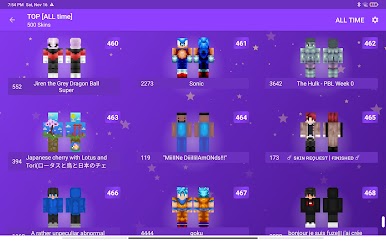
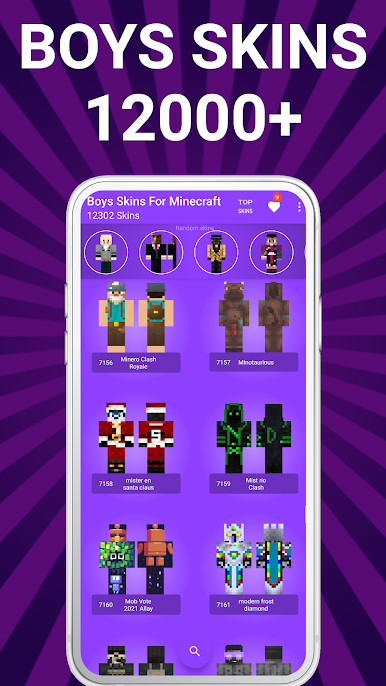
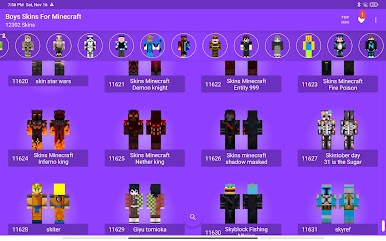
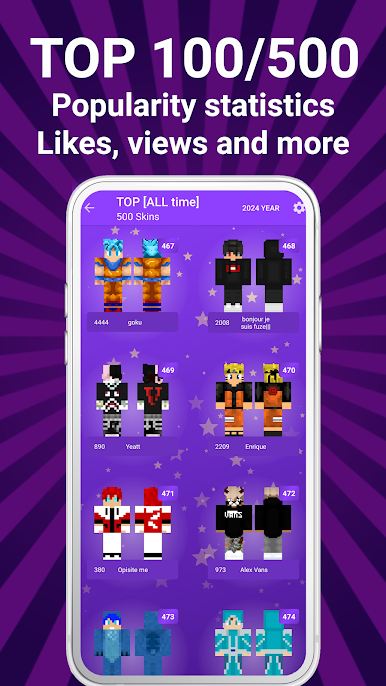
Thousands of Skins
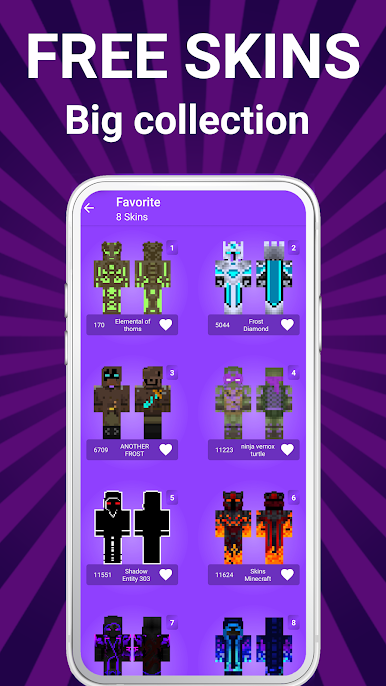
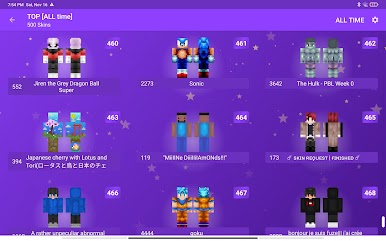
You’re not stuck with just a handful. Pick from over 5,000 options, from classic heroes to quirky camo, wild creatures to famous characters. -
Simple Setup
Ever had trouble loading skins before? With this app, skins get added to Minecraft PE easily—no complicated steps, just tap and go. -
Favorites List
Found a few looks you really like? Mark them as favorites, so you can swap between them anytime without endless searching. -
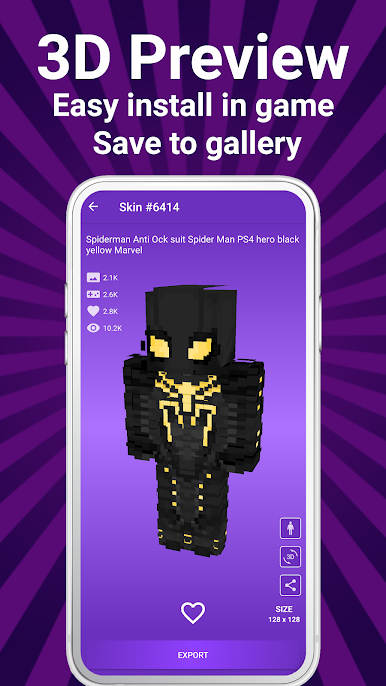
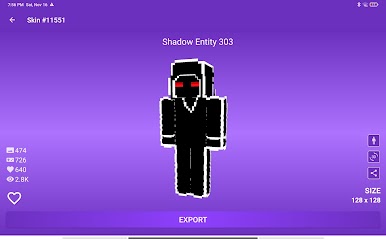
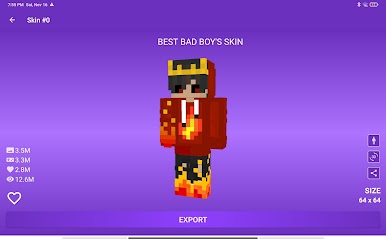
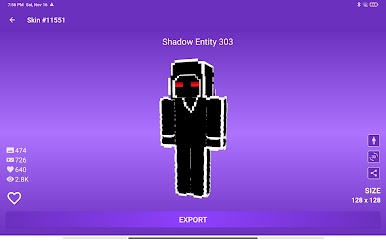
Preview Before You Pick
Curious how a skin actually looks in the game? Check it out right in the app before you commit—no surprises. -
Bright, Fun Layout
The app’s design keeps things lively and clear, so you won’t get lost hunting for that one special skin. -
Works with All Minecraft Versions
No need to worry about updates—skins are compatible with every version of Minecraft PE you’re running. -
Gallery Downloads
Maybe you want to save a few looks or use BlueStacks to organize your skins. Downloads head straight to your gallery for easy managing. -
Unique Categories
Dive into skins you won’t see everywhere: hunters, superheroes, streamers, soldiers, androids, even phantoms and scientists. There’s something here for moods you didn’t know you had. -
Unofficial App
Just a heads up, Boys Skins For Minecraft PE isn’t connected to Mojang, but it works seamlessly with your game.
Big screen. Bigger performance. Use BlueStacks on your PC or Mac to run your favorite apps.


العب Boys Skins For Minecraft PE على جهاز الكمبيوتر. من السهل البدء.
-
قم بتنزيل BlueStacks وتثبيته على جهاز الكمبيوتر الخاص بك
-
أكمل تسجيل الدخول إلى Google للوصول إلى متجر Play ، أو قم بذلك لاحقًا
-
ابحث عن Boys Skins For Minecraft PE في شريط البحث أعلى الزاوية اليمنى
-
انقر لتثبيت Boys Skins For Minecraft PE من نتائج البحث
-
أكمل تسجيل الدخول إلى Google (إذا تخطيت الخطوة 2) لتثبيت Boys Skins For Minecraft PE
-
انقر على أيقونة Boys Skins For Minecraft PE على الشاشة الرئيسية لبدء اللعب

