


QR 스캐너 : QR Code Scanner
도구 | KTW Apps
5억명 이상의 게이머가 신뢰하는 안드로이드 게임 플랫폼 BlueStacks으로 PC에서 플레이하세요.

Play QR Code Scanner : QR Reader on PC
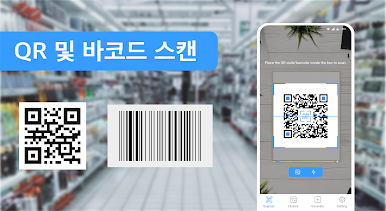
QR scanner is the best app for scanning QR-code and barcode. This QR code reader, QR-codes Scanner, Barcode Scanner scan almost all kind of QR and barcodes instantly including text, URL, ISBN(bar code), contact, calendar, email etc. Most importantly, it is the fastest, safest and also free QR Code Reader, QR code scanner, barcode scanners app. It is both QR code reader or QR code scanner and QR code generator or QR code maker and barcode scanner.
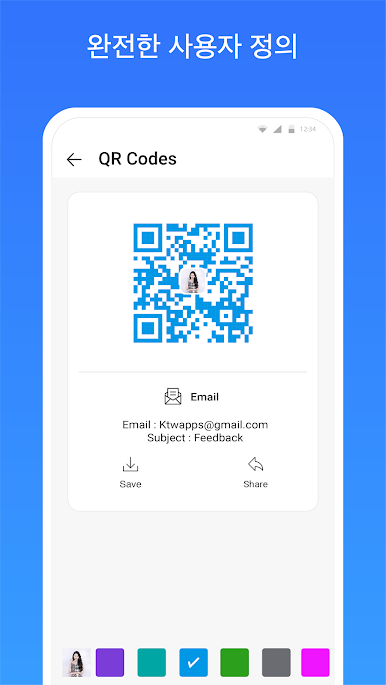
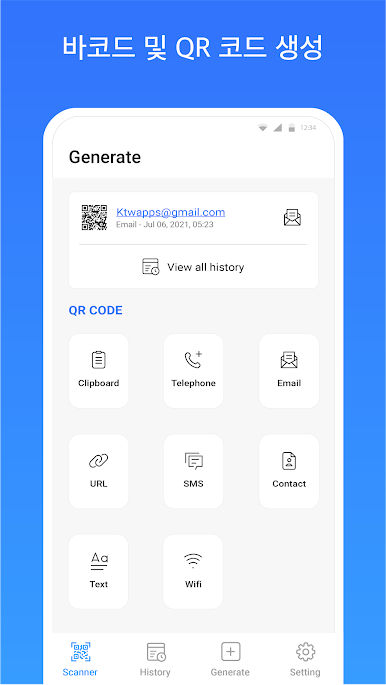
Our QR Code scanning app are not only can scan QR Code and scan barcode, you can generate and customise your own QR Codes with our QR-Code Generator.
Key features of QR reader / QR scanner for android
• Free QR code scanning app
• Free Barcode scanner app
• Free QR code maker app
QR Reader(QR Scanner) user guide:
1. Launch the QR scanner
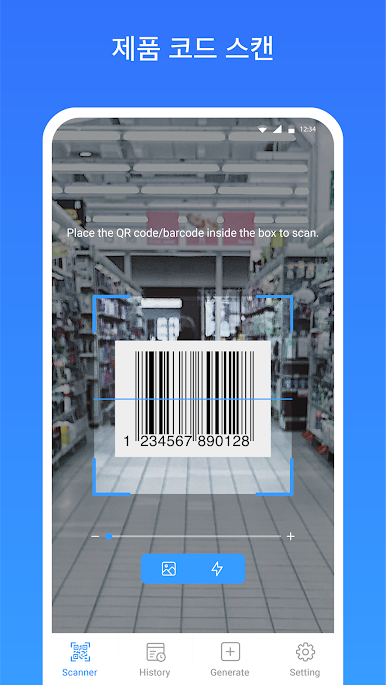
2. Place the QR-codes or Barcodes inside the frame.
3. Our QR code Reader or QR code Scanner will automatically recognise and scan QR code and barcodes.
Main Feature this scanning QR code app:
• Instant scan QR and barcodes
• Easy generate QR code and barcodes
• Scan or read all standard 1D and 2D code types (including almost all QR and barcodes)
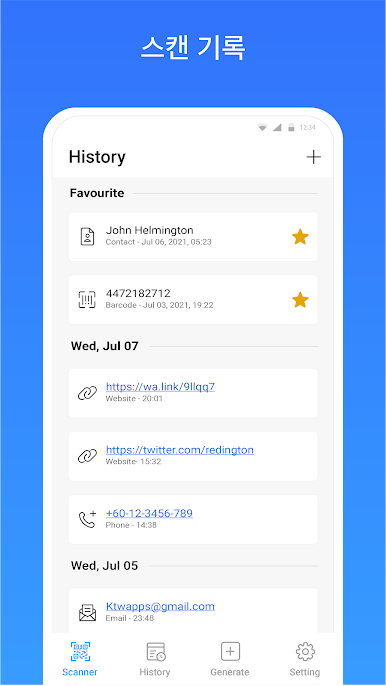
• QR code or barcode scanned history
• Scan Barcode to compare price(Bar code Scanner)
• Scan or read QR code or barcode from photos
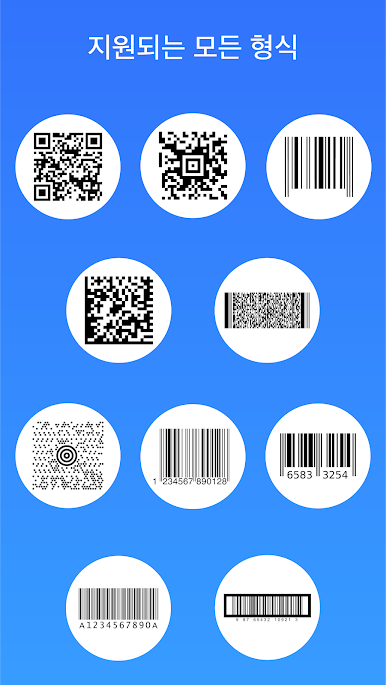
QR Reader/QR Scanner supported QR-code and barcode format:
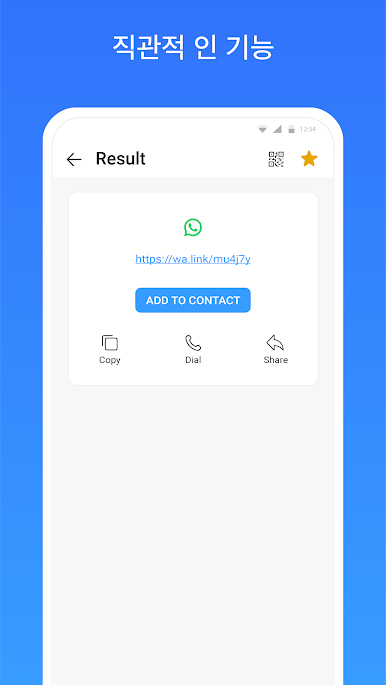
• website (URL)
• contact
• barcodes
• ISBN(bar code)
• wifi
• plain text
• phone number
• email
• SMS
QR Code and barcode is everywhere, download our free QR code scanning app and start to scan any QR-codes and barcodes now. What are you hesitate? Download the app now!
Our QR Code scanning app are not only can scan QR Code and scan barcode, you can generate and customise your own QR Codes with our QR-Code Generator.
Key features of QR reader / QR scanner for android
• Free QR code scanning app
• Free Barcode scanner app
• Free QR code maker app
QR Reader(QR Scanner) user guide:
1. Launch the QR scanner
2. Place the QR-codes or Barcodes inside the frame.
3. Our QR code Reader or QR code Scanner will automatically recognise and scan QR code and barcodes.
Main Feature this scanning QR code app:
• Instant scan QR and barcodes
• Easy generate QR code and barcodes
• Scan or read all standard 1D and 2D code types (including almost all QR and barcodes)
• QR code or barcode scanned history
• Scan Barcode to compare price(Bar code Scanner)
• Scan or read QR code or barcode from photos
QR Reader/QR Scanner supported QR-code and barcode format:
• website (URL)
• contact
• barcodes
• ISBN(bar code)
• wifi
• plain text
• phone number
• SMS
QR Code and barcode is everywhere, download our free QR code scanning app and start to scan any QR-codes and barcodes now. What are you hesitate? Download the app now!
PC에서 QR 스캐너 : QR Code Scanner 플레이해보세요.
-
BlueStacks 다운로드하고 설치
-
Google Play 스토어에 로그인 하기(나중에 진행가능)
-
오른쪽 상단 코너에 QR 스캐너 : QR Code Scanner 검색
-
검색 결과 중 QR 스캐너 : QR Code Scanner 선택하여 설치
-
구글 로그인 진행(만약 2단계를 지나갔을 경우) 후 QR 스캐너 : QR Code Scanner 설치
-
메인 홈화면에서 QR 스캐너 : QR Code Scanner 선택하여 실행

