


Lab4U
교육 | Lab4U
5억명 이상의 게이머가 신뢰하는 안드로이드 게임 플랫폼 BlueStacks으로 PC에서 플레이하세요.

Lab4U PC에서 즐겨보세요
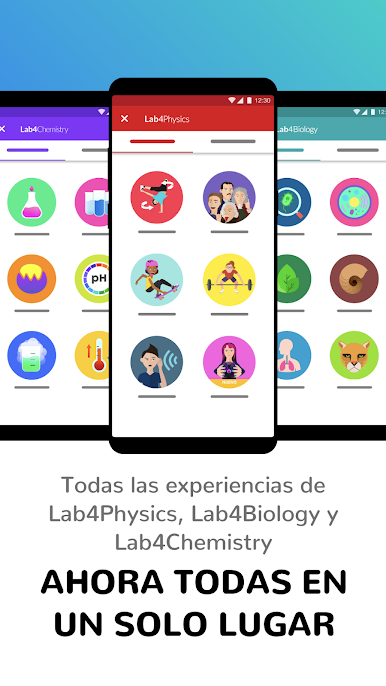
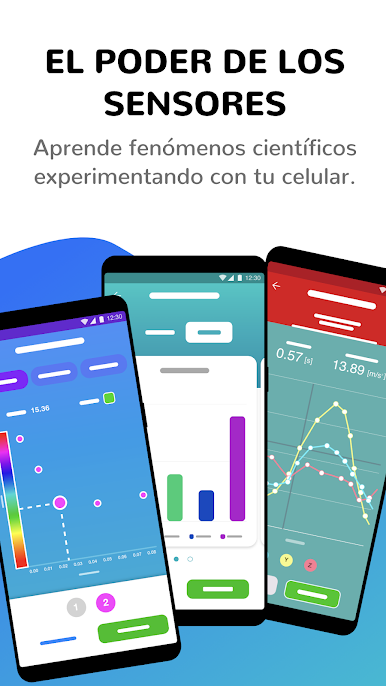
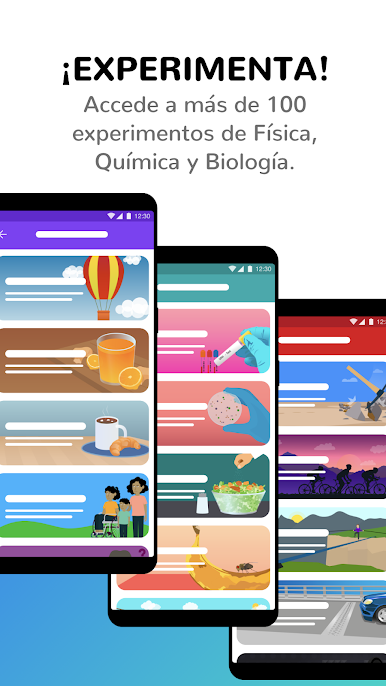
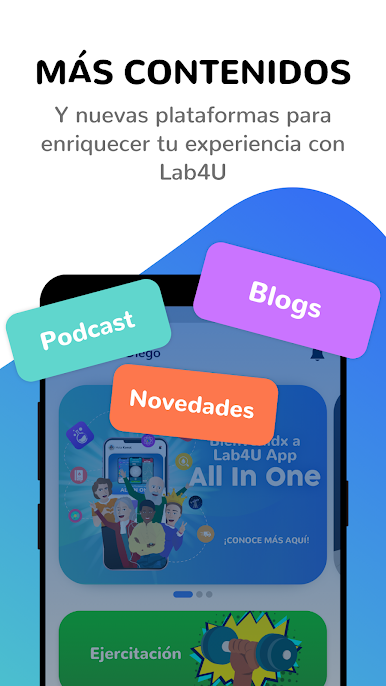
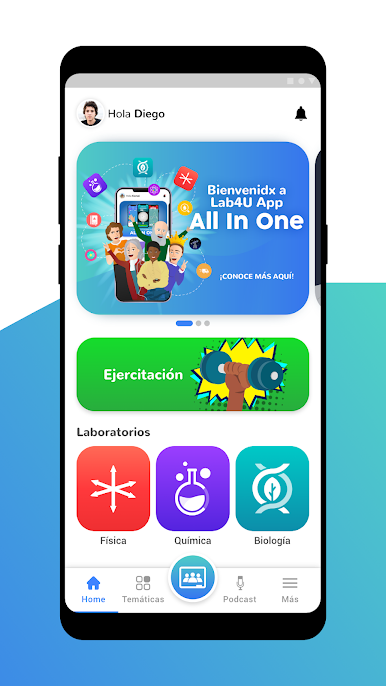
Lab4U는 쉽고 재미있는 방식으로 생물학, 물리 및 화학 실험을 수행할 수 있는 교육용 응용 프로그램으로, 과학을 배우고 가르치는 방식을 변화시킵니다. Lab4U를 사용하면 카메라, 마이크, 모션 센서와 같은 장치의 다양한 센서를 사용하여 실시간으로 실험하여 강력한 과학 도구로 전환할 수 있습니다.
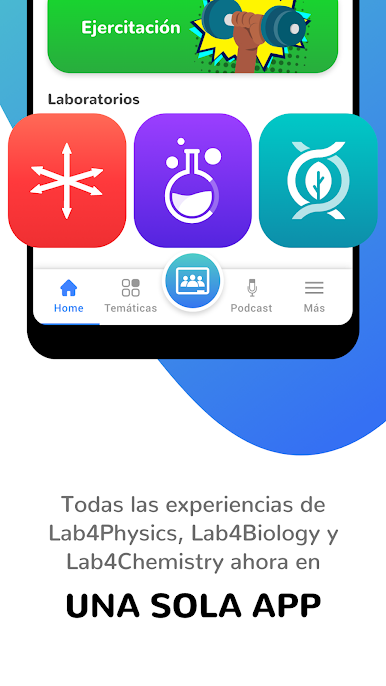
탐구 기반 과학 교육 제안을 통해 Lab4U를 통해 Lab4Biology 실험으로 자연의 이미지를 탐색 및 분석하고, Lab4Chemistry 경험으로 화학 반응의 색상과 농도를 결정하고, 물체의 힘과 가속도를 분석할 수 있습니다. Lab4Physics에서 제공하는 실험 활동으로 이동합니다. 앱의 실험실 섹션에서 이러한 각 콘텐츠를 찾으십시오.
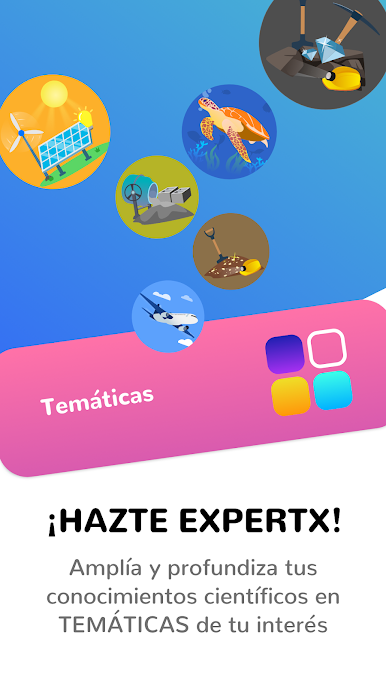
Lab4U는 교육 커리큘럼에 맞춰진 모든 도구와 실험을 제공하여 과학적 사고의 개발을 향상시키고 21세기에 필요한 인재를 준비시키는 놀랍고 재미있고 깊은 학습 경험을 수행합니다.
새로운 Lab4U 앱을 다운로드하고 함께 실험해 보십시오!
탐구 기반 과학 교육 제안을 통해 Lab4U를 통해 Lab4Biology 실험으로 자연의 이미지를 탐색 및 분석하고, Lab4Chemistry 경험으로 화학 반응의 색상과 농도를 결정하고, 물체의 힘과 가속도를 분석할 수 있습니다. Lab4Physics에서 제공하는 실험 활동으로 이동합니다. 앱의 실험실 섹션에서 이러한 각 콘텐츠를 찾으십시오.
Lab4U는 교육 커리큘럼에 맞춰진 모든 도구와 실험을 제공하여 과학적 사고의 개발을 향상시키고 21세기에 필요한 인재를 준비시키는 놀랍고 재미있고 깊은 학습 경험을 수행합니다.
새로운 Lab4U 앱을 다운로드하고 함께 실험해 보십시오!

PC에서 Lab4U 플레이해보세요.
-
BlueStacks 다운로드하고 설치
-
Google Play 스토어에 로그인 하기(나중에 진행가능)
-
오른쪽 상단 코너에 Lab4U 검색
-
검색 결과 중 Lab4U 선택하여 설치
-
구글 로그인 진행(만약 2단계를 지나갔을 경우) 후 Lab4U 설치
-
메인 홈화면에서 Lab4U 선택하여 실행

