


Drops:學習世界語
教育 | Drops Languages
在電腦上使用BlueStacks –受到5億以上的遊戲玩家所信任的Android遊戲平台。

暢玩 Drops:學習世界語 電腦版
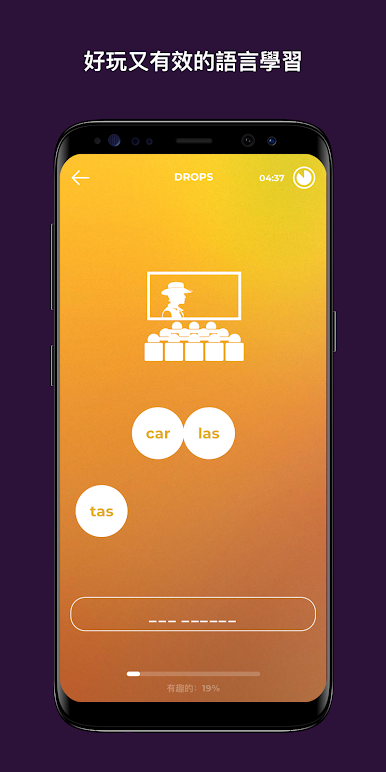
使用最快捷的語言學習應用,並沉浸在英語、俄語、葡萄牙語、西班牙語、法語或德語的學習之中吧! 100%視覺化學習,每天只需5分鐘。
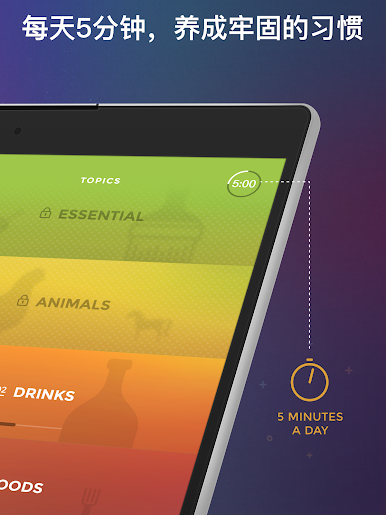
● 每天只有五分鐘
把你的學習時間限制在了每天5分鐘。這聽起來也許有點瘋狂,但其實是非常有魔力的。沒有門檻限制,但也沒有藉口:你只有5分鐘!
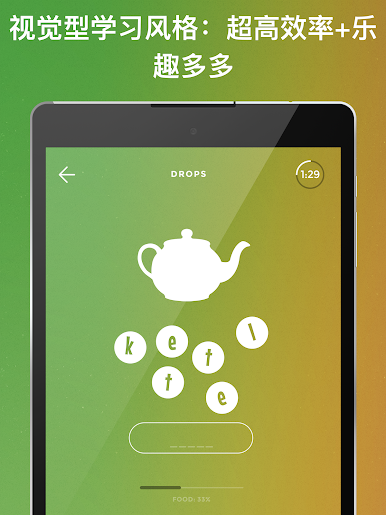
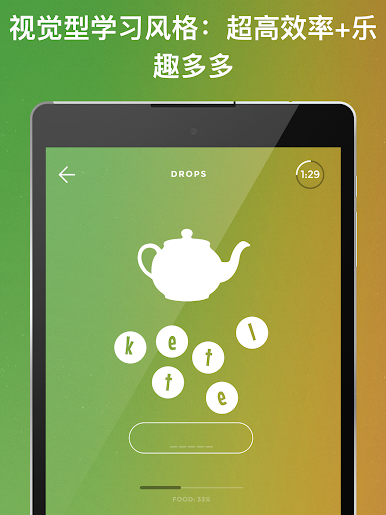
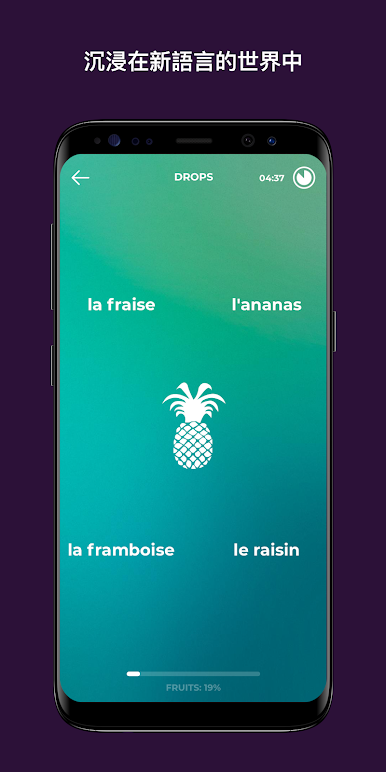
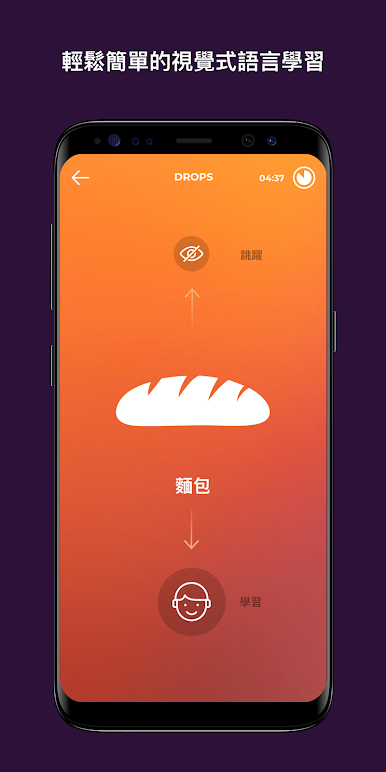
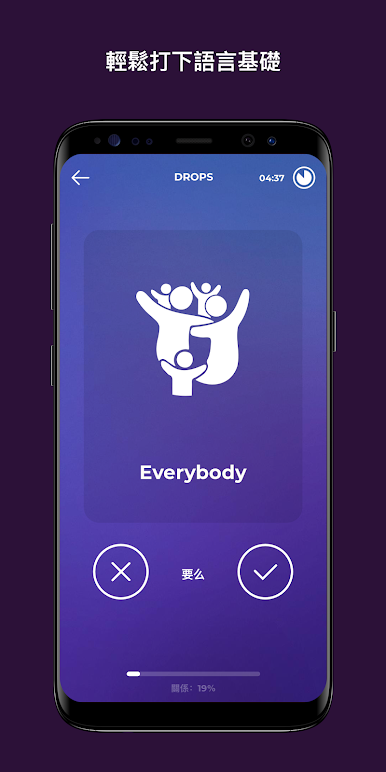
● 純粹的視覺化學習
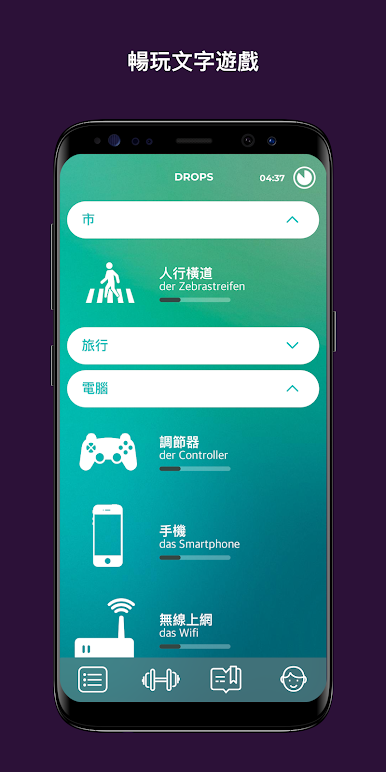
更快、更好、更有趣!每一個單詞都已被結構成了精美的圖片。伴隨著雙眼從精美圖片中獲得的享受,你的大腦將更有效地記憶新的單詞:你將不會再進行“外語-母語”式的記憶,而是將“外語”直接印刻在腦海中。
● 不費力的學習
我們仔細地研究了遊戲為什麼如此有趣並令人沉迷,並將其中的精髓融入到了Drops中。因此我們不僅創造出一款遊戲化的學習應用,更創造出一種正確的遊戲體驗。它給你留下深刻印象的方式也許有點古怪,但正因為如此,你不是再將學習浪費在了玩樂中,而是利用這些時間為新語言積累了可觀的知識財富。
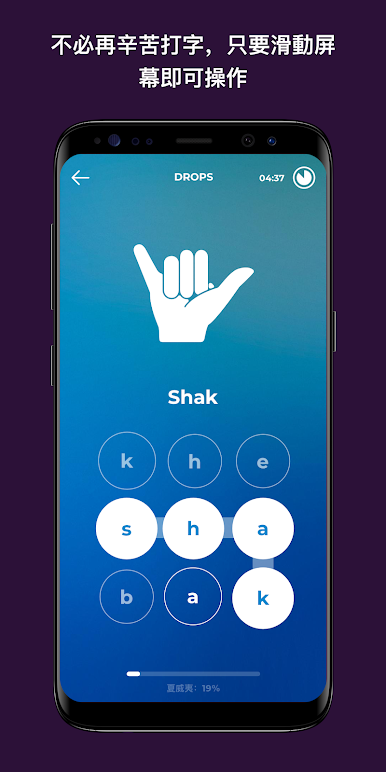
● 基於滑動的學習
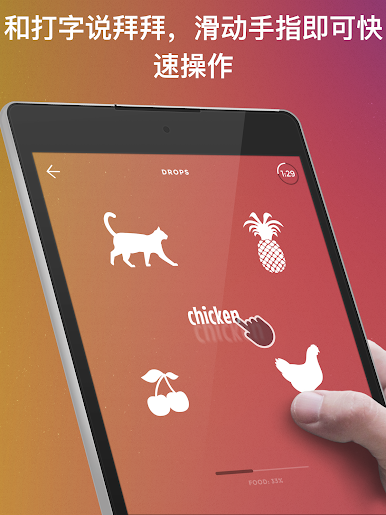
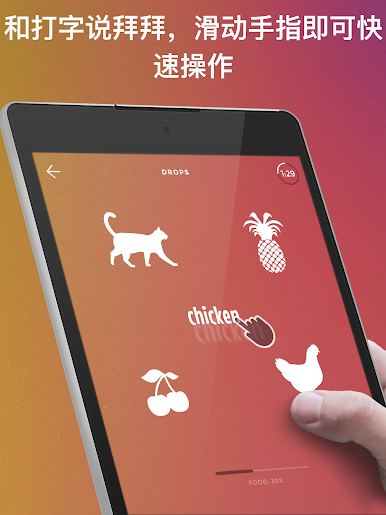
我們並不看好使用鍵盤的學習效率。向真正快捷的滑動和點觸say hello吧!你將能從你的“5分鐘海綿”中擠出更多的水 :)
● 關鍵詞彙篩選機制
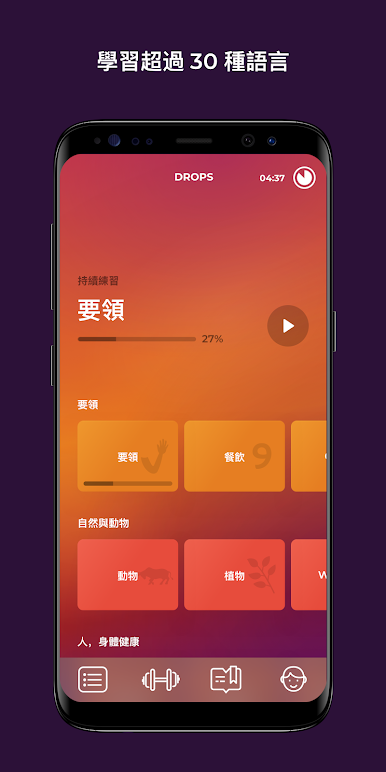
是什麼”也許比“怎樣做”更重要。我們人工選取了超過1000個實用的單詞,這些都將是你在異國使用這門新語言時用得到的。
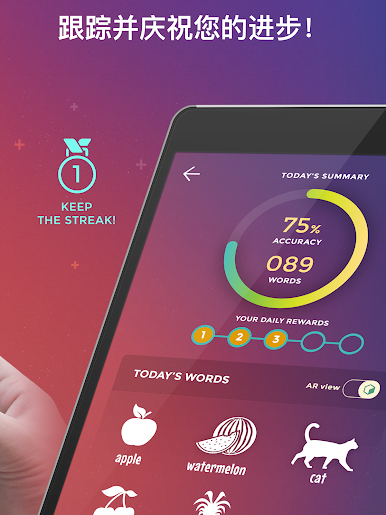
● 煉就學習習慣
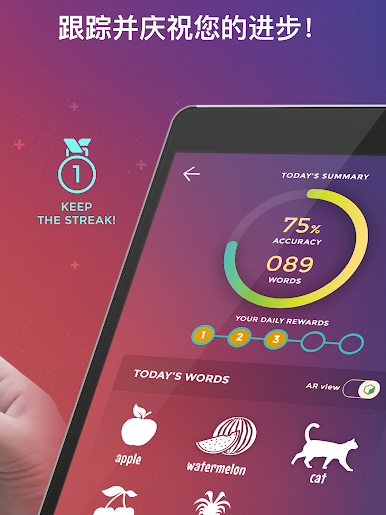
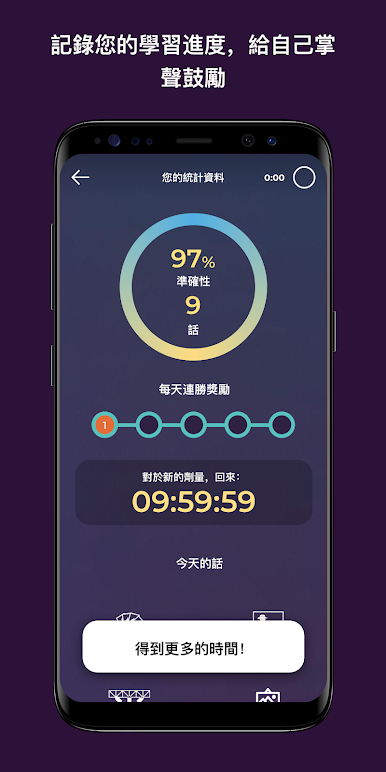
Drops希望能夠將你變成沉迷於學習的人。不管你的學習工具是多麼的有效,如果你不能每天使用它,一切都是徒勞的。通過Drops,詞彙們將像水滴一樣滲入到你的思維中,這將更適合你!
● 全方位服務
-----------------
我們將不斷努力使更多語言能夠成為你記憶海洋中的水滴!
支付信息
如需幫助,請致信:sup@languagedrops.com
隱私政策及使用條款參照:http://5mindrops.com/privacypolicy.html
● 每天只有五分鐘
把你的學習時間限制在了每天5分鐘。這聽起來也許有點瘋狂,但其實是非常有魔力的。沒有門檻限制,但也沒有藉口:你只有5分鐘!
● 純粹的視覺化學習
更快、更好、更有趣!每一個單詞都已被結構成了精美的圖片。伴隨著雙眼從精美圖片中獲得的享受,你的大腦將更有效地記憶新的單詞:你將不會再進行“外語-母語”式的記憶,而是將“外語”直接印刻在腦海中。
● 不費力的學習
我們仔細地研究了遊戲為什麼如此有趣並令人沉迷,並將其中的精髓融入到了Drops中。因此我們不僅創造出一款遊戲化的學習應用,更創造出一種正確的遊戲體驗。它給你留下深刻印象的方式也許有點古怪,但正因為如此,你不是再將學習浪費在了玩樂中,而是利用這些時間為新語言積累了可觀的知識財富。
● 基於滑動的學習
我們並不看好使用鍵盤的學習效率。向真正快捷的滑動和點觸say hello吧!你將能從你的“5分鐘海綿”中擠出更多的水 :)
● 關鍵詞彙篩選機制
是什麼”也許比“怎樣做”更重要。我們人工選取了超過1000個實用的單詞,這些都將是你在異國使用這門新語言時用得到的。
● 煉就學習習慣
Drops希望能夠將你變成沉迷於學習的人。不管你的學習工具是多麼的有效,如果你不能每天使用它,一切都是徒勞的。通過Drops,詞彙們將像水滴一樣滲入到你的思維中,這將更適合你!
● 全方位服務
-----------------
我們將不斷努力使更多語言能夠成為你記憶海洋中的水滴!
支付信息
如需幫助,請致信:sup@languagedrops.com
隱私政策及使用條款參照:http://5mindrops.com/privacypolicy.html

在電腦上遊玩Drops:學習世界語 . 輕易上手.
-
在您的電腦上下載並安裝BlueStacks
-
完成Google登入後即可訪問Play商店,或等你需要訪問Play商店十再登入
-
在右上角的搜索欄中尋找 Drops:學習世界語
-
點擊以從搜索結果中安裝 Drops:學習世界語
-
完成Google登入(如果您跳過了步驟2),以安裝 Drops:學習世界語
-
在首頁畫面中點擊 Drops:學習世界語 圖標來啟動遊戲

