


Home + Control
라이프스타일 | Legrand - Netatmo - Bticino
5억명 이상의 게이머가 신뢰하는 안드로이드 게임 플랫폼 BlueStacks으로 PC에서 플레이하세요.

Play Home + Control on PC
Legrand Home + Control is designed for:
LEGRAND RADIANT WITH NETATMO
AND
ADORNE WITH NETATMO SMART SWITCHES & OUTLETS
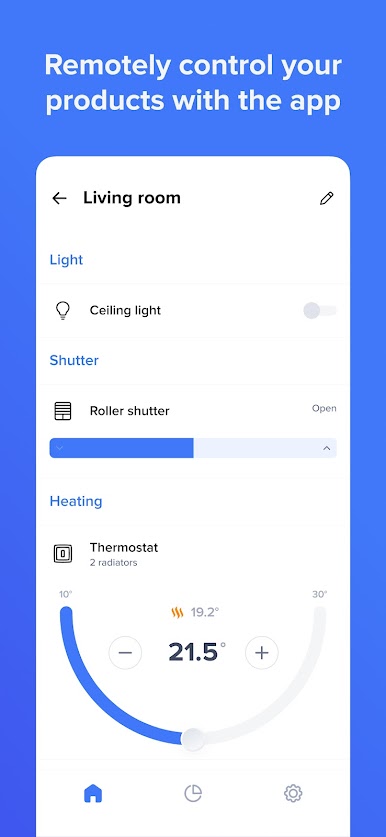
Manage lights and power, from anywhere, with the Legrand Home + Control app.
Start with a Smart Gateway, then replace existing switches, dimmers and outlets with adorne and radiant with Netatmo Smart Switches and Outlets for full control of your lights and power.
COMFORT
Turn on lights from wherever you go, giving you the comfort needed to enjoy life.
SAFETY
Schedule lights for your arrival, or dim lights to safely navigate the house at night.
CONVENIENCE
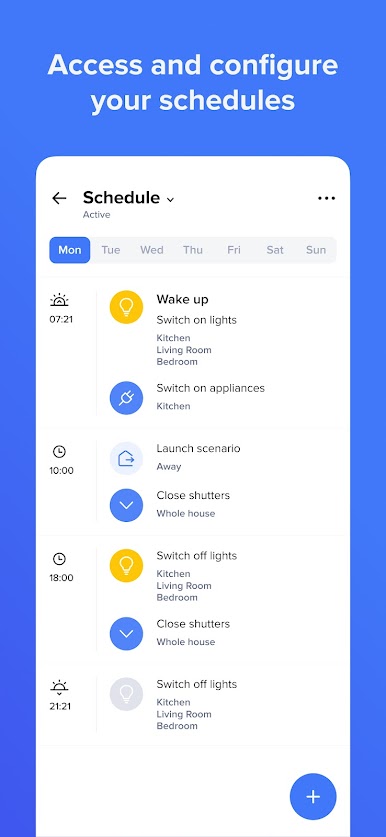
Conveniently schedule lights or appliances to go on/off automatically.
MORE CONTROL, LESS WASTE
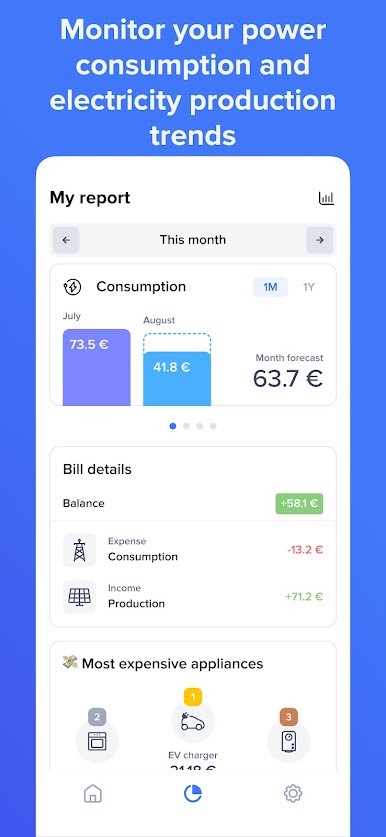
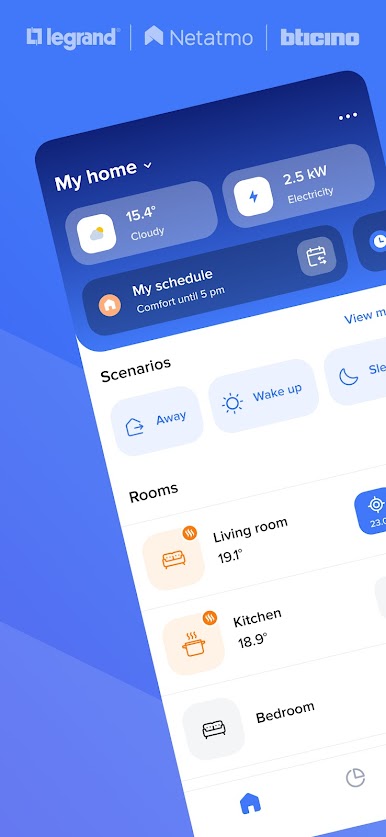
The Home + Control app provides incredible visibility to a home’s energy usage, helping reduce energy cost and waste. Monitor, manage, and more. Set Smart Alerts to be notified in the event of a power outage or lights left on.
Legrand Home + Control is compatible with:
Amazon Alexa, Google Home or Apple HomeKit
LEGRAND RADIANT WITH NETATMO
AND
ADORNE WITH NETATMO SMART SWITCHES & OUTLETS
Manage lights and power, from anywhere, with the Legrand Home + Control app.
Start with a Smart Gateway, then replace existing switches, dimmers and outlets with adorne and radiant with Netatmo Smart Switches and Outlets for full control of your lights and power.
COMFORT
Turn on lights from wherever you go, giving you the comfort needed to enjoy life.
SAFETY
Schedule lights for your arrival, or dim lights to safely navigate the house at night.
CONVENIENCE
Conveniently schedule lights or appliances to go on/off automatically.
MORE CONTROL, LESS WASTE
The Home + Control app provides incredible visibility to a home’s energy usage, helping reduce energy cost and waste. Monitor, manage, and more. Set Smart Alerts to be notified in the event of a power outage or lights left on.
Legrand Home + Control is compatible with:
Amazon Alexa, Google Home or Apple HomeKit
PC에서 Home + Control 플레이해보세요.
-
BlueStacks 다운로드하고 설치
-
Google Play 스토어에 로그인 하기(나중에 진행가능)
-
오른쪽 상단 코너에 Home + Control 검색
-
검색 결과 중 Home + Control 선택하여 설치
-
구글 로그인 진행(만약 2단계를 지나갔을 경우) 후 Home + Control 설치
-
메인 홈화면에서 Home + Control 선택하여 실행

