일본어 작성하는 방법 배우기
5억명 이상의 게이머가 신뢰하는 안드로이드 게임 플랫폼 BlueStacks으로 PC에서 플레이하세요.
Run Japanese Writing Wizard on PC or Mac
Let BlueStacks turn your PC, Mac, or laptop into the perfect home for Japanese Writing Wizard, a fun Education app from L’Escapadou.
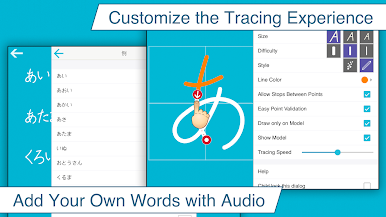
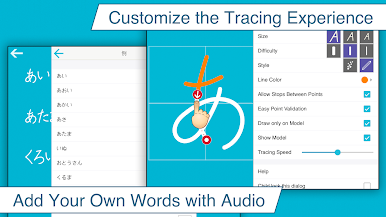
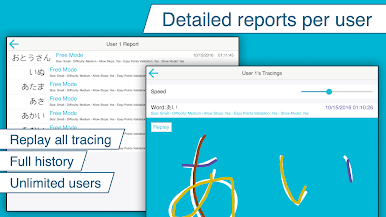
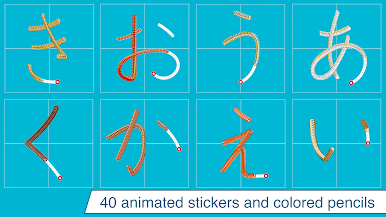
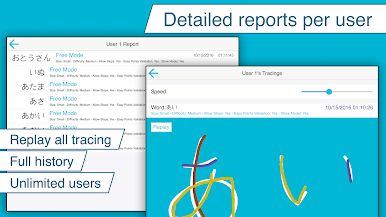
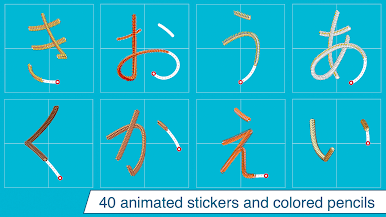
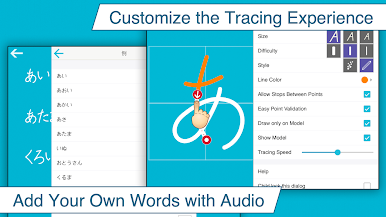
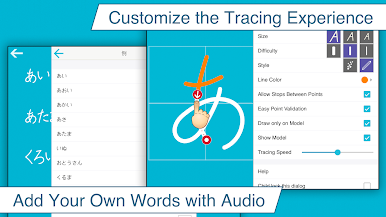
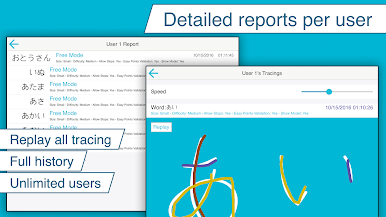
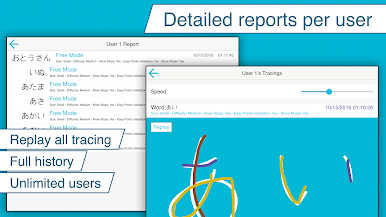
Japanese Writing Wizard feels like a calm tracing coach for learning hiragana. It is made for kids, so total beginners do not feel lost. Each character shows the path and stroke order, and the app gently insists on writing it the right way, not sloppy shortcuts. There are clear letter sounds, and you can switch between cute little animations or a simple pen if less distraction is better. The menus are in English and easy to get around. There are a bunch of settings to tweak size, difficulty, and whether the guide path shows, so it scales from first practice to tighter accuracy. On BlueStacks, using a mouse or a small drawing tablet works well, and the bigger screen helps a lot with tricky curves.
The starter content is limited on purpose, with five letters, five words, five numbers, and five shapes to try. A single in‑app purchase opens the full set of letters and unlocks the custom word feature, so practice lists can match school notes or a workbook. It is not a flashy game, more like a focused practice pad that rewards clean strokes with small sounds and animations. No ads, no data popups, just writing. It is steady, a little strict in a good way, and great for building muscle memory even if the learner is older than the app’s target age.
Eager to take your app experience to the next level? Start right away by downloading BlueStacks on your PC or Mac.
PC에서 일본어 작성하는 방법 배우기 플레이해보세요.
-
BlueStacks 다운로드하고 설치
-
Google Play 스토어에 로그인 하기(나중에 진행가능)
-
오른쪽 상단 코너에 일본어 작성하는 방법 배우기 검색
-
검색 결과 중 일본어 작성하는 방법 배우기 선택하여 설치
-
구글 로그인 진행(만약 2단계를 지나갔을 경우) 후 일본어 작성하는 방법 배우기 설치
-
메인 홈화면에서 일본어 작성하는 방법 배우기 선택하여 실행