

La magie des mots - dictée
在電腦上使用BlueStacks –受到5億以上的遊戲玩家所信任的Android遊戲平台。

Run French Words - Learn spelling on PC or Mac
What’s better than using French Words – Learn spelling by L’Escapadou? Well, try it on a big screen, on your PC or Mac, with BlueStacks to see the difference.
About the App
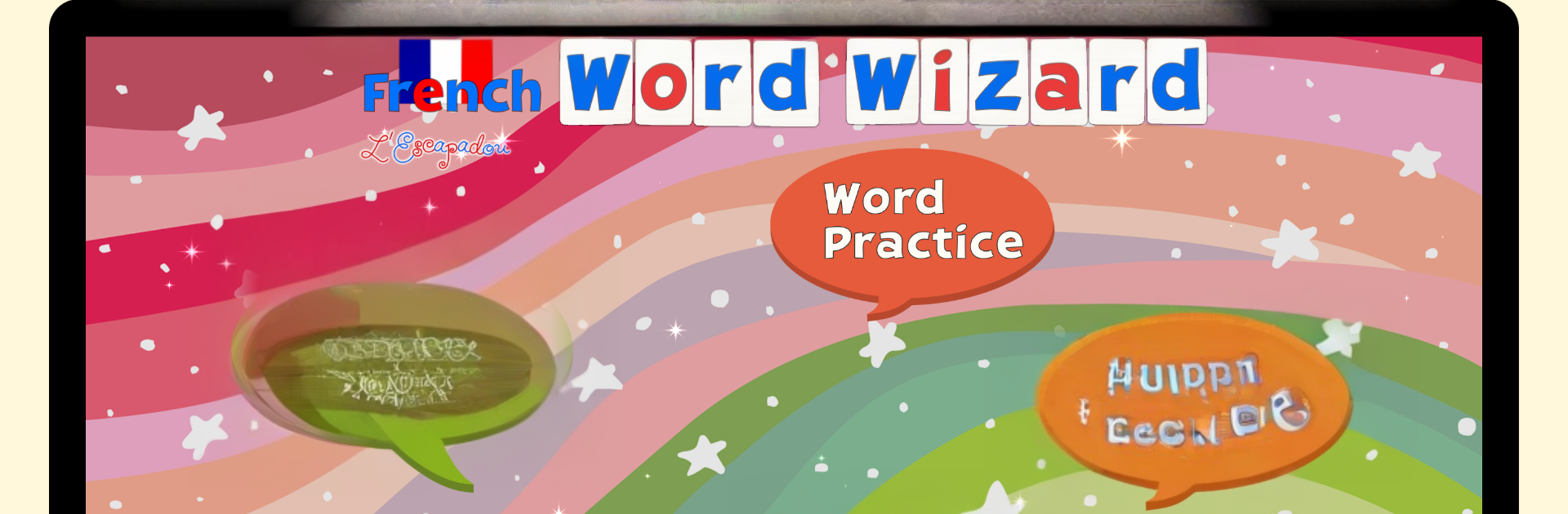
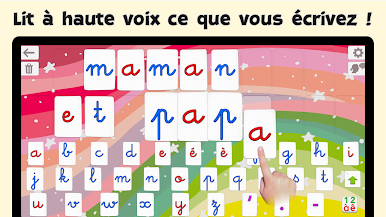
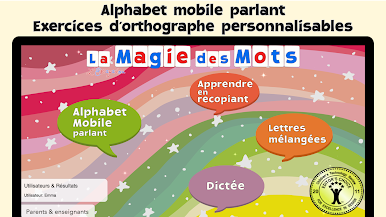
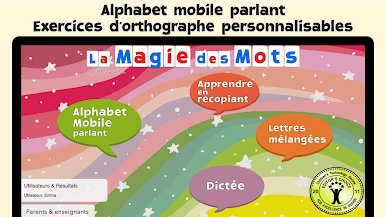
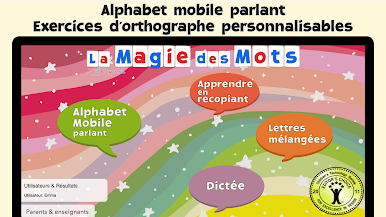
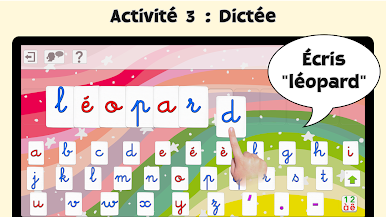
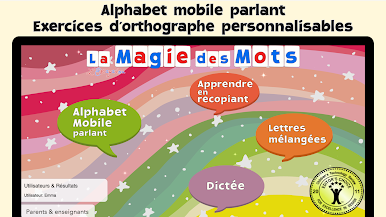
French Words – Learn spelling turns French phonics and spelling practice into a playful, hands-on experience for kids ages 4–10. Made by L’Escapadou in the Education genre, it mixes a talking movable alphabet with smart spelling games so kids can build words, hear sounds, and actually enjoy practicing. It’s fully immersive in French—menus are translated for adults, but all voices and words are in French. Prefer using a computer? You can also run it with BlueStacks.
App Features
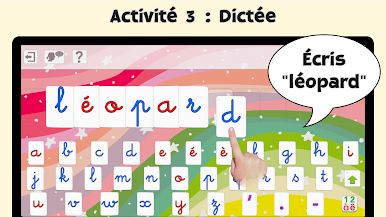
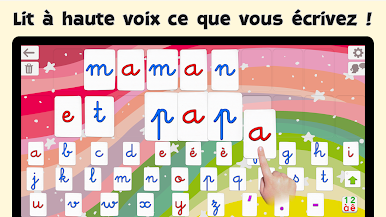
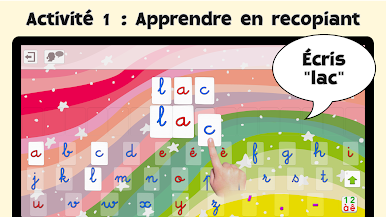
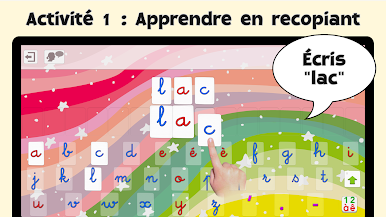
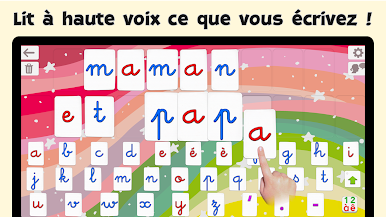
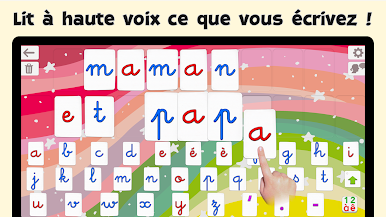
- Talking Movable Alphabet: Kids drag letters to build words, and the app instantly speaks letter sounds or names—and can pronounce any word, number, or sentence they create.
- Natural French Audio: A clear, native-sounding French voice guides every step. You can tweak speed and pitch, and even customize how tricky words are pronounced.
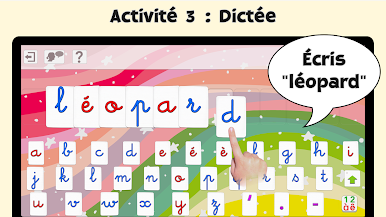
- Flexible Keyboards: Choose alphabetic, AZERTY, or QWERTY layouts. Switch between letters, numbers, and common digraphs like “au” and “ch,” in uppercase or lowercase.
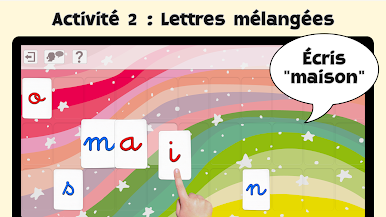
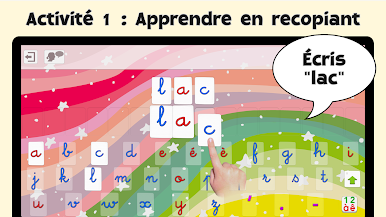
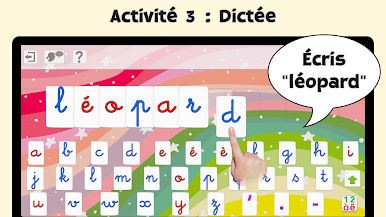
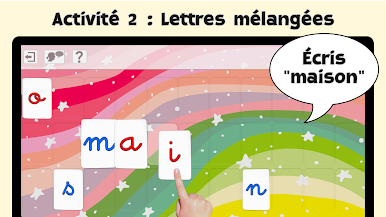
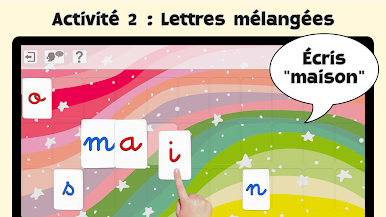
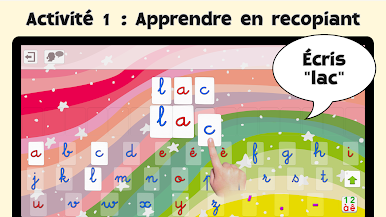
- Spelling Modes for Every Level: Word Practice shows and says the word to build; Scrambled Letters gives the right letters to reorder; Spelling Quizzes won’t move on until the word is spelled correctly.
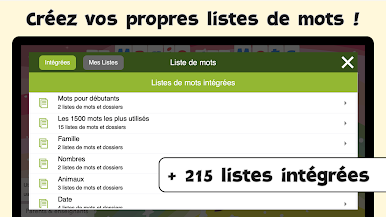
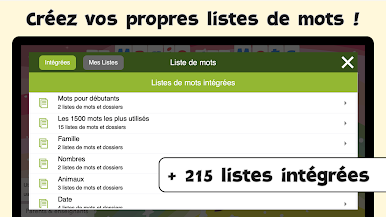
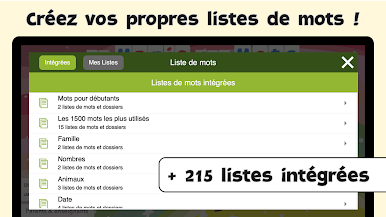
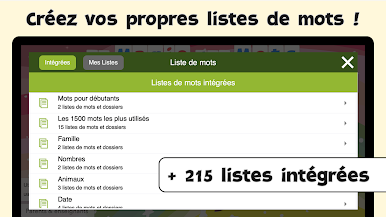
- Rich Word Lists: Explore 215 built-in lists (around 2,000 words), from beginner sets to high‑frequency vocabulary and themes. Create your own lists and sentences, plus import/export them.
- Helpful Hints and Rewards: Optional hints keep learners moving, and fun animations celebrate completed words and finished quizzes.
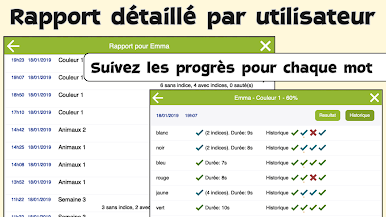
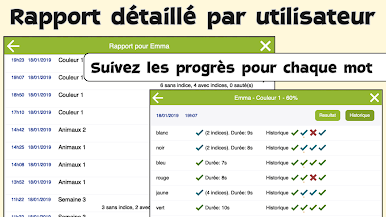
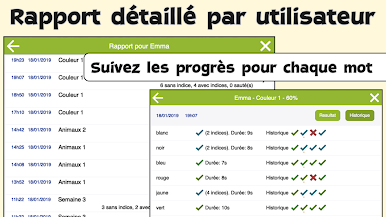
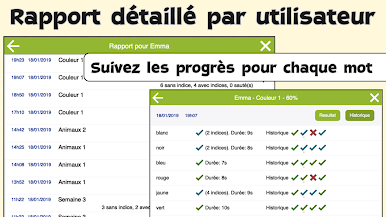
- Progress You Can See: Set up unlimited user profiles and check detailed, per‑child spelling reports—handy for parents and teachers.
- Optional Drag or Type: Use classic letter dragging or a keyboard-style input if that’s easier for your learner.
- Full French Immersion: All audio is in French to support authentic listening and pronunciation.
Eager to take your app experience to the next level? Start right away by downloading BlueStacks on your PC or Mac.

在電腦上遊玩La magie des mots - dictée . 輕易上手.
-
在您的電腦上下載並安裝BlueStacks
-
完成Google登入後即可訪問Play商店,或等你需要訪問Play商店十再登入
-
在右上角的搜索欄中尋找 La magie des mots - dictée
-
點擊以從搜索結果中安裝 La magie des mots - dictée
-
完成Google登入(如果您跳過了步驟2),以安裝 La magie des mots - dictée
-
在首頁畫面中點擊 La magie des mots - dictée 圖標來啟動遊戲

