

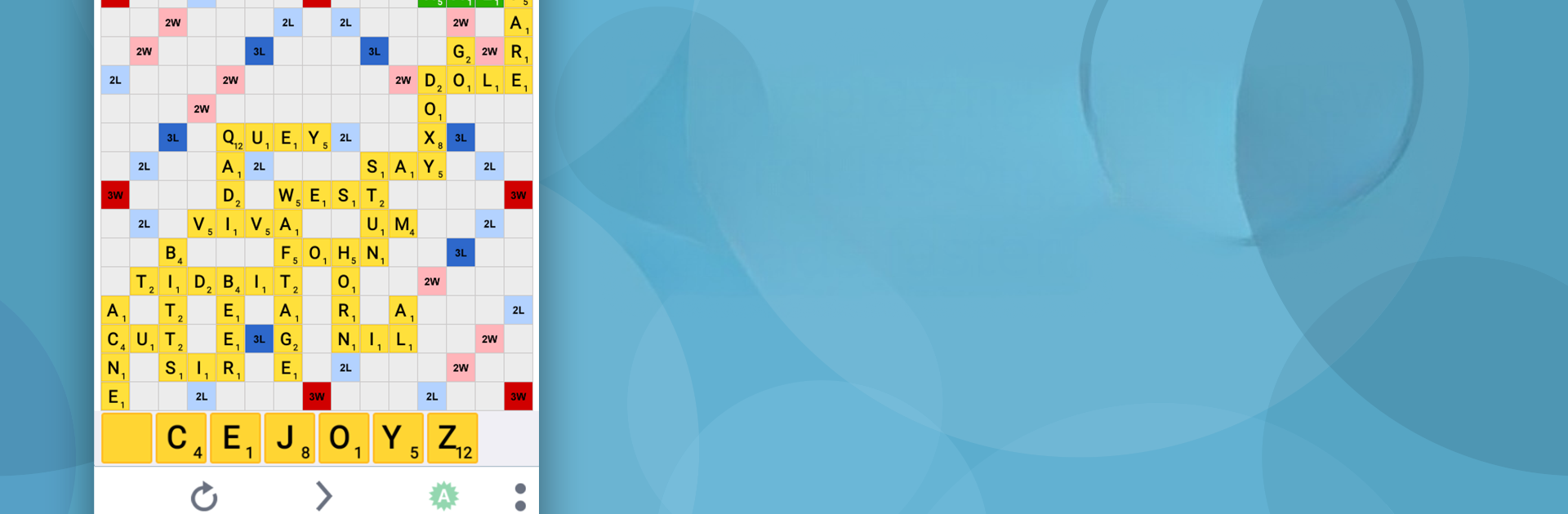
Lexulous Word Game
在電腦上使用BlueStacks –受到5億以上的遊戲玩家所信任的Android遊戲平台。

Play Lexulous Word Game on PC or Mac
From the innovators and creators at Word Game Specialists – RJS Tech Solutions LLP, Lexulous Word Game is another fun addition to the World of Word games. Go beyond your mobile screen and play it bigger and better on your PC or Mac. An immersive experience awaits you.
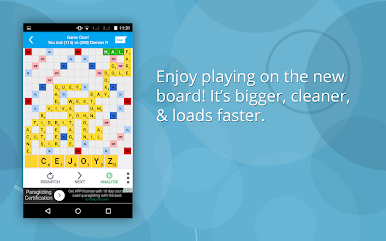
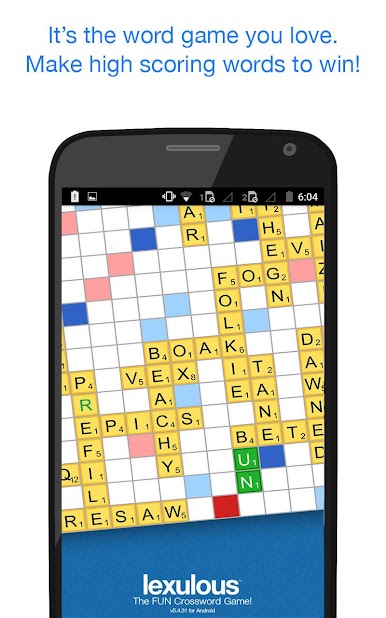
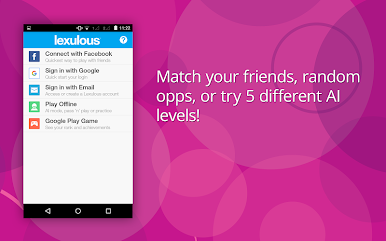
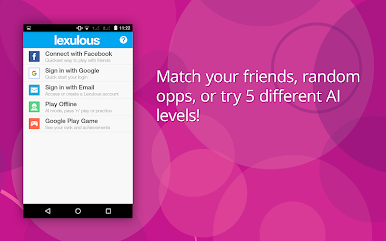
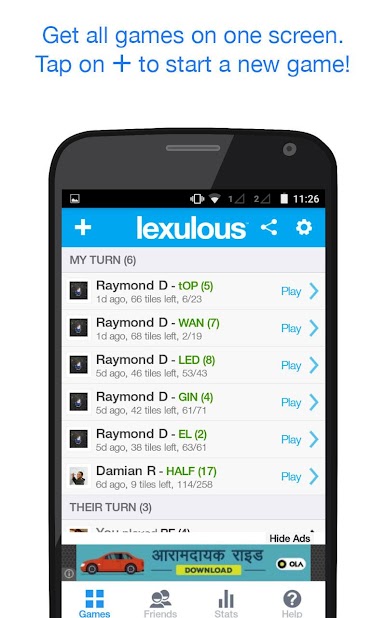
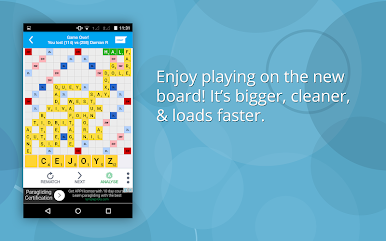
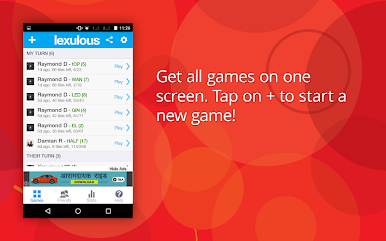
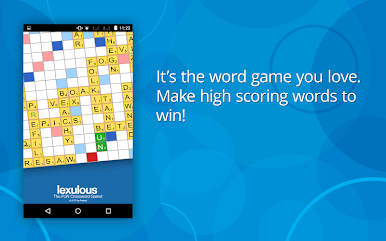
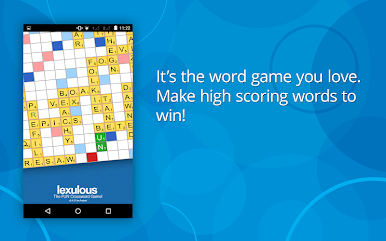
Lexulous is that classic tile-on-board word game, but with a bunch of thoughtful touches that make it feel smarter and snappier on PC. Getting a match going is simple, install, log in, hit the plus icon, share or enter a friend ID, done. It plays nicely with a mouse on BlueStacks too, dragging letters into place feels natural and the board is easy to read on a monitor. Players can jump into live games with people around the world or keep it low pressure with a private match. There is chat if someone wants to talk, and a block button if someone is being annoying, so no drama.
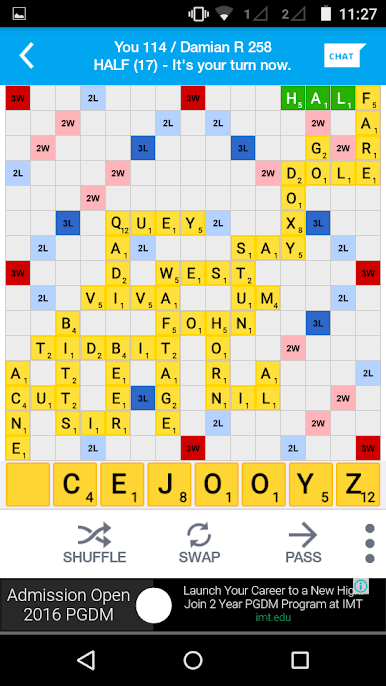
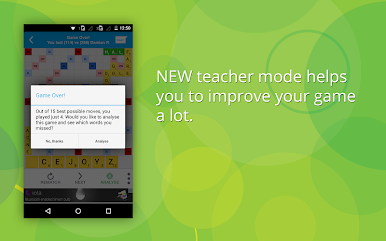
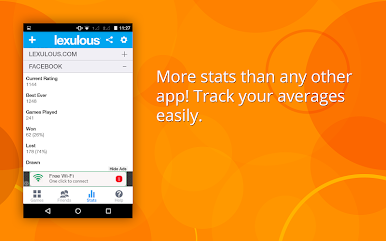
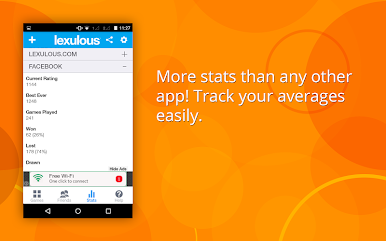
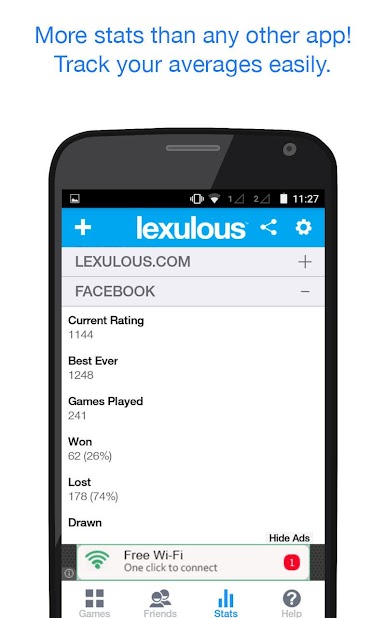
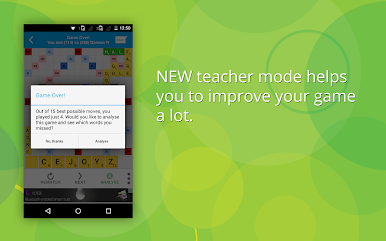
What stands out is how much info the game gives without making it heavy. There is an in-game dictionary that shows instant definitions for words that land on the board, super helpful when a sneaky two-letter word appears. It supports UK or US English, plus French and Italian, so bilingual brains get extra fun. The scoring has those familiar double and triple spots, and landing a full rack bingo feels great when it hits. The stats page is detailed, with averages, totals, and bingo counts, so progress actually feels trackable rather than random. There is a solo mode and computer opponents with adjustable difficulty, good for warming up or learning the board strategy, since throwing down the biggest word every turn does not always win. People can play on phone, in a browser, or on PC, and switching between devices mid-day is no problem, which makes it easy to keep a few games rolling without losing track of turns.
Make your gaming sessions memorable with precise controls that give you an edge in close combats and visuals that pop up, bringing every character to life.

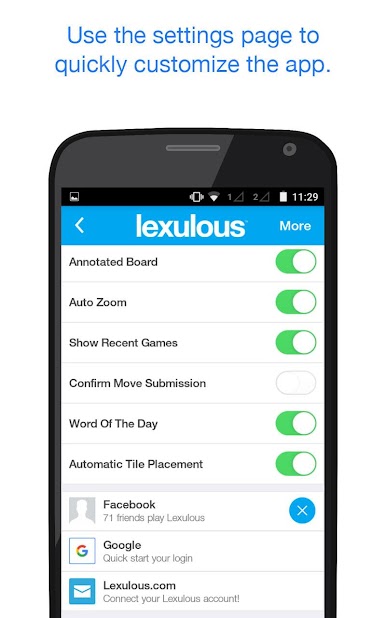
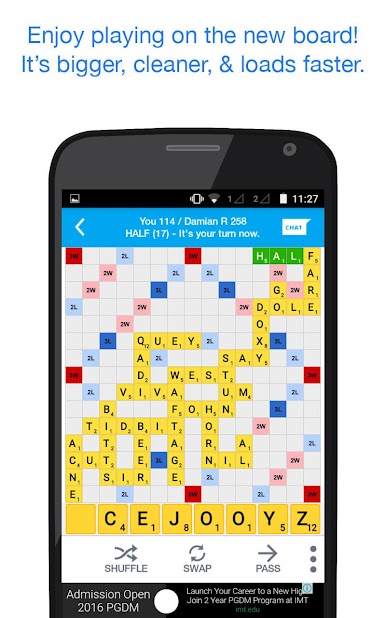
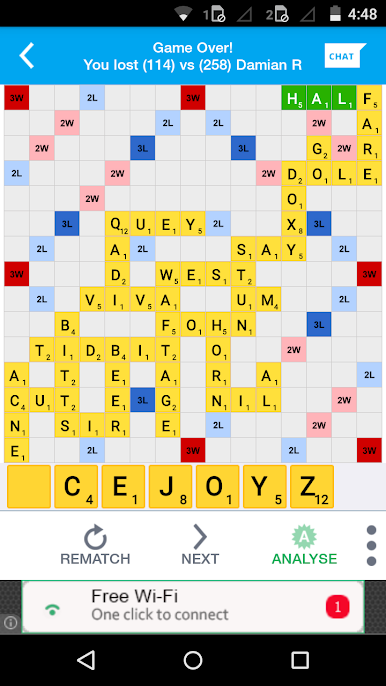
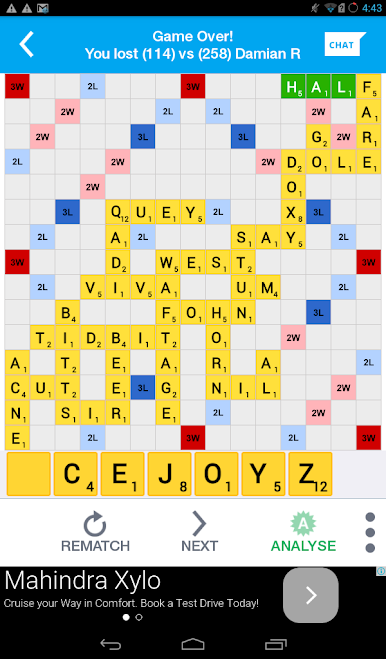
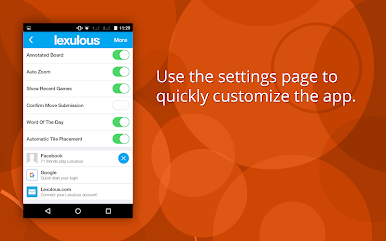
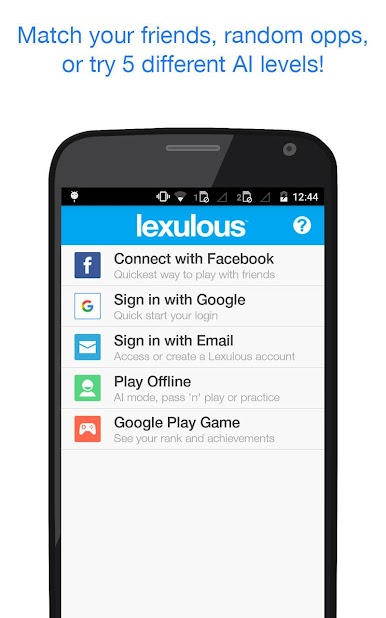
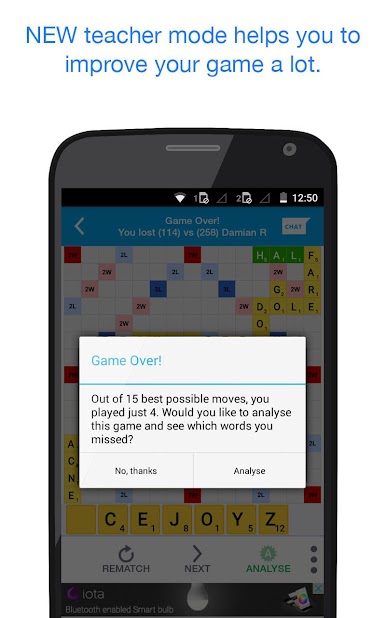
在電腦上遊玩Lexulous Word Game . 輕易上手.
-
在您的電腦上下載並安裝BlueStacks
-
完成Google登入後即可訪問Play商店,或等你需要訪問Play商店十再登入
-
在右上角的搜索欄中尋找 Lexulous Word Game
-
點擊以從搜索結果中安裝 Lexulous Word Game
-
完成Google登入(如果您跳過了步驟2),以安裝 Lexulous Word Game
-
在首頁畫面中點擊 Lexulous Word Game 圖標來啟動遊戲

