


Learn German | LingQ
在電腦上使用BlueStacks –受到5億以上的遊戲玩家所信任的Android遊戲平台。

Run Learn German | LingQ German Language Learning on PC or Mac
Why limit yourself to your small screen on the phone? Run Learn German | LingQ German Language Learning, an app by LingQ.com, best experienced on your PC or Mac with BlueStacks, the world’s #1 Android emulator.
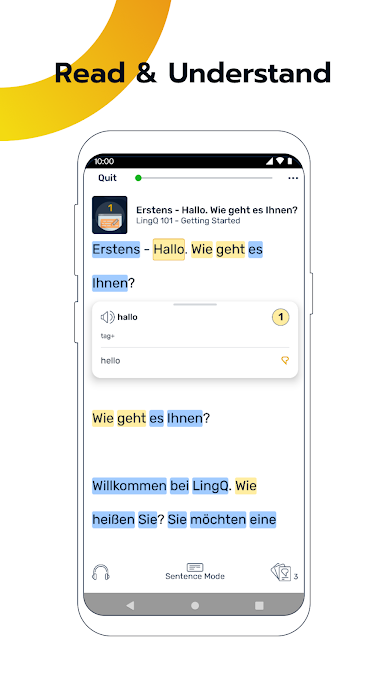
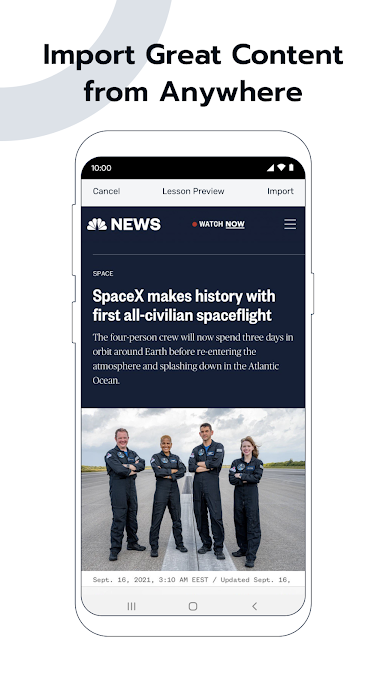
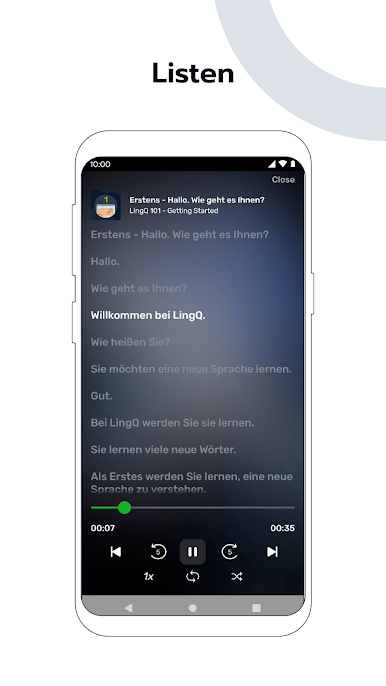
So, this Learn German app on LingQ is actually pretty different from the usual language apps. It isn’t about repeating phrases or doing a lot of quizzes—instead, it feels like getting dropped into real German conversations, stories, and news. There’s a giant library of podcasts, audiobooks, and lesson material, and every audio file comes with a matching transcript, which makes following along way less stressful. On BlueStacks, it works well, and reading long articles is actually easier on a bigger screen. You can also import your own German news or web articles, which is cool if you want to use stuff you’re interested in and not just what the app gives you.
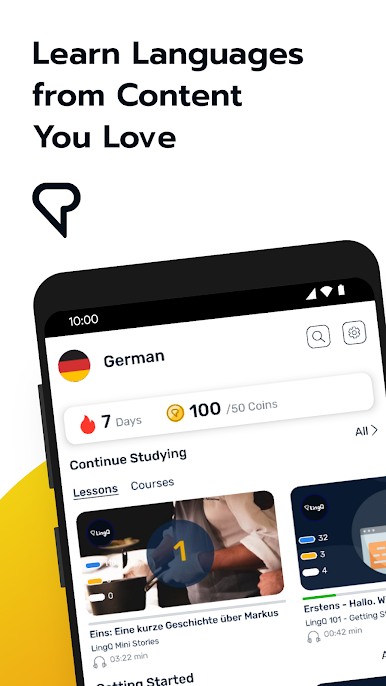
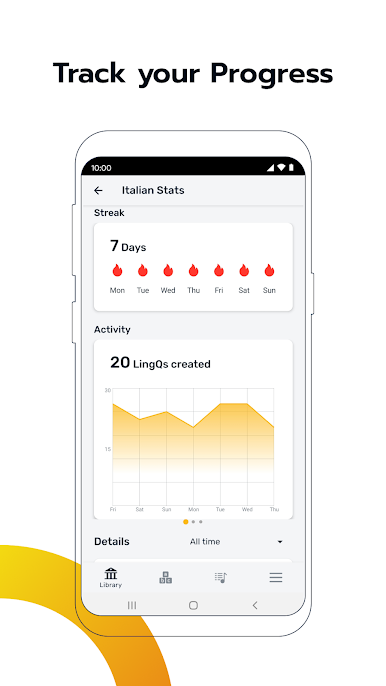
As you explore, you just tap any new German word or phrase to check what it means, and LingQ saves it for you automatically. Over time, the app keeps track of every word you pick up, so you get this sense of progress as your vocabulary grows. There’s this kind of stats dashboard with your reading and listening time, plus a playlist feature if you want to listen to lessons or stories when away from the desk. If you end up offline, it’ll sync everything back once you reconnect, so it doesn’t get lost. It’s handy for squeezing in extra practice during breaks or commuting. The app also has spaced repetition to help remember words, and the system for reviewing stuff you’ve already learned feels pretty useful, not just repetitive.
The main difference with LingQ is that you’re learning German from real material, not just words that the app thinks you should know next. It feels more like learning through exposure rather than memorization. If tracking stats is your thing, there’s a bunch of progress bars and even an avatar that grows as your vocabulary expands, which makes it more motivating. It syncs across devices, so you can switch between PC with BlueStacks and your phone pretty easily. If someone likes learning from real-world content and wants more control over what they study, this app stands out.
Switch to BlueStacks and make the most of your apps on your PC or Mac.

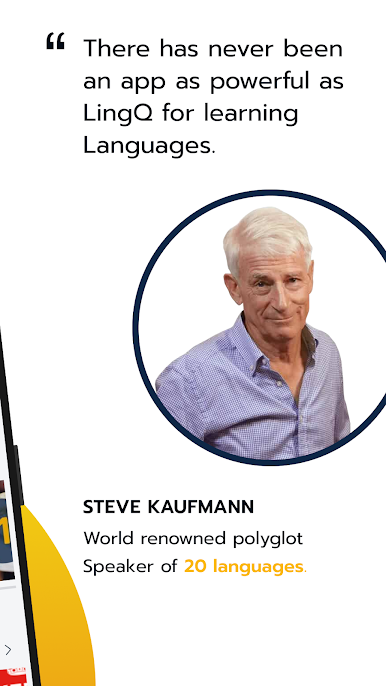
在電腦上遊玩Learn German | LingQ . 輕易上手.
-
在您的電腦上下載並安裝BlueStacks
-
完成Google登入後即可訪問Play商店,或等你需要訪問Play商店十再登入
-
在右上角的搜索欄中尋找 Learn German | LingQ
-
點擊以從搜索結果中安裝 Learn German | LingQ
-
完成Google登入(如果您跳過了步驟2),以安裝 Learn German | LingQ
-
在首頁畫面中點擊 Learn German | LingQ 圖標來啟動遊戲

