


Tangram Master
在電腦上使用BlueStacks –受到5億以上的遊戲玩家所信任的Android遊戲平台。

Play Tangram Master on PC or Mac
Tangram Master brings the Puzzle genre to life, and throws up exciting challenges for gamers. Developed by Little Bear Productions, this Android game is best experienced on BlueStacks, the World’s #1 app player for PC and Mac users.
About the Game
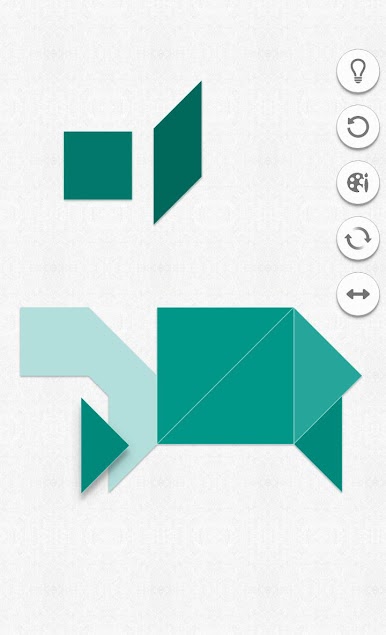
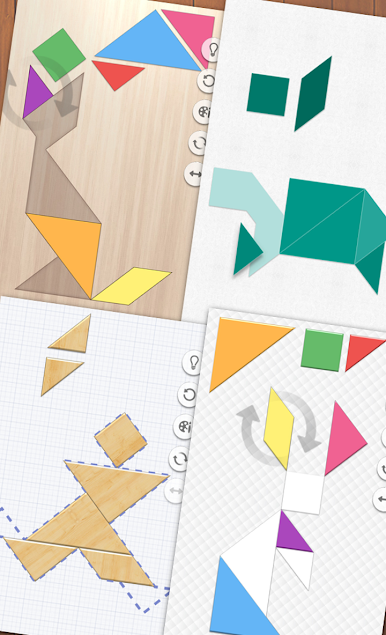
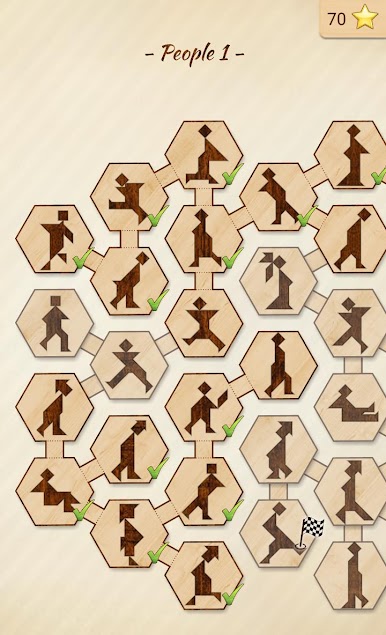
Tangram Master from Little Bear Productions brings a playful yet brainy twist to classic puzzles. If you enjoy shifting shapes around and figuring out clever ways to make them fit, this game’s right up your alley. There’s a whole bunch of challenges waiting, and whether you want to unwind or really work your brain, you’ll find something that suits your mood.
Game Features
-
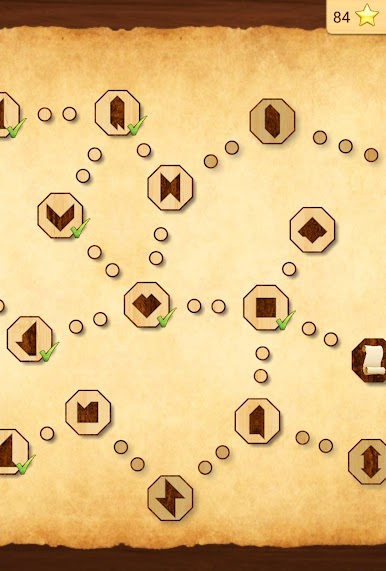
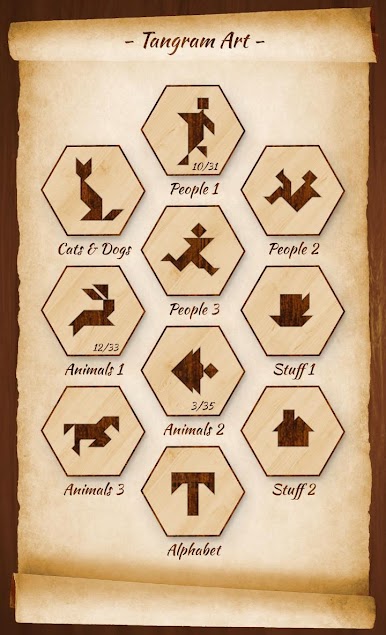
Loads of Levels
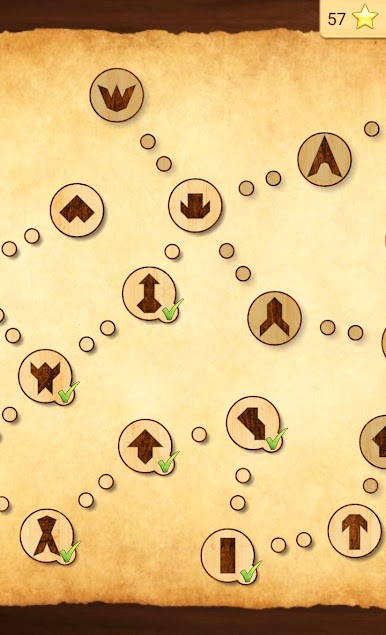
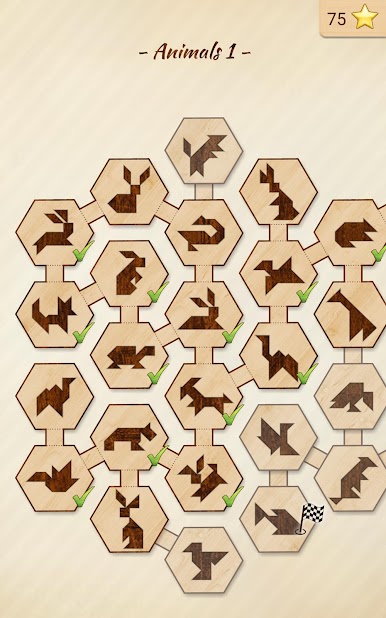
Over 400 unique puzzles are packed in, each one offering a fresh challenge. No two levels really feel the same, so boredom isn’t likely to be a problem here. -
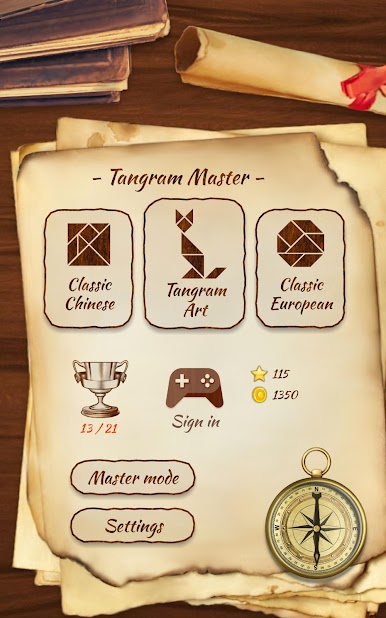
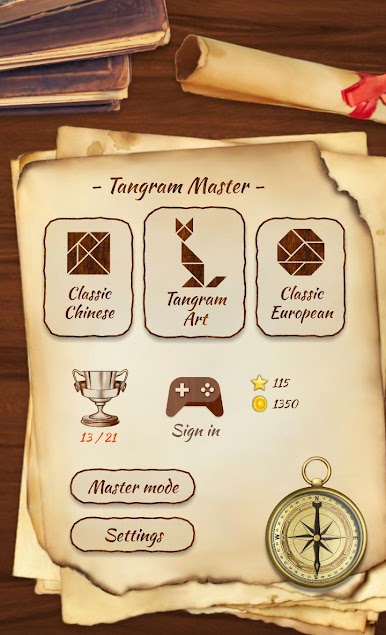
Different Tangram Styles
Jump between classic Chinese tangrams and the lesser-known European variation. It’s a cool way to try something new when you feel like switching things up. -
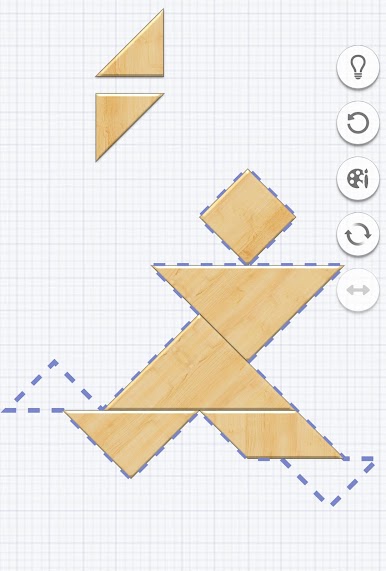
Automatic Rotation
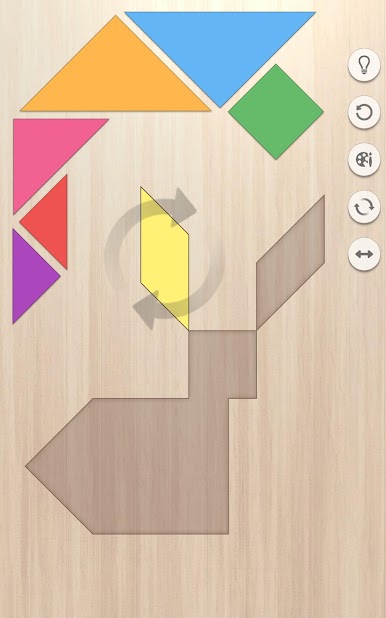
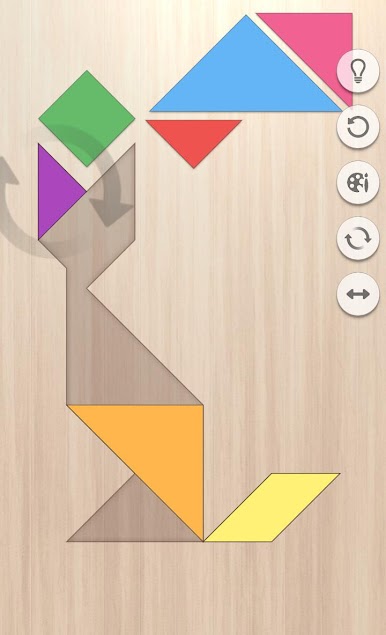
Lining up a tricky piece? The game has your back with automatic tile rotation, so you can focus on solving rather than wrestling with controls. -
Master Mode
Looking for a real challenge? Try out Master Mode, where the full outline isn’t shown. It’s great for those wanting to step up their game a bit. -
Chill Themes
You get to pick between six soothing themes, so if you want to relax your eyes or just switch up the vibe, it’s easy. -
Achieve and Collect
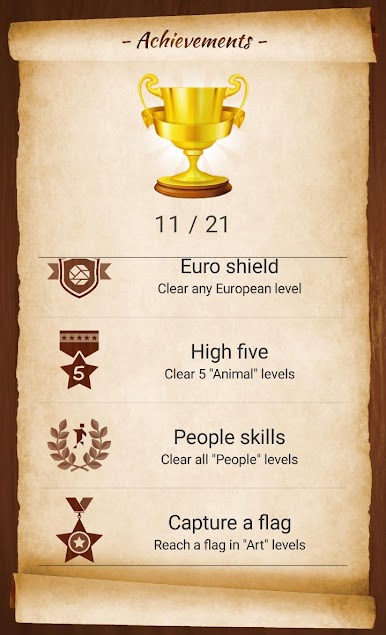
There are 21 achievements to unlock along the way. Earning stars always feels good, doesn’t it? -
Great Visuals
Crisp HD graphics mean the game looks sharp on whatever screen you use—even tablets. -
Mind-Friendly Fun
Tangram Master isn’t just a relaxing time-filler—it gently encourages spatial thinking and brain training. -
Seamless Play on BlueStacks
Playing on BlueStacks brings everything to a bigger screen, making those tricky puzzles even more satisfying to solve.
Start your journey now. Download the game on BlueStacks, invite your friends, and march on a new adventure.
在電腦上遊玩Tangram Master . 輕易上手.
-
在您的電腦上下載並安裝BlueStacks
-
完成Google登入後即可訪問Play商店,或等你需要訪問Play商店十再登入
-
在右上角的搜索欄中尋找 Tangram Master
-
點擊以從搜索結果中安裝 Tangram Master
-
完成Google登入(如果您跳過了步驟2),以安裝 Tangram Master
-
在首頁畫面中點擊 Tangram Master 圖標來啟動遊戲

