


Loyverse Dashboard de vendas
Jogue no PC com BlueStacks - A Plataforma de Jogos Android, confiada por mais de 500 milhões de jogadores.

Página modificada em: Aug 6, 2025
Play Loyverse Dashboard for POS on PC
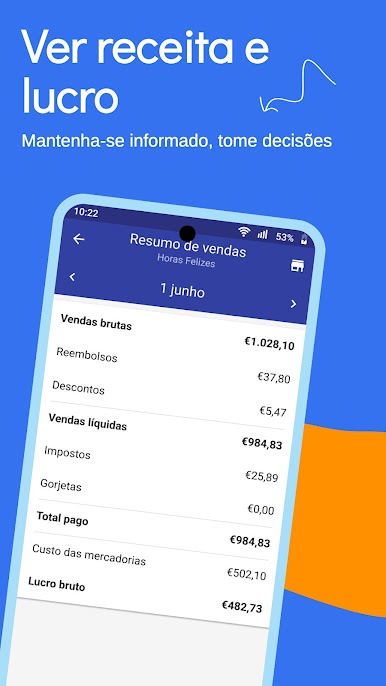
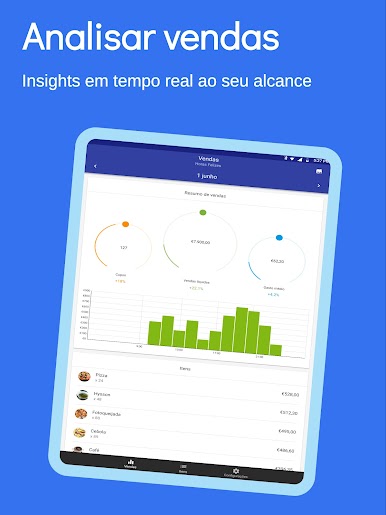
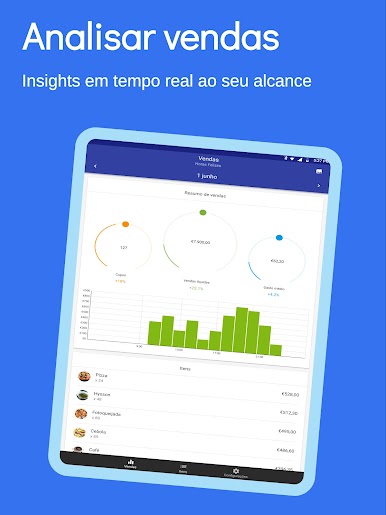
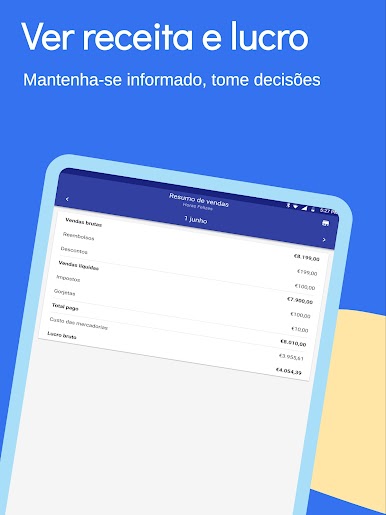
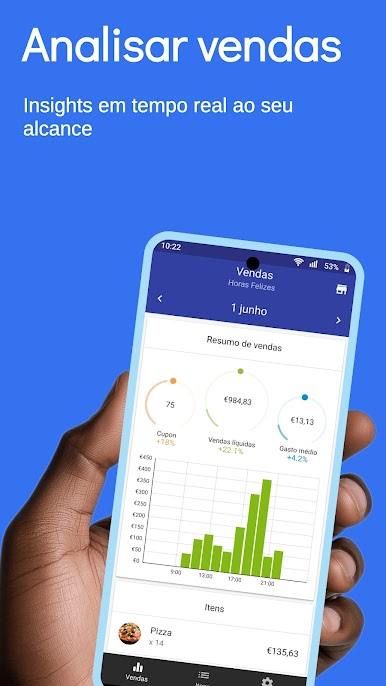
Sales summary
View the revenue, average sale and profit.
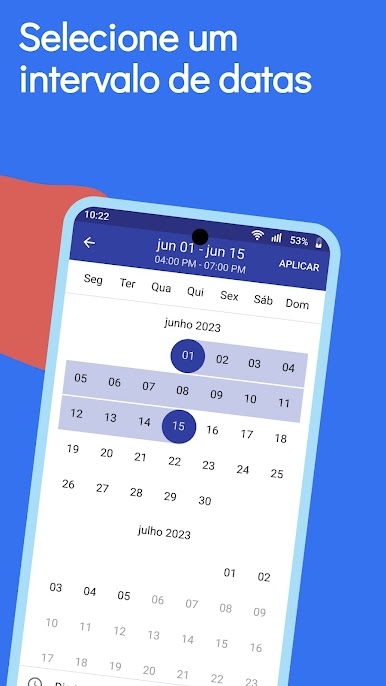
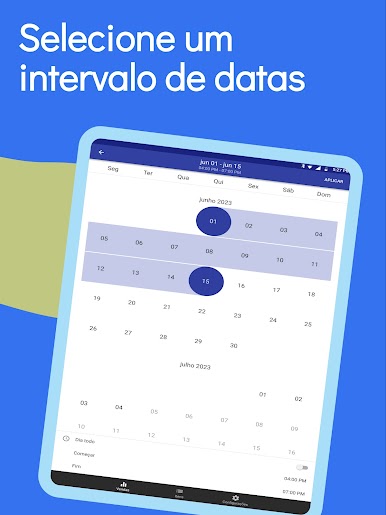
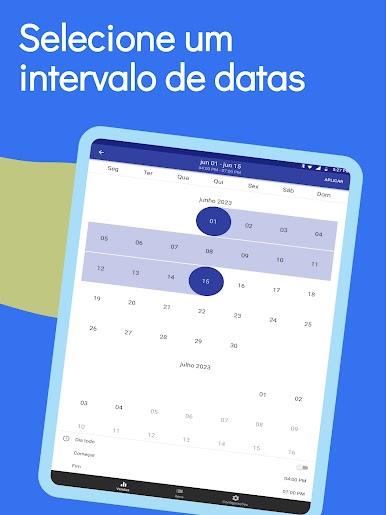
Sales trend
Track sales growth compared with previous days, weeks, months, or years.
Analytics by item
Determine which items are performing well, averagely, or are underperforming.
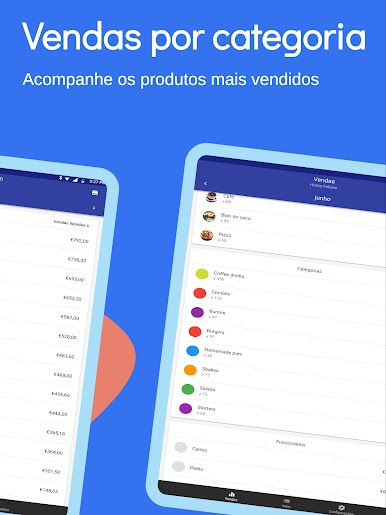
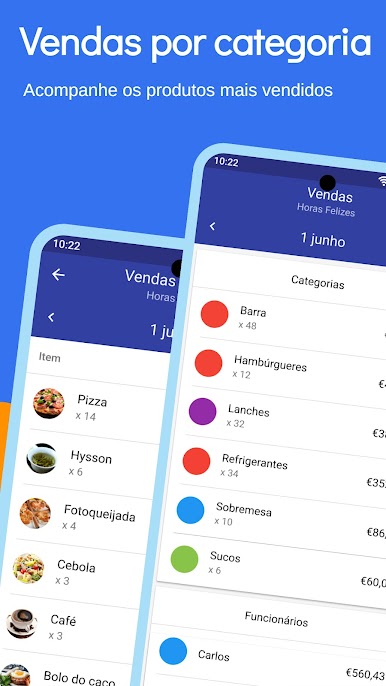
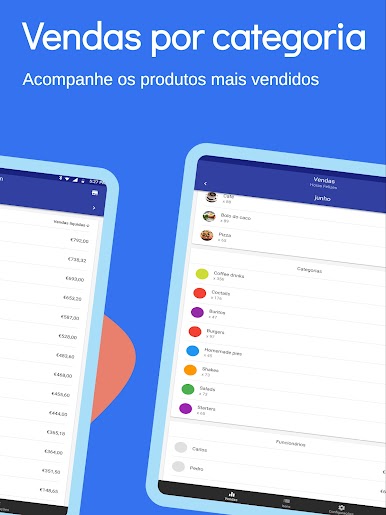
Sales by category
Find out which categories sell the best.
Sales by employee
Track individual employee performance.
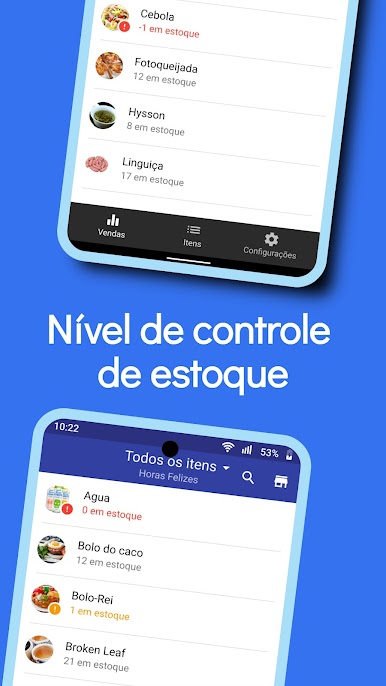
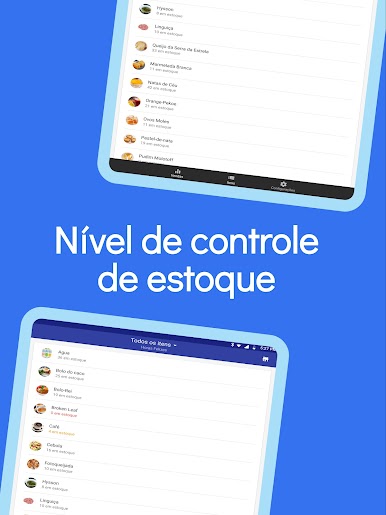
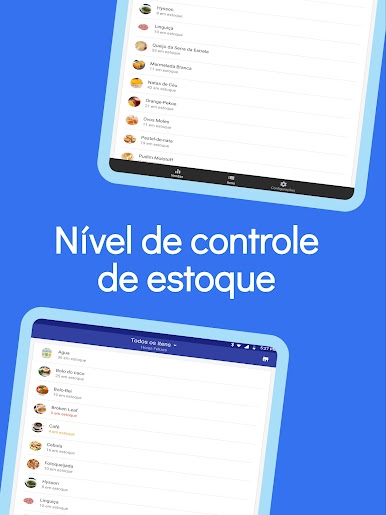
Item stock
View stock levels and apply filters to inform yourself when items are running low or are all out.
Stock push-notifications
Get notifications in real-time on items that are running low or are out of stock.
Jogue Loyverse Dashboard de vendas no PC. É fácil começar.
-
Baixe e instale o BlueStacks no seu PC
-
Conclua o login do Google para acessar a Play Store ou faça isso mais tarde
-
Procure por Loyverse Dashboard de vendas na barra de pesquisa no canto superior direito
-
Clique para instalar Loyverse Dashboard de vendas a partir dos resultados da pesquisa
-
Conclua o login do Google (caso você pulou a etapa 2) para instalar o Loyverse Dashboard de vendas
-
Clique no ícone do Loyverse Dashboard de vendas na tela inicial para começar a jogar

