


IELTS Practice Band 9
5억명 이상의 게이머가 신뢰하는 안드로이드 게임 플랫폼 BlueStacks으로 PC에서 플레이하세요.

Run IELTS Practice Band 9 on PC or Mac
What’s better than using IELTS Practice Band 9 by LT EduApp – ForYou? Well, try it on a big screen, on your PC or Mac, with BlueStacks to see the difference.
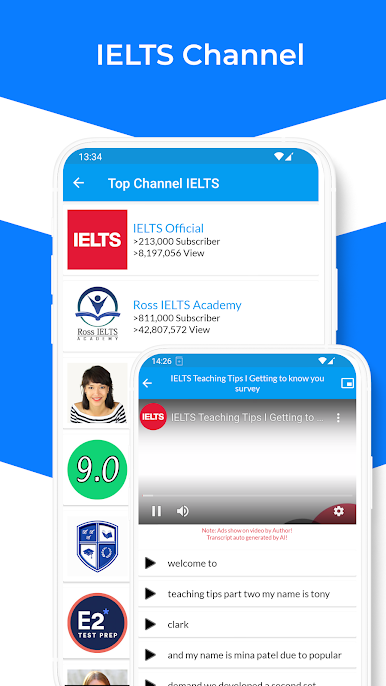
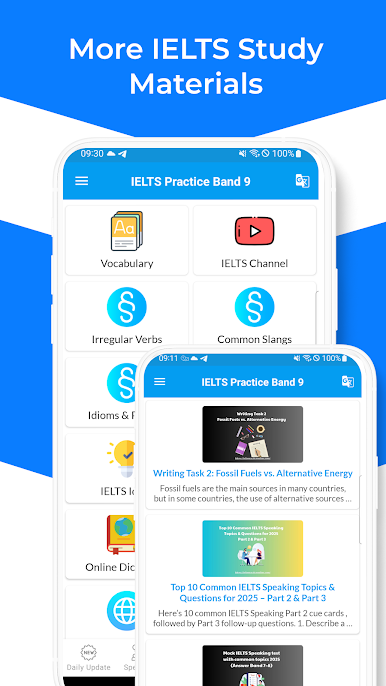
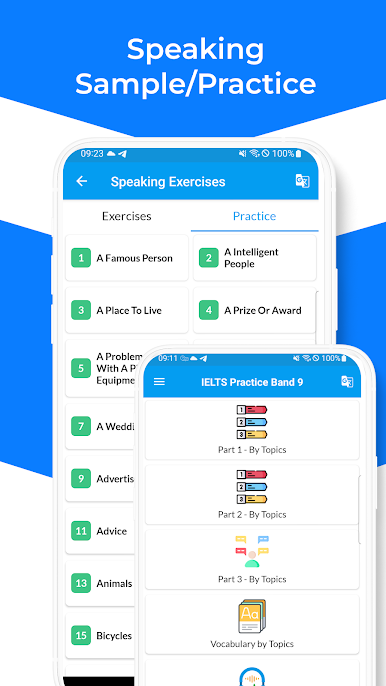
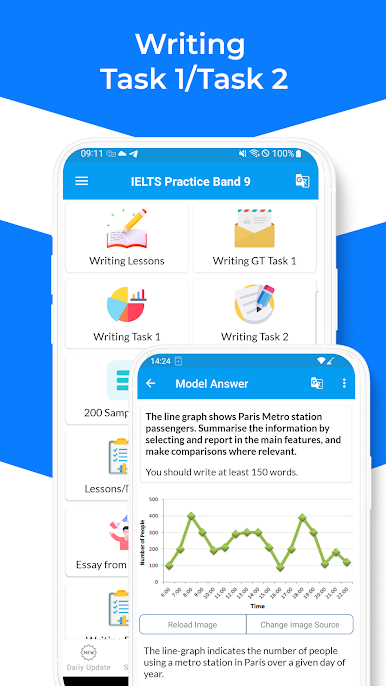
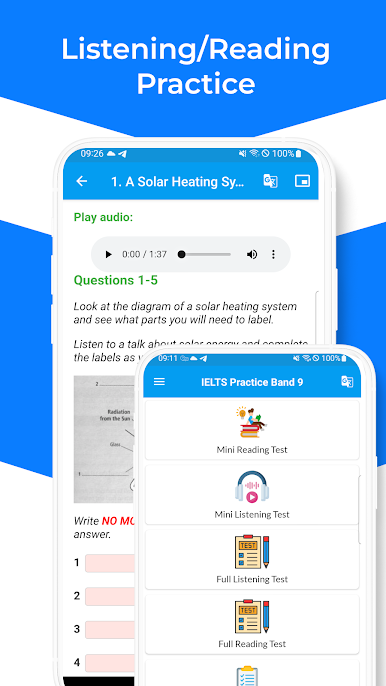
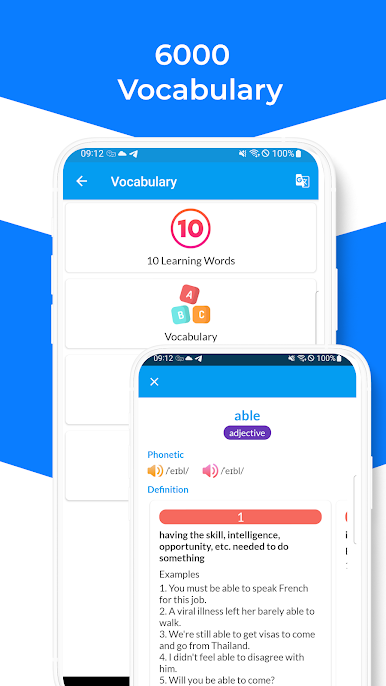
So with IELTS Practice Band 9 on PC (using BlueStacks or whatever), it kind of feels like everything’s set up for you if you’re getting ready for the IELTS exam. There’s a ton to get through—tons of vocabulary, practice questions, and little tests, so it doesn’t feel like you’re running out of new stuff. The questions go over all the sections—reading, writing, listening, that sort of thing—and there’s sample answers, especially for those tricky writing tasks. The app throws in a lot of speaking practice too, with cue cards and mock interviews. It feels a bit like having a study book, but interactive, with tips and examples that actually explain what’s going on instead of just dumping answers.
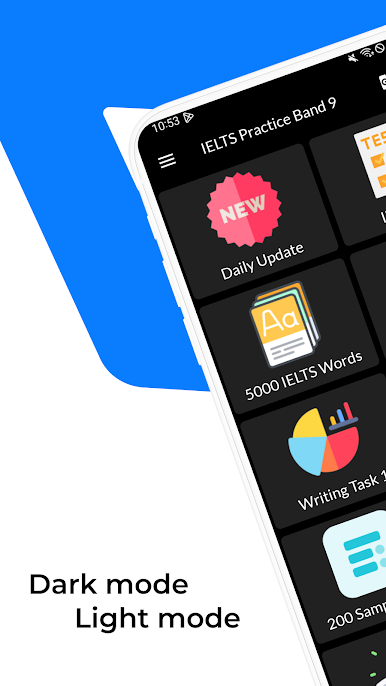
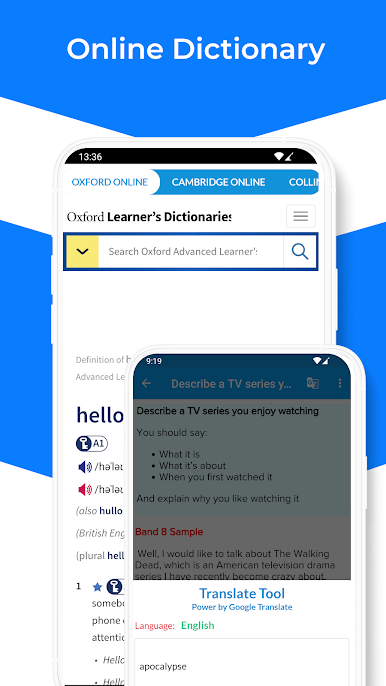
A few things stand out, like the daily updates, which means there’s always something fresh to check out. The app’s pretty easy to navigate, nothing confusing, and switching it to dark mode can save some eye strain if you’re on it for a while. If English isn’t the first language, there are some tools—like translation and text-to-speech—that make the explanations easier to get through. There’s stuff for idioms, phrasal verbs, and all that grammar people usually forget, but it’s all laid out in tables, so it’s quick to scroll and check. Plus, most of it works offline, so studying doesn’t depend on having Wi-Fi. For anyone wanting a way to go over IELTS topics, or just practice a little every day without carrying a textbook, this one kind of takes care of everything in one spot, even on a bigger screen.
Ready to experience IELTS Practice Band 9 on a bigger screen, in all its glory? Download BlueStacks now.
PC에서 IELTS Practice Band 9 플레이해보세요.
-
BlueStacks 다운로드하고 설치
-
Google Play 스토어에 로그인 하기(나중에 진행가능)
-
오른쪽 상단 코너에 IELTS Practice Band 9 검색
-
검색 결과 중 IELTS Practice Band 9 선택하여 설치
-
구글 로그인 진행(만약 2단계를 지나갔을 경우) 후 IELTS Practice Band 9 설치
-
메인 홈화면에서 IELTS Practice Band 9 선택하여 실행

