


NoteToDo - Notes & To Do List
5억명 이상의 게이머가 신뢰하는 안드로이드 게임 플랫폼 BlueStacks으로 PC에서 플레이하세요.

Run NoteToDo - Notes & To Do List on PC or Mac
Why limit yourself to your small screen on the phone? Run NoteToDo – Notes & To Do List, an app by Prilaga.com, best experienced on your PC or Mac with BlueStacks, the world’s #1 Android emulator.
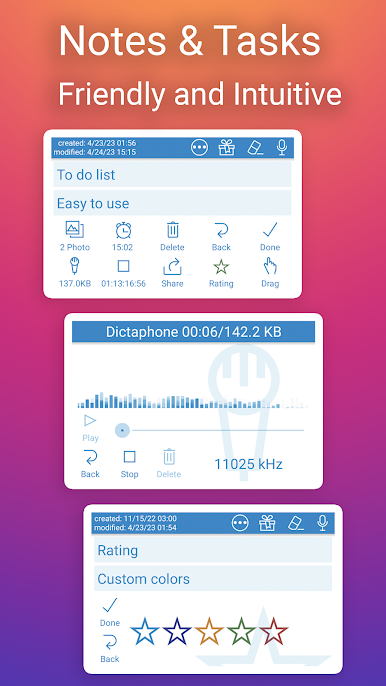
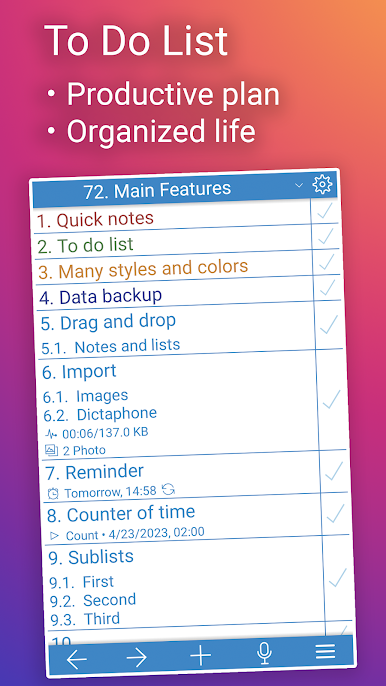
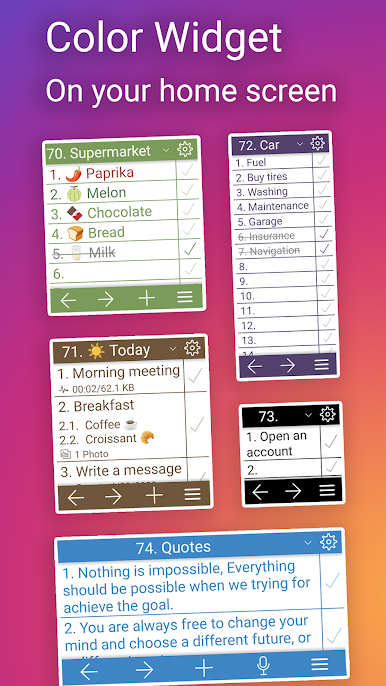
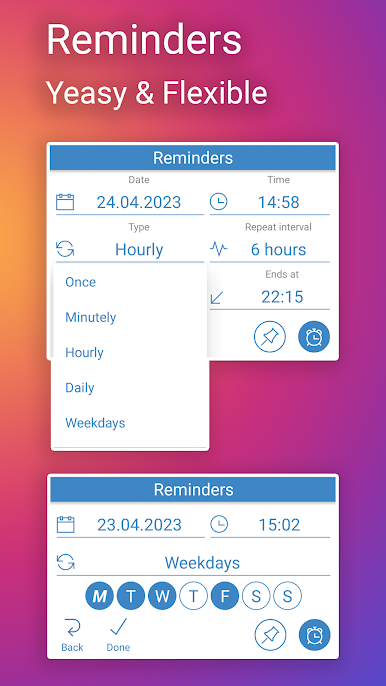
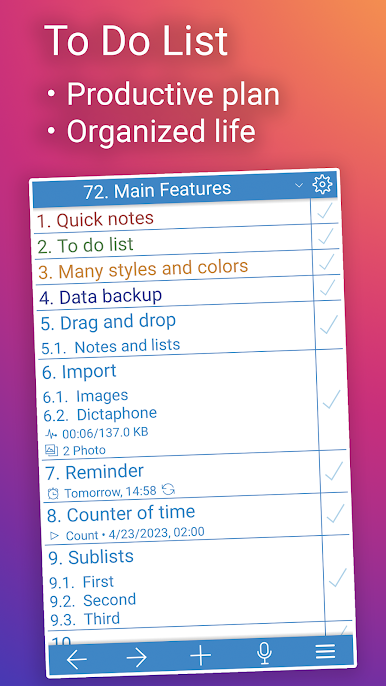
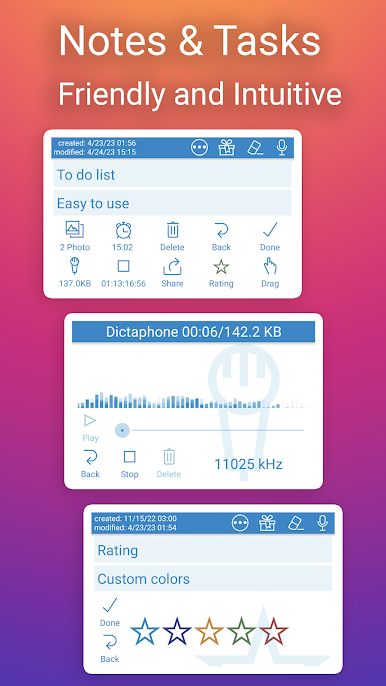
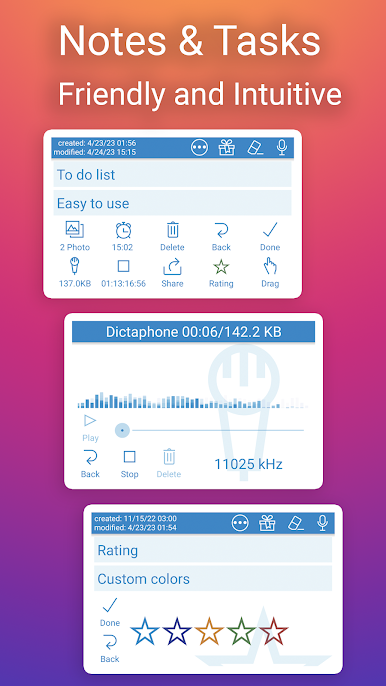
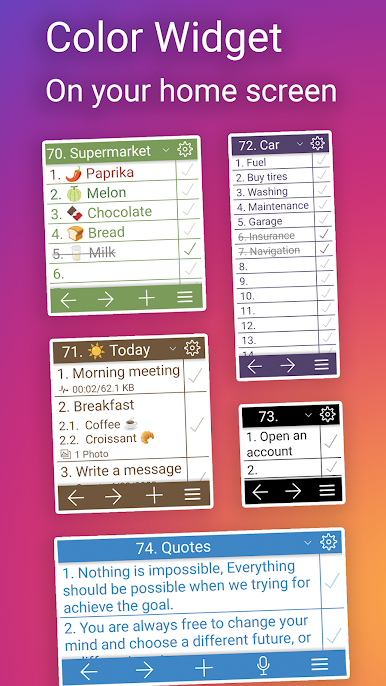
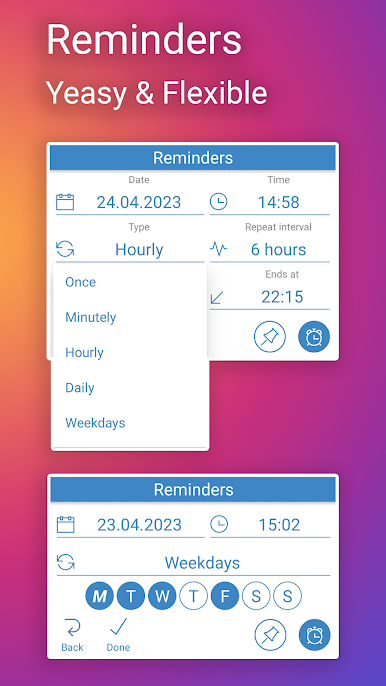
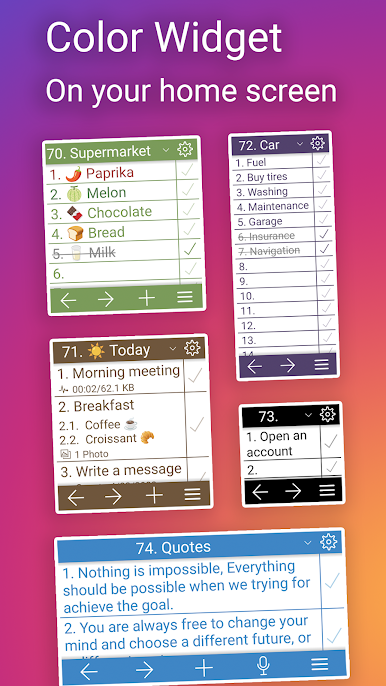
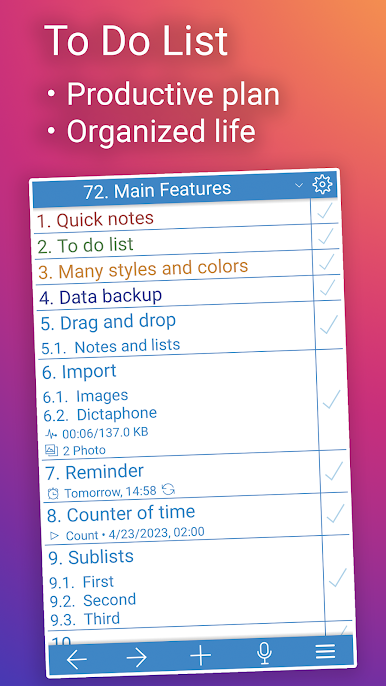
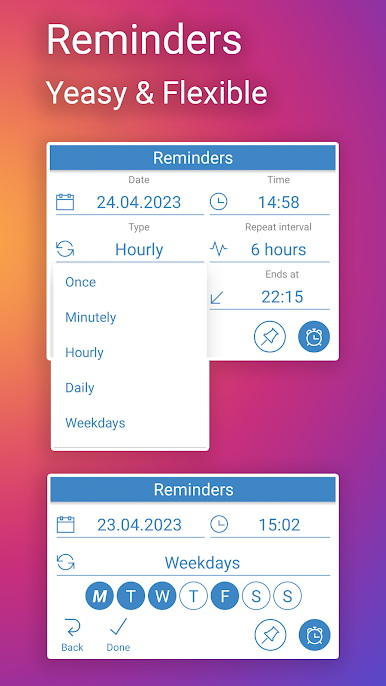
NoteToDo feels like one of those tiny tools that gets out of the way and just lets someone jot things down fast. It is a widget first, so the main idea is to keep a small note pad on the home screen where a person can tap, type a reminder, tick off a shopping checklist, or sort notes by topic without digging through menus. It loads quick, it is light, and it does not try to be a full notebook app with a hundred options. There is a simple reminder option for stuff that cannot be forgotten, and a tidy checklist that works great for errands or packing.
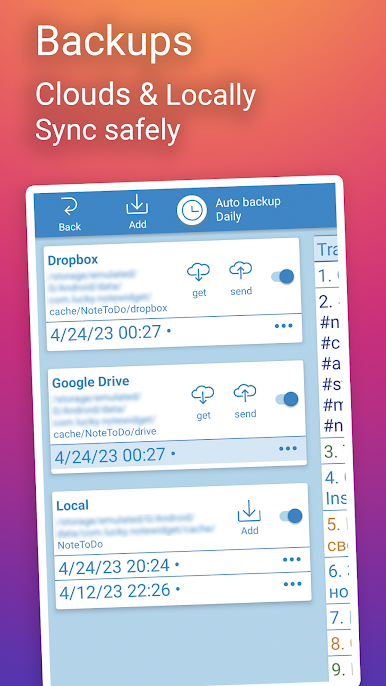
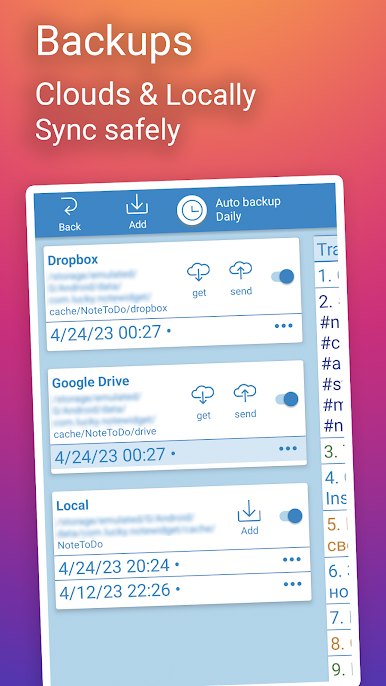
Setup is a little different. It does not show up like a normal app icon. They would add it from the phone’s widgets panel, kind of like sticking a post-it on the screen. After that it is always right there. Notes can be shared out to other apps or messengers, and exporting is easy if someone wants to move a list somewhere else. It can even serve as a small memory keeper if that is the mood, just quick lines and ideas. On BlueStacks, typing with a keyboard makes it faster for longer lists, and the widget layout still stays clean on a bigger display. If someone wants rich formatting and fancy folders, this is not that. If they want quick notes that do not slow them down, it hits the point.
Eager to take your app experience to the next level? Start right away by downloading BlueStacks on your PC or Mac.
PC에서 NoteToDo - Notes & To Do List 플레이해보세요.
-
BlueStacks 다운로드하고 설치
-
Google Play 스토어에 로그인 하기(나중에 진행가능)
-
오른쪽 상단 코너에 NoteToDo - Notes & To Do List 검색
-
검색 결과 중 NoteToDo - Notes & To Do List 선택하여 설치
-
구글 로그인 진행(만약 2단계를 지나갔을 경우) 후 NoteToDo - Notes & To Do List 설치
-
메인 홈화면에서 NoteToDo - Notes & To Do List 선택하여 실행

