

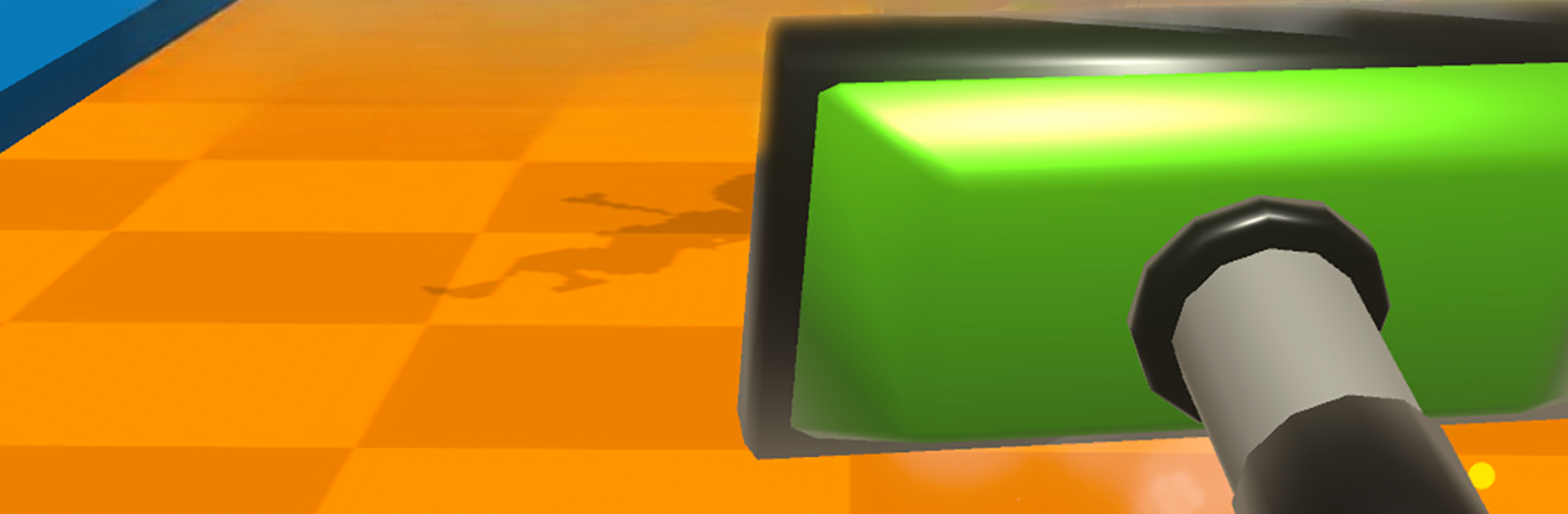
Super Sucker 3D
Jogue no PC com BlueStacks - A Plataforma de Jogos Android, confiada por mais de 500 milhões de jogadores.

Página modificada em: Oct 3, 2025
Play Super Sucker 3D on PC or Mac
Bring your A-game to Super Sucker 3D, the Casual game sensation from Lucky Kat Studios. Give your gameplay the much-needed boost with precise game controls, high FPS graphics, and top-tier features on your PC or Mac with BlueStacks.
About the Game
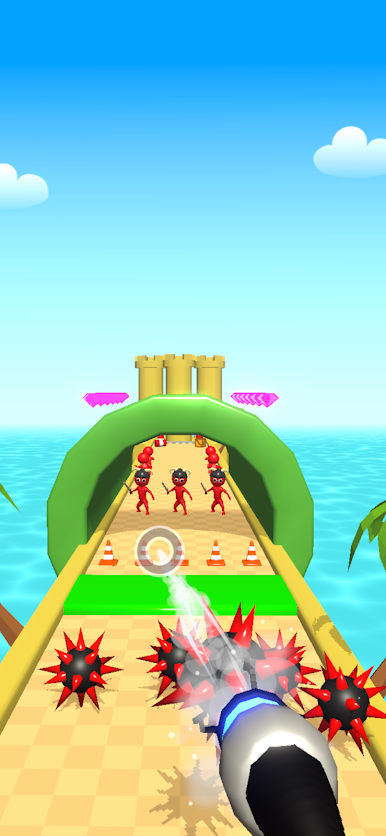
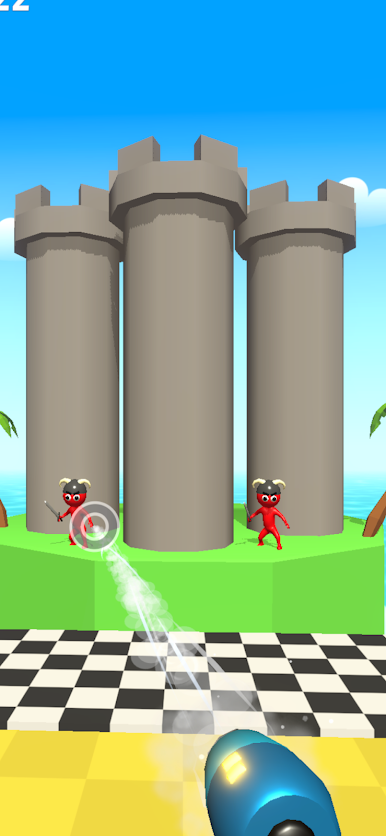
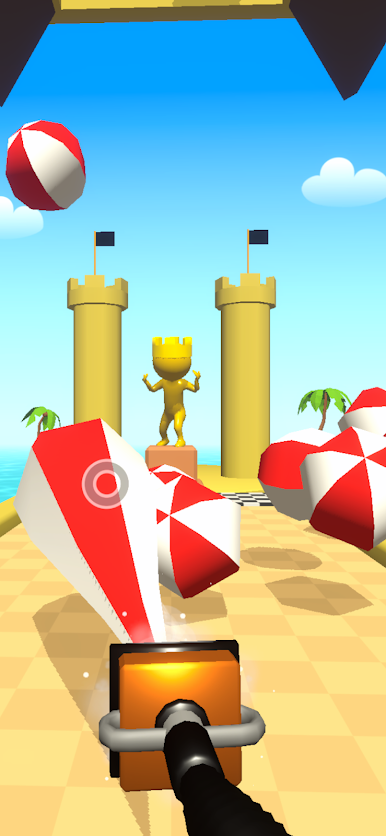
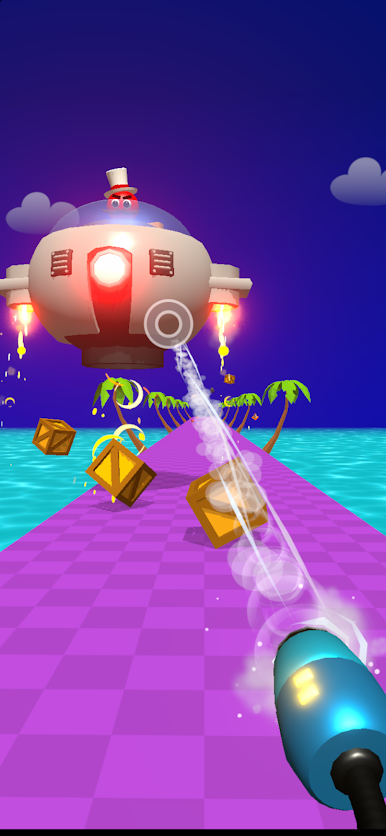
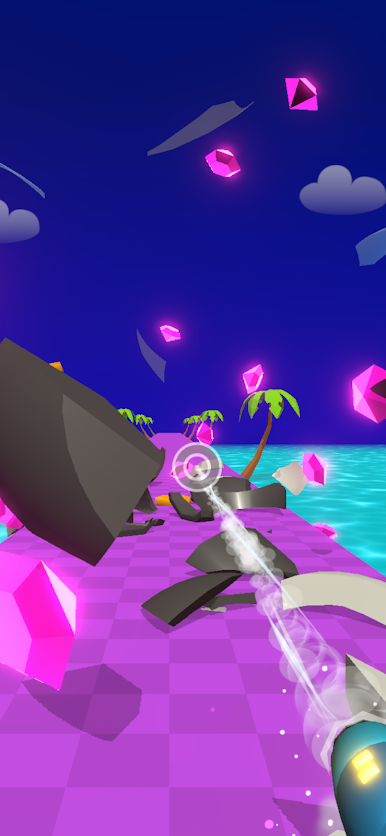
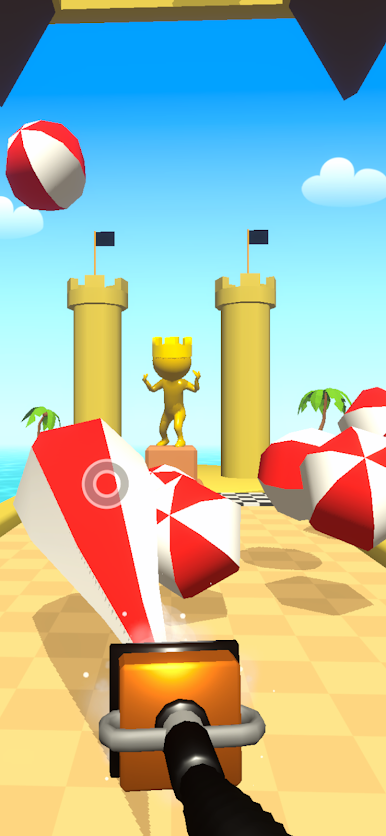
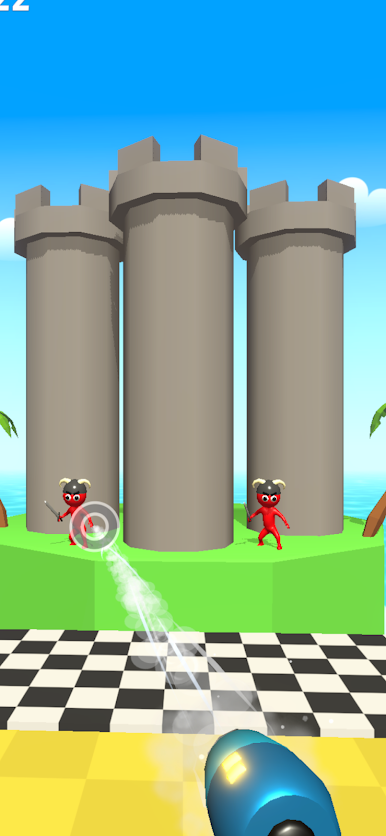
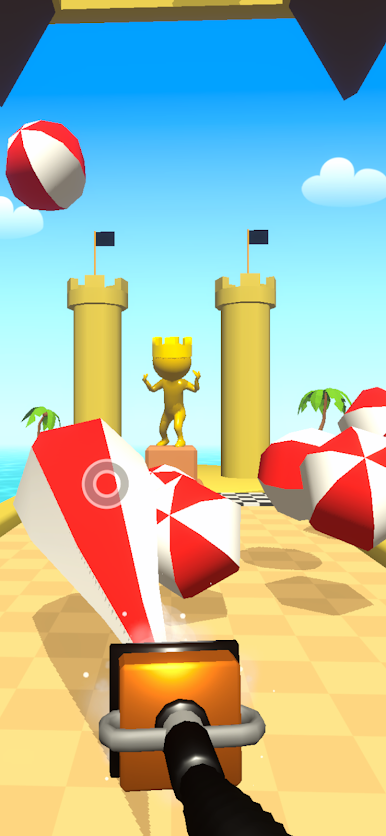
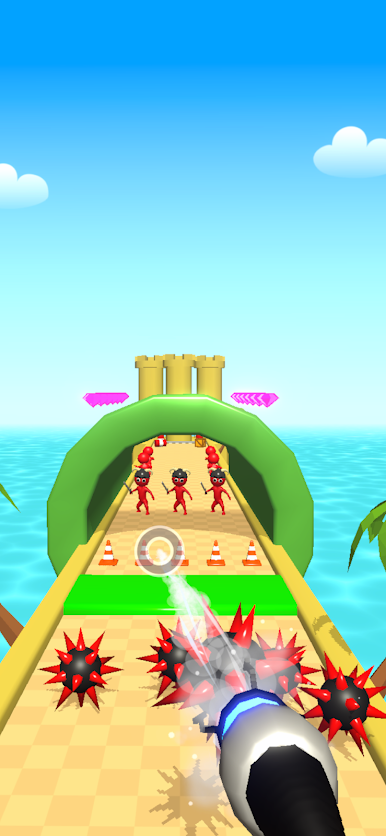
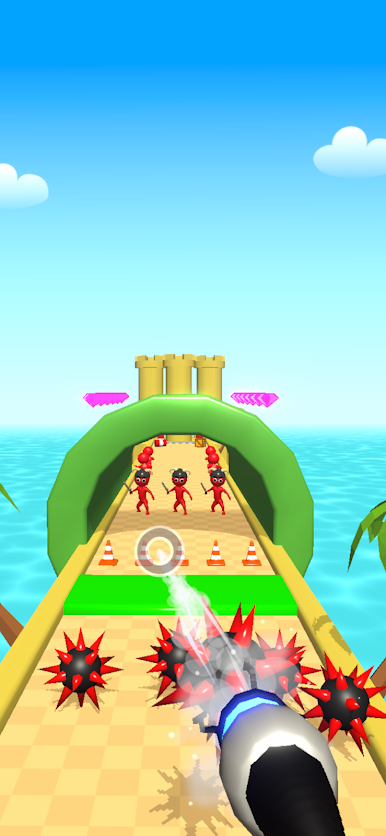
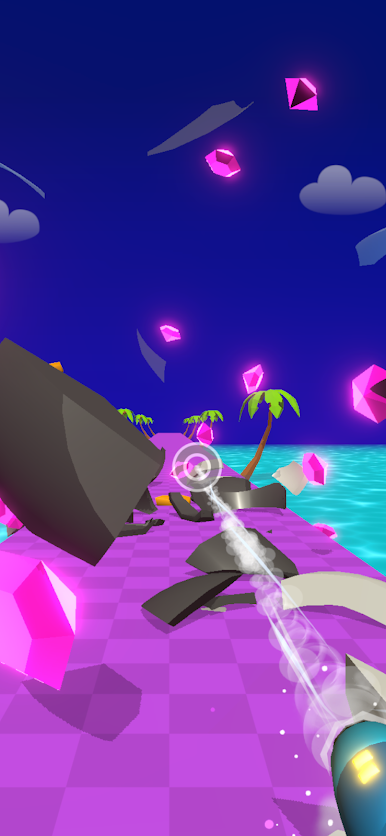
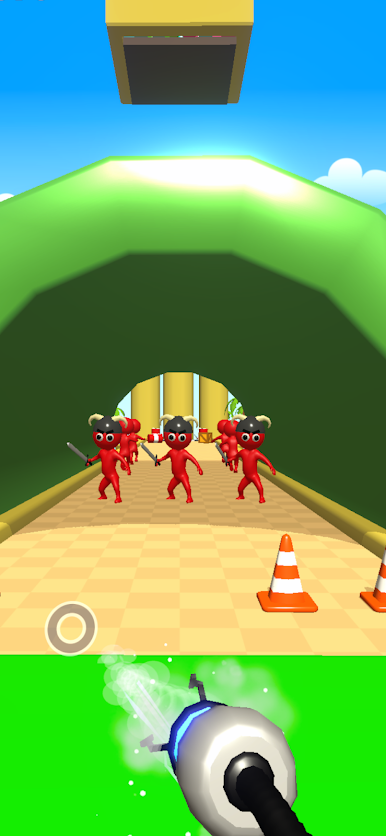
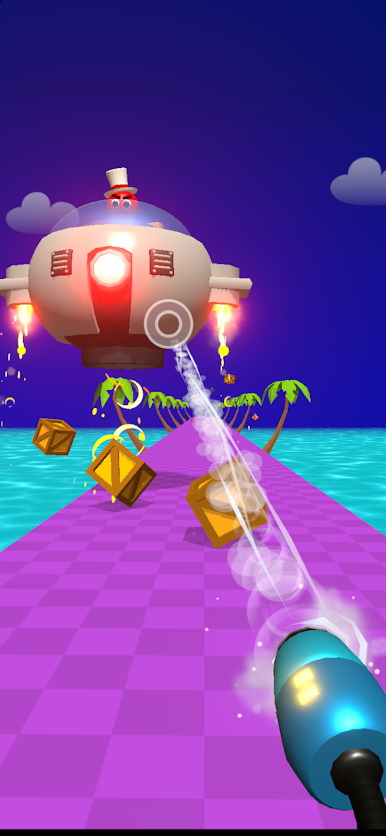
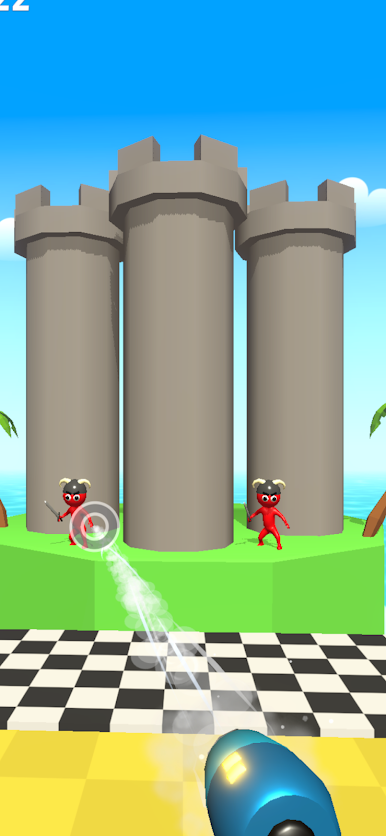
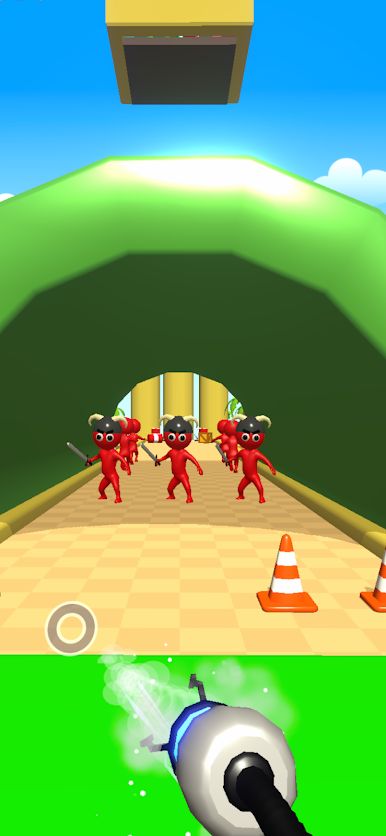
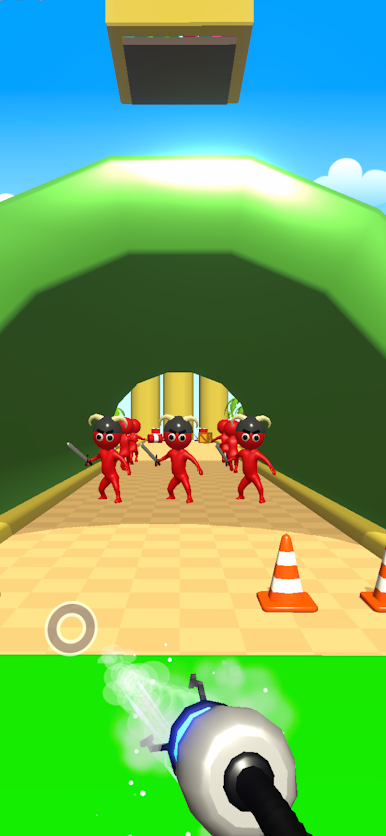
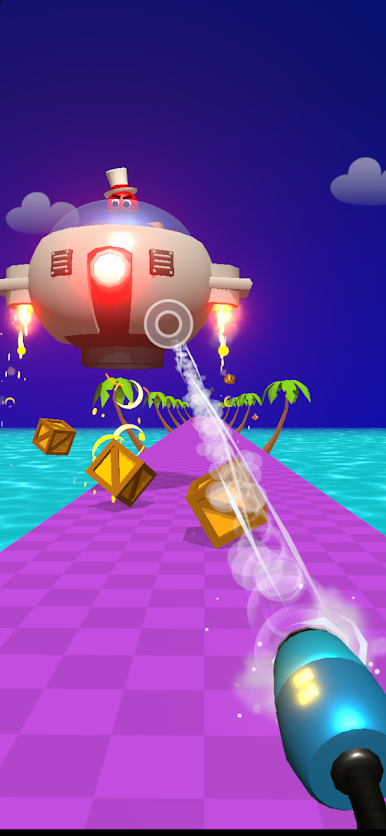
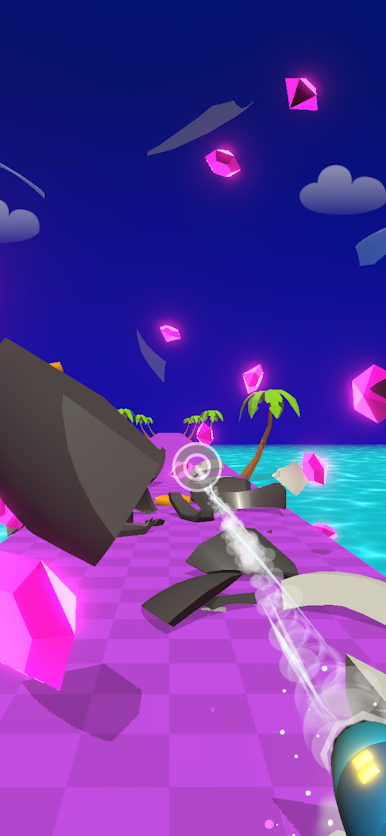
Super Sucker 3D is all about mayhem, madness, and a seriously powerful vacuum cleaner. Picture yourself gliding around, sucking up anything that isn’t nailed down—including those pesky enemies—just to see what chaos you can unleash next. As you clear each stage, you’ll get to blast all that collected junk (and bad guys) at the boss, making every round just a bit more satisfying than the last.
Game Features
-
Simple Controls
No complicated buttons or tricky moves to memorize here. Super Sucker 3D keeps it simple with easy, one-tap action, so anyone can pick it up and feel like a pro. -
Loads of Levels
You won’t run out of challenges anytime soon. Each level dishes up fresh layouts and weird obstacles, so things never feel repetitive or predictable. -
Vacuum Upgrades
Tired of the standard suck? Power up your vacuum with new upgrades—maybe crank up the force, or add some crazy new features—so you can take on even bigger bosses and messier arenas. -
Play Anytime, Anywhere
Perfect for killing time on your phone, and if you’re after a slicker experience, Super Sucker 3D works smoothly on BlueStacks as well. -
Chaotic Enemy Showdowns
Suck up all kinds of wild enemies and objects, then fire everything right back at the big boss for maximum mayhem—honestly, it never gets old. -
Bite-Sized, Satisfying Fun
This one’s crafted for quick bursts of play, but don’t be surprised if you lose track of time. Clearing room after room feels way too good!
Start your journey now. Download the game on BlueStacks, invite your friends, and march on a new adventure.







Jogue Super Sucker 3D no PC. É fácil começar.
-
Baixe e instale o BlueStacks no seu PC
-
Conclua o login do Google para acessar a Play Store ou faça isso mais tarde
-
Procure por Super Sucker 3D na barra de pesquisa no canto superior direito
-
Clique para instalar Super Sucker 3D a partir dos resultados da pesquisa
-
Conclua o login do Google (caso você pulou a etapa 2) para instalar o Super Sucker 3D
-
Clique no ícone do Super Sucker 3D na tela inicial para começar a jogar

