


Lumosity: Brain Training Games
在電腦上使用BlueStacks –受到5億以上的遊戲玩家所信任的Android遊戲平台。

Run Lumosity: Brain Training on PC or Mac
Let BlueStacks turn your PC, Mac, or laptop into the perfect home for Lumosity: Brain Training, a fun Education app from Lumos Labs, Inc..
About the App
Looking for a way to keep your mind sharp and entertained? Lumosity: Brain Training, created by Lumos Labs, Inc., brings brain games, puzzles, and challenges all in one spot. Whether you want to boost memory, think on your feet a little faster, or just love tackling mental puzzles, this Education app offers something to stretch your cognitive abilities every day. Expect a mix of engaging mini-games and personal progress tracking right from the get-go.
App Features
-
Quick Fit Test
Begin with a quick, free 10-minute Fit Test. It’ll set your starting point and give you a peek at how your brain compares to others your age. -
Wide Variety of Games
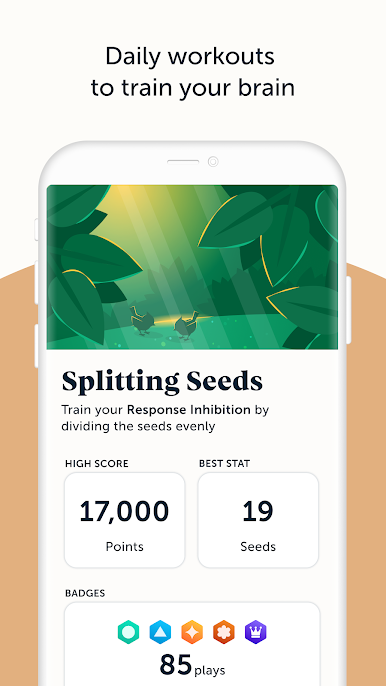
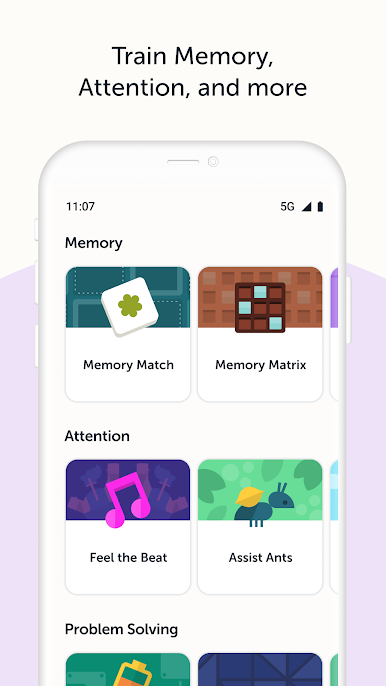
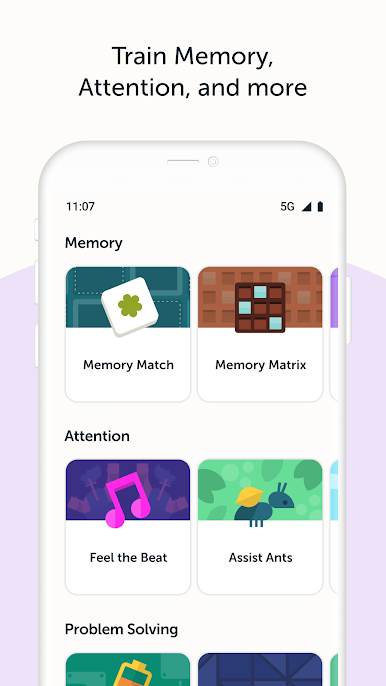
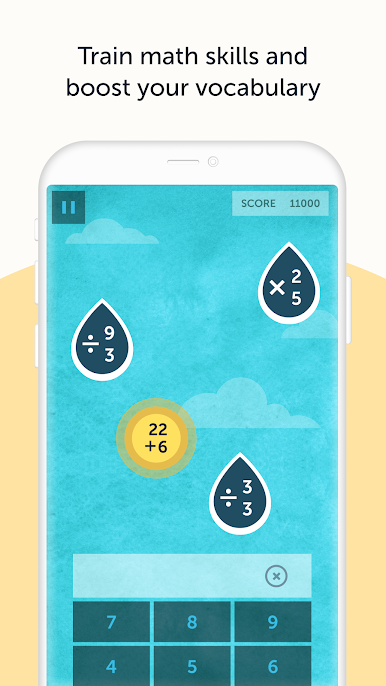
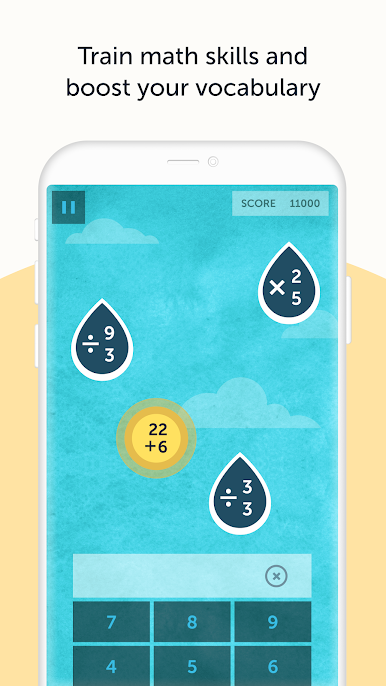
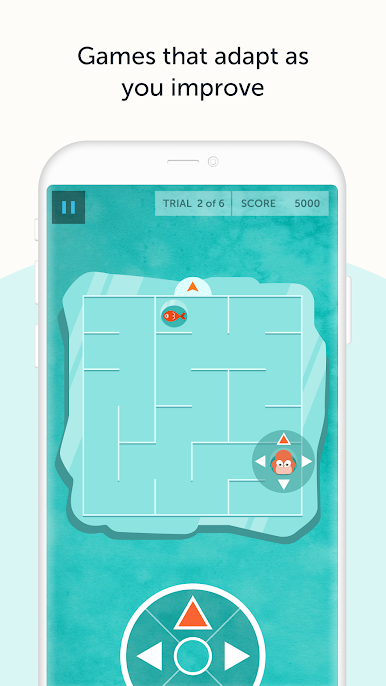
Over 40 unique activities keep things fresh—think memory puzzles, speed games, logic exercises, and more. There’s always something new to try. -
Personalized Workout Modes
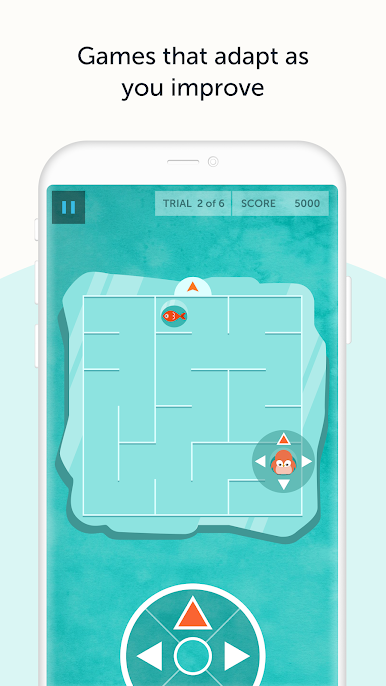
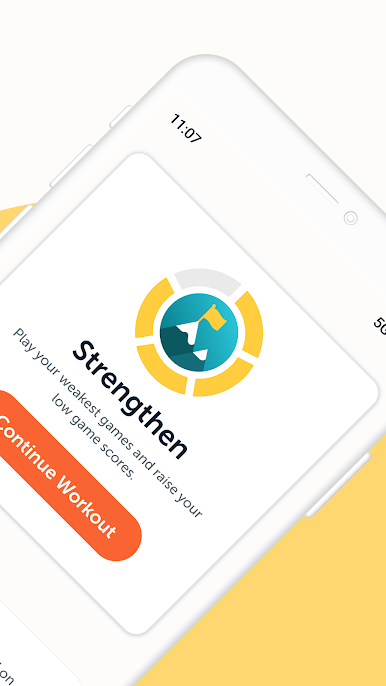
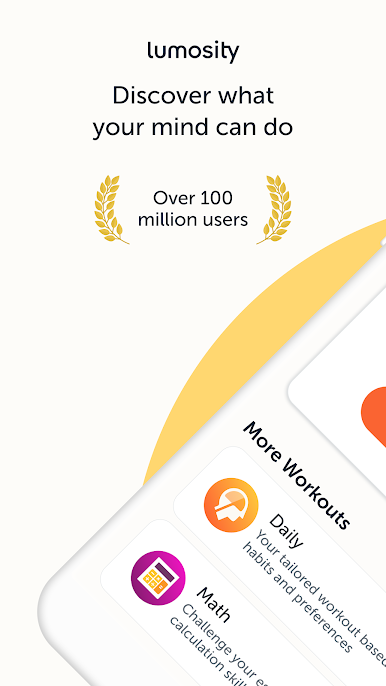
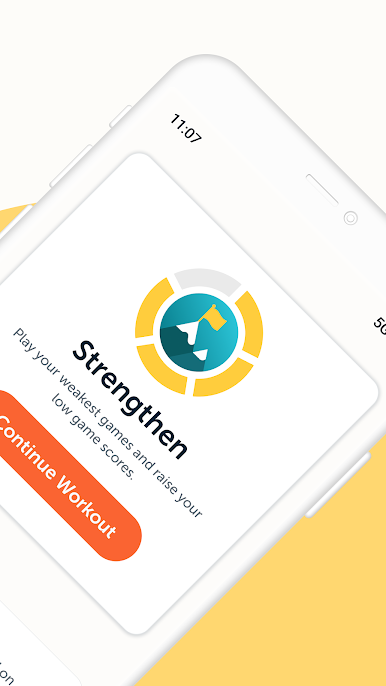
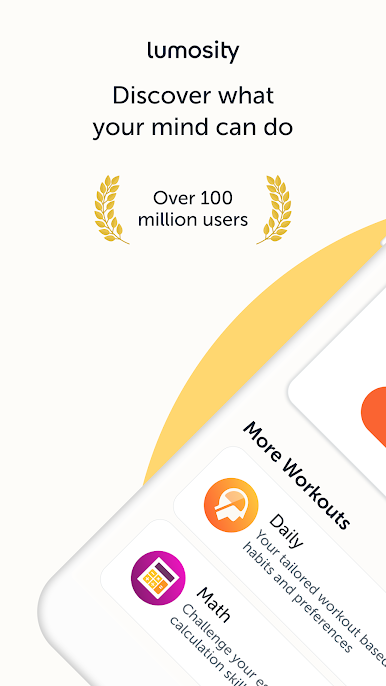
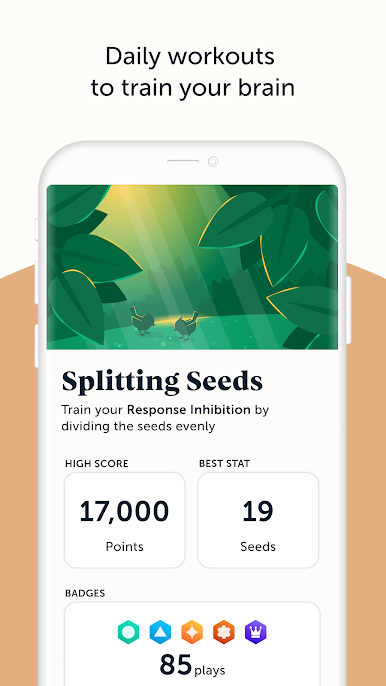
The app curates daily brain workouts just for you, adjusting based on your interests, skills, and training patterns. Some days it’s all about numbers; other times, it’s more wordplay or reasoning games. -
Insights Into Your Progress
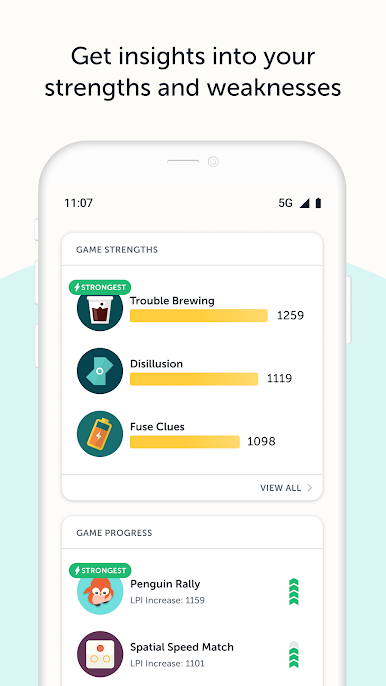
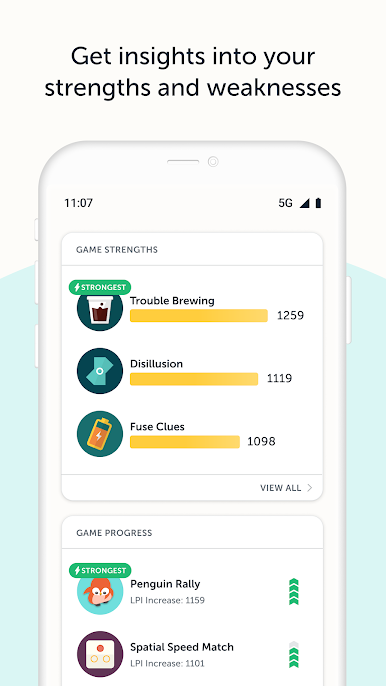
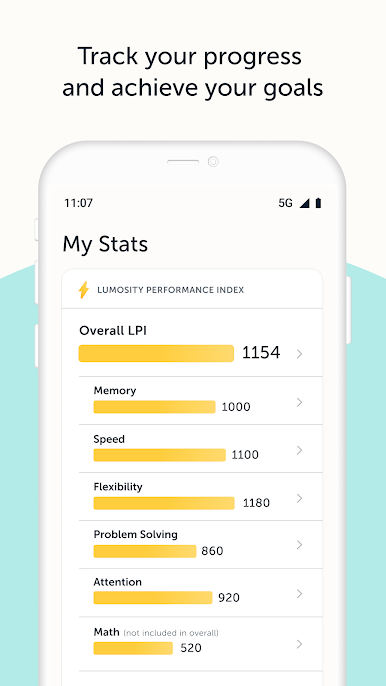
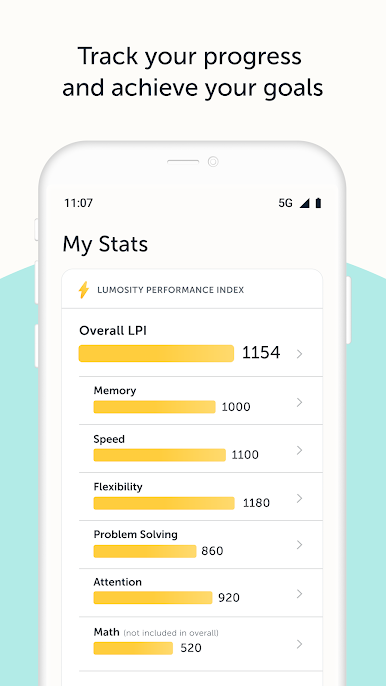
Get straightforward feedback on your strengths and spots for improvement along the way. See detailed stats after each session, so you know exactly where you’re growing. -
Research-backed Game Design
The mini-games aren’t just fun—they’re developed with scientists and researchers to challenge specific cognitive skills. You’ll exercise flexibility, reasoning, problem-solving, and more. -
Multiple Languages
Lumosity: Brain Training is available in several languages. Just set your device to your preferred language if English isn’t your top choice. -
Built for Consistency
Little reminders and personalized challenges nudge you to keep up with daily training. Easy to stick with, even on the busiest days. -
Works Smoothly with BlueStacks
If you prefer thinking on a bigger screen, the app runs seamlessly on BlueStacks, making those puzzles and stats a breeze to see and play. -
Premium Features Available
For those who want deeper insights and tailored challenges, there’s a Premium option. This unlocks more details about your brain training and offers extra tips to help up your game accuracy and strategy.
Big screen. Bigger performance. Use BlueStacks on your PC or Mac to run your favorite apps.

在電腦上遊玩Lumosity: Brain Training Games . 輕易上手.
-
在您的電腦上下載並安裝BlueStacks
-
完成Google登入後即可訪問Play商店,或等你需要訪問Play商店十再登入
-
在右上角的搜索欄中尋找 Lumosity: Brain Training Games
-
點擊以從搜索結果中安裝 Lumosity: Brain Training Games
-
完成Google登入(如果您跳過了步驟2),以安裝 Lumosity: Brain Training Games
-
在首頁畫面中點擊 Lumosity: Brain Training Games 圖標來啟動遊戲

