

Floating Apps (multitasking)
5억명 이상의 게이머가 신뢰하는 안드로이드 게임 플랫폼 BlueStacks으로 PC에서 플레이하세요.

Run Floating Apps (multitasking) on PC or Mac
Get freedom from your phone’s obvious limitations. Use Floating Apps (multitasking), made by LWi s.r.o., a Productivity app on your PC or Mac with BlueStacks, and level up your experience.
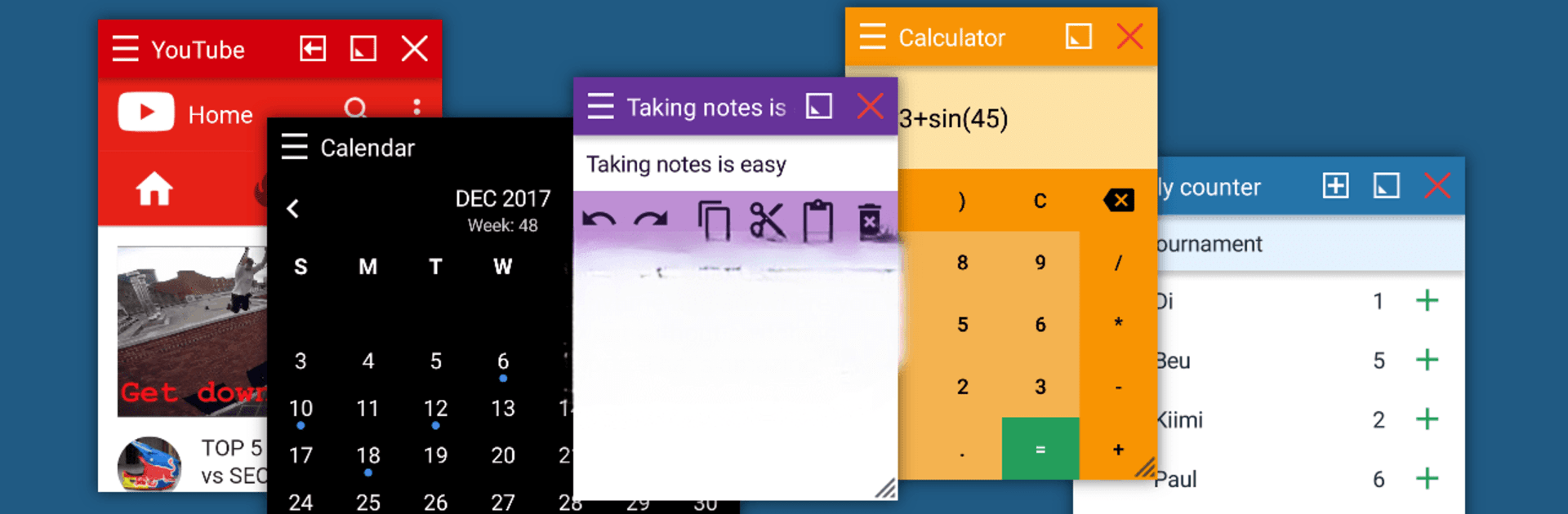
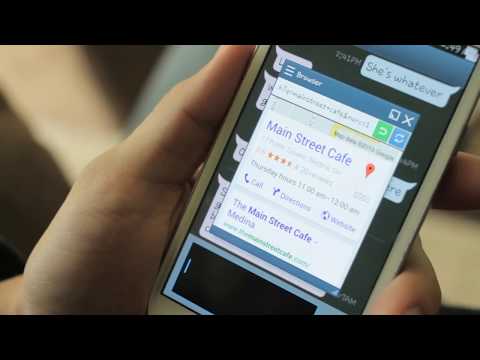
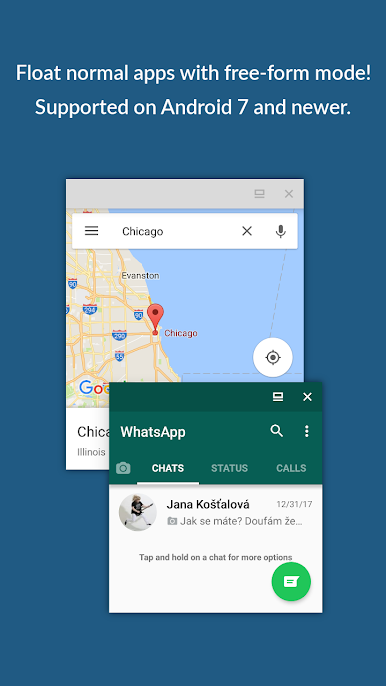
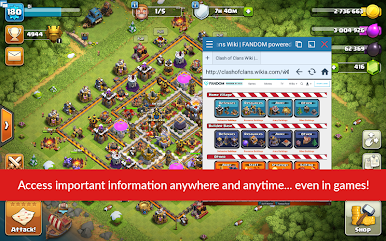
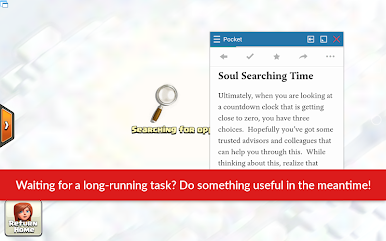
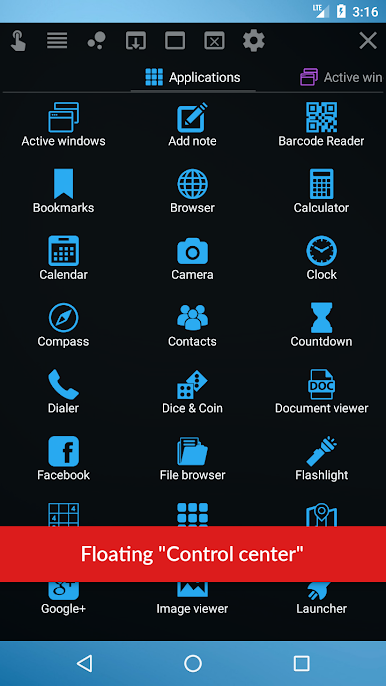
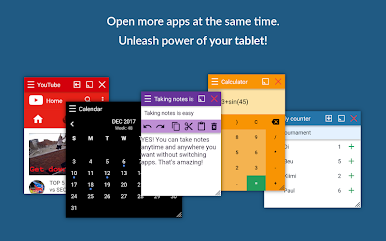
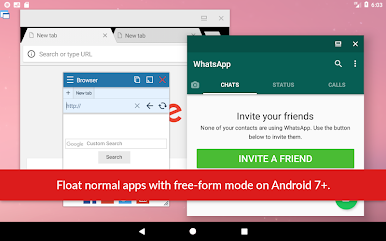
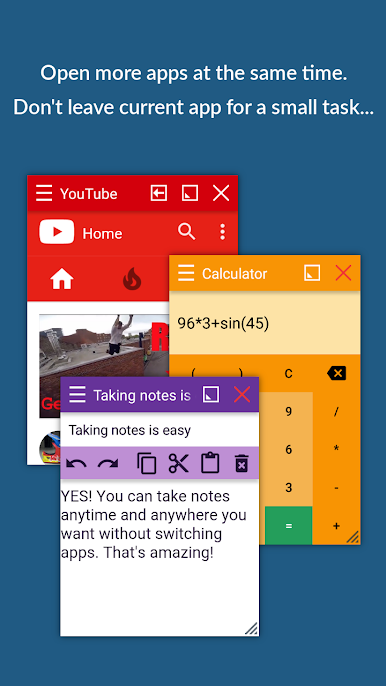
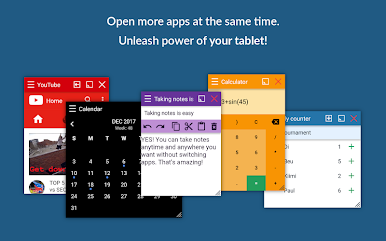
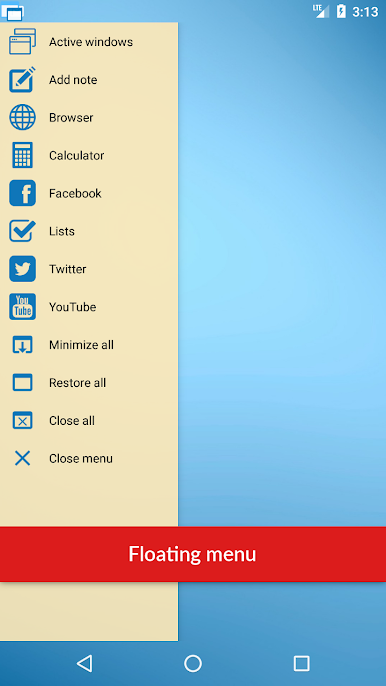
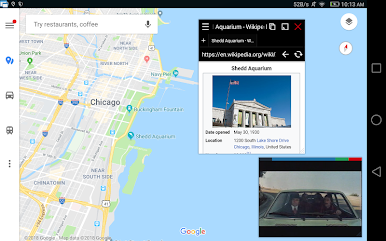
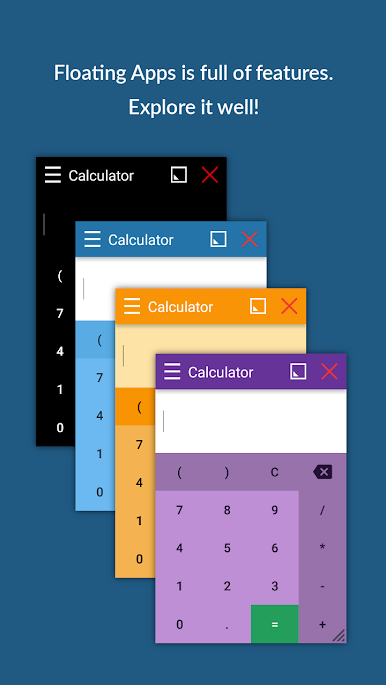
Floating Apps is one of those tools that makes multitasking on Android feel a lot more like using a real computer. Imagine being able to open all those little things—like a calculator, note pad, browser, or even a tiny calendar—on top of whatever else you’re doing, without ever leaving your main app. It’s almost like having mini-phone or PC windows that you can move around wherever you want, right on your screen. What stands out is just how many floating apps it comes with out of the box. It goes way beyond a calculator or notes app; it’s got a full collection—PDF reader, file manager, Facebook, music player, even maps, and a bunch more. People who always have a million things to juggle will especially notice how easy it is to compare files side-by-side or jot something down during a chat.
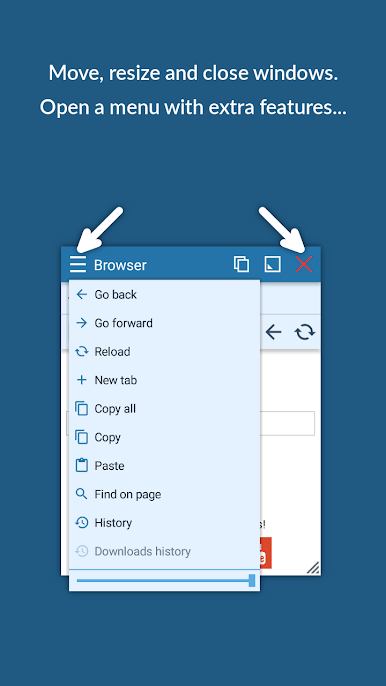
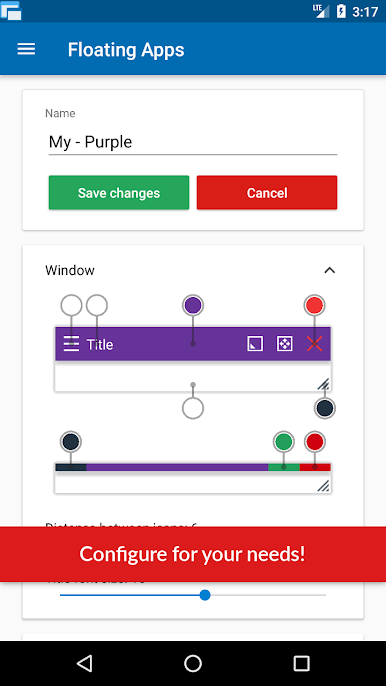
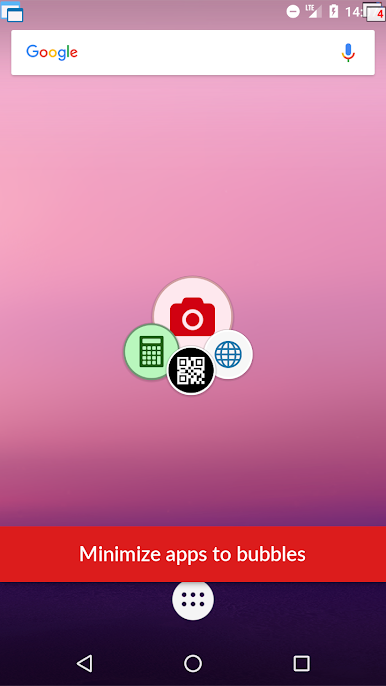
On PC, especially if you’re running it with BlueStacks, the feeling is extra smooth, sort of bridging the gap between the typical phone experience and how folks work on a laptop or desktop. It’s super easy to move and resize these floating windows. They stay on top of whatever you’re doing, so checking stuff or cross-referencing between apps doesn’t turn into a tap-fest. There’s also this little quick launch icon that sits wherever you want it, which just makes launching apps faster than hunting through menus. One low-key feature is turning homescreen widgets or even web links into their own floating apps, so if there’s something specific you need, you can set it up yourself without much hassle. It’s not just about cramming a bunch of stuff on the screen—it’s more about picking the tools you actually want right at your fingertips, in whatever layout makes sense for you.
Big screen. Bigger performance. Use BlueStacks on your PC or Mac to run your favorite apps.
PC에서 Floating Apps (multitasking) 플레이해보세요.
-
BlueStacks 다운로드하고 설치
-
Google Play 스토어에 로그인 하기(나중에 진행가능)
-
오른쪽 상단 코너에 Floating Apps (multitasking) 검색
-
검색 결과 중 Floating Apps (multitasking) 선택하여 설치
-
구글 로그인 진행(만약 2단계를 지나갔을 경우) 후 Floating Apps (multitasking) 설치
-
메인 홈화면에서 Floating Apps (multitasking) 선택하여 실행

